
File Manager Reference
Reference tour for the File Manager: file tree structure, toolbar controls, and best practices for organizing project files.
Introduction
Section titled “Introduction”Use this reference tour as a navigation guide to File Manager before you start moving assets around. It shows which areas handle project files, uploads, and file actions, so you can tell where to work and what each part of the manager is responsible for when a project grows.
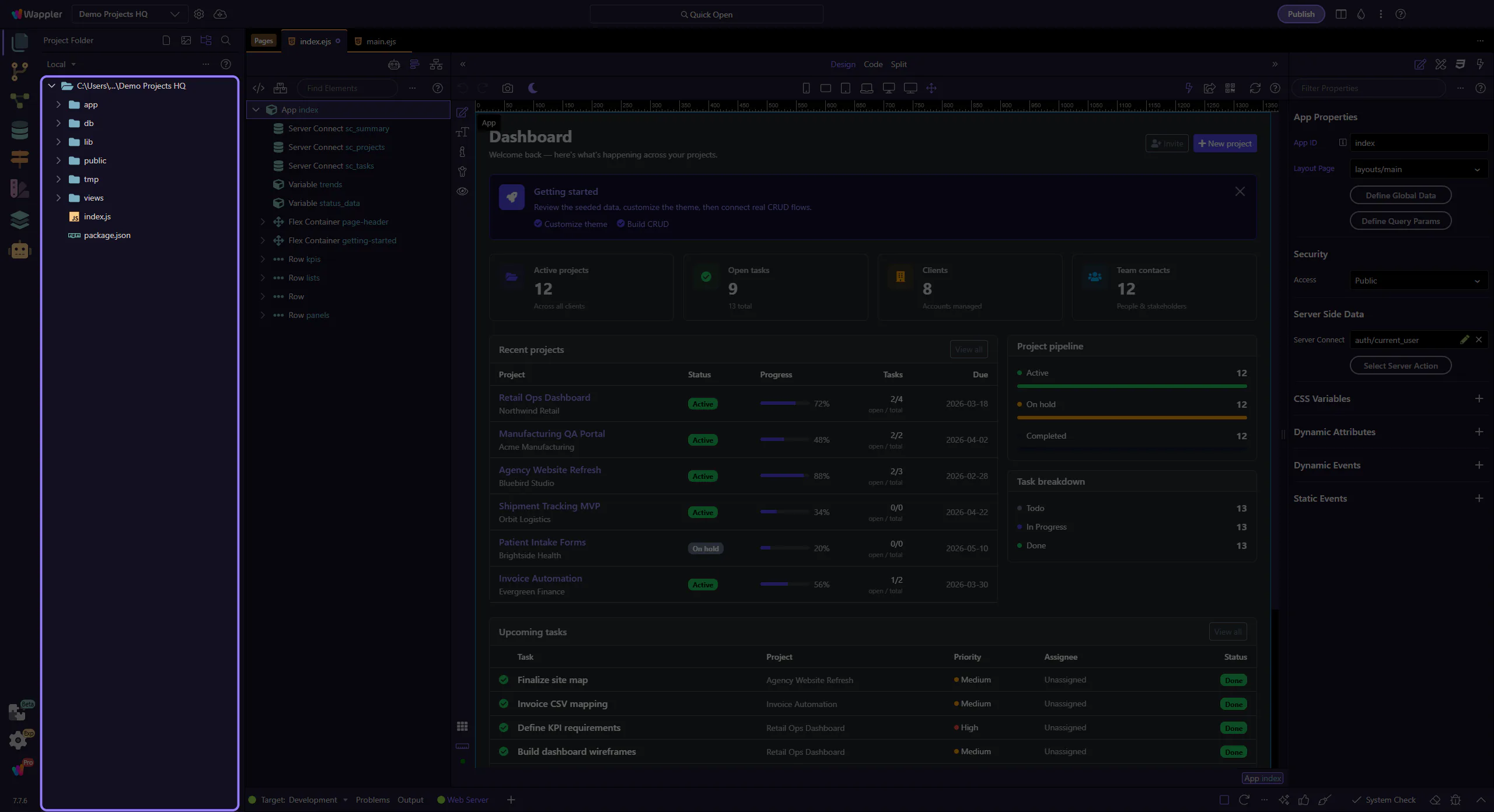
File Tree
Section titled “File Tree”The tree is the primary navigation surface. Use it to confirm folder location, open the correct file, and spot unexpected structure changes quickly.
Main Toolbar
Section titled “Main Toolbar”The toolbar groups the actions you use most often while managing files: create, upload, and refresh. Learn this strip once and most file-navigation work becomes faster.
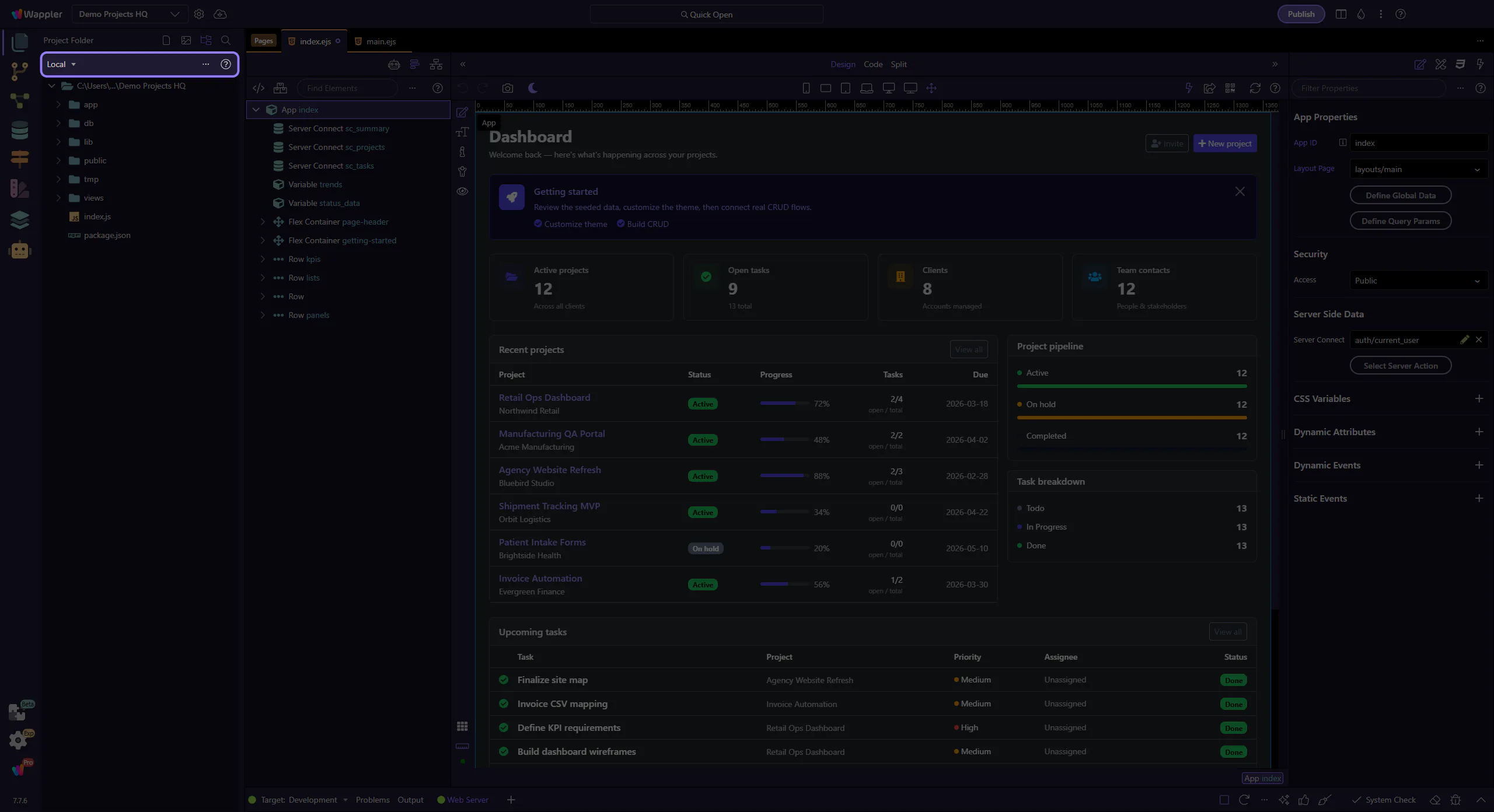
Manager Root
Section titled “Manager Root”The manager root is your orientation frame. When you are unsure whether a file issue is about structure, uploads, or external changes, start here and then drill into the tree or toolbar.

Next steps
Section titled “Next steps”Continue with the File Manager overview for a guided start, or use General Usage and Recipes when you want more applied guidance.