General Usage
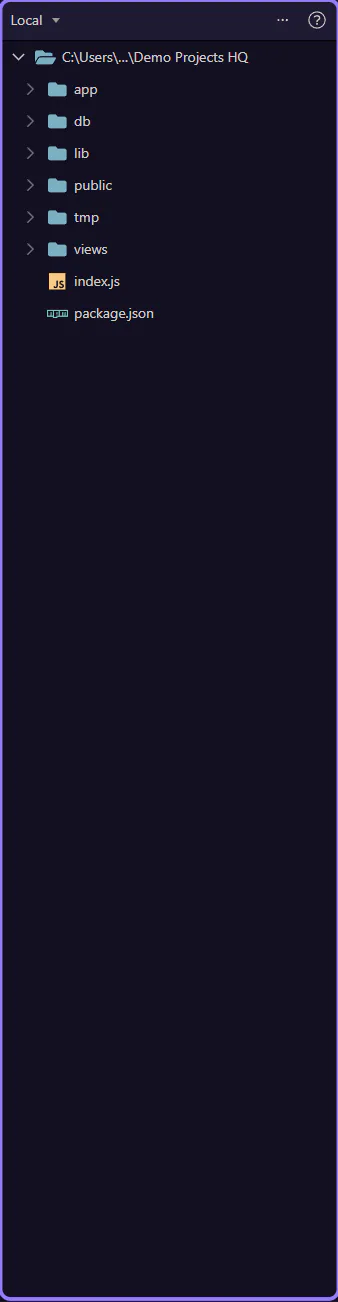
Typical File Manager workflow: browse folders, open files, and keep project assets organized.
File Manager: Basic Workflow
Section titled “File Manager: Basic Workflow”A typical File Manager workflow is simple: find the right folder, open or create the file you need, then refresh if outside tools changed the project behind your back.
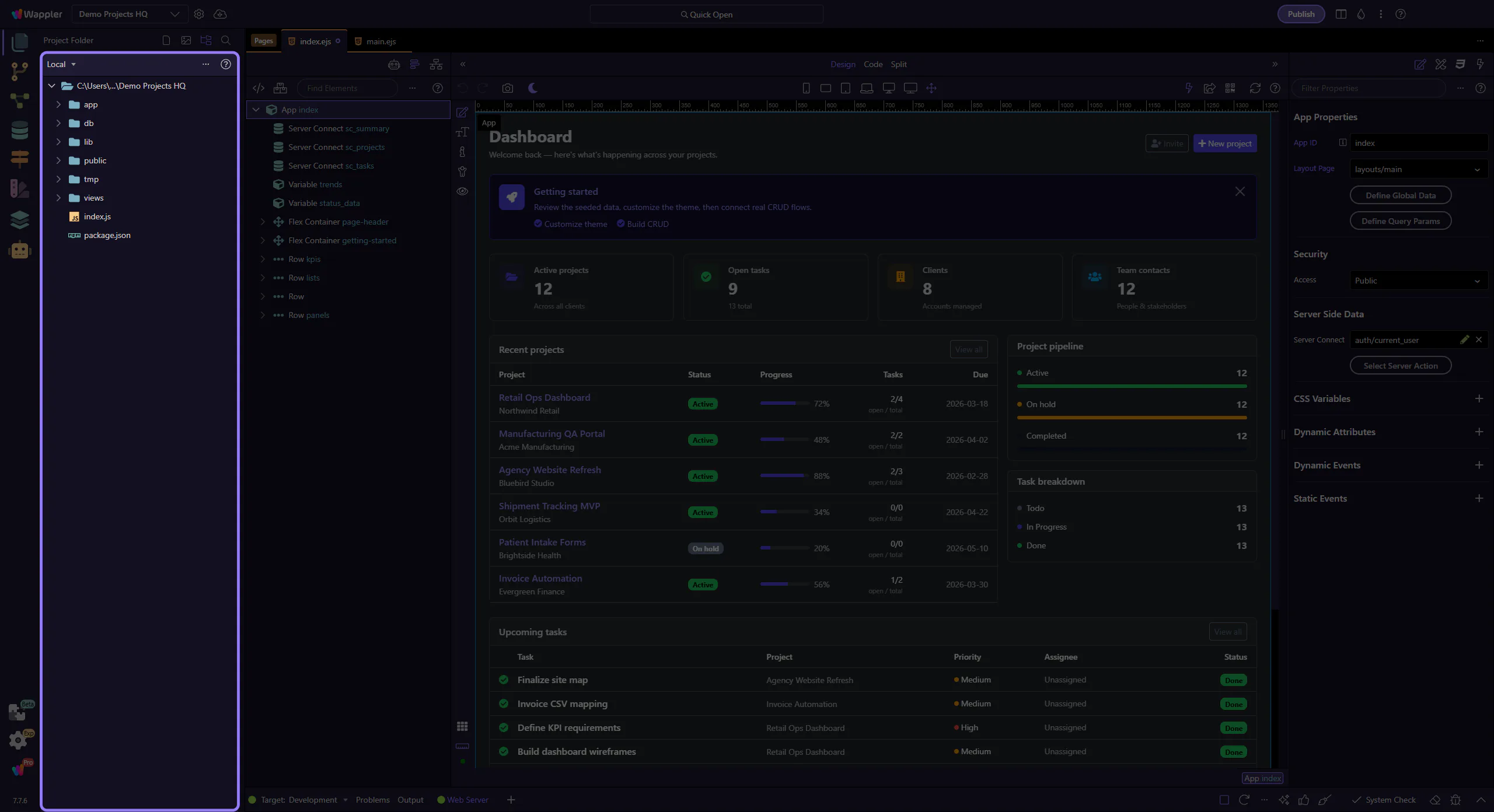
Browse, Then Open
Section titled “Browse, Then Open”Start by navigating to the folder that matches the feature you are working on. Opening the right file from the right place prevents accidental edits in duplicate or generated files.
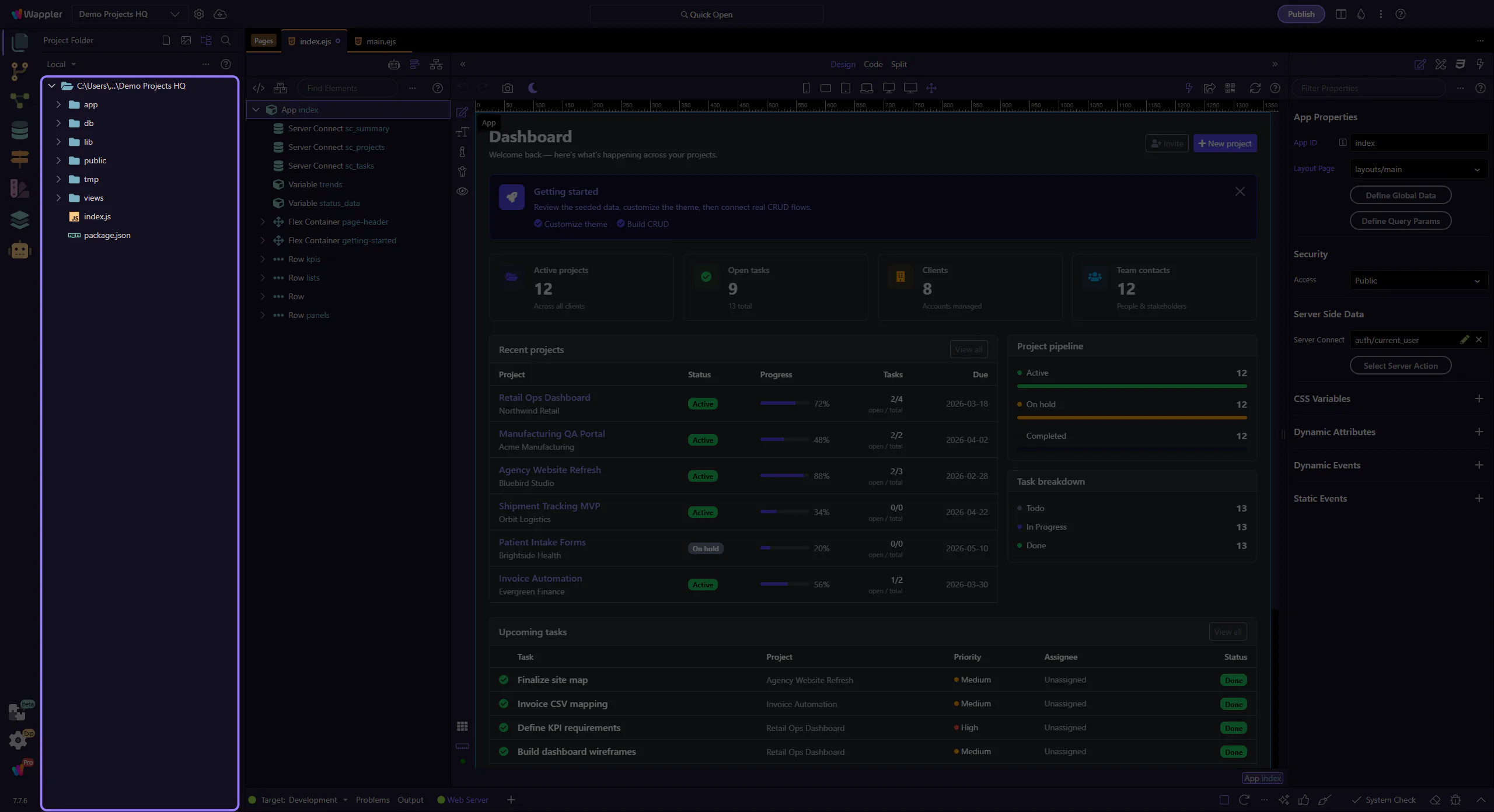
Create or Upload Deliberately
Section titled “Create or Upload Deliberately”Use toolbar actions when you need a new file, a new folder, or an upload. The habit to build early is intention: put assets and support files in the place your future self will expect them.
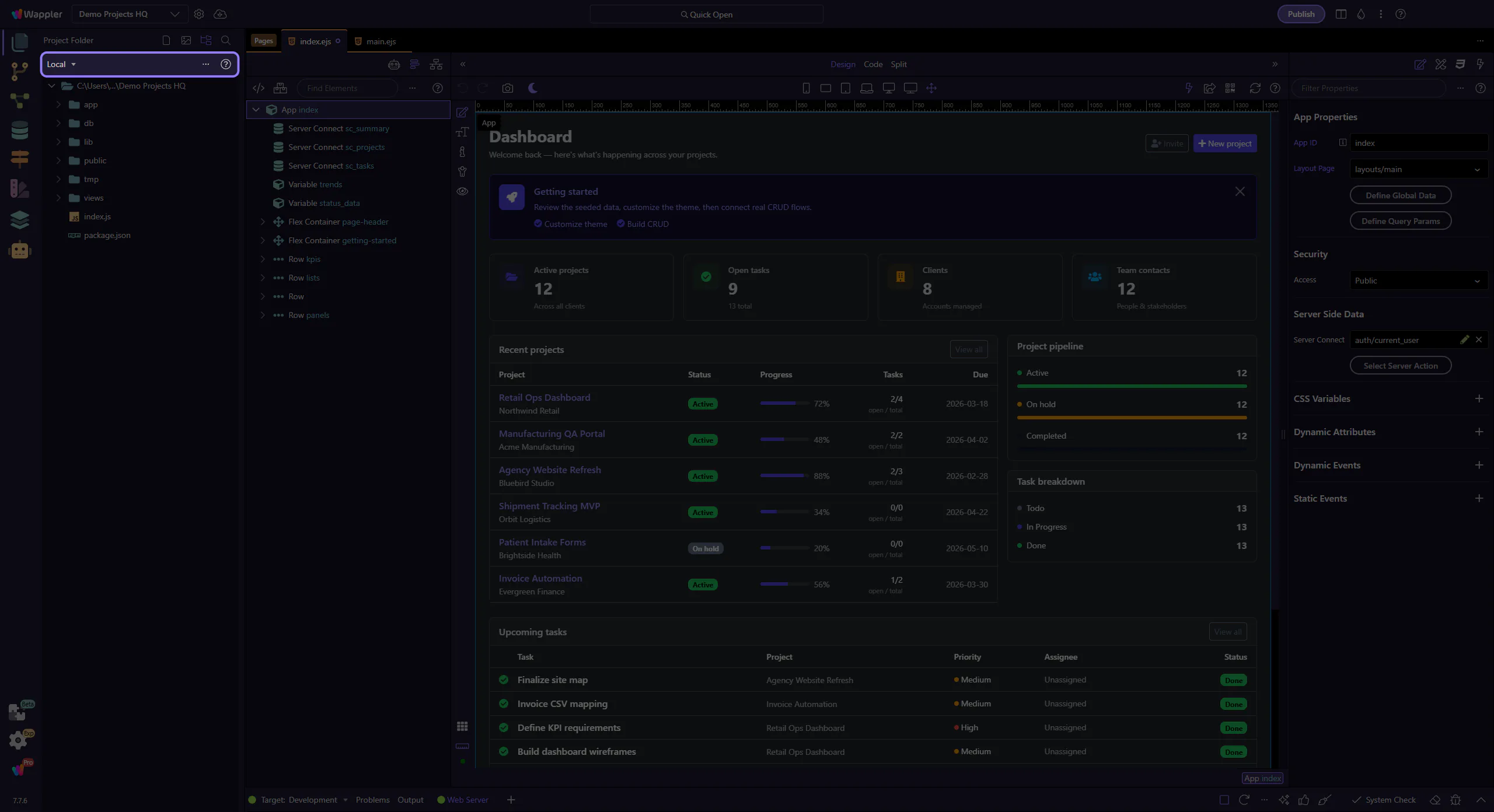
Refresh After External Work
Section titled “Refresh After External Work”If Git, a build tool, or another editor changed files outside Wappler, refresh here before assuming the tree is current. It is the quickest way to avoid acting on stale information.

Workflow Finish
Section titled “Workflow Finish”Good file habits compound: clean structure makes Pages, Workflows, Git, and publishing easier because every other tool depends on the same project layout.