
Save uploaded file information in a database
A concrete mapping from upload output into a database record, using the current Files example.
Persist the uploaded filename and location after a successful file upload.
Also called: store filename, save upload, insert uploaded filename.
Before you begin
Section titled “Before you begin”- A working upload action. Complete Upload a file to your server.
- A database connection and a table with columns for the file name and location. The sample uses
projects_files.
Use the upload result
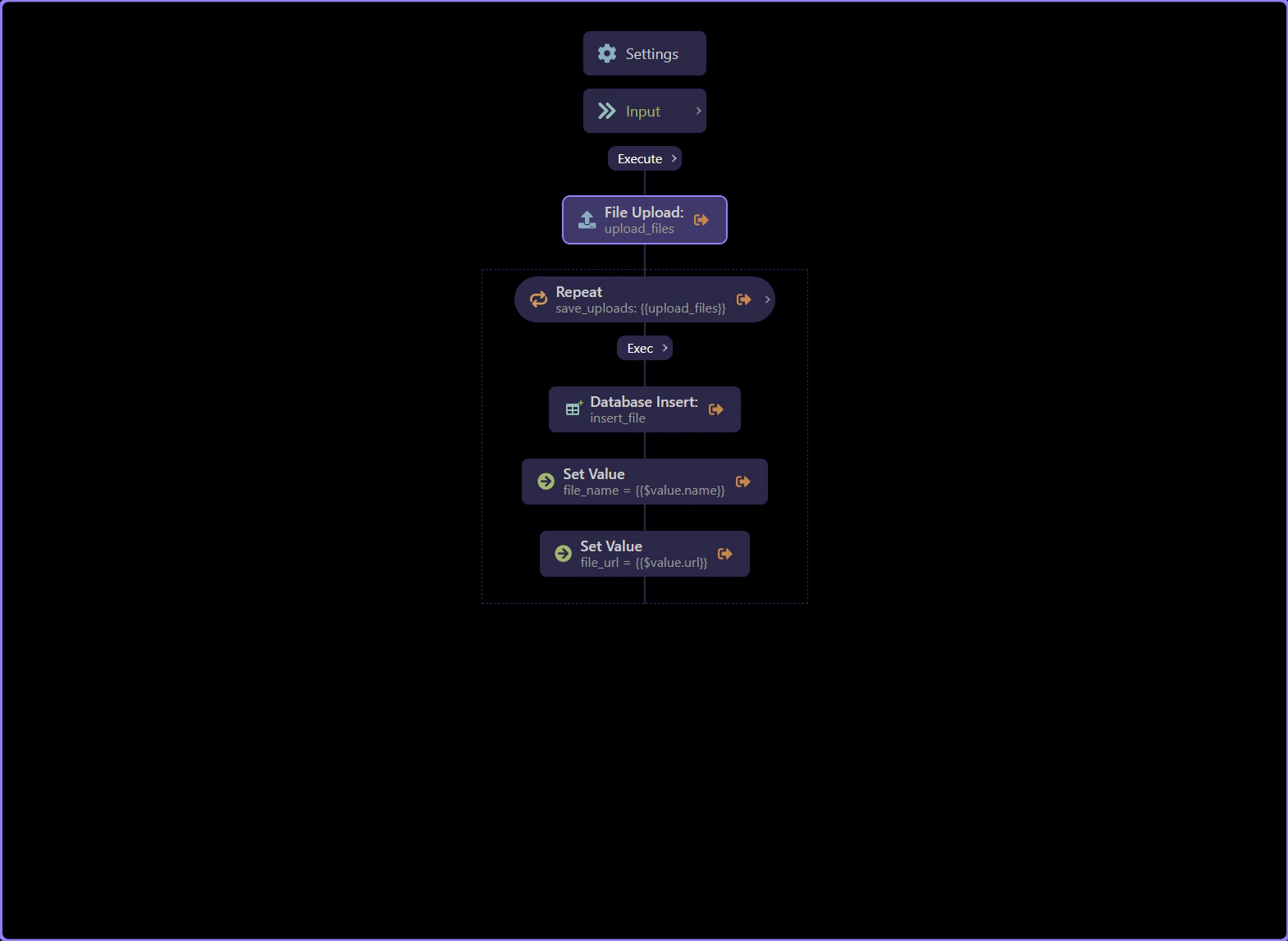
Section titled “Use the upload result”Open the action containing upload_files and inspect its actual output. A single selected file field can return one metadata object; selecting a collection returns an array, even if it has one item. The in-app Demo Projects HQ Files example uses the array pattern. Use the returned name/path/URL rather than the browser’s local path.
Choose the mapping for the returned shape
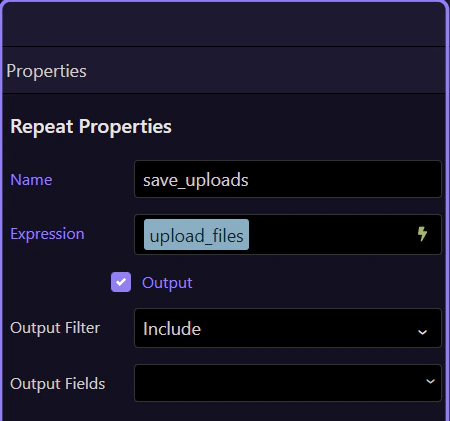
Section titled “Choose the mapping for the returned shape”For one metadata object, add Database Insert directly after File Upload and bind fields such as upload_files.name. For an array, use a Repeat named save_uploads over upload_files, then insert once per item using $value.name. The supplied Files example demonstrates this array pattern. Do not repeat the properties of a single metadata object as if they were file records.
Map the file into Database Insert
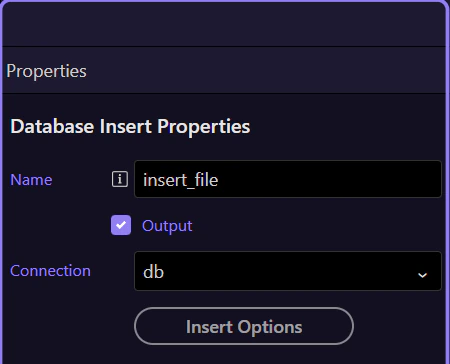
Section titled “Map the file into Database Insert”Select your database connection and file table in Database Insert. For a single upload object use the left mapping below; inside the array Repeat use the right mapping. Store the server path when later server processing needs it, and store a public URL only when the file is actually public. If you attach the file to a project, validate that the authenticated caller may access that project before using the submitted project ID.
| Column | One metadata object | Inside a Repeat over an array |
|---|---|---|
| filename | {{upload_files.name}} | {{$value.name}} |
| url | {{upload_files.url}} | {{$value.url}} |
| path | {{upload_files.path}} | {{$value.path}} |
| project_id | The validated and authorized project ID | The validated and authorized project ID |
Verify the record and the file together
Section titled “Verify the record and the file together”Upload one allowed test file and inspect both the saved file and the database: exactly one new row should match the returned filename and location. For a public file, verify the URL; for a private file, test the protected download action. If Insert fails after upload succeeds, handle the unmatched file explicitly. A database transaction does not automatically undo a filesystem upload.
Check your result
Section titled “Check your result”One database row is created for each successfully uploaded file, and its saved name and URL match that file.