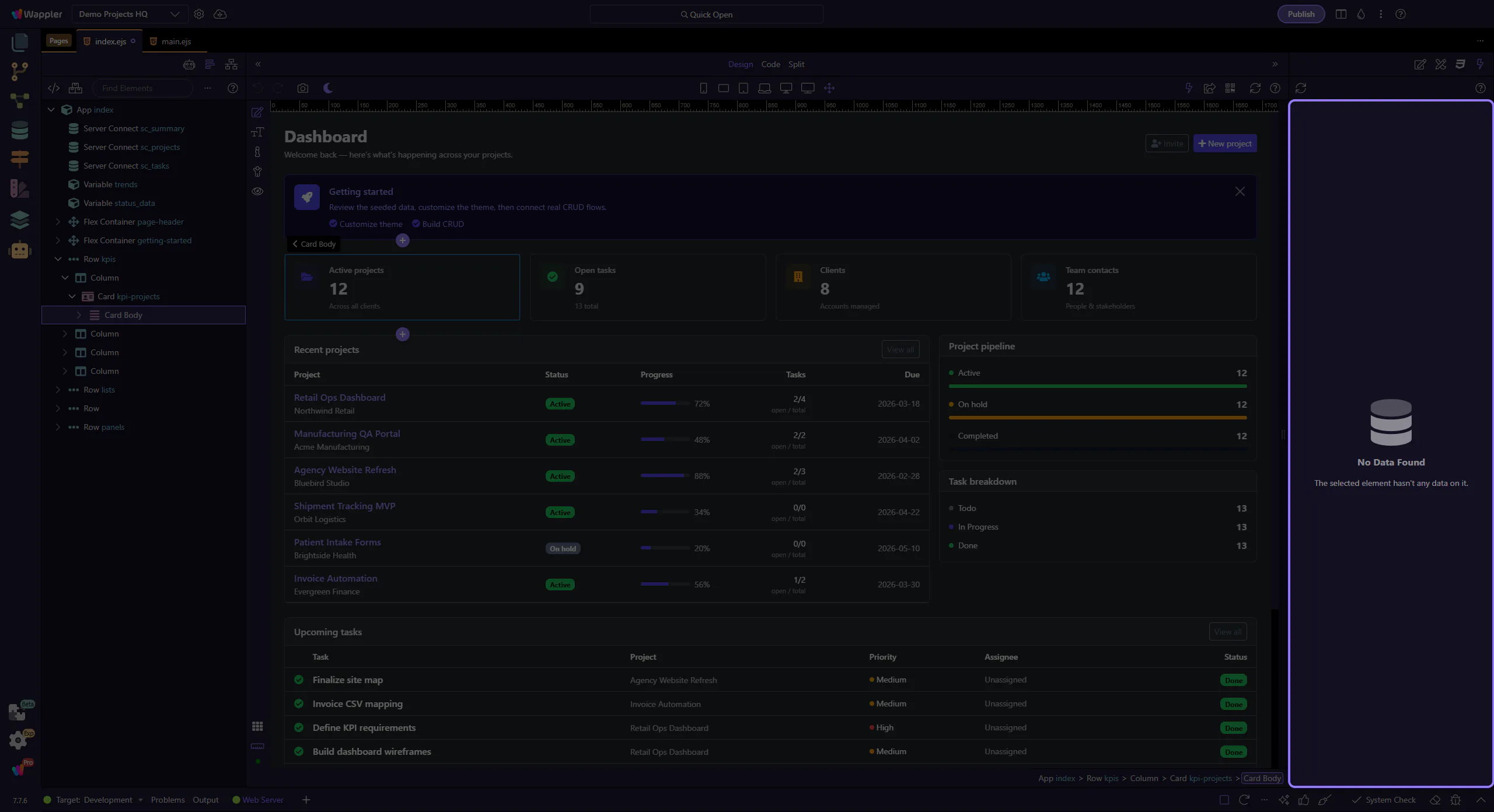
Data Panel Overview
Explore HTML Editor Data Panel: key areas and how they work together.
Data tab
Section titled “Data tab”The Data Panel shows the live values flowing through your page while you preview and test it. This overview explains why that matters for understanding bindings, where the panel fits in the HTML Editor, and how it supports the deeper inspection tasks covered in the focused how-to tours.
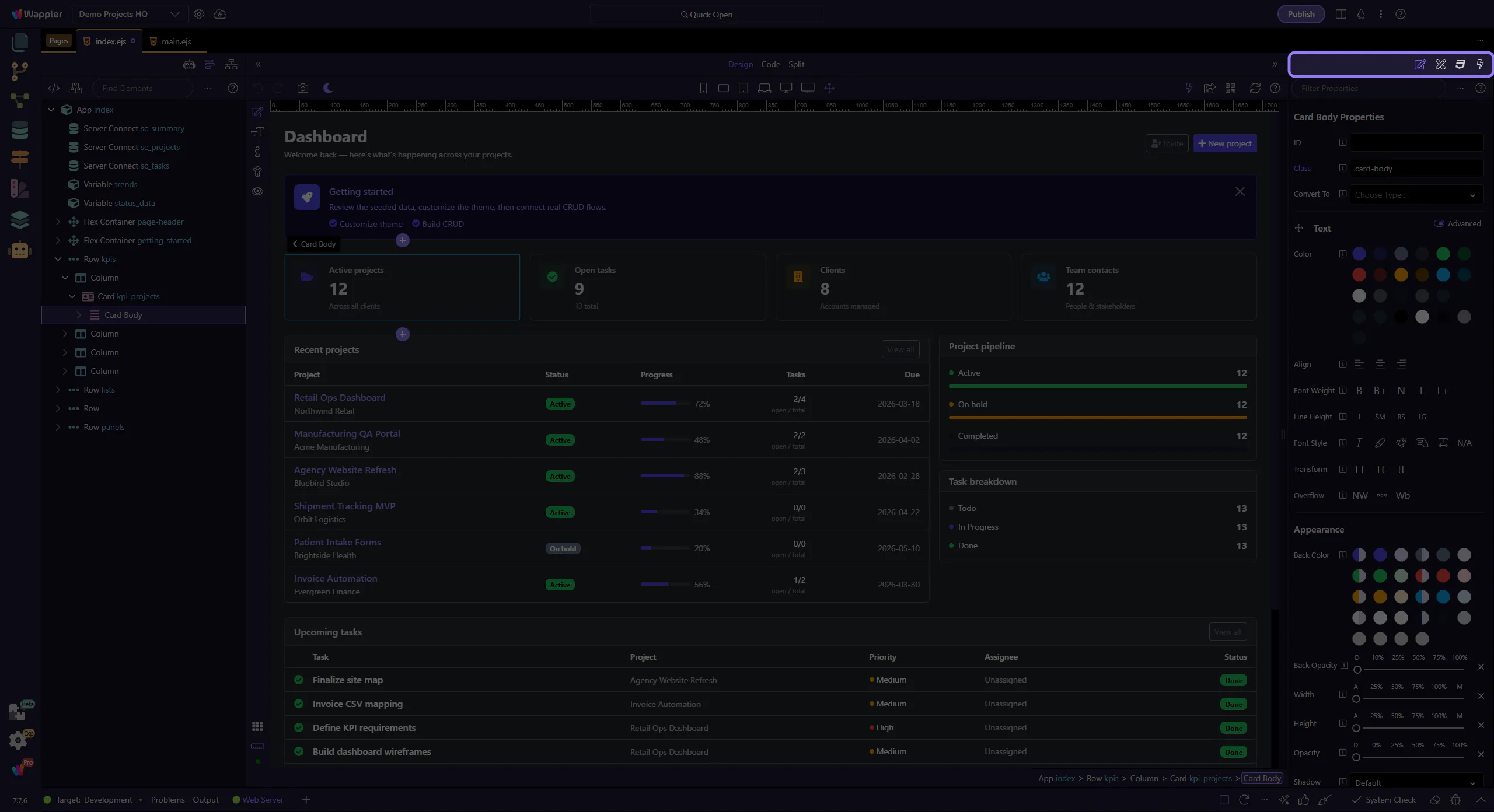
Data toolbar
Section titled “Data toolbar”Refresh the view and access help/tours.
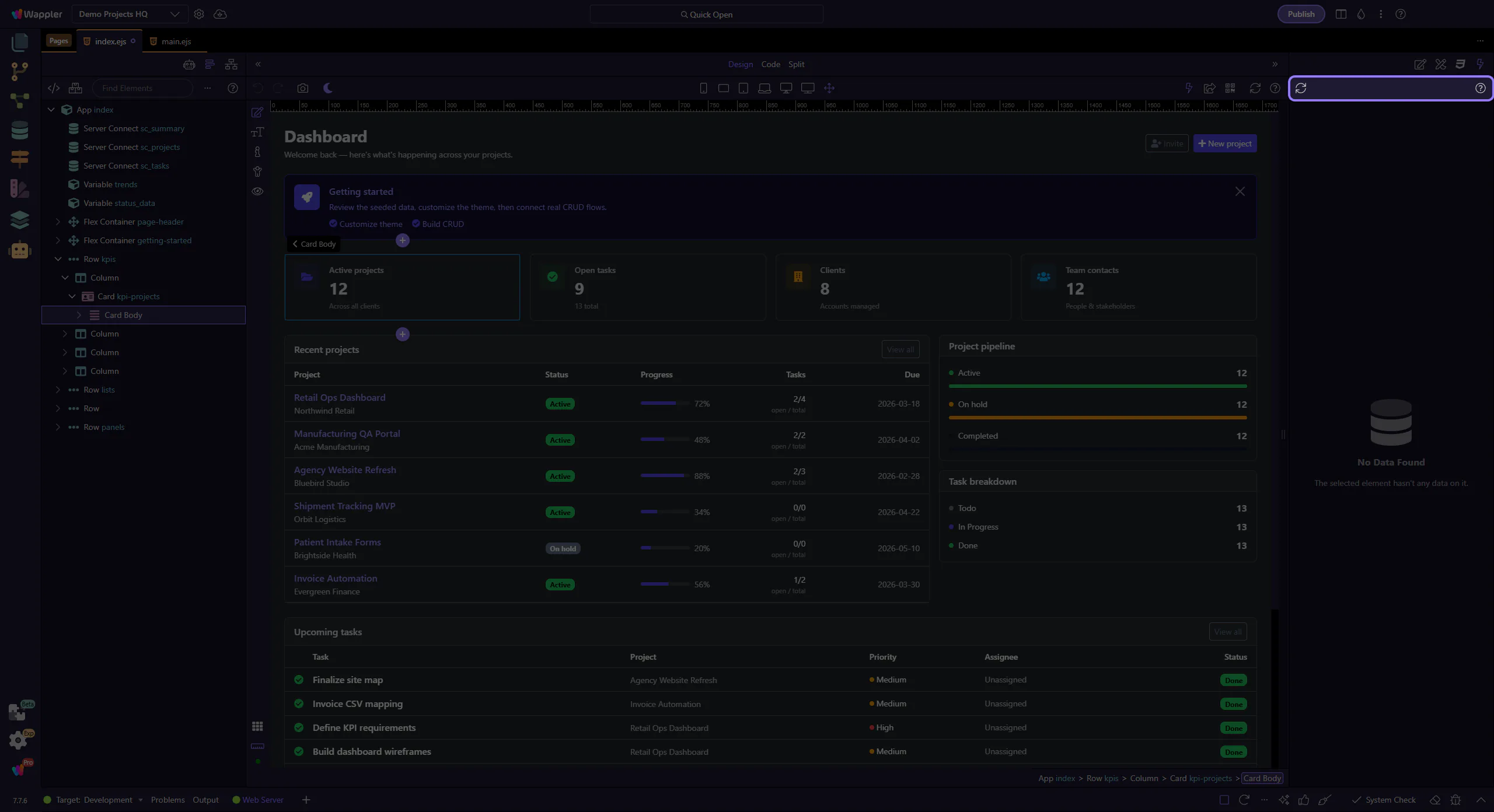
Datasets
Section titled “Datasets”Inspect datasets and values that are available for the current selection.