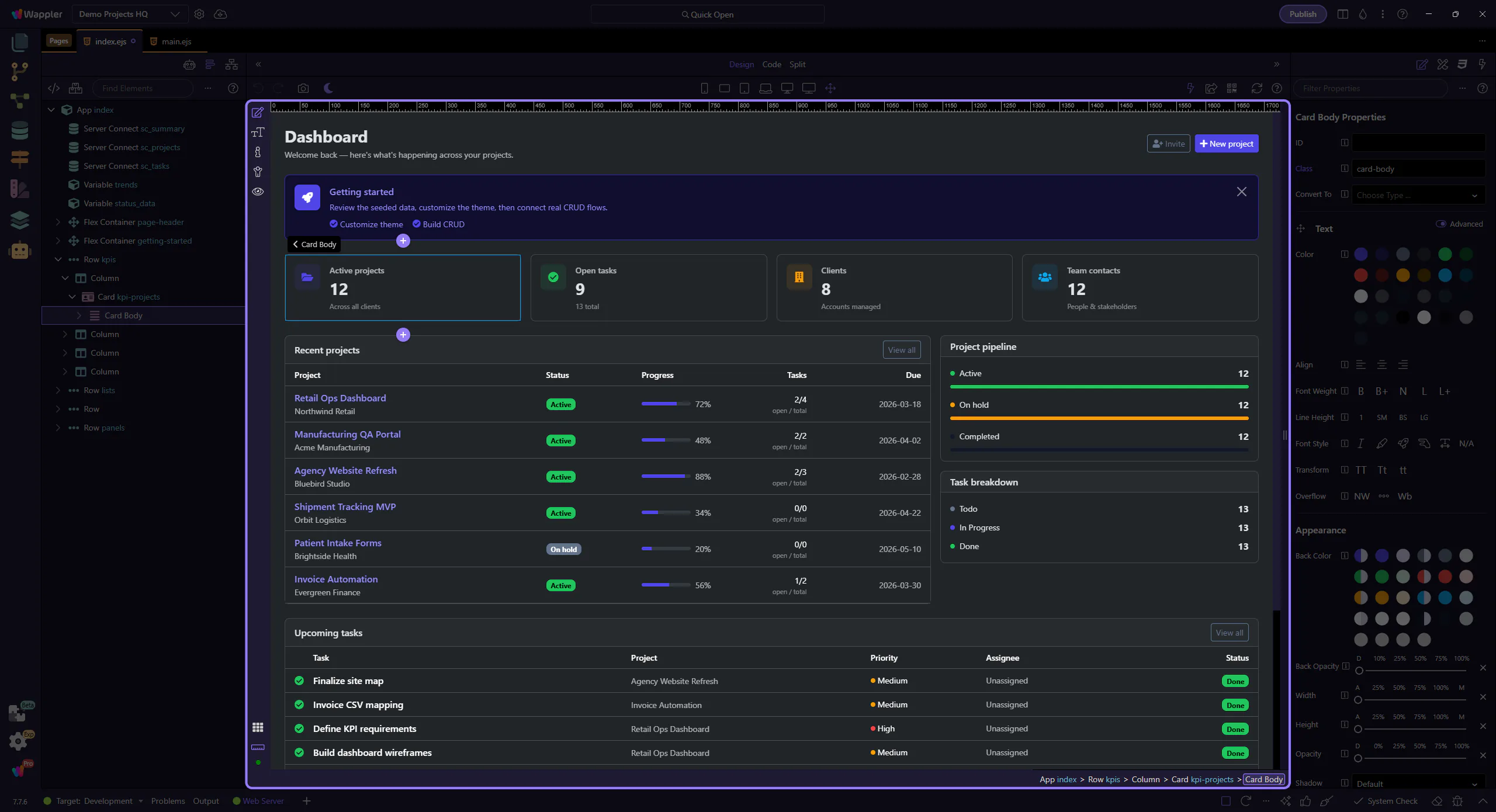
Design View Reference
Find your way around HTML Editor Design View: where to find the main controls and what they do.
Design View reference
Section titled “Design View reference”Use this reference tour as a map of Design View before you depend on it for faster editing. It highlights the surfaces and controls you revisit most often, explains what each one is for, and helps you remember where to return when a visual selection or preview task comes up.
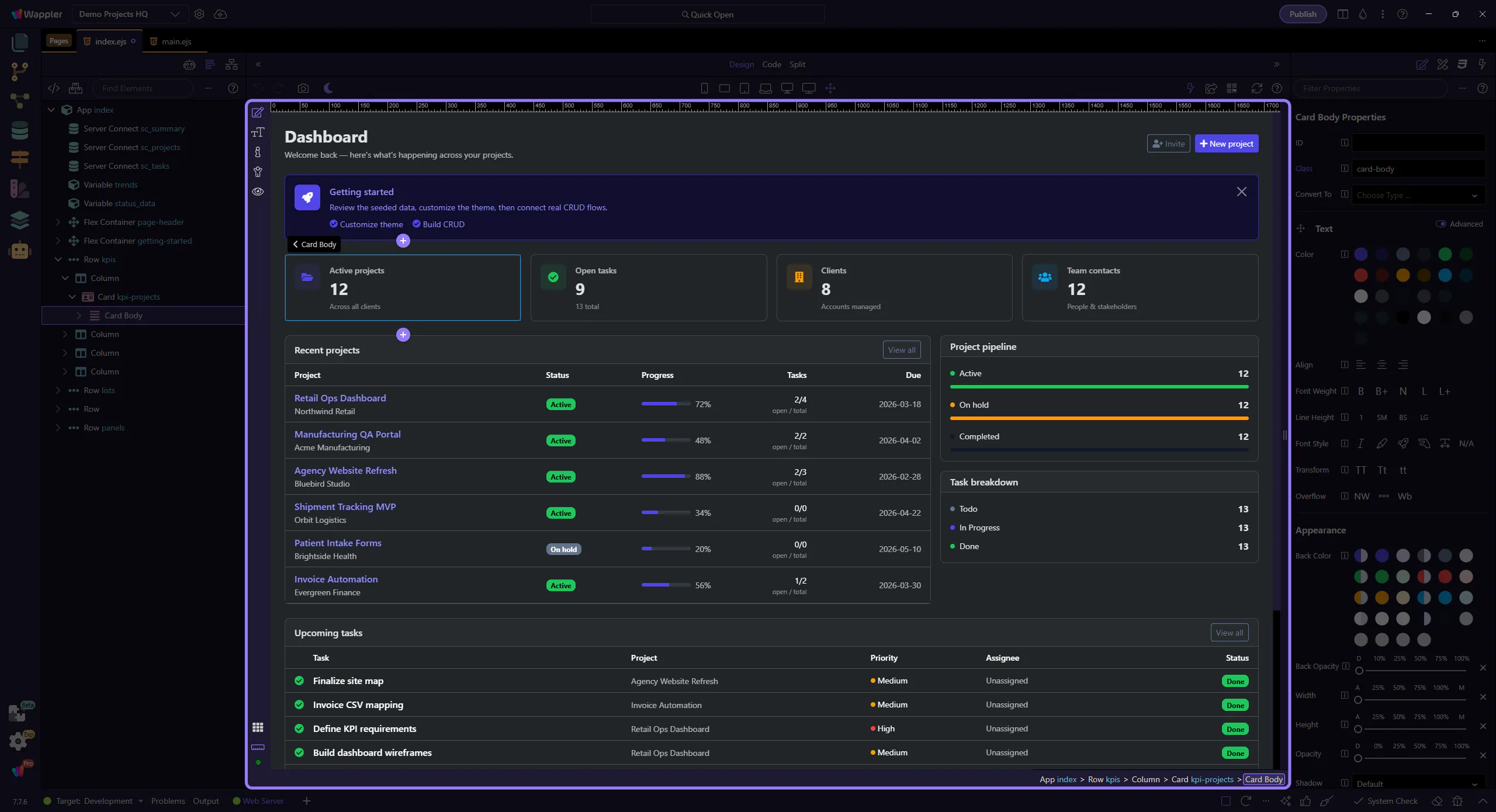
Main toolbar
Section titled “Main toolbar”Use the main toolbar to switch between Design, Code, and Split views.
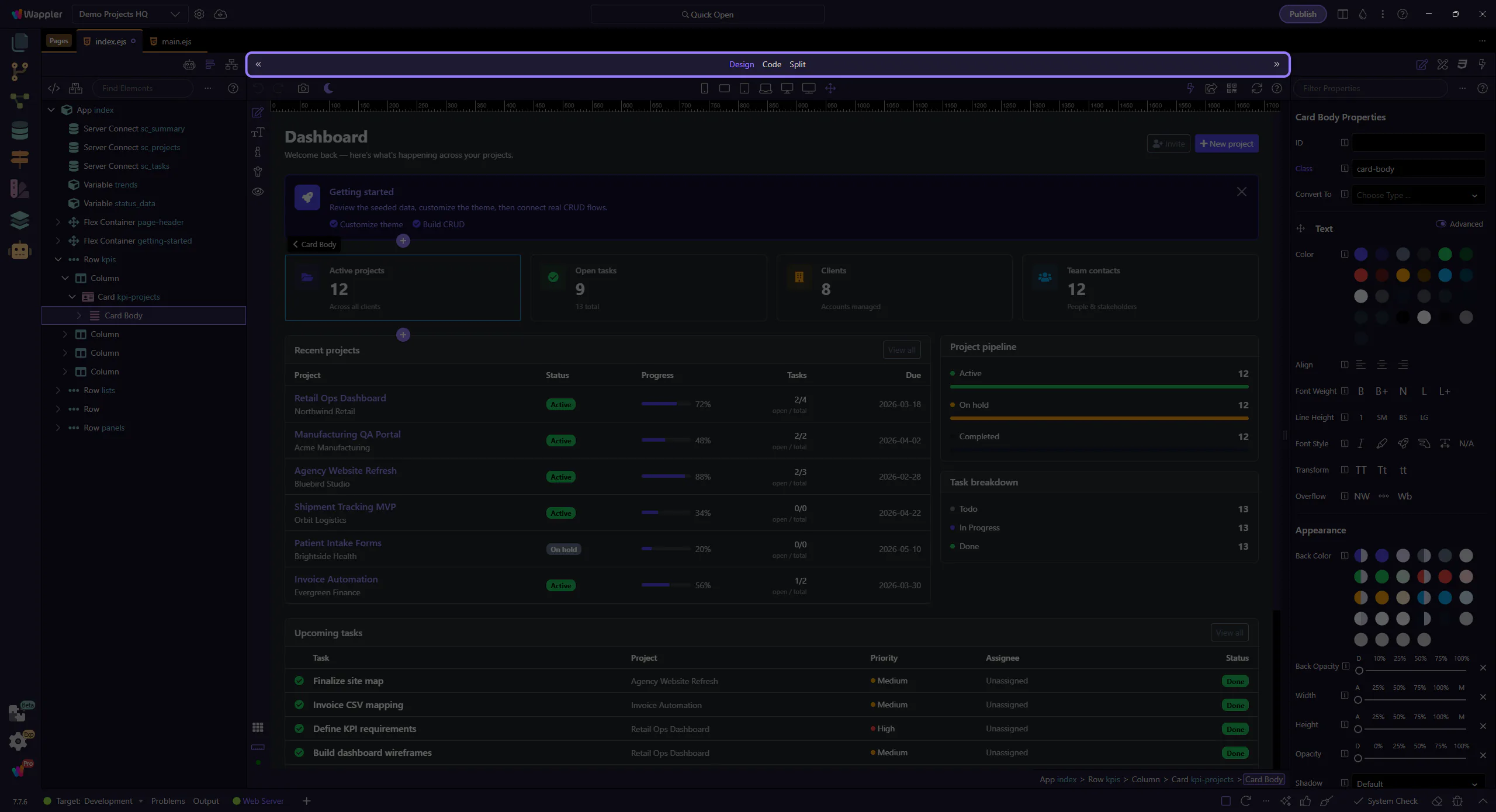
Design toolbar
Section titled “Design toolbar”The Design toolbar provides tools and toggles for working visually.
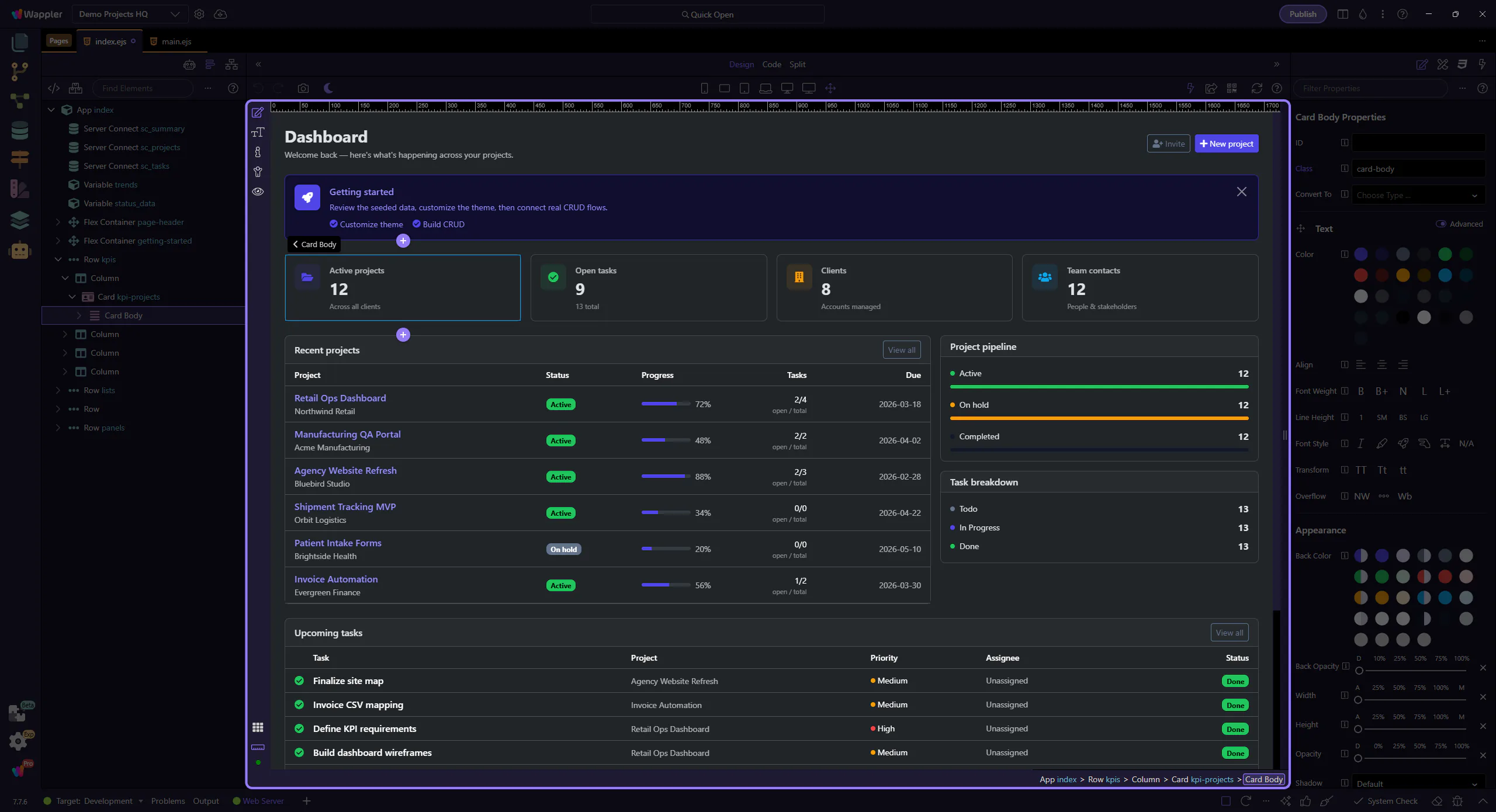
Canvas
Section titled “Canvas”Select, inspect, and manipulate elements directly on the canvas.