Page Panels Overview
Explore HTML Editor Page Panels: key areas and how they work together.
Page Panels
Section titled “Page Panels”The page panels are the organizing surfaces that keep the HTML Editor manageable once a project grows. This overview explains what those panels are for, how they support everyday editing and navigation, and why understanding their roles makes the rest of the page workflow easier to follow.
Structure
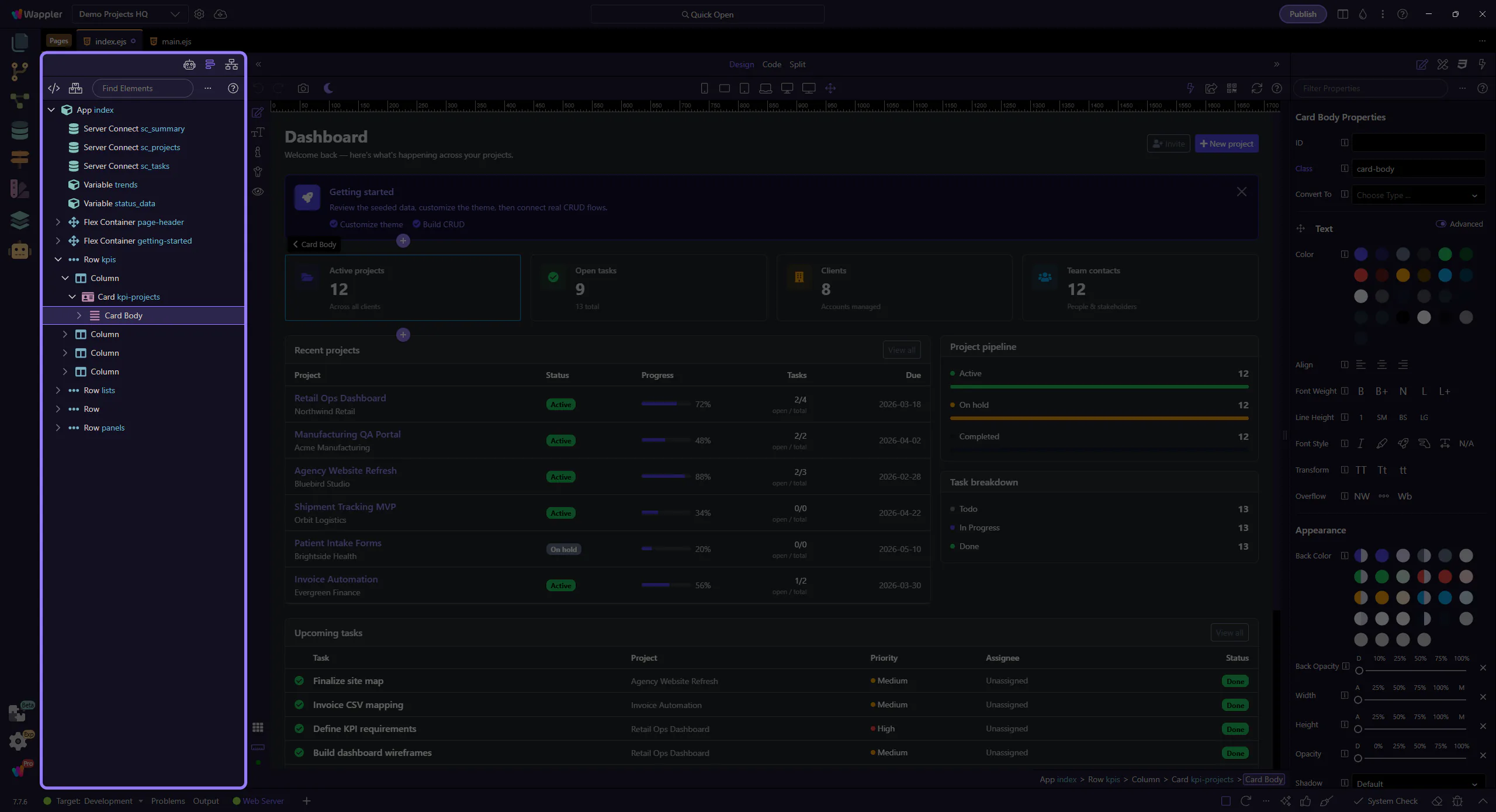
Section titled “Structure”Use Structure to browse, search, and edit your page’s component tree.
AI Assistant
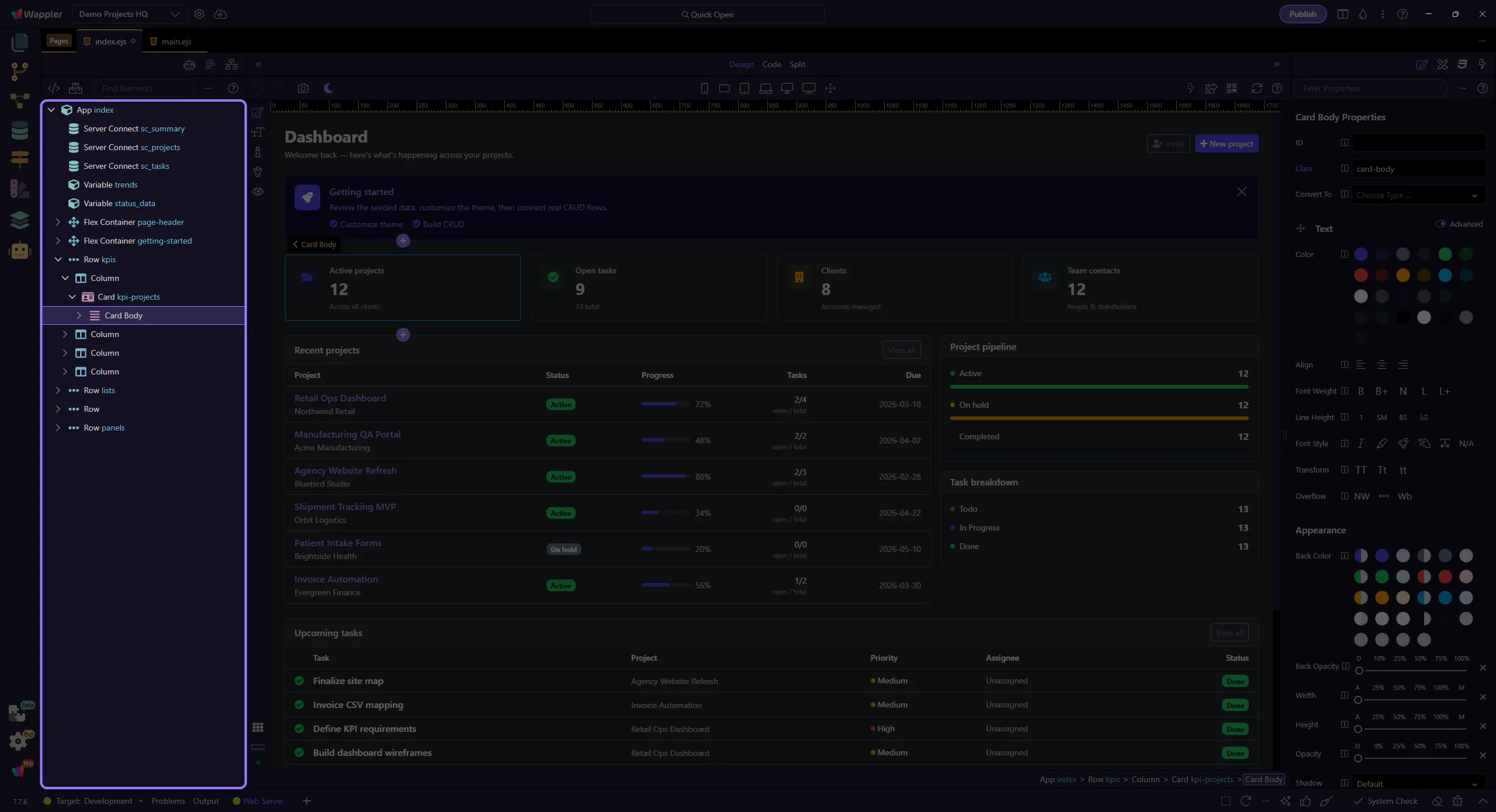
Section titled “AI Assistant”Use the AI Assistant to ask questions and apply changes safely to your page. This step matters because AI Assistant is part of the Page Panels area, and understanding that context makes the next action easier to repeat in your own project.
Network
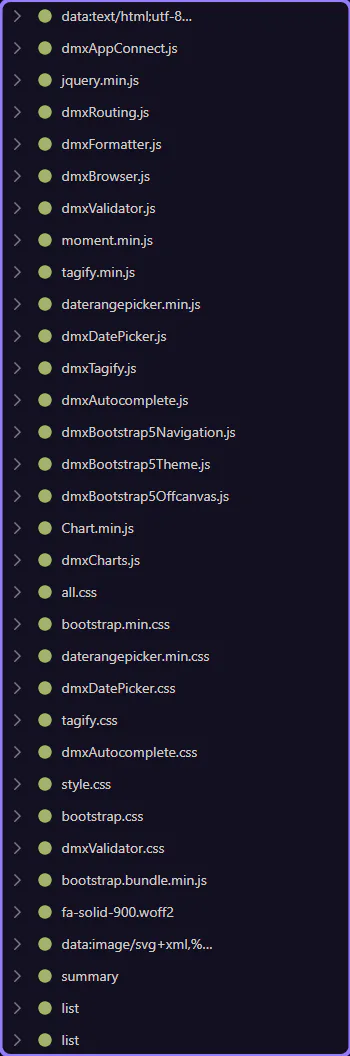
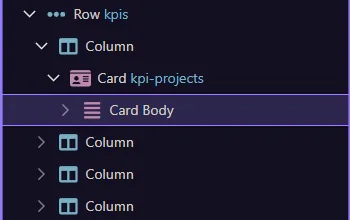
Section titled “Network”Use Network to inspect XHR/fetch and asset requests while previewing your page. This step matters because Network is part of the Network panel, and understanding that context makes the next action easier to repeat in your own project.