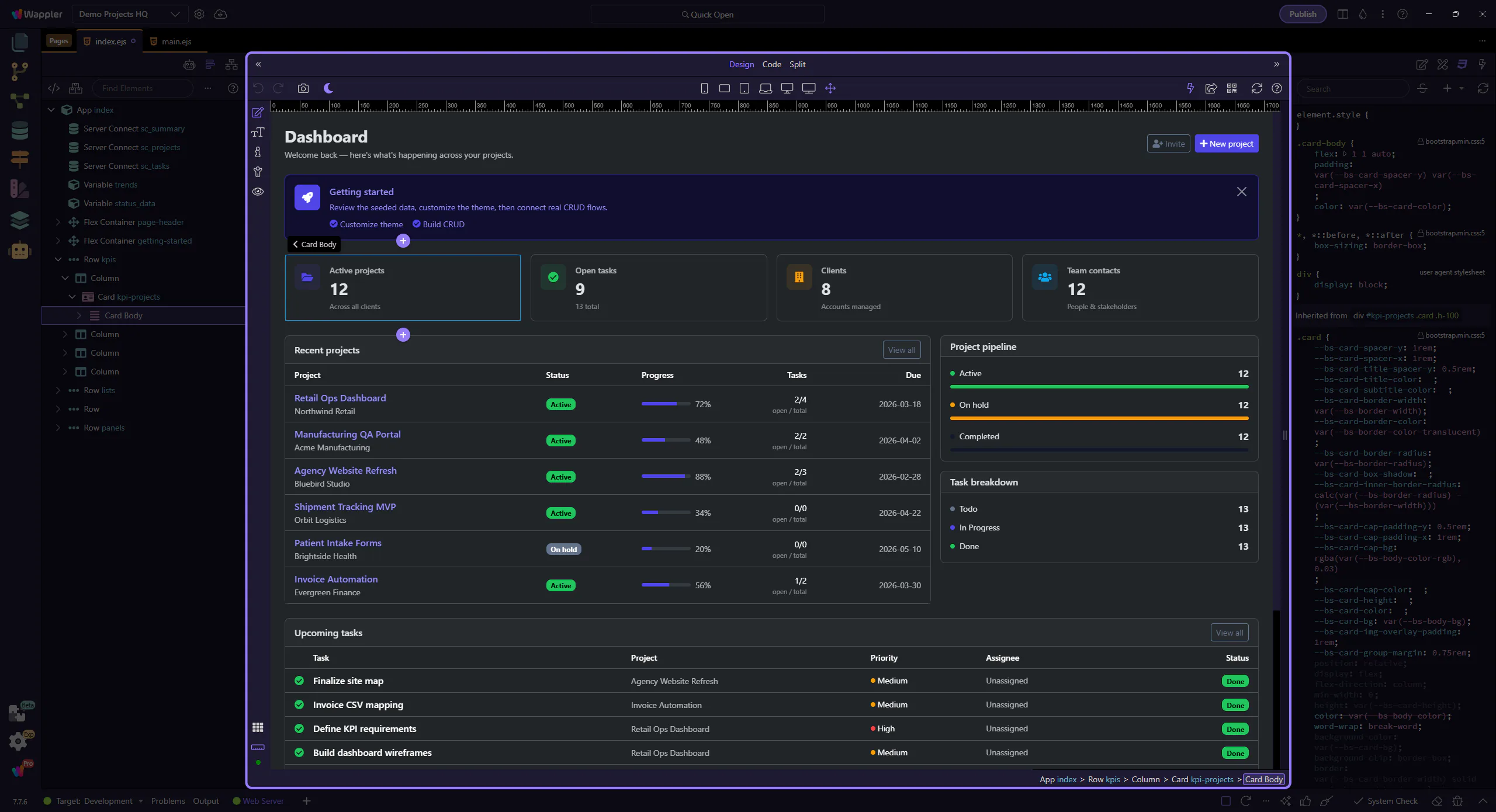
How To: Insert a new rule
Learn how to insert a new rule in the Styles panel. Use this tour as a quick refresher.
Add rule
Section titled “Add rule”Adding a new rule is easier when you first understand where the Styles panel expects structural changes to begin. This how-to starts from that insertion point, then explains how creating a rule in the right place keeps the stylesheet easier to scan and maintain later.

Select an element
Section titled “Select an element”Select an element in Design View to apply the rule to the intended target.