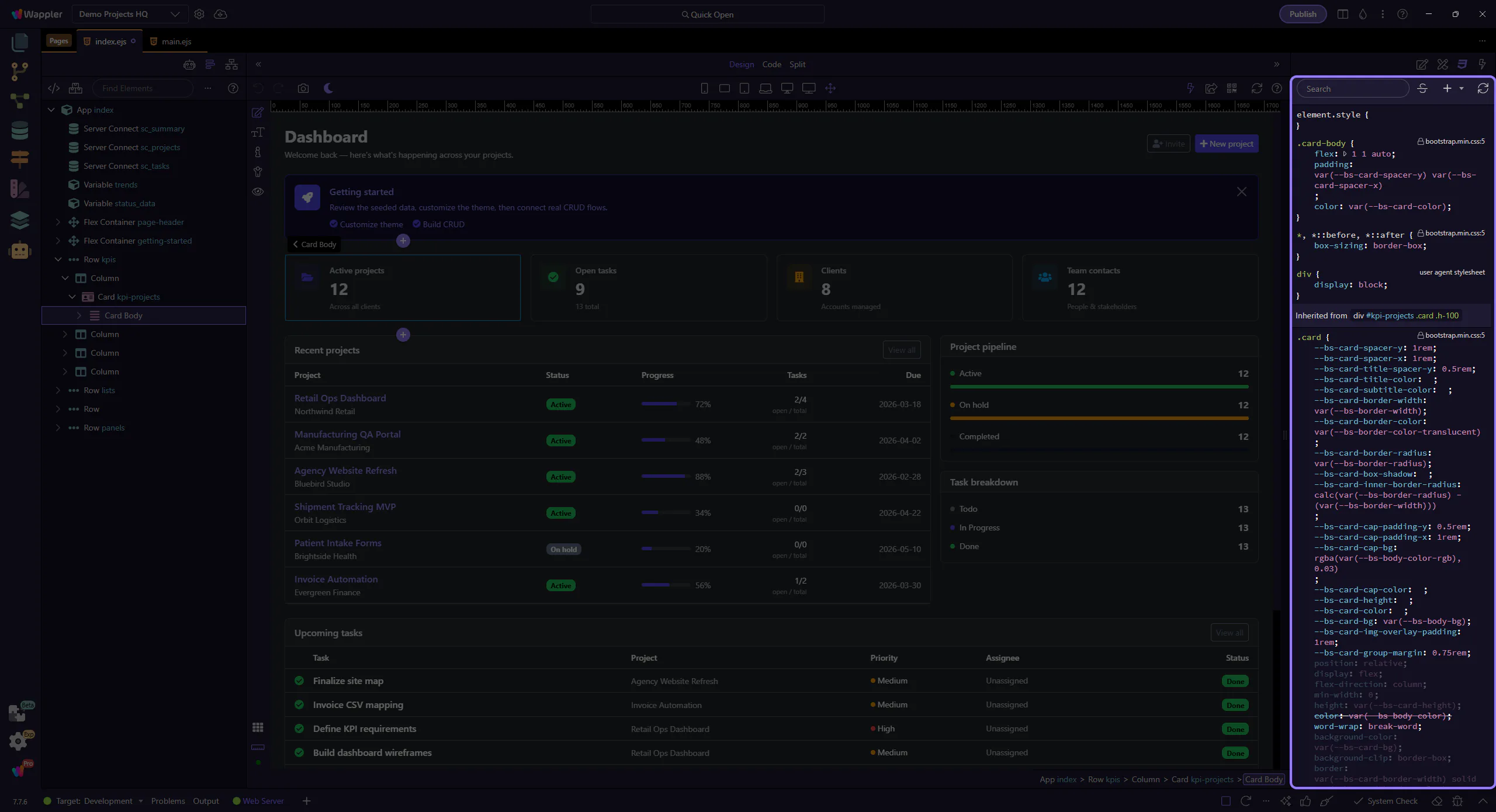
Styles Panel Overview
Explore HTML Editor Styles Panel: key areas and how they work together.
Styles tab
Section titled “Styles tab”The Styles panel is where visual decisions become traceable CSS rules instead of vague design changes. This overview explains what the panel is for, how it supports everyday styling work, and why the focused how-to tours build on it for search, cloning, source jumps, and rule creation.
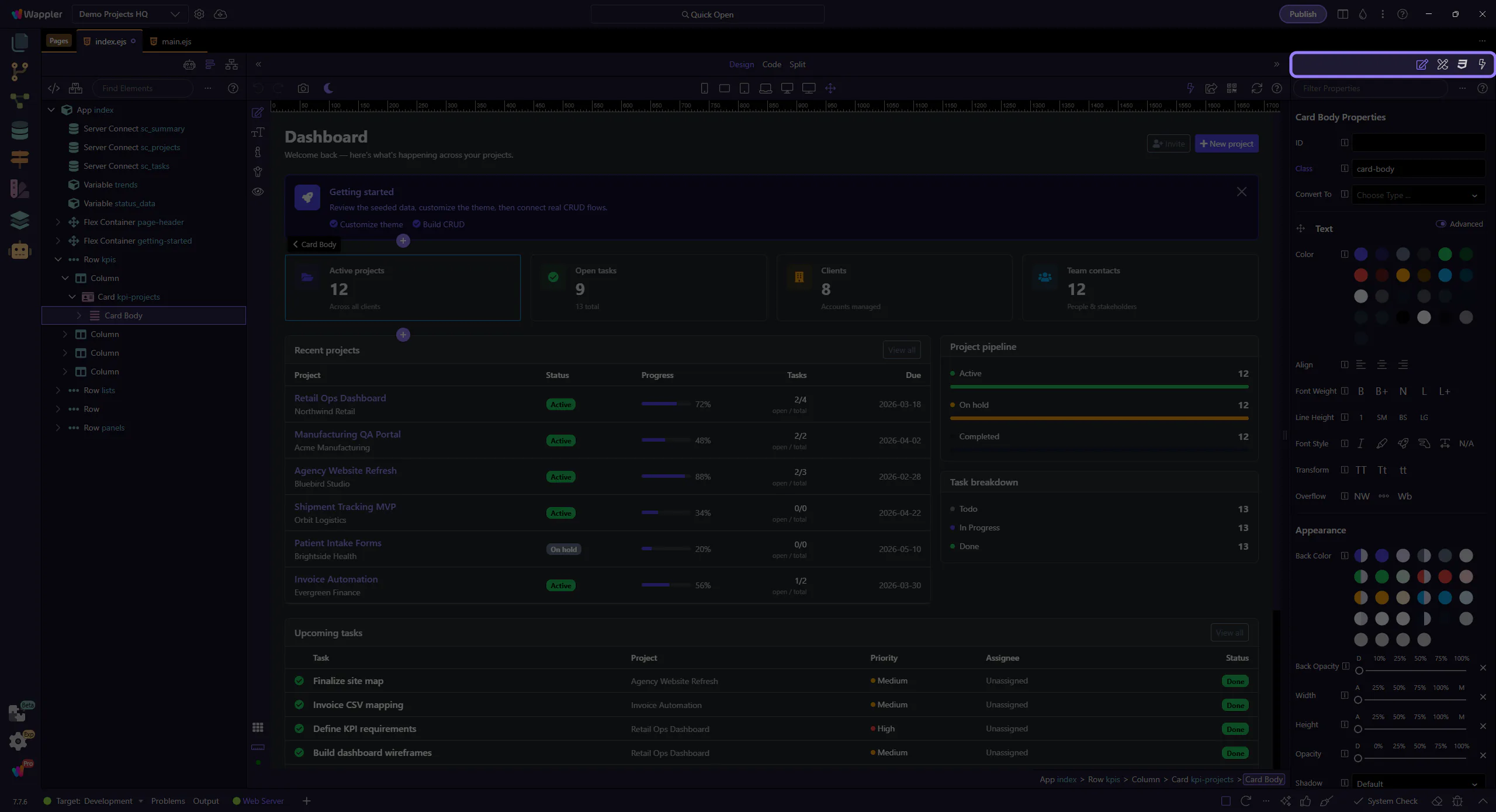
Styles toolbar
Section titled “Styles toolbar”Search rules, toggle overloaded styles, add new rules, and refresh.
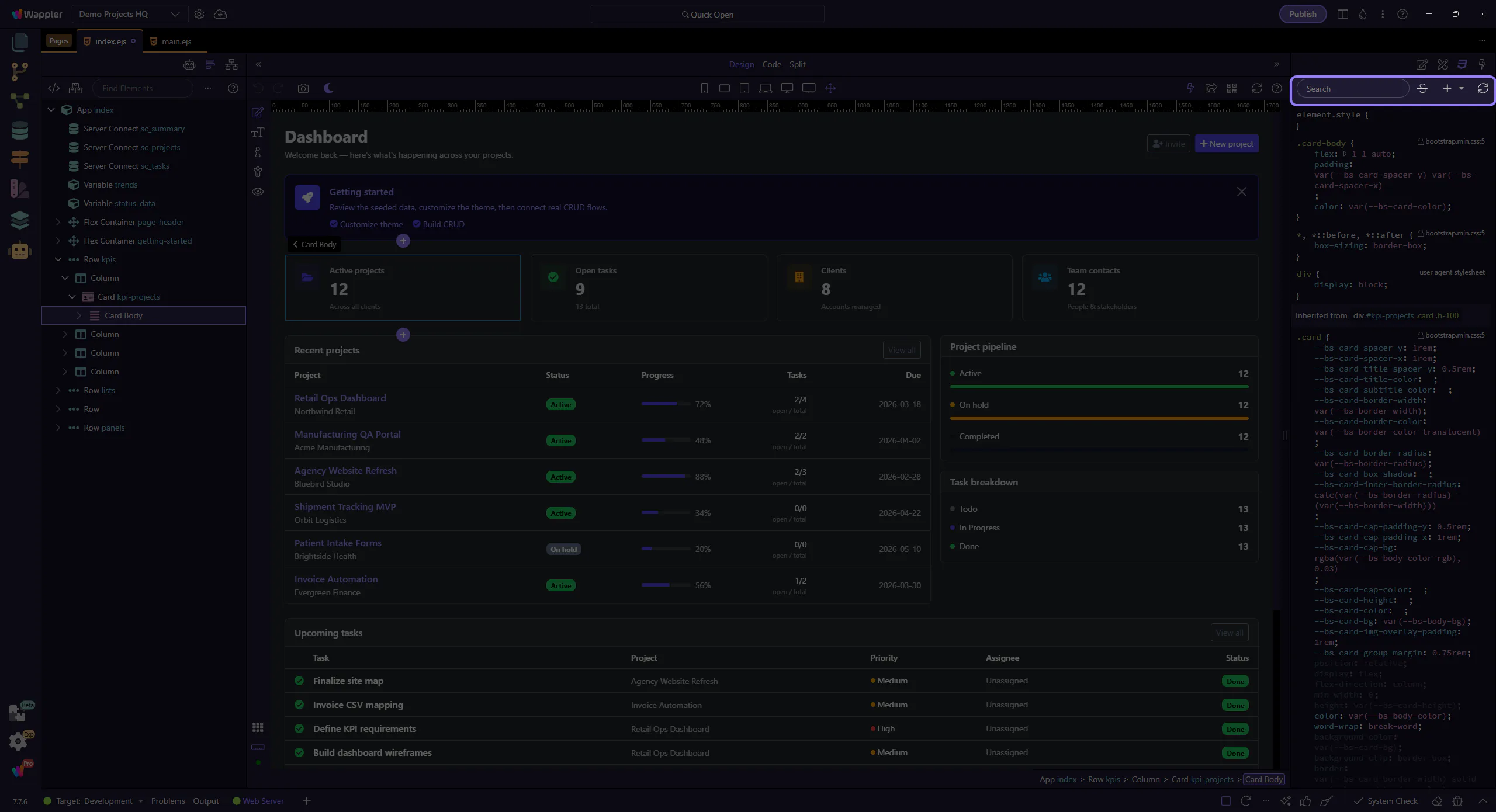
Rules and values
Section titled “Rules and values”Browse rules affecting the selection and tweak values.