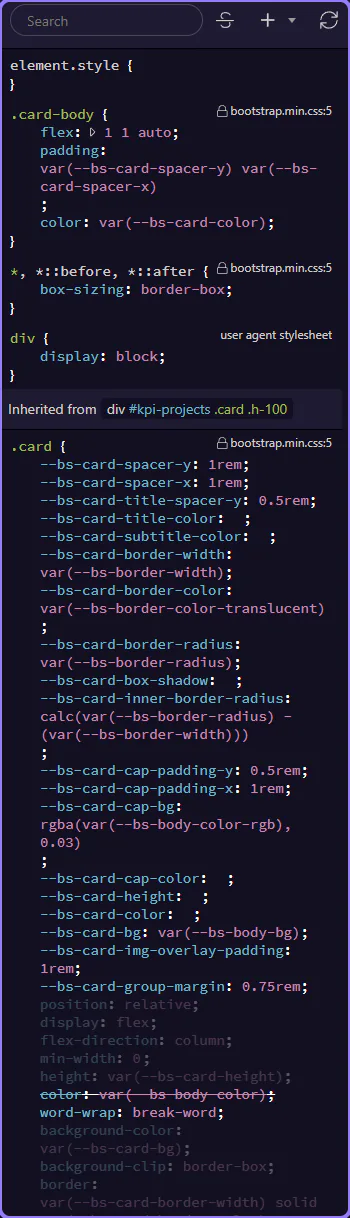
HTML Editor: Styles Panel Reference
Reference tour for the Styles panel: panel layout, styling controls organization, CSS rules inspection, and how to apply and debug styles.
Styles panel reference
Section titled “Styles panel reference”Treat this reference tour as a map of the Styles panel before you depend on it for faster CSS work. It highlights the areas and controls you revisit most often, explains what each one is responsible for, and helps you remember where to return when styling needs inspection or change.
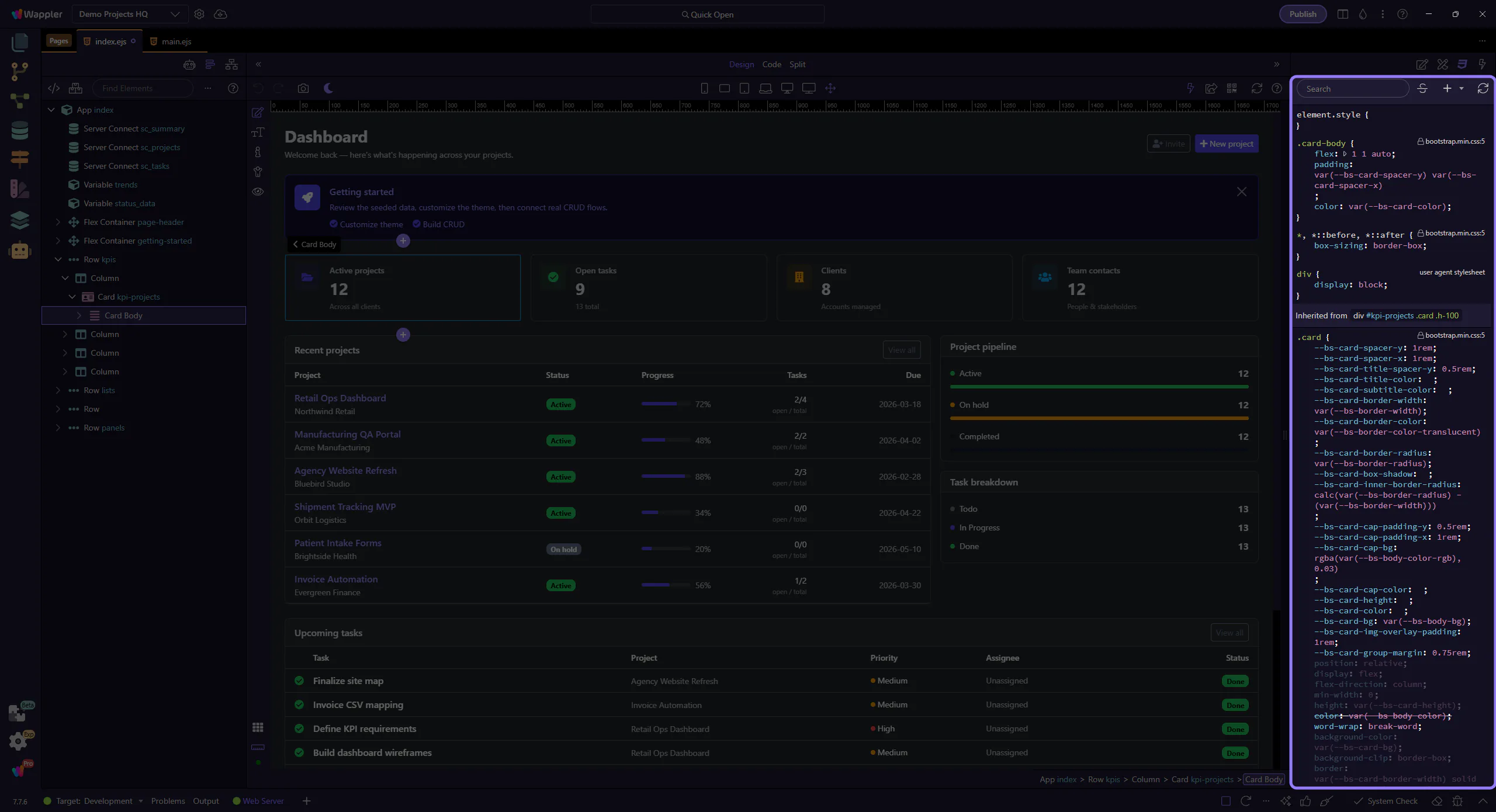
Toolbar
Section titled “Toolbar”Search, toggle overloaded styles, add rules, refresh, and open help/tours.
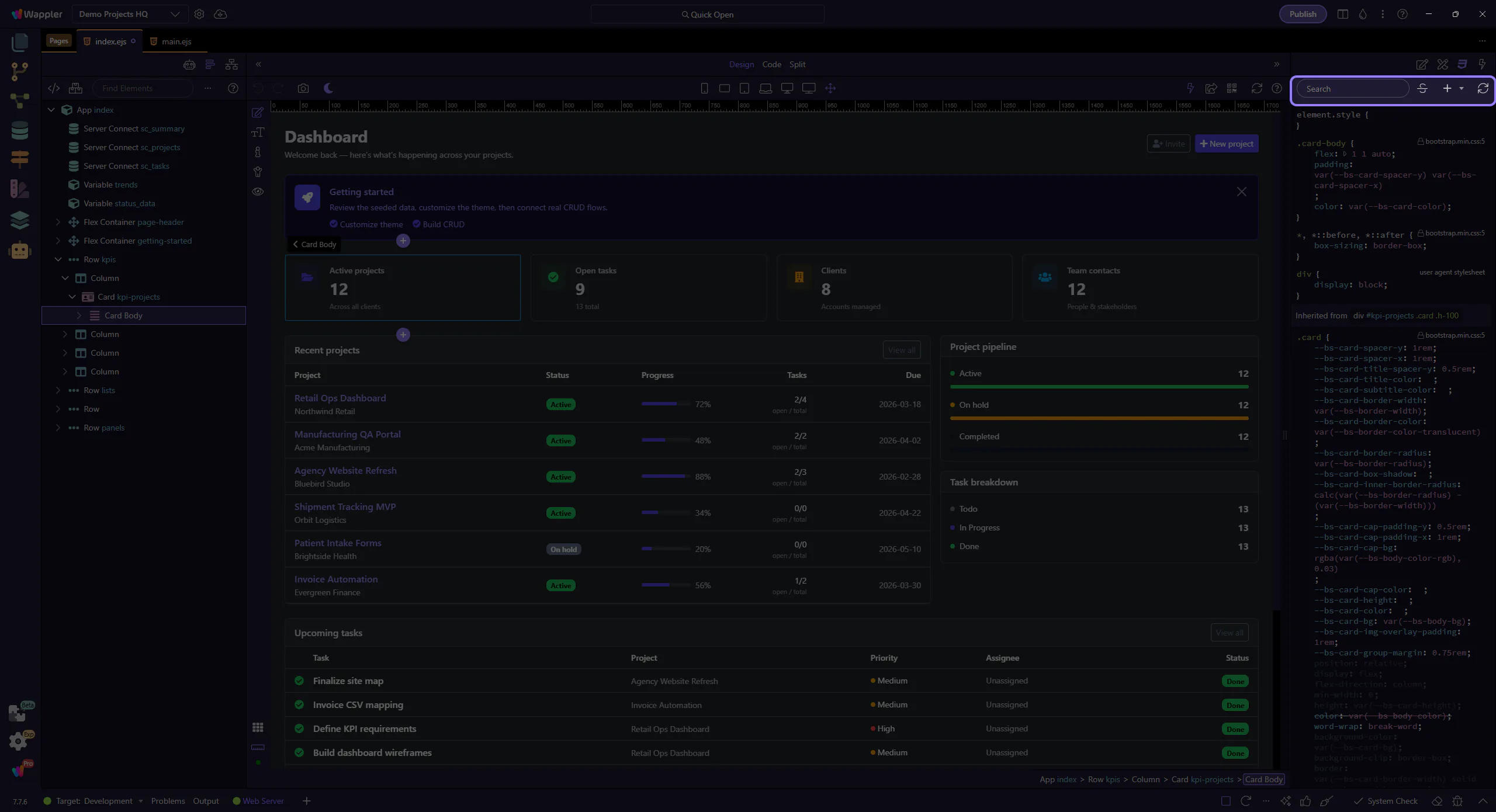
Rule menus
Section titled “Rule menus”Rule menus let you clone, remove, or jump to source. This step matters because Rule menus is part of the Styles panel, and understanding that context makes the next action easier to repeat in your own project.
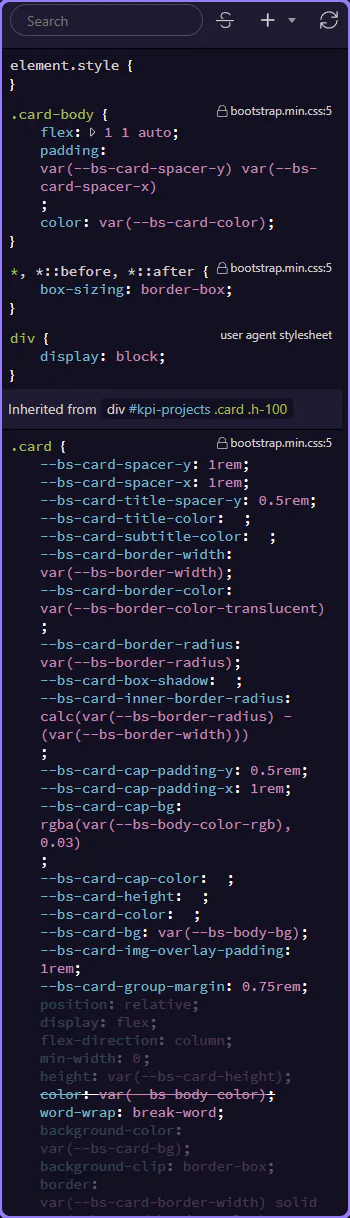
Rule values
Section titled “Rule values”Edit values to update the selected element’s styling. This step matters because Rule values is part of the Styles panel, and understanding that context makes the next action easier to repeat in your own project.