
Server-rendered locals
`layouts.main` runs `api/auth/current_user` before render, which is why EJS partials can read `current_user` directly from `locals`.
Use session-backed identity in Wappler pages and actions so the app can show the current user safely and consistently.
Demo Projects HQ uses current-user data in two different ways, and that distinction answers a common source of confusion. For every page using layouts.main, app/config/routes.json applies route-level restrict plus exec: "api/auth/current_user" on the layout. During route handling, that action runs before EJS renders, so the navbar and sidebar partials receive current_user in locals without any explicit page-level dmx-serverconnect call. On views/user_edit.ejs, the page also loads /api/auth/current_user again through sc_current_user_api so App Connect can make client-side comparisons after render. This is the right baseline: one provider-backed identity source can feed both server-rendered EJS and runtime page guardrails without turning editable form data into authority.
This page is useful because it contains both current-user patterns at once. The shared layout already had current_user in EJS locals before render, so the shell could show role-aware UI immediately. Then views/user_edit.ejs loads sc_current_user_api separately so the running page can compare the signed-in account against the record being edited. Seeing both layers together makes the request lifecycle much easier to understand.
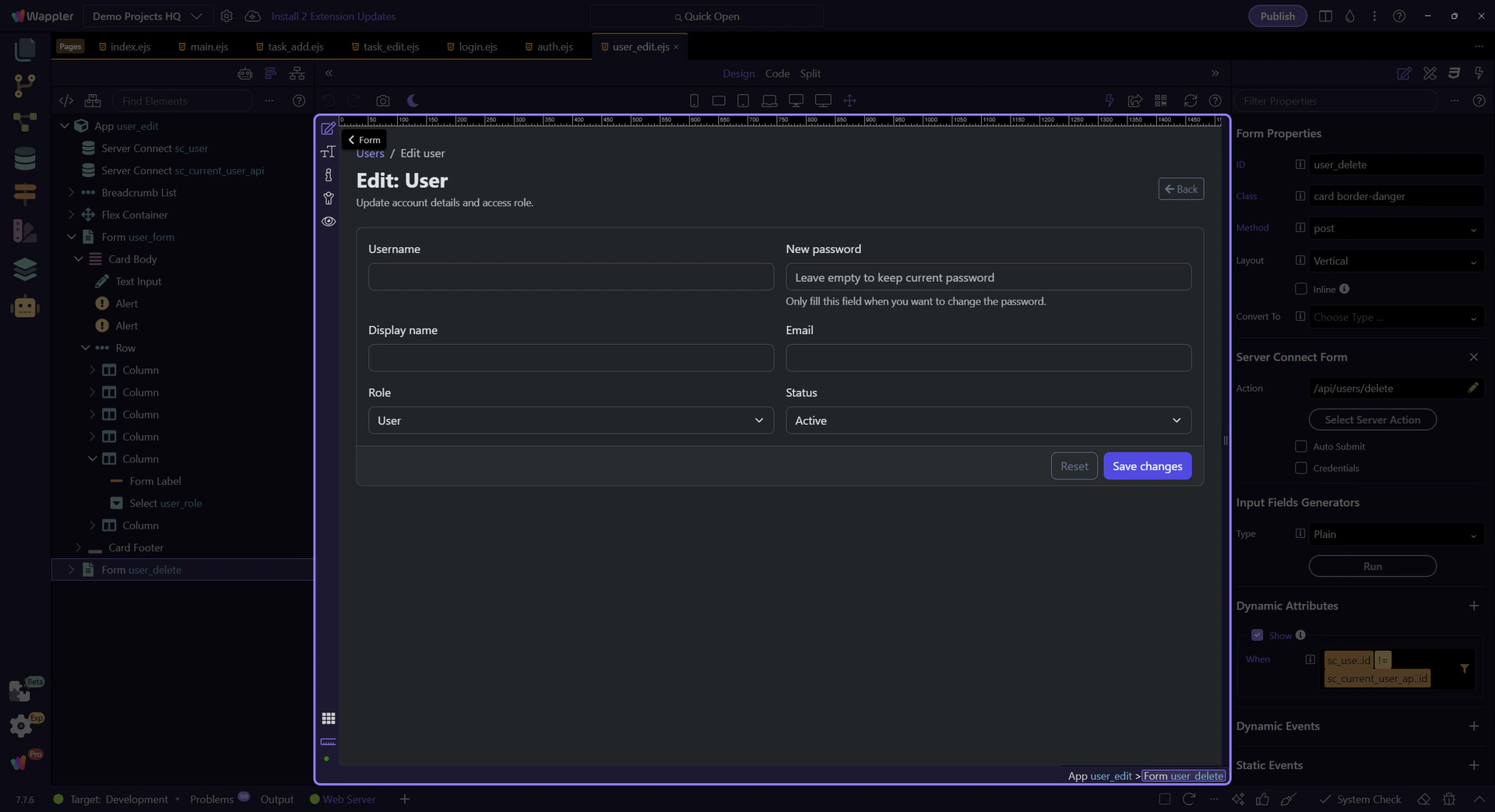
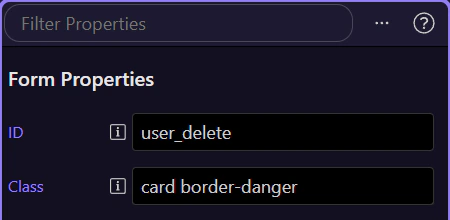
With the delete form selected, the Properties panel is the clearest place to understand the page rule. Demo Projects HQ is not hiding this decision in a custom script. The visibility logic is attached directly to the element whose availability depends on the signed-in account.
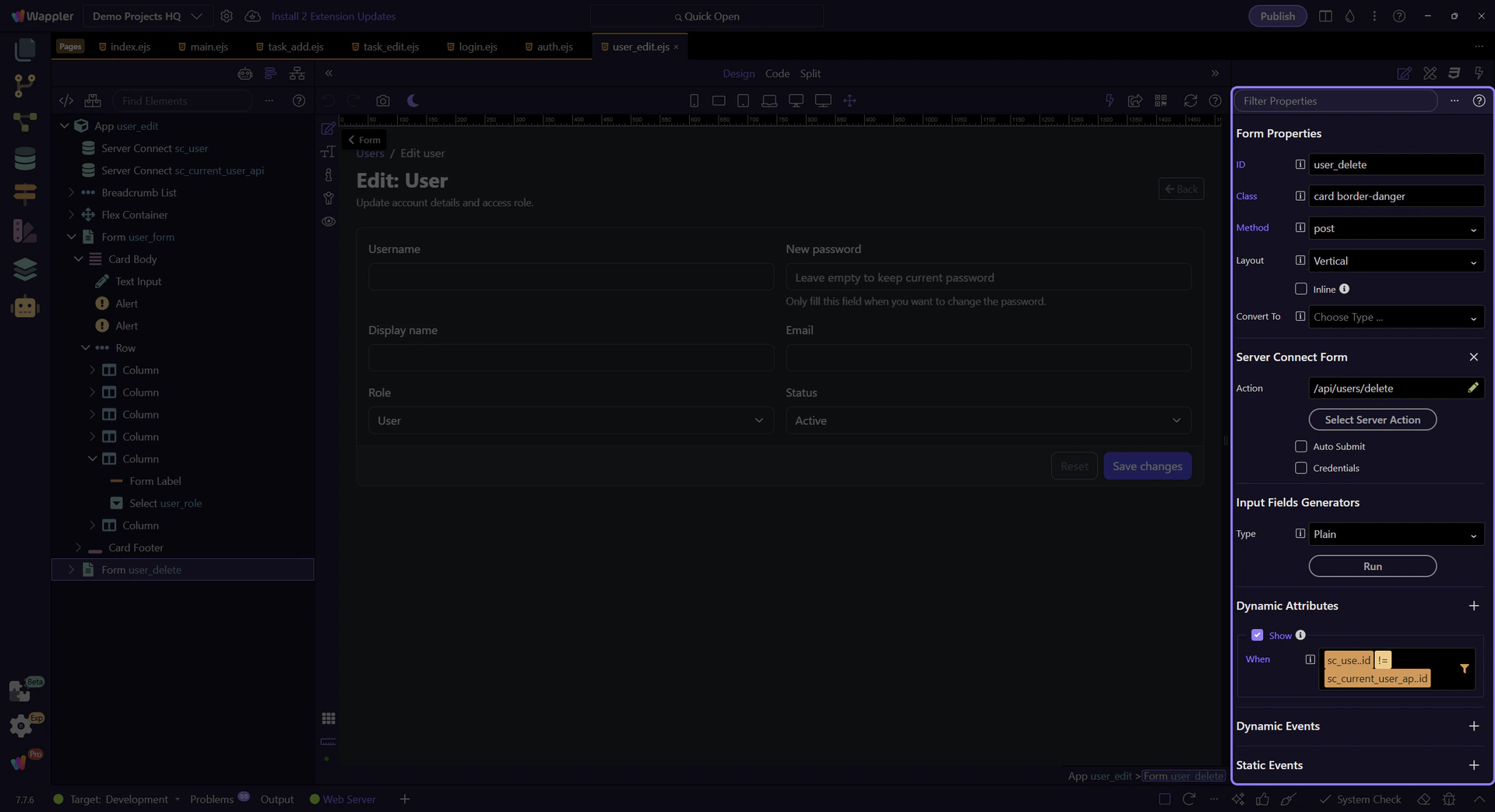
The delete form is shown only when the edited user id differs from sc_current_user_api.data.current_user.id. That is a concrete example of current-user context doing useful work: the page compares the record in the editor with the signed-in account and removes a destructive action when both identities are the same.
important: This is a UI guardrail, not the only layer of protection. The secure action still needs to enforce who may delete which account.
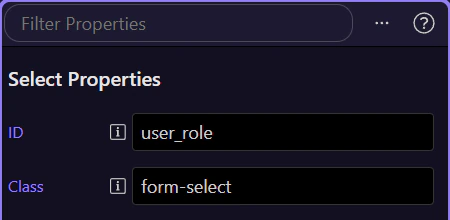
The role field belongs to the user record currently open in the editor, not to the signed-in account returned by current_user. Demo Projects HQ keeps those identities separate on purpose. That separation is what prevents form-bound data from being mistaken for session authority.
Current-user data is not only for guardrails on detail pages. Now switch to the dashboard so you can inspect how the shared shell presents the signed-in account to the user.
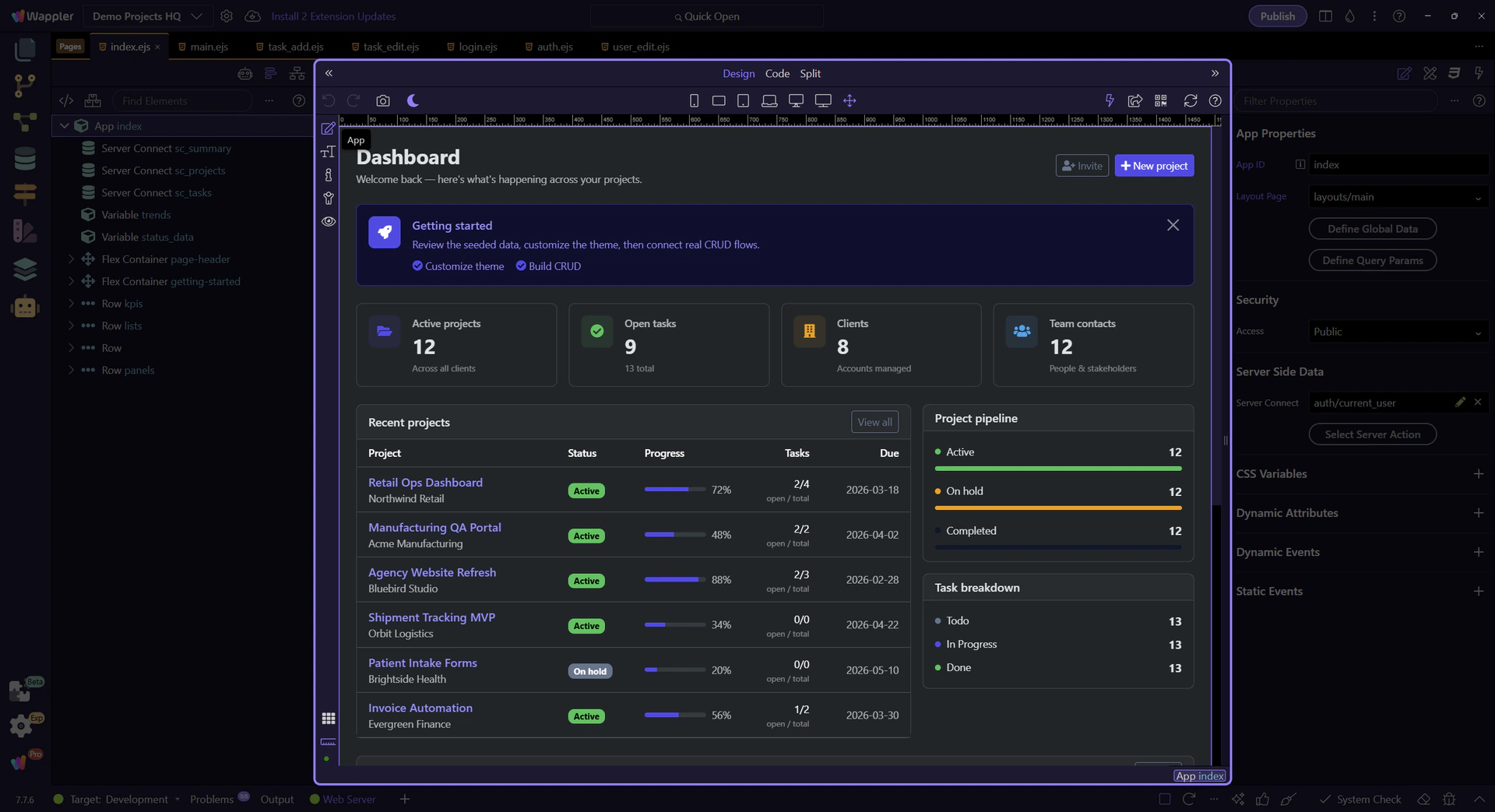
On the dashboard layout, the navbar and sidebar partials read current_user directly from EJS locals. In Demo Projects HQ that works because the main layout route runs api/auth/current_user before template rendering, so display name, email, and role are already attached server-side when those partials render. That is different from adding a dmx-serverconnect component to a page after load, but it still comes from the same provider-backed session context that protected routes and server actions trust.
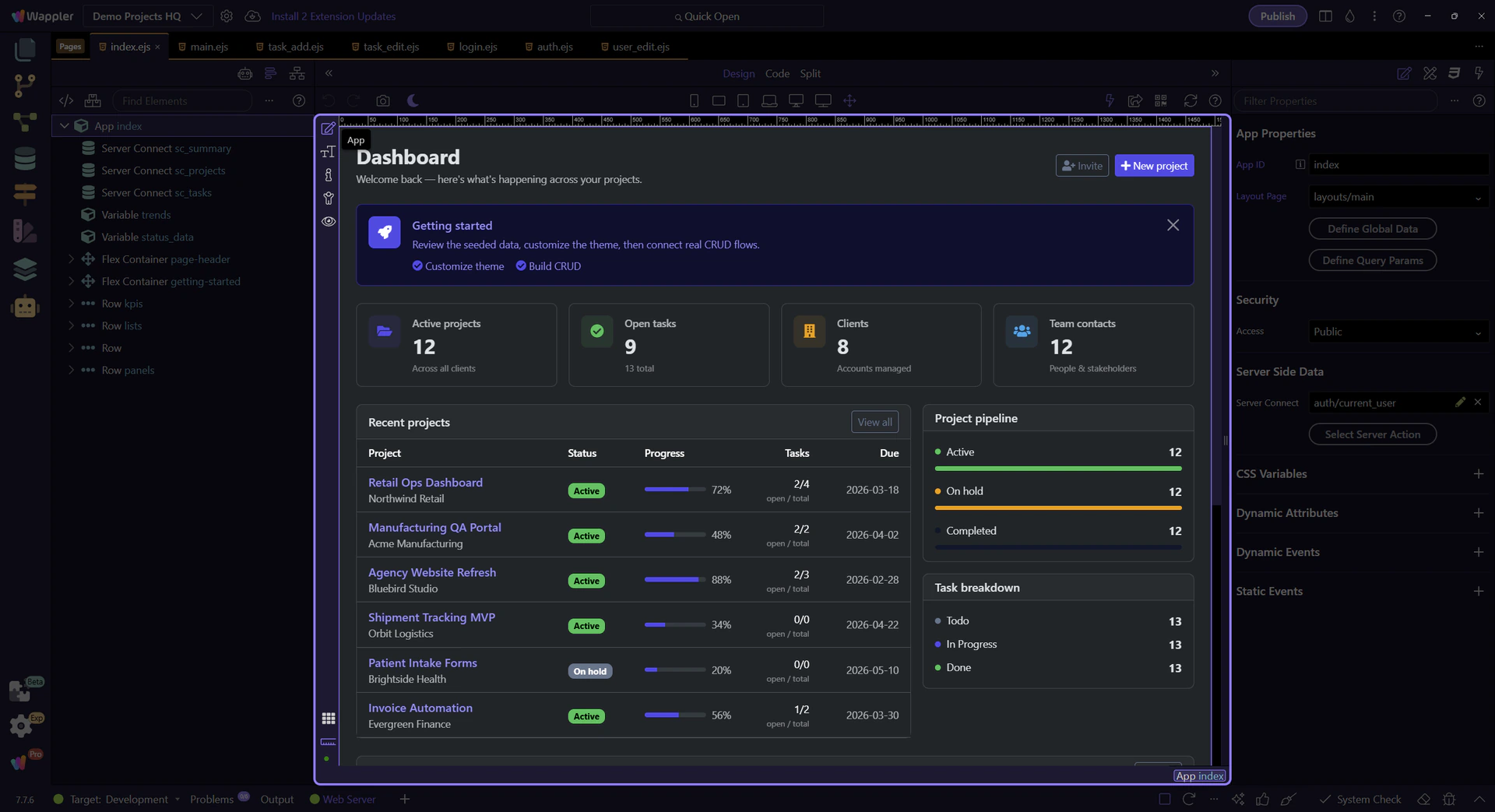
Demo Projects HQ shows current-user context in two useful ways: it drives visible orientation in the shared shell, and it adds concrete page-level guardrails where the signed-in account must be compared against another record. Both flows stay anchored to the same shared security provider, which is what keeps the behavior trustworthy.