Security: Restricting Access to Your Page
Use the App Root security properties to understand shared layout protection, page-specific access rules, and the inspector fields that control login and permission redirects.
Start on the shared layout page
Section titled “Start on the shared layout page”Begin on views/layouts/main.ejs. This is the right place to explain inherited security, because layout pages can carry the shared access rules that every page using that layout receives by default.
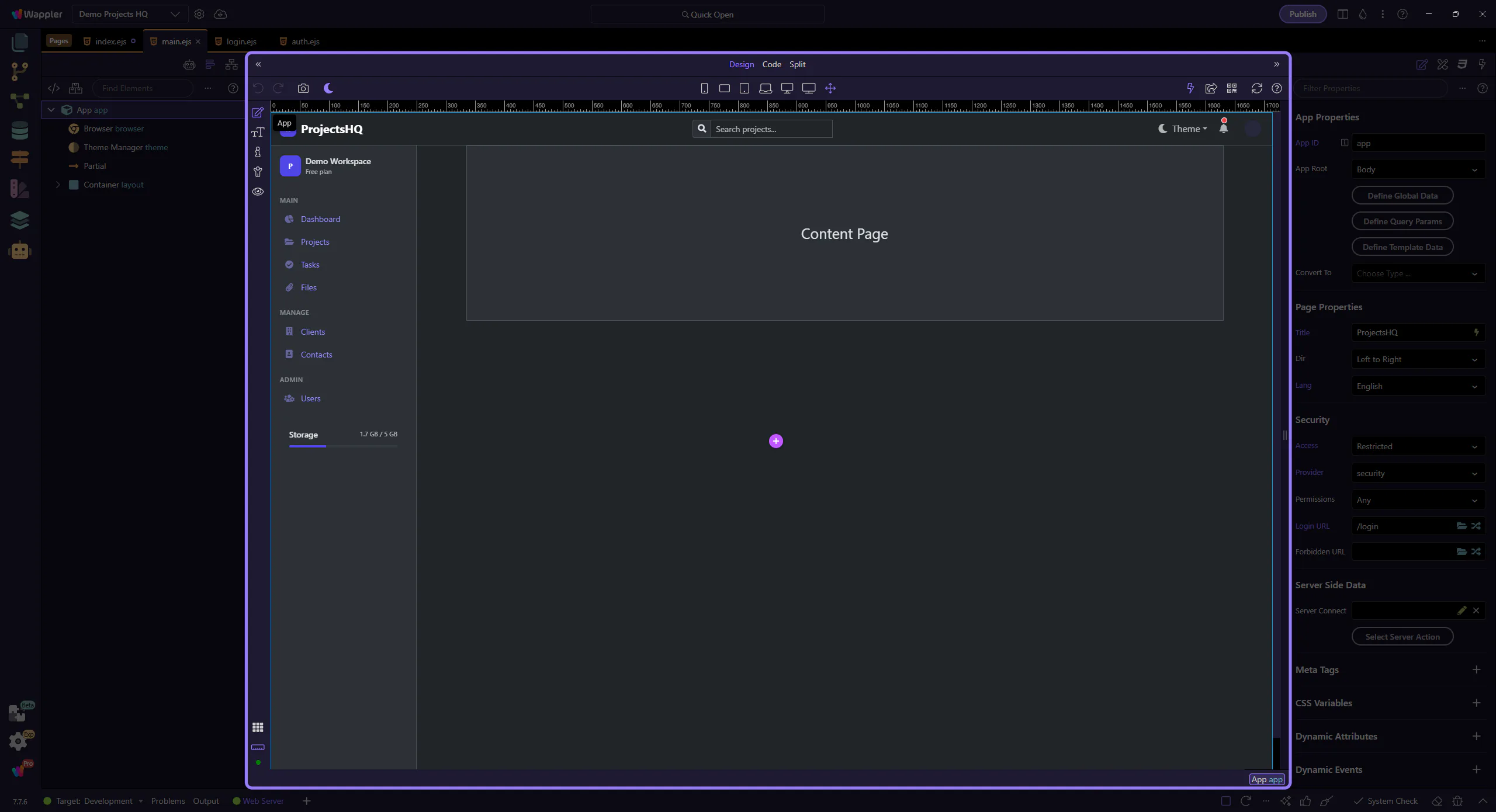
The App Root exposes the Security group on layout pages too
Section titled “The App Root exposes the Security group on layout pages too”The same Security group is generated for layout pages and route-backed content pages. That is why the App Root is the consistent entry point: once it is selected, the inspector shows the route security properties created by the routing layer rather than a separate legacy dialog.
Orient yourself in Properties panel
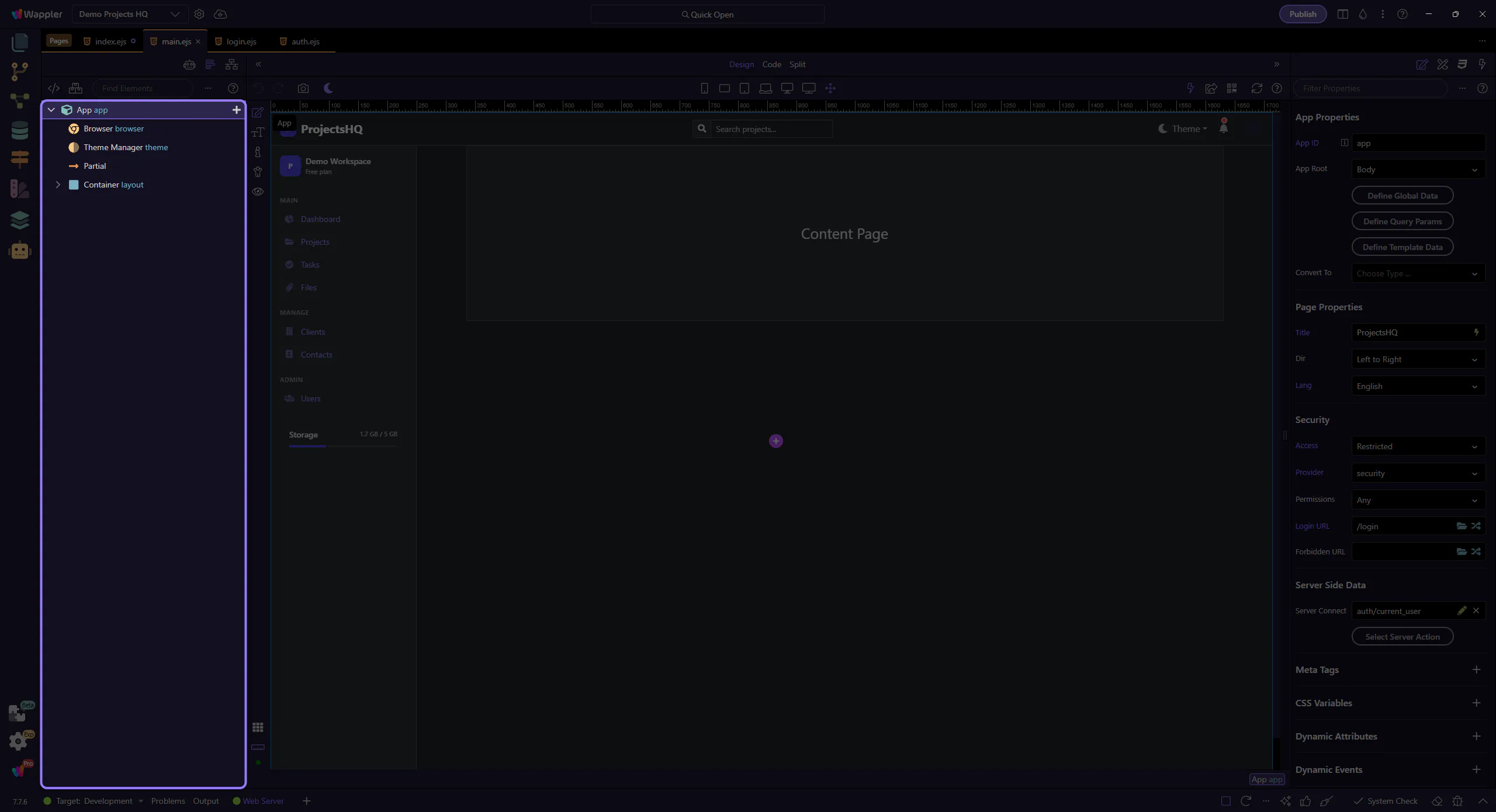
Section titled “Orient yourself in Properties panel”Start with the wider context in the Properties panel so the next control makes sense in the full workflow. In the next step, you will focus on Access controls whether the page is public or restricted and see how it fits into this area.
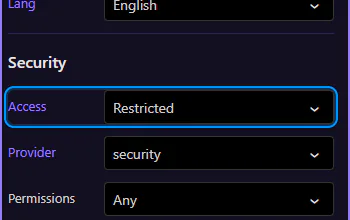
Access controls whether the page is public or restricted
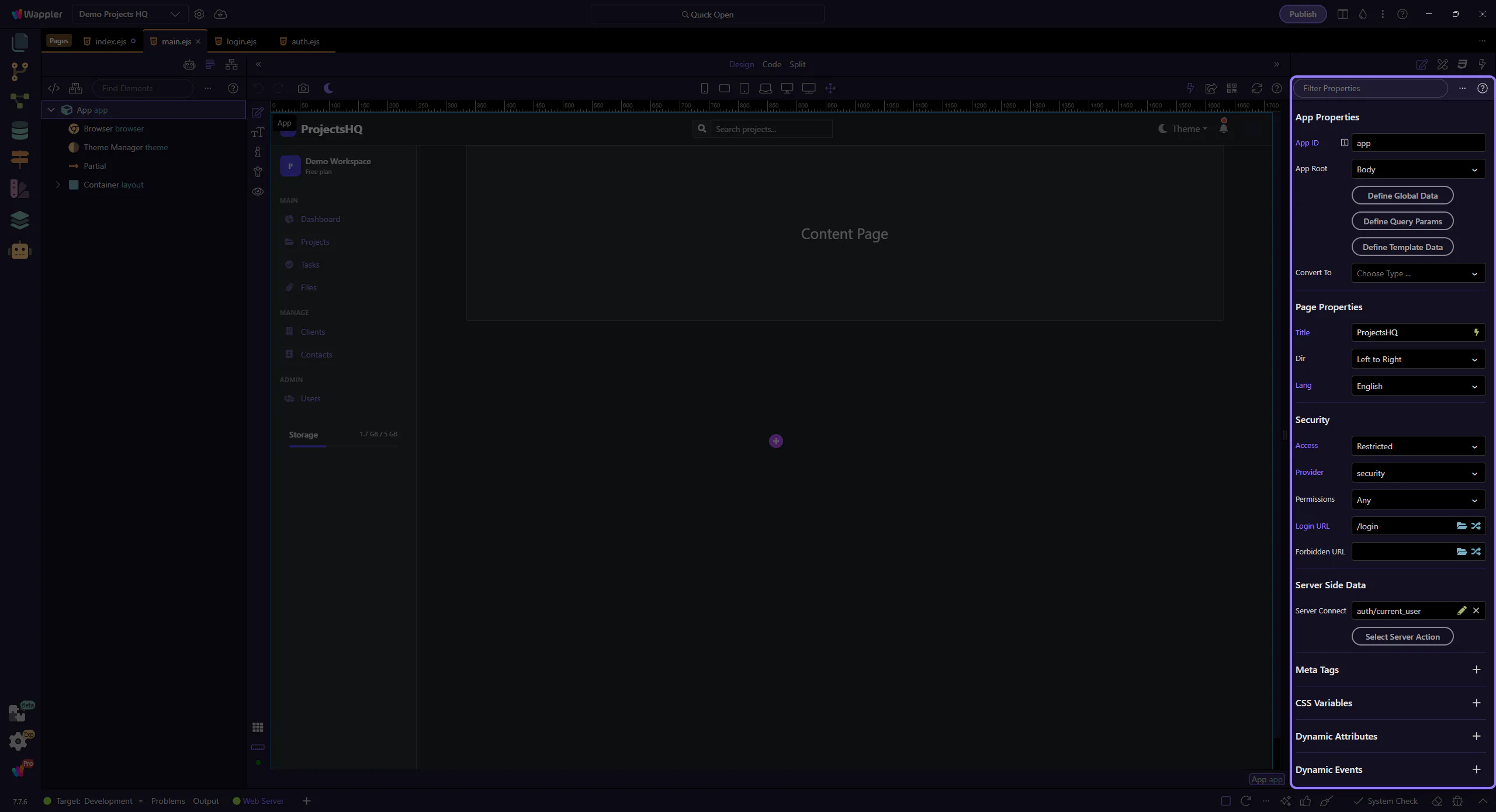
Section titled “Access controls whether the page is public or restricted”This Access field maps to the routeAccessMode property generated by the Security inspector rules. Public leaves the page open. Restricted turns on the rest of the security fields and stores a restrict object for the current layout or route.
That is the first distinction to teach: the access mode is the switch between no restriction and active protection.
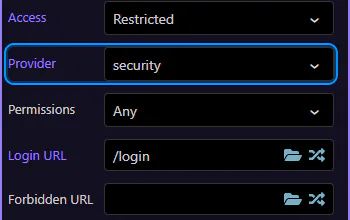
Provider chooses which Security Provider protects the page
Section titled “Provider chooses which Security Provider protects the page”This Provider field maps to routeRestrictProvider. It points the page or layout at one of the project Security Providers. In Demo Projects HQ the shared provider is security, the database-backed provider that authenticates against the users table.
When this is set on the layout, every page using that layout inherits the same login identity context.
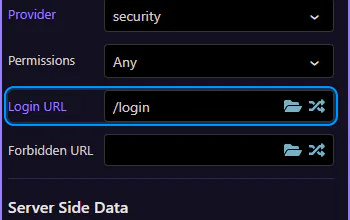
Login URL handles unauthenticated visitors
Section titled “Login URL handles unauthenticated visitors”This Login URL field maps to routeRestrictLoginUrl. Use it to define where anonymous visitors are redirected when they hit a restricted page without being signed in.
Demo Projects HQ sets this shared behavior on the main layout and sends unauthenticated users to /login. That makes the layout the right place for app-wide login protection.
Now switch to a page with page-specific rules
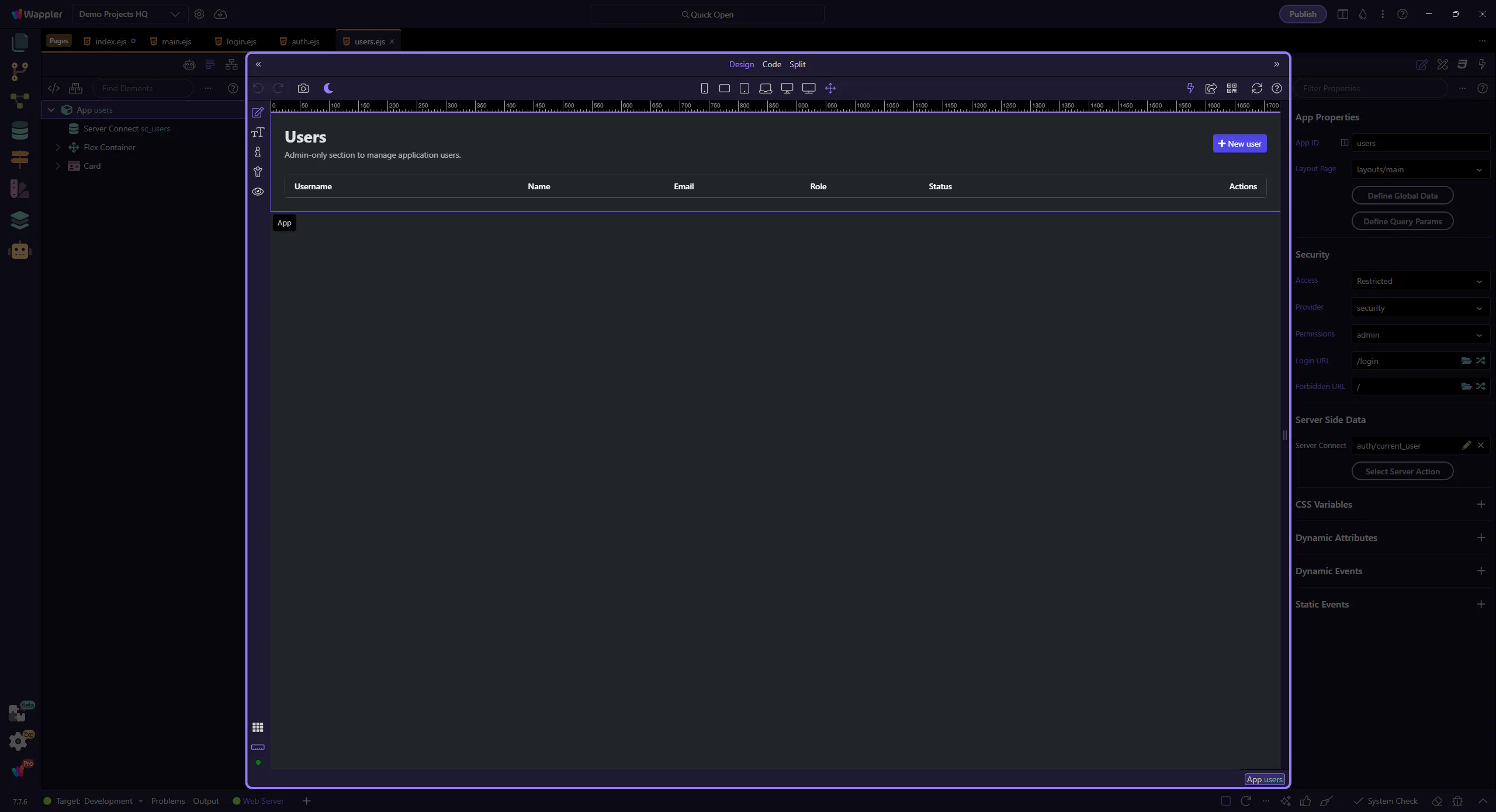
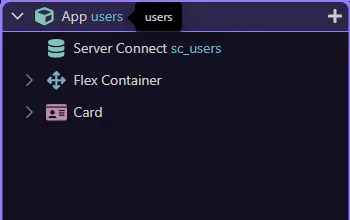
Section titled “Now switch to a page with page-specific rules”The shared layout covers the common login requirement. Next, switch to views/users.ejs, where Demo Projects HQ adds admin-only rules that apply to this page itself rather than to every page using the layout.
Content pages use the same App Root workflow
Section titled “Content pages use the same App Root workflow”On a content page, the same App Root selection opens the same Security group. The difference is scope: here the settings belong to this route-backed page, so they can add narrower rules on top of the shared layout behavior.
Permissions add page-specific authorization
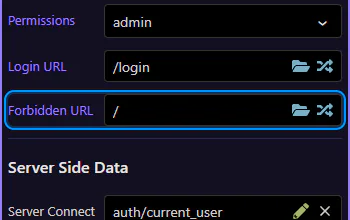
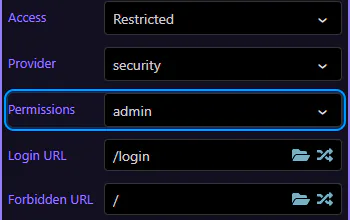
Section titled “Permissions add page-specific authorization”This Permissions field maps to routeRestrictPermissions. It is optional, and that matters: use it when a page should require more than just a logged-in session.
In Demo Projects HQ, users.ejs requires the admin permission. That means the page still uses the same security provider as the layout, but adds a page-only authorization rule for this admin screen.
Forbidden URL handles signed-in users without permission
Section titled “Forbidden URL handles signed-in users without permission”This Forbidden URL field maps to routeRestrictForbiddenUrl. It is different from Login URL: this redirect is for users who are already authenticated but do not have the required permission.
Demo Projects HQ sends those users back to / from the admin pages. That is the second key distinction to teach: Login URL is for missing identity, Forbidden URL is for missing authorization.