
One login entry point
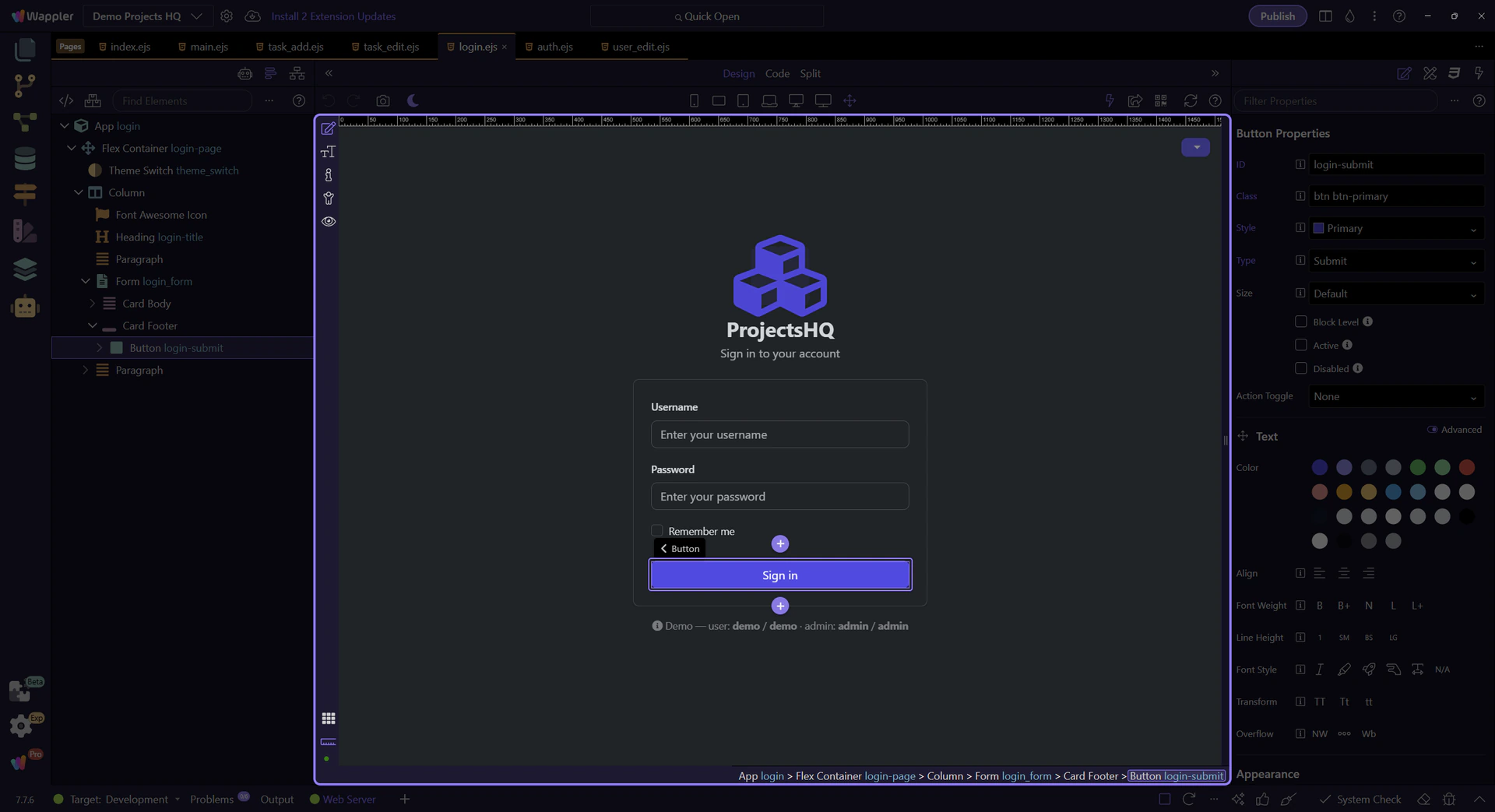
Both demo and admin users authenticate through the same `views/login.ejs` form and shared `security` provider.
Use provider permissions and route decisions to send different Wappler users to the right post-login destination.
Demo Projects HQ already demonstrates the real ingredients behind role-based redirects, even though the login button itself always sends successful sign-ins to /. The project has one shared login page, a protected main layout, and explicit admin-only routes for /admin/users, /admin/user/new, and /admin/user/edit/:id. That makes it a strong reference for teaching the redirect decision properly: use the same role and permission model that protects routes to decide where each user should land after sign-in.
Demo Projects HQ does not maintain separate sign-in screens for admins and regular users. Everyone starts here, submits to the same login action, and becomes authenticated through the same security provider. That is why the redirect logic belongs after authentication, not in the login form itself.

Right now the login form succeeds into /, which is a reasonable baseline. It gives every authenticated user a stable destination while the project stays simple. Role-based redirects become the next refinement when different users genuinely need different first screens.
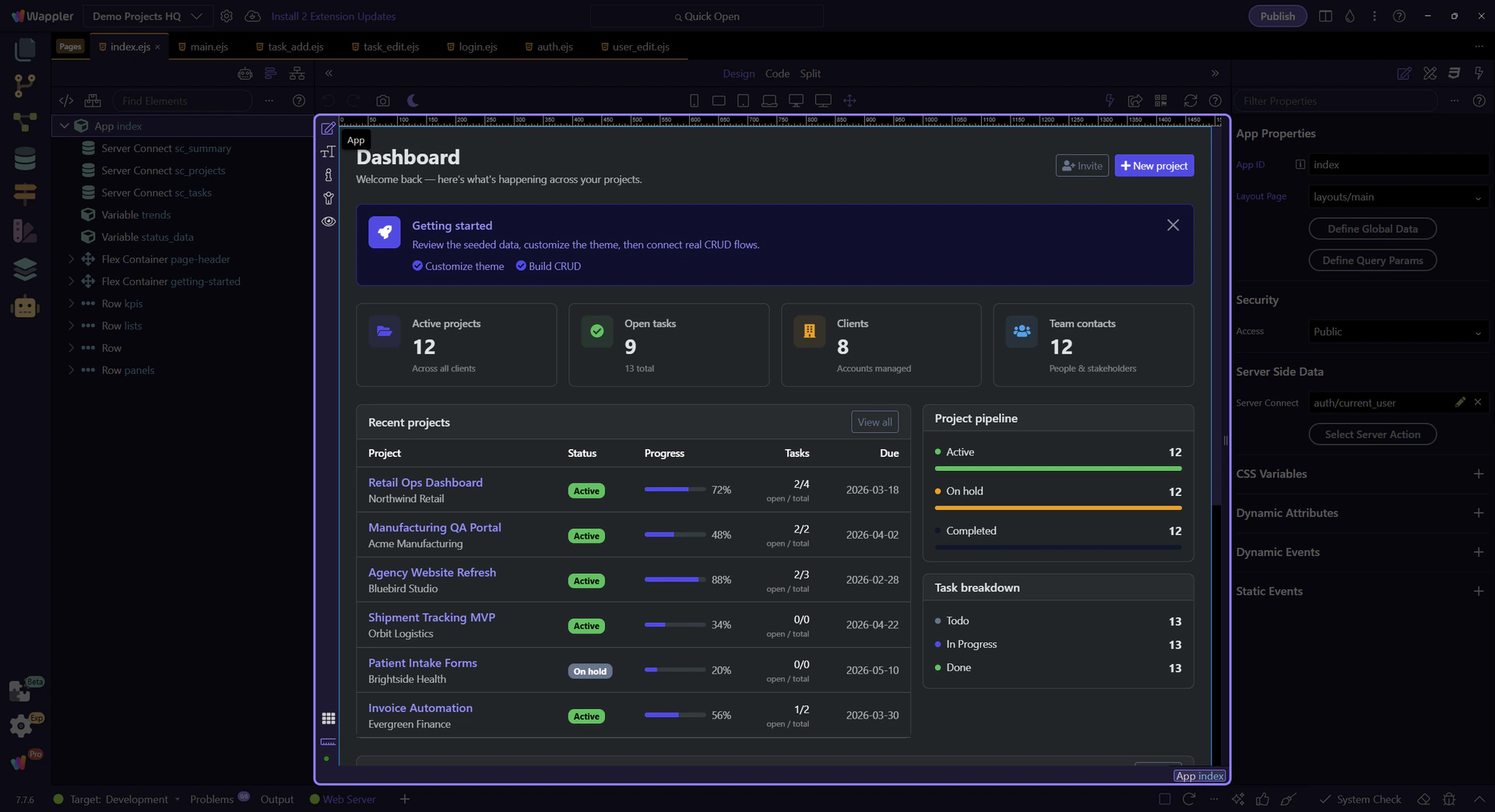
After login, the important question is not only where the user lands first, but which protected areas are available to them. Switch to the dashboard so you can inspect the shared shell that reveals the admin branch only when the signed-in role allows it.
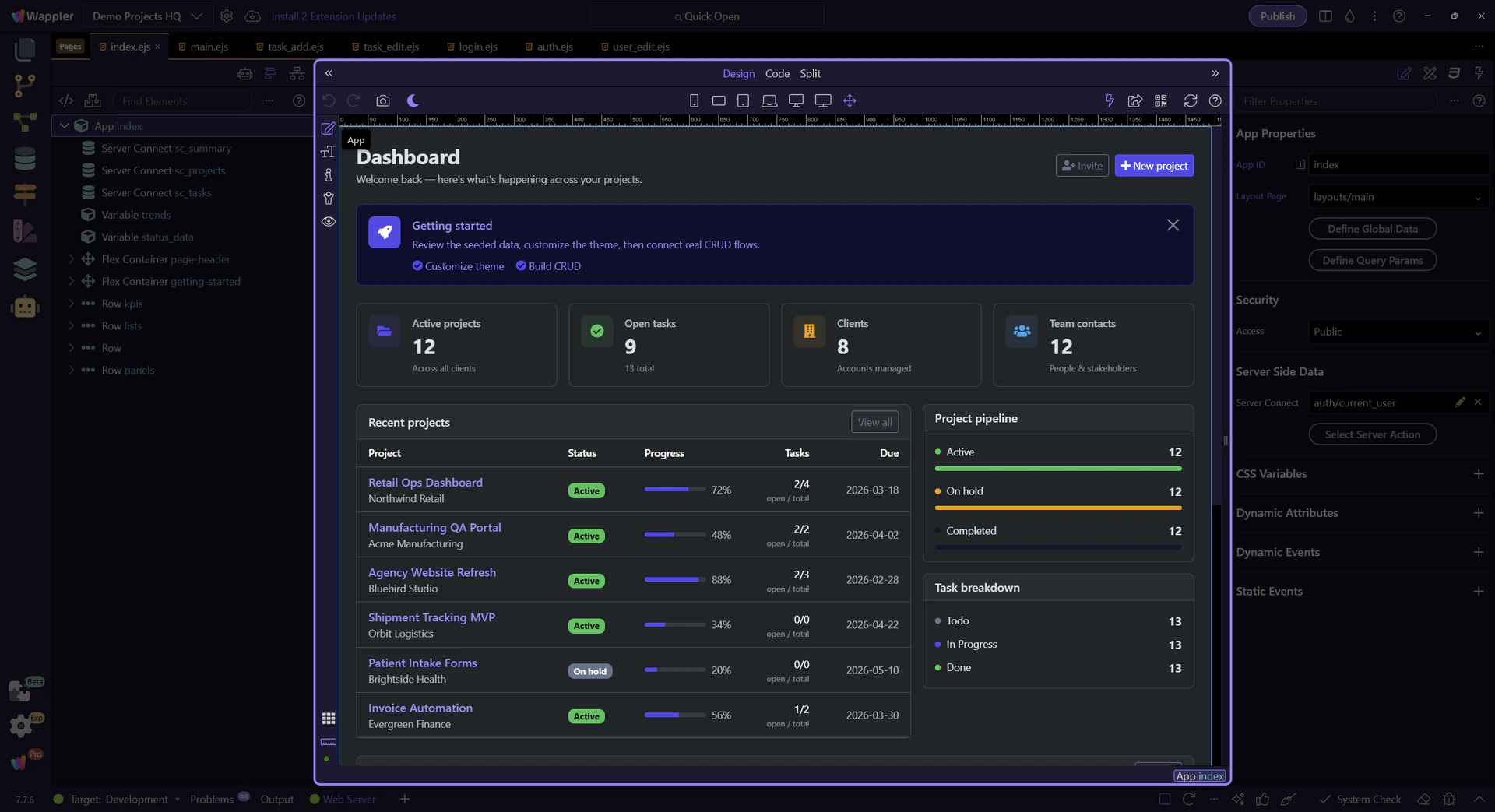
In the shared sidebar partial, the Admin section only renders when current_user.role.lowercase() is admin. There is no explicit page-level API call behind that EJS condition. In Demo Projects HQ, app/config/routes.json assigns api/auth/current_user to layouts.main, and the route renderer runs that action before EJS includes the sidebar. That is why current_user is already available in locals when the partial renders. Redirecting admin users straight into /admin/users is not an arbitrary trick here; it extends the same role-aware shell logic the project already uses.
important: A role-based redirect should point to an area the user is already allowed to see and use, not to a page that merely looks different.
The tour now switches to the real admin destination in Demo Projects HQ. This page is useful because its route is explicitly restricted to the admin permission and it matches the admin-only link in the shell.
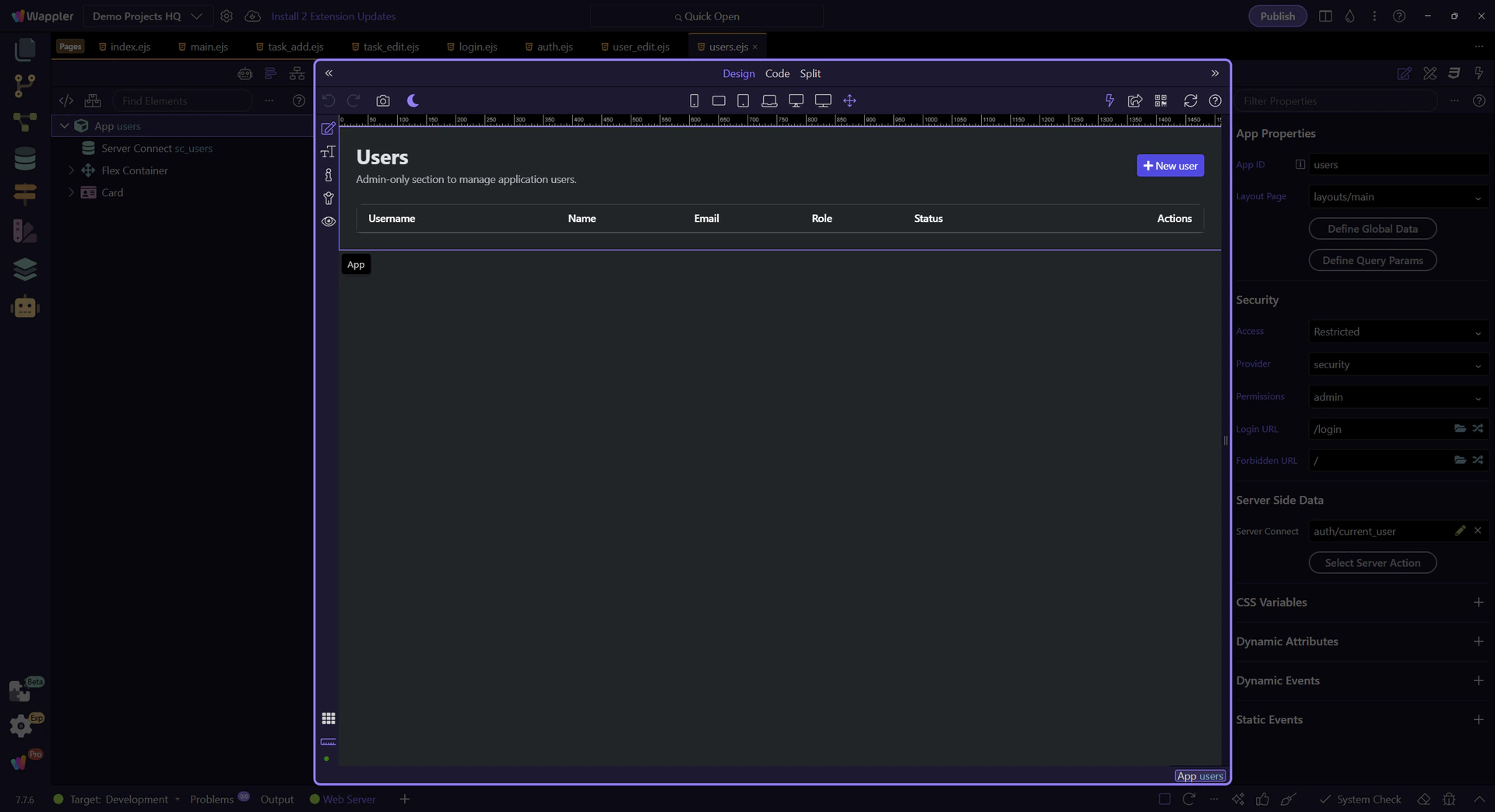
/admin/users is not just a visual destination. In Demo Projects HQ it is protected by the security provider with the admin permission, plus separate login and forbidden redirects. That is the real lesson for role-based redirects: the landing decision should mirror the route restrictions already encoded in the project, so the redirect and the authorization model tell the same story.
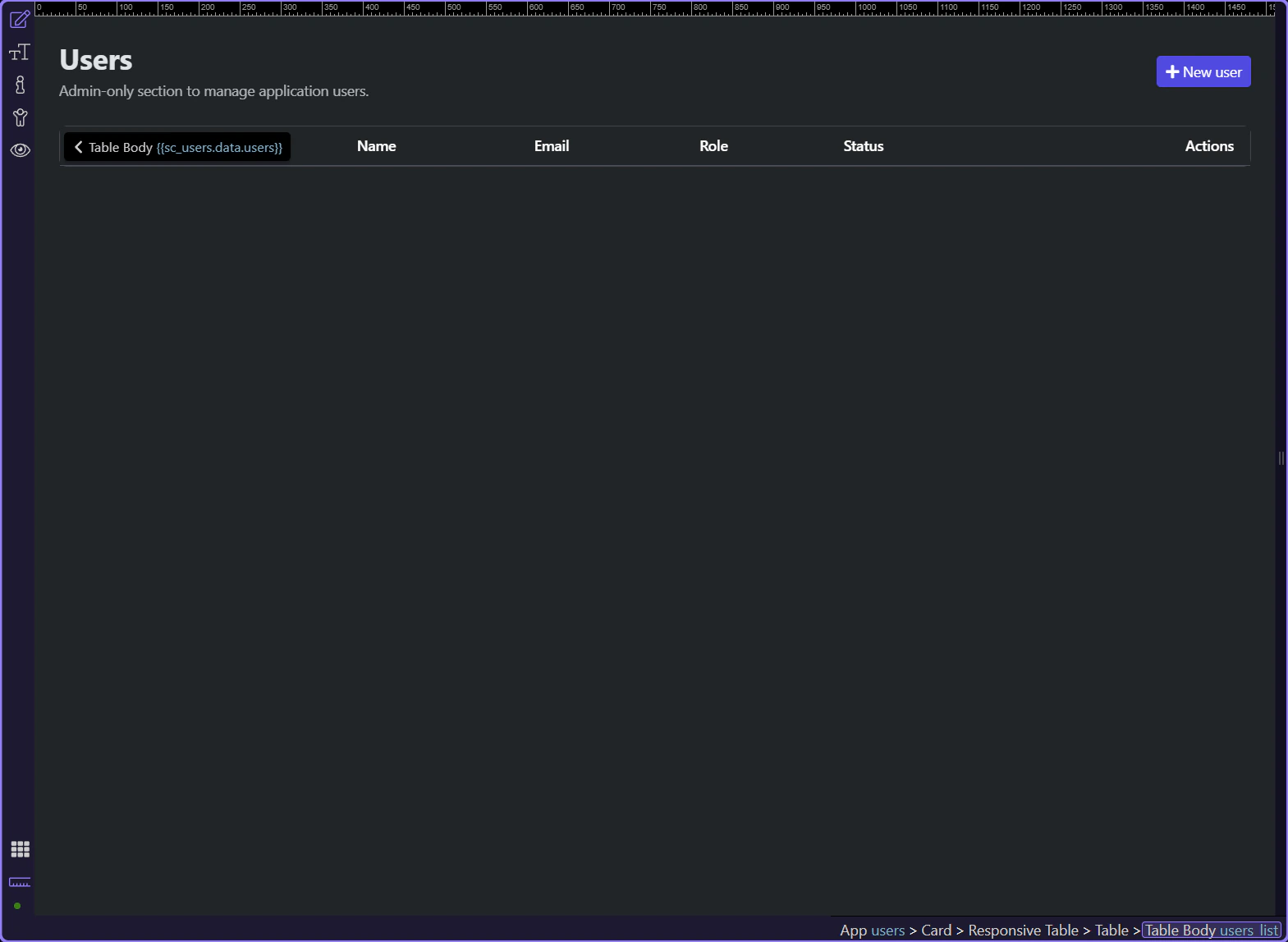
Because admin routes are separate and protected, regular users should continue to land somewhere safe like /. In Demo Projects HQ that means the dashboard or another normal app page under the protected main layout. The redirect model stays readable when one branch goes to the admin area and the fallback branch goes to the ordinary signed-in workspace.
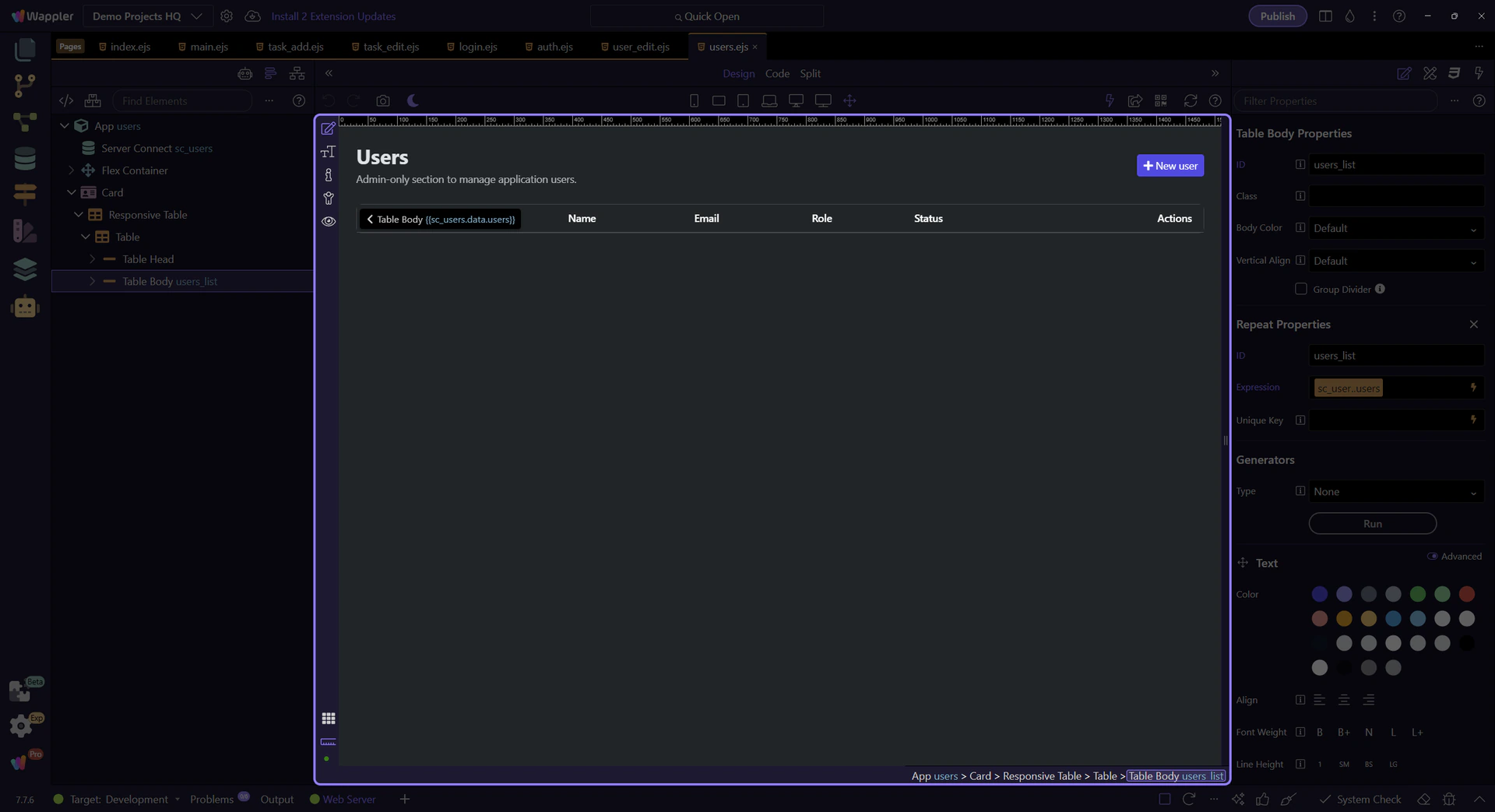
Demo Projects HQ already contains the hard part of role-based redirects: one login flow, one shared provider, protected admin destinations, and a safe signed-in default route. Once those pieces exist, the redirect decision becomes an alignment task rather than a guesswork exercise.