Demo walkthrough: Route, page, and action handoff
Use Demo Projects HQ to connect route-aware pages, layouts, and the real Server Connect actions that power them.
Demo Projects HQ: route, page, and action handoff
Section titled “Demo Projects HQ: route, page, and action handoff”Use this bridge when you want one clear route-to-server map. In Demo Projects HQ there are two important handoffs. First, Routing Manager selects the route, Pages Manager exposes the real layout and content files behind that route, and the main layout route runs api/auth/current_user before EJS renders so shared partials can read current_user from locals. Second, once the page is in the browser, the content page can call additional Server Connect actions through dmx-serverconnect components or dmx-serverconnect-form.
That distinction matters: some data is attached server-side during route rendering, while other data is fetched client-side after the page loads. Continue into the validated Demo Projects HQ walkthroughs below depending on whether you want the layout/session path, data loading, or form posting.
Demo Projects HQ handoff
Section titled “Demo Projects HQ handoff”Start with the frontend surfaces, then continue into the validated Demo Projects HQ page-to-action walkthroughs.
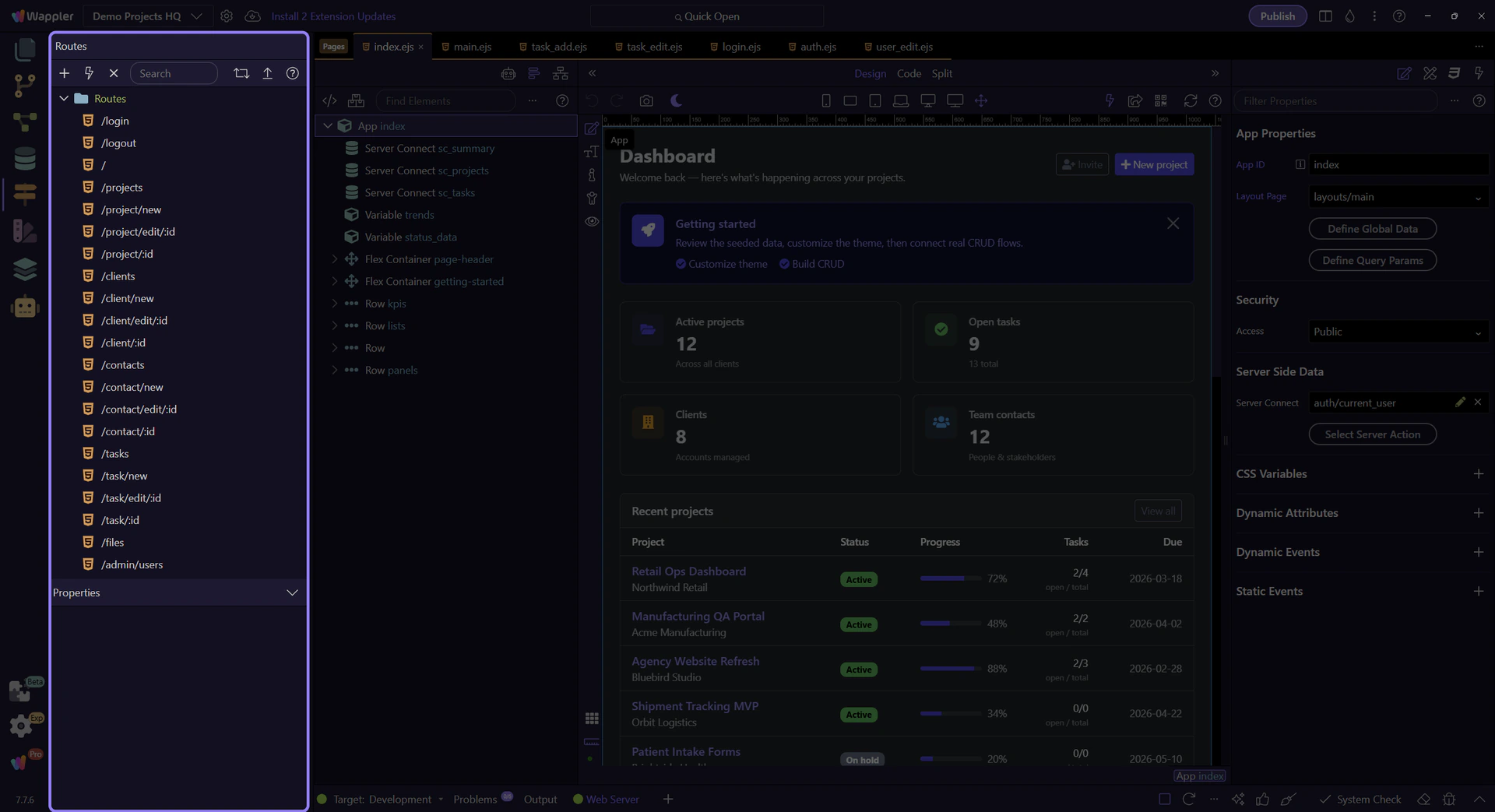
Routing starts with the real route map
Section titled “Routing starts with the real route map”Begin on the real Routes root in Routing Manager. This is the first handoff in the chain: it shows which routed page structure is matched before any layout or Server Connect action is involved.

Pages Manager overview
Section titled “Pages Manager overview”Keep the full Pages Manager surface in view before focusing on one routed file. This is where the route map turns into concrete layout and content files in Demo Projects HQ.
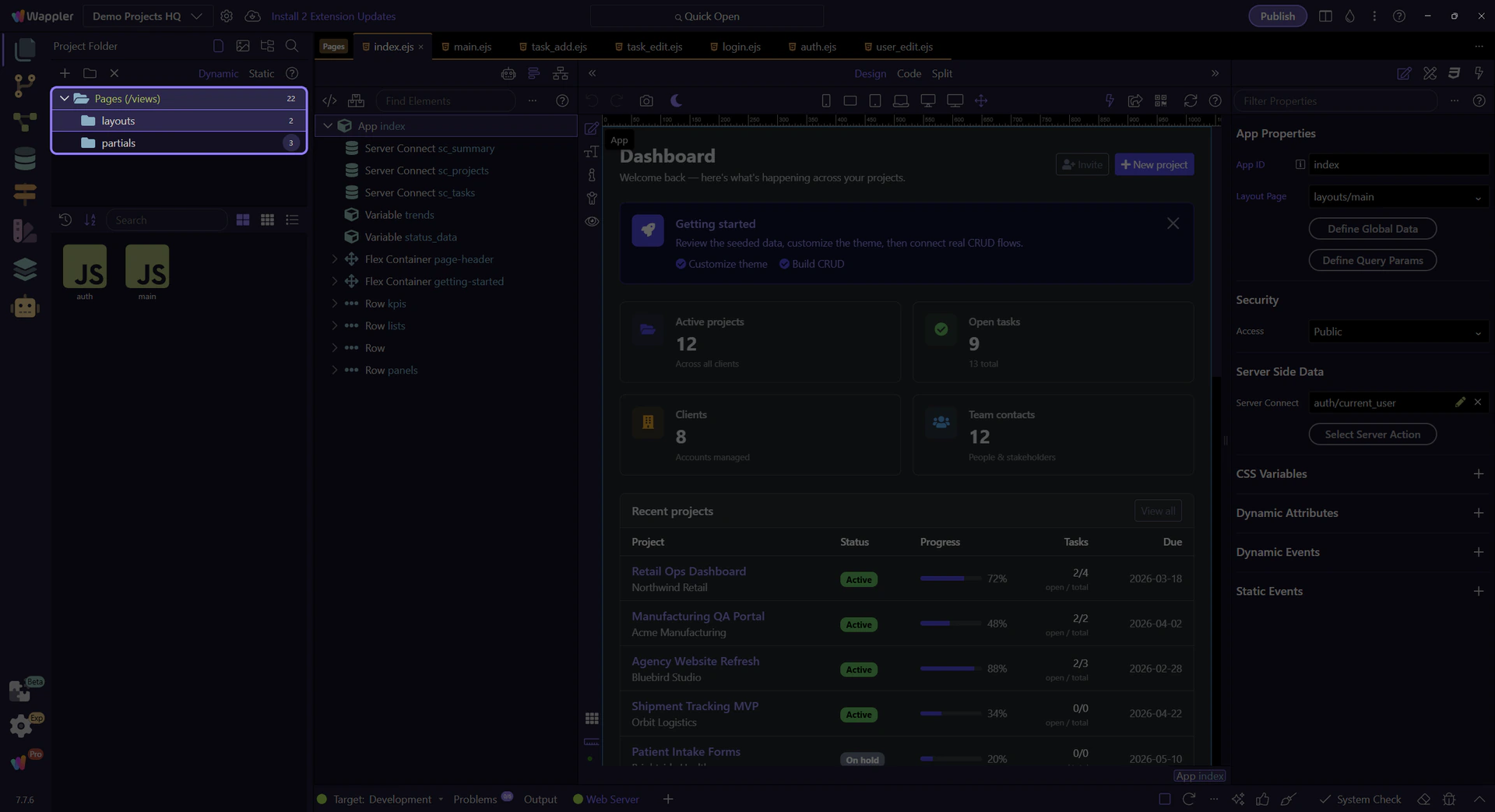
The routed layout folder
Section titled “The routed layout folder”The layouts folder is where the route-level shell becomes concrete in Demo Projects HQ. Seeing it here makes the handoff explicit: routes do not stop at URL patterns, they resolve into reusable layout files before any page-level Server Connect logic runs.

The real layout tile
Section titled “The real layout tile”The live main.ejs tile is the concrete layout file behind the routed shell in Demo Projects HQ. It is also the place where route-level server data becomes visible in practice: app/config/routes.json assigns api/auth/current_user to the main layout, so current_user is already available in EJS locals for the navbar and sidebar before the content page renders. From there, the content page can add its own Server Connect actions to load interactive JSON, submit forms, or apply security-aware updates inside that routed structure.