
Using the Publish Manager
Intro The Publish Manager allows you to publish your project - deploy files, database changes and commit to Git in a single step, from the easy to use publishin
Publish Recipes
Section titled “Publish Recipes”Task-focused publishing recipes: confirm the target, read output correctly, and troubleshoot deployment feedback safely.
Publish Recipes
Section titled “Publish Recipes”Common Publish Manager tasks are less about clicking faster and more about reducing risk. The goal is to verify the target, interpret the feedback correctly, and avoid blind retries.
Check the Target
Section titled “Check the Target”Before any publish, confirm which target you are operating against. This is the simplest deployment safety check you can teach a beginner.
Read Output Carefully
Section titled “Read Output Carefully”Output is not noise. It tells you whether the publish connected, transferred, or failed early. The useful next step usually becomes obvious only after you read it fully.
Troubleshoot with Problems
Section titled “Troubleshoot with Problems”When Problems highlights something actionable, use that as the bridge from deployment feedback into the specific file or setting that needs inspection.
Next steps
Section titled “Next steps”Return to the Publish Manager tours menu to continue with workflow guidance or UI reference.
Publish Manager Reference
Section titled “Publish Manager Reference”Reference tour for the Publish Manager: deployment targets, publishing controls, output reading, and troubleshooting deployment feedback.
Introduction
Section titled “Introduction”Publish Manager is where deployment settings turn into a repeatable release workflow. This reference tour points out the main areas you use when selecting targets, reviewing publish options, and checking what will be uploaded, so later deployment steps feel deliberate instead of risky.
Manager Root
Section titled “Manager Root”The manager root is the right place to orient yourself before and after a publish. It is the frame that connects the target context with the feedback that follows.
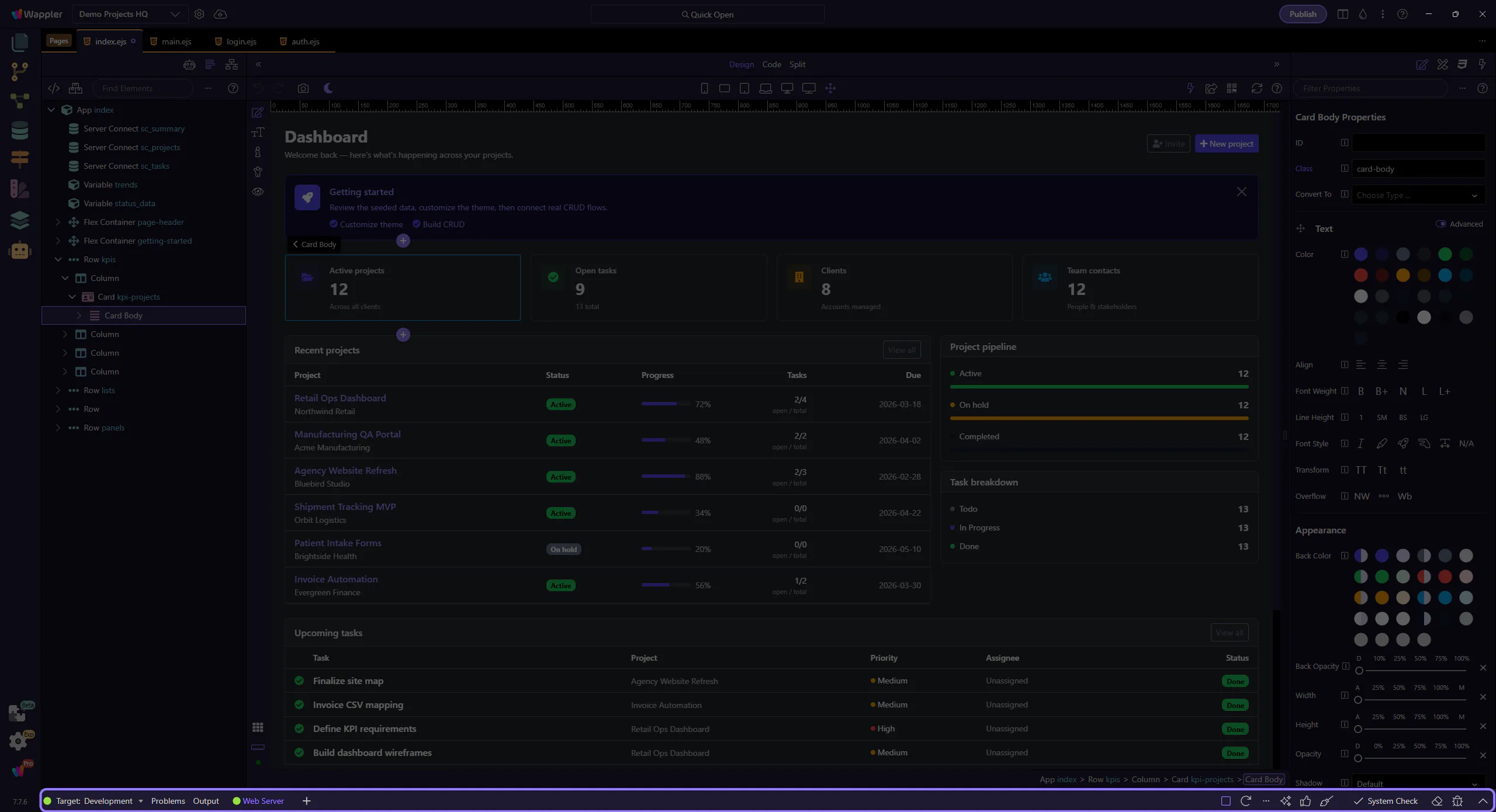
Target-Aware Work
Section titled “Target-Aware Work”Publish work is target-aware by design. The reference mindset is simple: always interpret publish results in relation to the active target you meant to use.

Feedback Loop
Section titled “Feedback Loop”Output and Problems together form the publish feedback loop: one tells you what happened, the other helps you narrow what to inspect next.

Next steps
Section titled “Next steps”Continue with the Publish Manager hub for guided entry points, or use General Usage and Recipes when you want applied advice.
General Usage
Section titled “General Usage”Typical Publish Manager workflow: confirm the target, run the publish, and read output before reacting.
Publish Manager: Basic Workflow
Section titled “Publish Manager: Basic Workflow”A typical publish workflow in Wappler is: confirm the active target, run the publish, then read the feedback before deciding whether you need to retry, fix configuration, or change code.
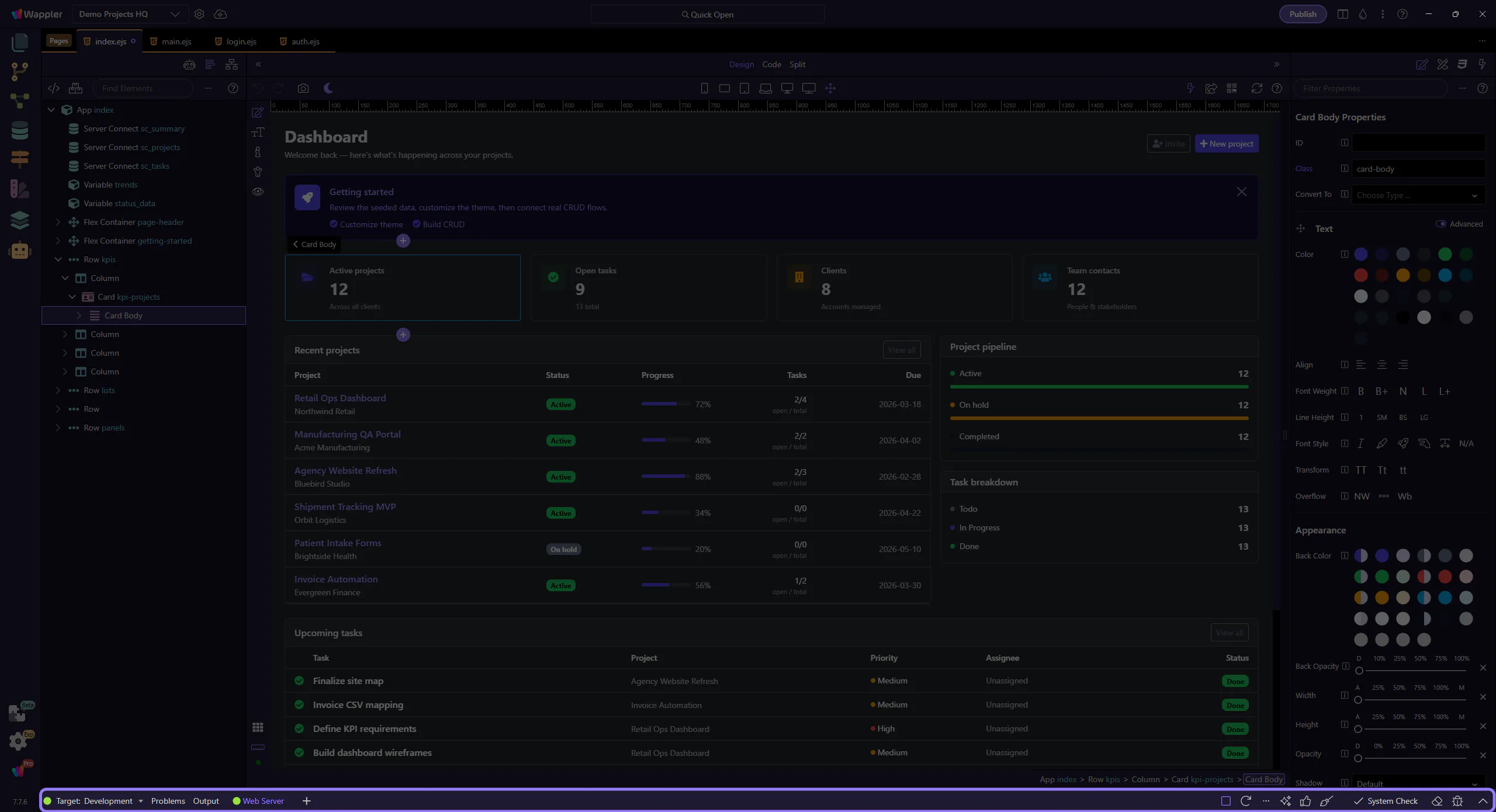
Confirm the Target First
Section titled “Confirm the Target First”Before you publish, make sure you are looking at the intended target context. The cost of checking first is tiny compared with publishing to the wrong place.

Run, Then Read the Feedback
Section titled “Run, Then Read the Feedback”Publishing is not just a button click. Treat the feedback as part of the workflow: wait for the result, read what happened, and only then decide what to do next.

Use Problems to Triage
Section titled “Use Problems to Triage”When publish feedback points at missing settings, files, or target issues, let Problems narrow the next action. It helps you move from broad failure output to the most actionable fix path.

Workflow Finish
Section titled “Workflow Finish”The publish habit to build is disciplined sequence: target first, action second, diagnosis third. That keeps deployment work calm and repeatable.
