
Visibility control
Understand whether the modal is driven by direct actions, bound state, or a combination of both.
Control Bootstrap 5 modals reactively with App Connect: bind visibility, call show/hide actions, and handle modal events.
This tour introduces Bootstrap 5 modals as reactive UI components inside App Connect. You will look at how the modal is represented in Structure, which bindings and actions control its visibility, and how modal events fit into a larger client-side workflow.
By the end of this tour, you should be able to explain the full modal control loop in Wappler: what opens the modal, what closes it, which state or event drives that change, and where you inspect those bindings and actions in the UI.
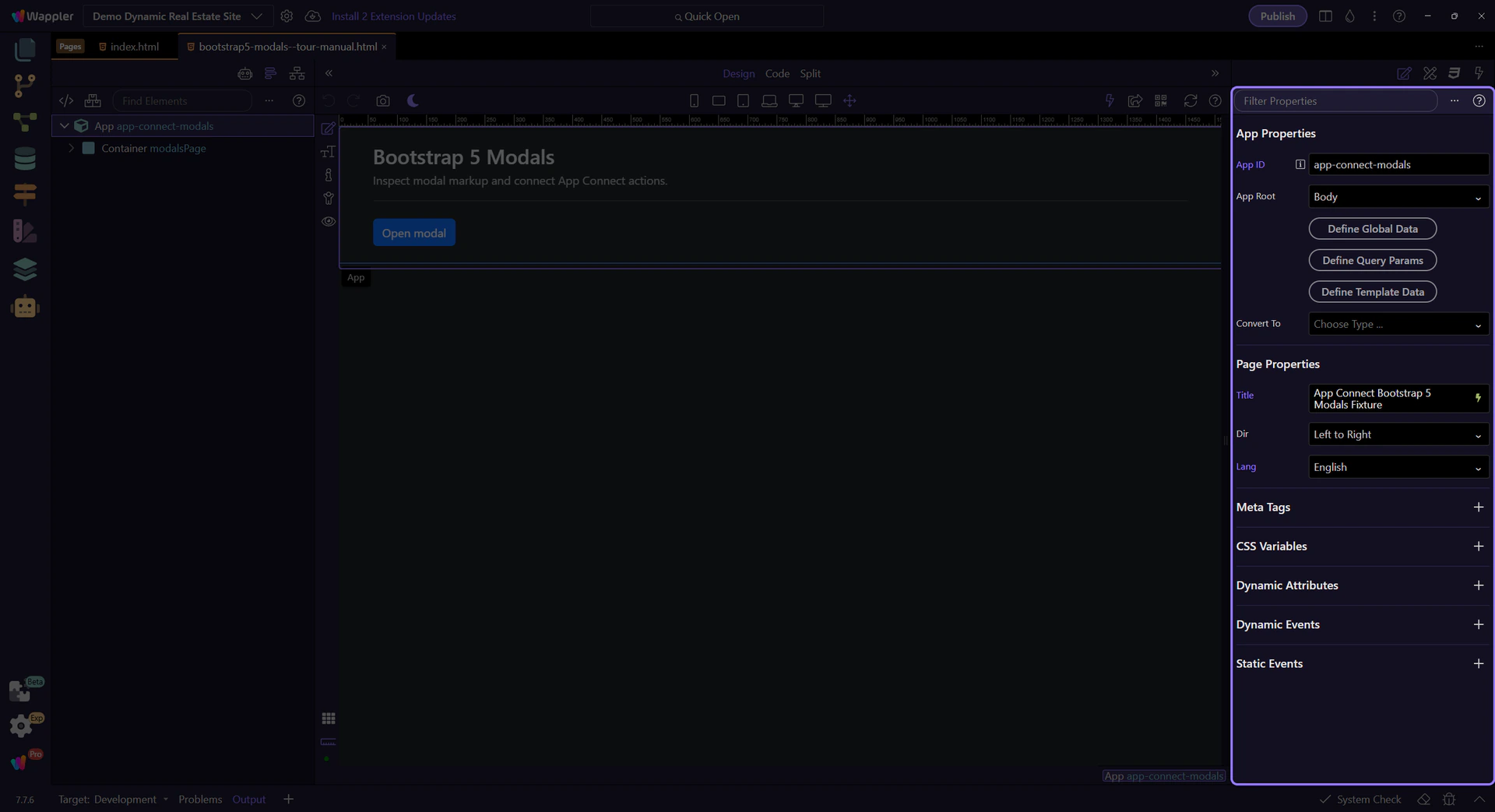
Use App Structure to select modal elements and Properties to configure bindings, events, and actions.
Review what you did and choose a next tour.
Pick a related tour to continue.