
Event
When something happens.
Learn how App Connect turns user interactions into declarative behavior: choose an event, attach one or more actions, apply modifiers, and let bindings react to the updated state.
This tour builds the event-to-action mental model that underpins most App Connect interactions. You will trace how a user event is configured in Properties, how Wappler stores the action list behind that event, and how the rest of the page reacts when the action runs.
The goal is to read an event configuration like a simple sentence: when this happens, run these actions, then let bindings and components respond. Once that clicks, click, submit, and keyup handlers all follow the same pattern.
Events, actions, and modifiers are configured in the Properties panel for the selected component.
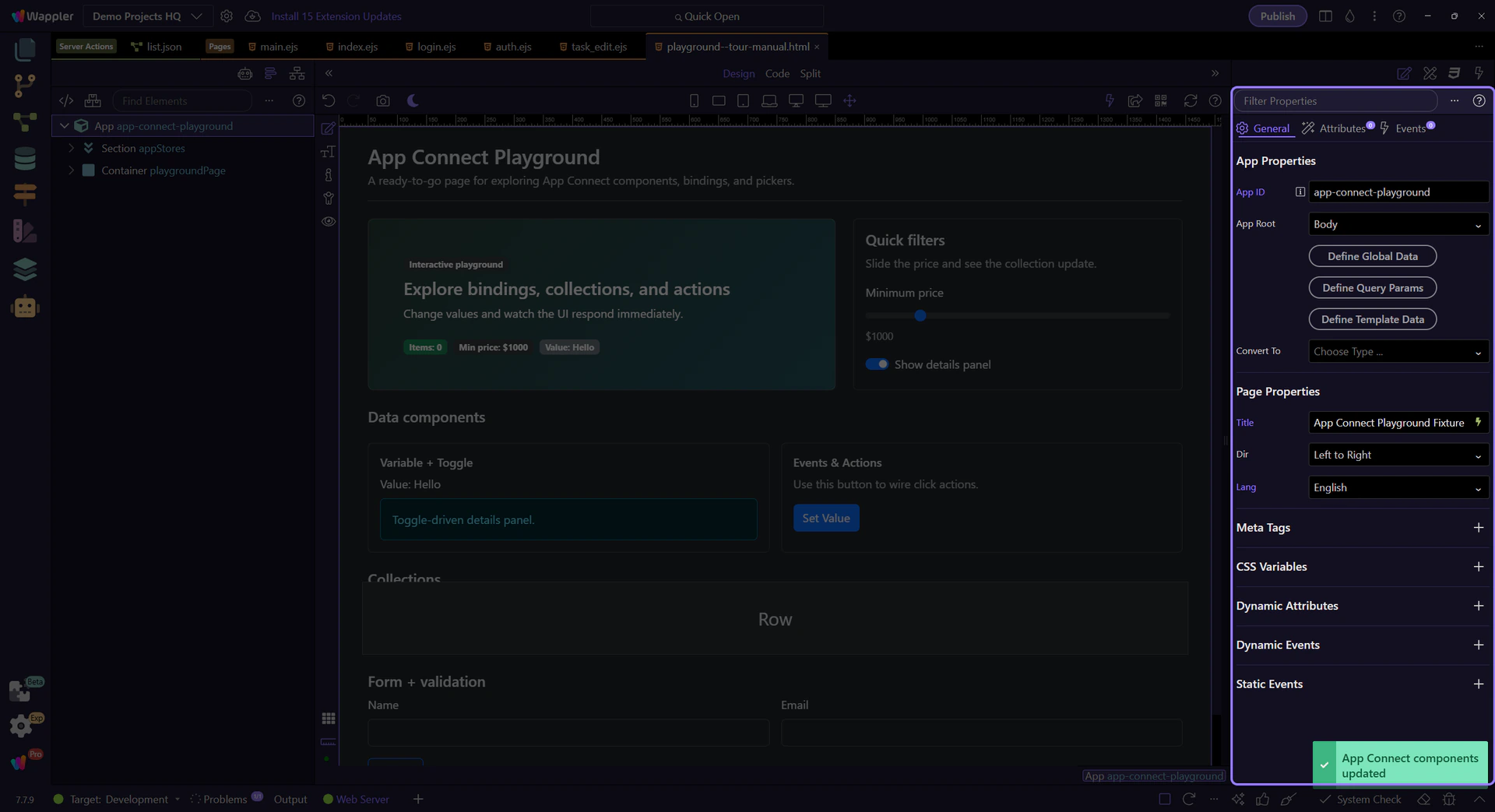
The Click event is the most common event. Modifiers control default behavior and add conditions.
The Actions Picker is attached to the Click property. Read it as the action list for this selected element: when the click event fires, the configured actions run in order.
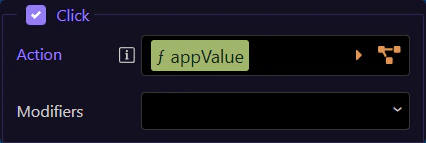
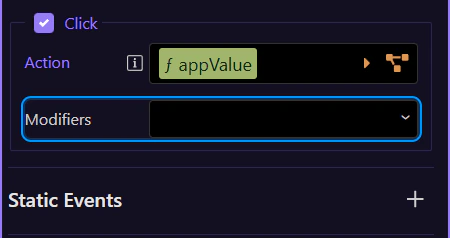
Use prevent/stop/once/capture and key/button modifiers to control behavior without manual code.
Next, go deeper into collections and traversal.
Continue learning App Connect.