
Decision point
Learn when a single event action is enough and when the workflow needs its own staged flow.
Learn when App Connect flows are worth introducing, how they differ from a single event → action handler, and how to think about multi-step client workflows before building them.
This introduction sets the decision rule for flows before you start building one. You will compare a simple event handler with a staged workflow, identify the kinds of UI tasks that benefit from multiple ordered steps, and see how flows keep that logic readable as it grows.
By the end of this tour, you should be able to decide whether a feature needs a flow at all, describe the sequence of steps the flow must coordinate, and recognize the parts of the Wappler UI where you inspect and maintain that workflow.
Flows are useful for multi-step UI workflows where you want a clear sequence; simple interactions can stay as a single event → action.
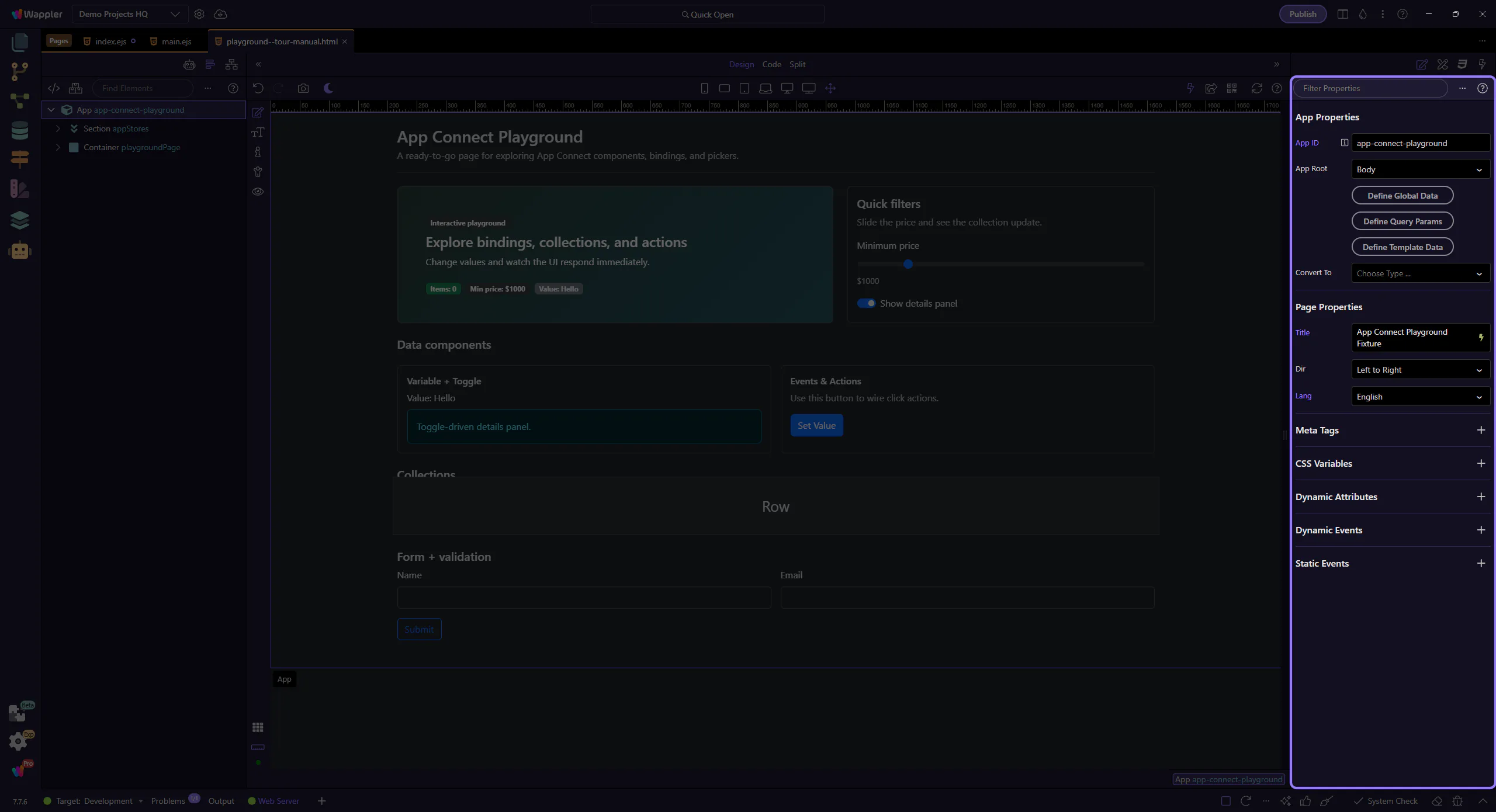
Review what you did and choose a next tour.
Pick a related tour to continue.