Manager overview (App Flow)
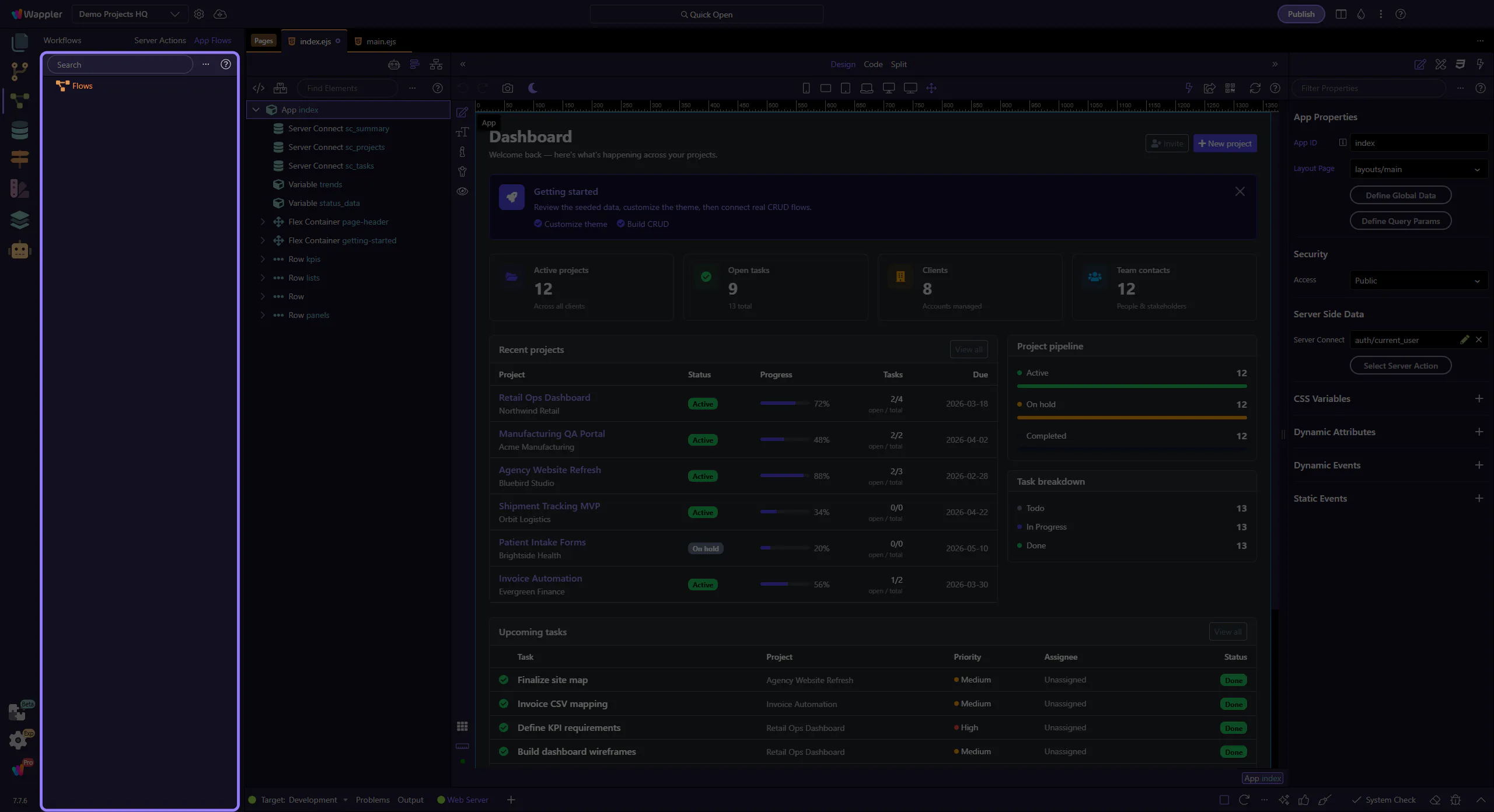
Manager (App Flow) overview: key areas and how they work together.
App Flows manager overview (App Flow type)
Section titled “App Flows manager overview (App Flow type)”This UI is the App Flow builder in Workflows > App Flows. App Flows are isolated client-side workflows that return results.
For Page Flows and Inline Flows, you create them inside pages (App Connect).
NOTE: Flow types recap: App Flow = isolated + returns results. Page Flow = runs in a page + can use page actions. Inline Flow = actions in an event handler + no return data.
App Flows
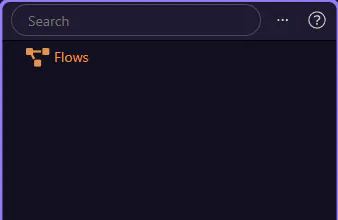
Section titled “App Flows”This panel lists all your app flows. You can organize them into folders. This step matters because App Flows is part of Manager Appflows, and understanding that context makes the next action easier to repeat in your own project.
Search Flows
Section titled “Search Flows”Use the search bar to quickly find any app flow. This step matters because Search Flows is part of Manager Appflows, and understanding that context makes the next action easier to repeat in your own project.
Global Settings
Section titled “Global Settings”Configure shared settings for your flows, integrations, and project-level options. This step matters because Global Settings is part of Manager Appflows, and understanding that context makes the next action easier to repeat in your own project.
Flow steps (main panel)
Section titled “Flow steps (main panel)”When you select a flow, its steps appear in the main panel.
Next: take a closer look at managing the flows list (search, refresh, open in editor).