
Inputs
Parameters in From page
Explore App Flow: First flow: First App Flow (mental model), App Flow, and steps (and outputs).
App Flows are isolated client-side workflows. They run with inputs, execute steps (including branching), and can return results for your page to use.
TIP: If you need to orchestrate actions on a single page (and access that page’s components), consider a Page Flow instead.
Use Workflows > App Flows to create a new App Flow file. Organize flows into folders as your project grows.
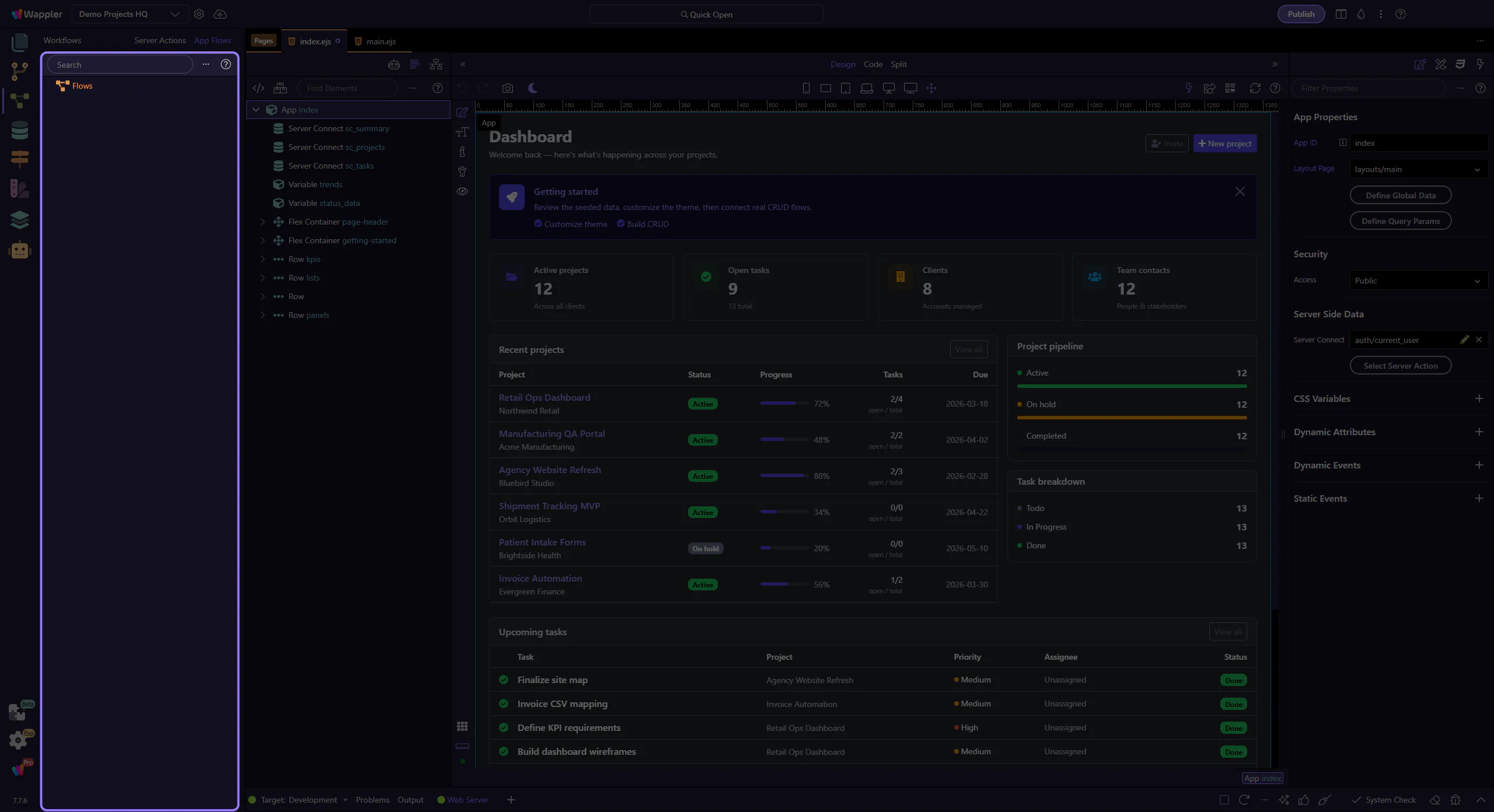
Add steps to implement your workflow. Steps typically run top-to-bottom and can branch based on conditions.
Prefer explicit outputs so the page that calls the flow can use the results.
Global Settings is where you configure shared items for your project that are used by flows and integrations.
Test the flow in your app context. Debug client-first: check trigger → step inputs → step outputs → branch conditions.