
Database Manager Recipes
Task-focused Database Manager recipes: create relations, create connections, edit live table data, and model nested or many-to-many structures.
Introduction
Section titled “Introduction”Use this recipe hub when you already know the concrete job and want the Database Manager panel shown through practical states rather than abstract theory. The recipes are organized around the kind of panel work you are doing: connection setup, live data inspection, nested one-to-many modeling, or many-to-many modeling.
Choose the Database Manager recipe you need
Section titled “Choose the Database Manager recipe you need”Pick the recipe that matches the panel state you need to work in. If you are preparing the environment, start with Connections. If you are validating records, use Editing Database Data. If you are shaping relations, choose Sub Tables or Multi References depending on the data pattern.
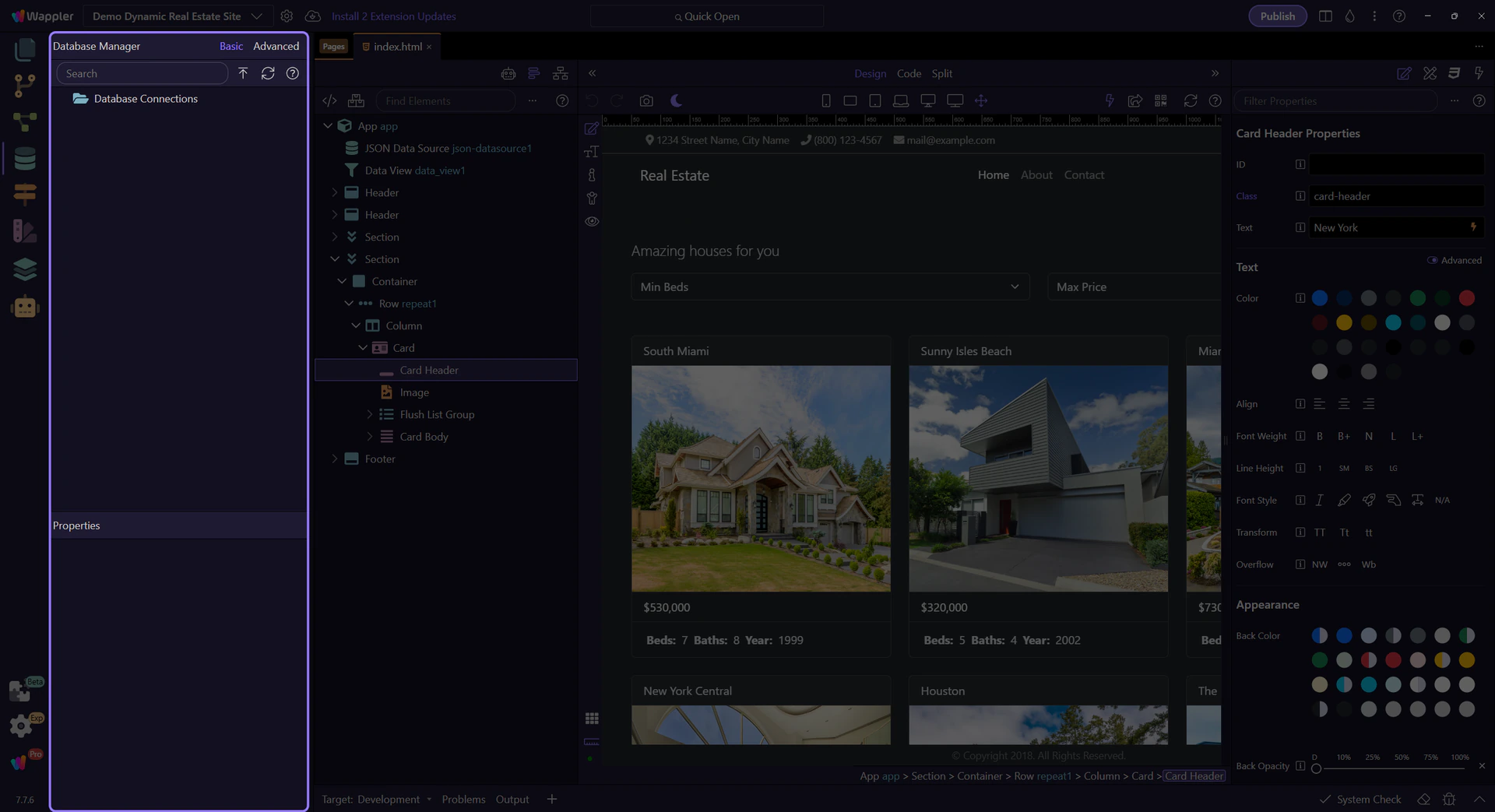
Common panel configurations and sample situations
Section titled “Common panel configurations and sample situations”This hub is also about recognizing the panel situations you are in. One moment the manager is mostly about connection readiness and naming conventions. Another moment it is about a table context menu with View/Edit Data. Another moment it is about choosing between Basic and Advanced relationship setup. Thinking in panel states makes the recipes easier to pick and repeat.
Create relations by matching the data shape
Section titled “Create relations by matching the data shape”The key recipe decision is relational shape. Use a simple reference when one record points to one parent. Use a sub table when a parent owns a nested child collection. Use a multi reference when both sides need many links. This is the practical decision point the panel keeps bringing you back to.
Next steps
Section titled “Next steps”Return to the Database Manager tours menu to continue with overview and reference material, or stay in the recipe branch and open the specific task you need next.