File Manager: Quick Overview
Get a quick overview of File Manager: what it is, where to find it, and how it fits in your workflow.
File Manager Overview
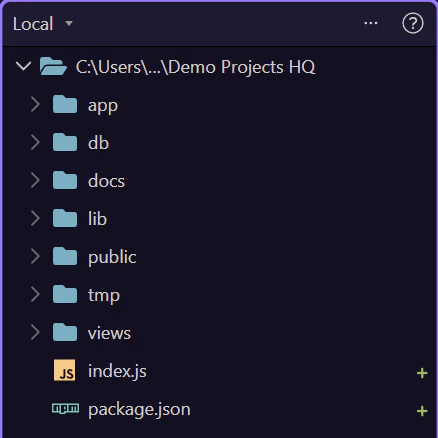
Section titled “File Manager Overview”File Manager is where you inspect the project folder structure that Wappler works with every day. It is the fastest place to answer a simple question: where is this file, and is it in the right place?
Project Tree
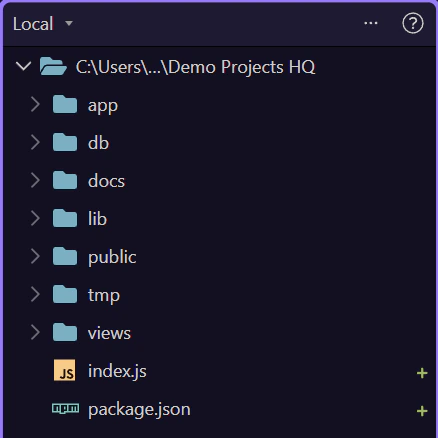
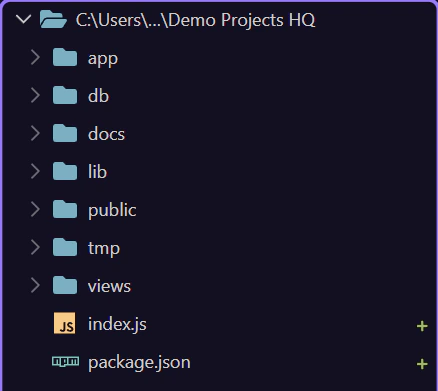
Section titled “Project Tree”The tree gives you the real project shape: pages, includes, assets, server actions, and support files. When you understand this tree, navigation across Wappler becomes much easier.
Main Toolbar
Section titled “Main Toolbar”Use the main toolbar for actions that change or refresh what you are looking at. This is where you create, upload, and refresh instead of hunting through menus first.

A Good Working Habit
Section titled “A Good Working Habit”Treat File Manager as the source of truth for project organization. If files were changed outside Wappler, come back here, refresh, and confirm the tree before you continue editing.
Conclusion
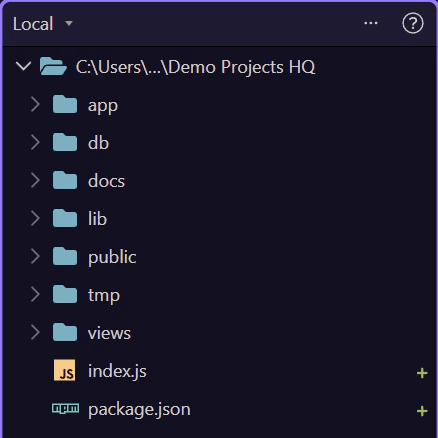
Section titled “Conclusion”The beginner takeaway is simple: use File Manager to stay oriented, open the right file, and keep your project structure clean before you move deeper into pages, workflows, or deployment.