Project Manager: Quick Overview
Get a quick overview of Project Manager: what it is, where to find it, and how it fits in your workflow.
Project Manager Overview
Section titled “Project Manager Overview”This is the Project Manager. Use it to create, open, and manage your Wappler projects.
This tour focuses on where things are. For step-by-step guidance, use the Project Manager tours: Create a New Local Project, Choosing Your Project Setup, and Removing Projects.
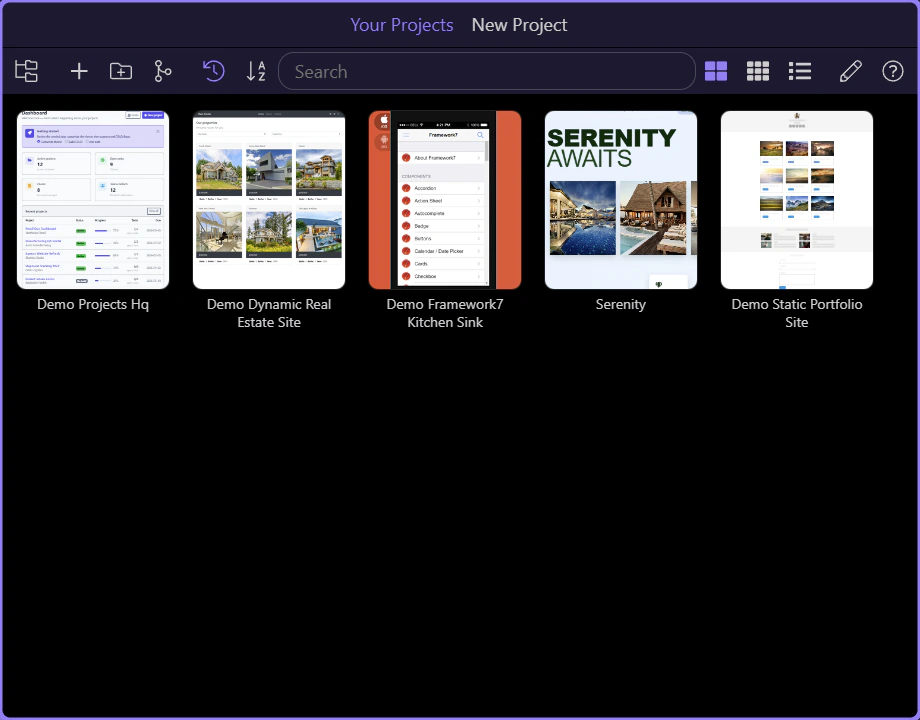
Toolbar
Section titled “Toolbar”Use the toolbar to switch views, sort/search projects, and manage projects. Some actions (New/Clone/Open) may appear here or in the Welcome Screen, depending on how Project Manager is opened.

New Project
Section titled “New Project”When you want to start something new, use New Project from this toolbar to open the project creation flow.

Open Existing Folder
Section titled “Open Existing Folder”Already have a Wappler project on disk? Use Open Existing Folder here to add it to Project Manager.

Clone From Git
Section titled “Clone From Git”If your project lives in Git, use Clone From Git here to bring it into Wappler without setting it up manually first.

Project List
Section titled “Project List”Browse and select your projects here.
Tip: removing a project here only removes it from the list — it doesn’t delete your project folder from disk.
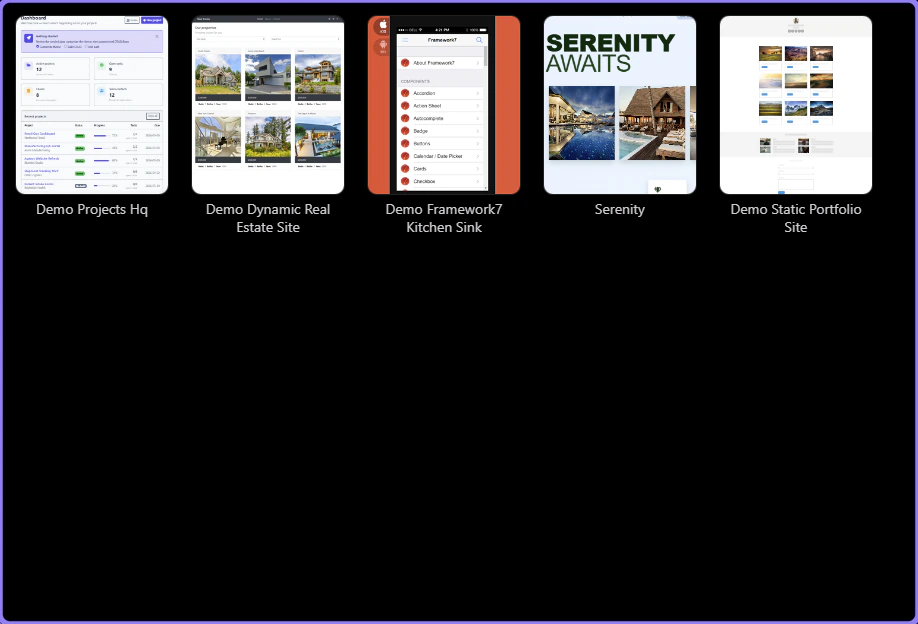
Manage Projects
Section titled “Manage Projects”Before you reorganize the list, turn on Manage Projects here. That unlocks actions like duplicate and remove for each project.

Search
Section titled “Search”As your project list grows, use this search field to filter by project name and jump to the one you need faster.