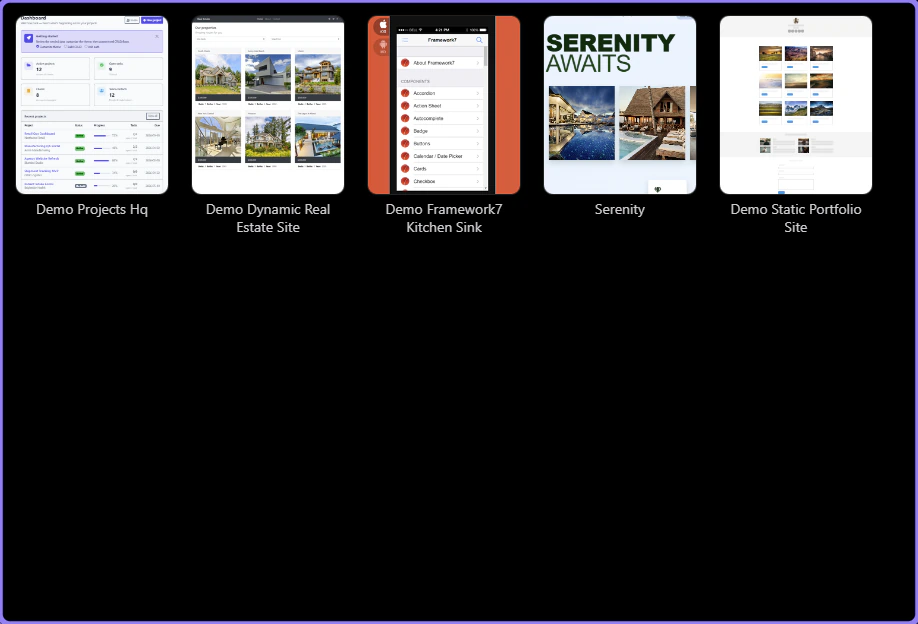
Removing Projects
Explore Removing Projects: Project List and Confirm removal.
As your project list grows, you can remove older projects from the Project Manager list.
Important: removing a project from the list does not delete its files from disk.
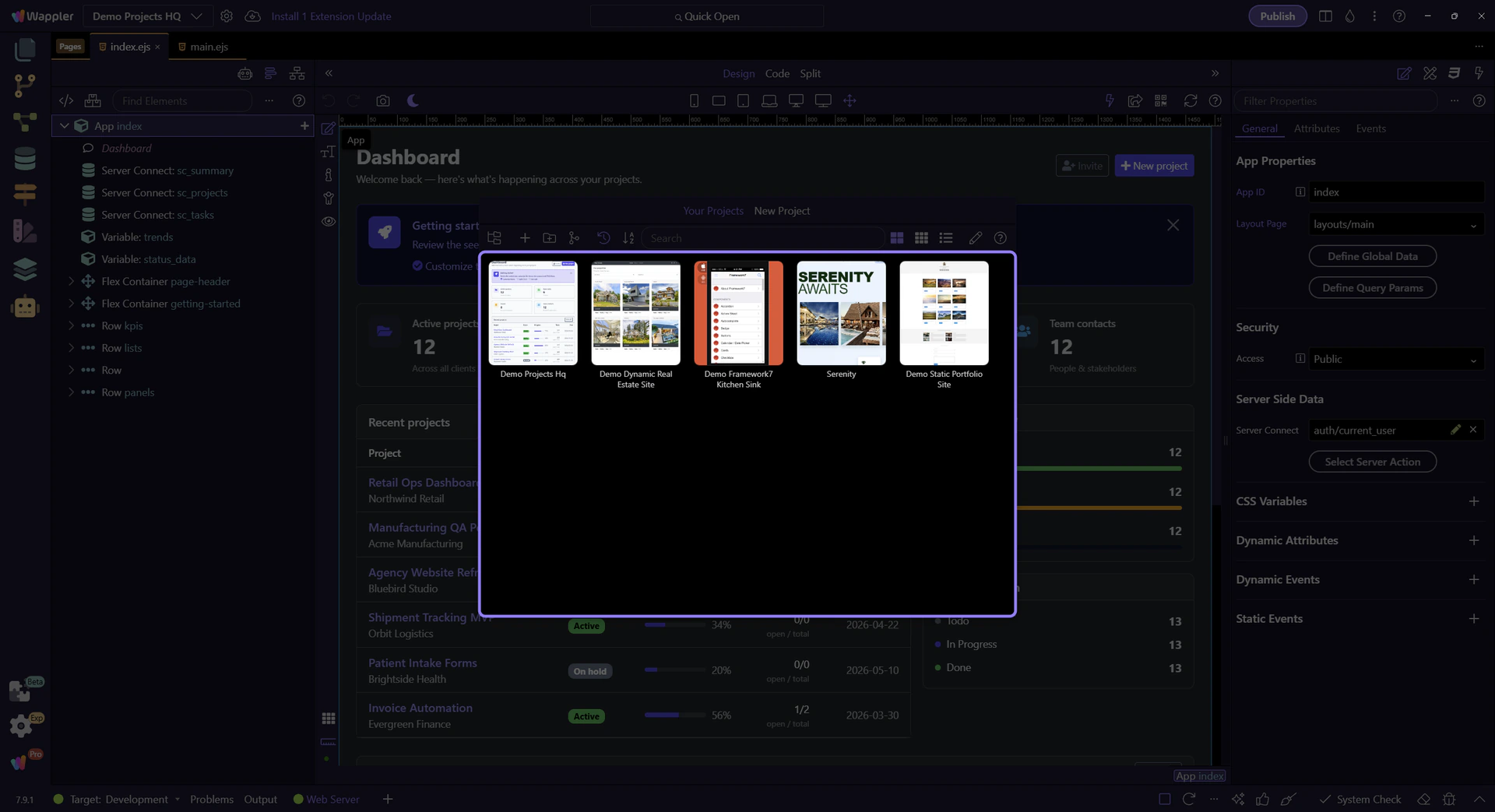
Project List
Section titled “Project List”Your projects are shown here. Hover a project to reveal project actions (including remove).
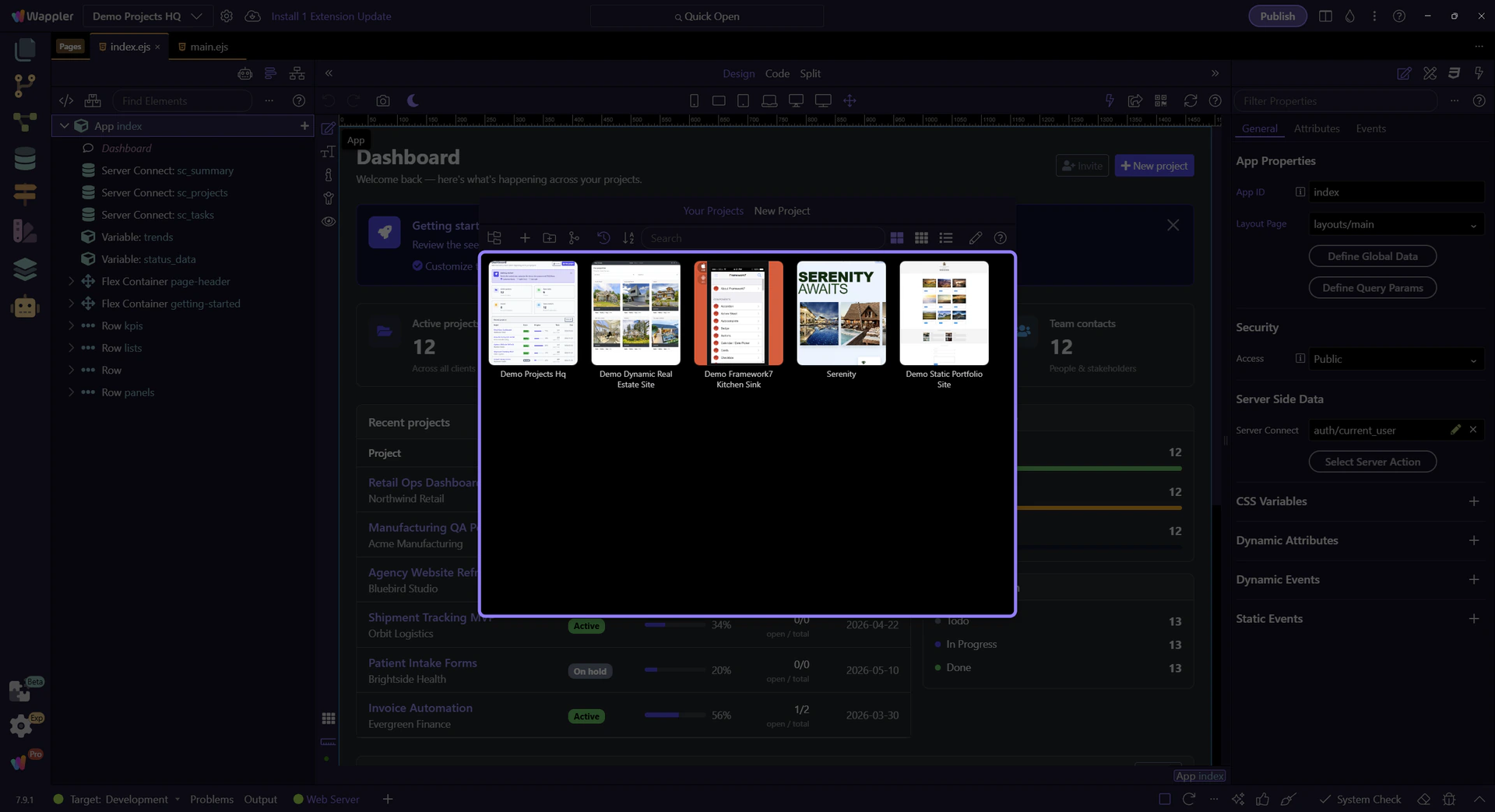
Confirm removal
Section titled “Confirm removal”After choosing Remove, confirm the prompt to remove it from Wappler’s project list. You can re-open the project later by opening its folder again.