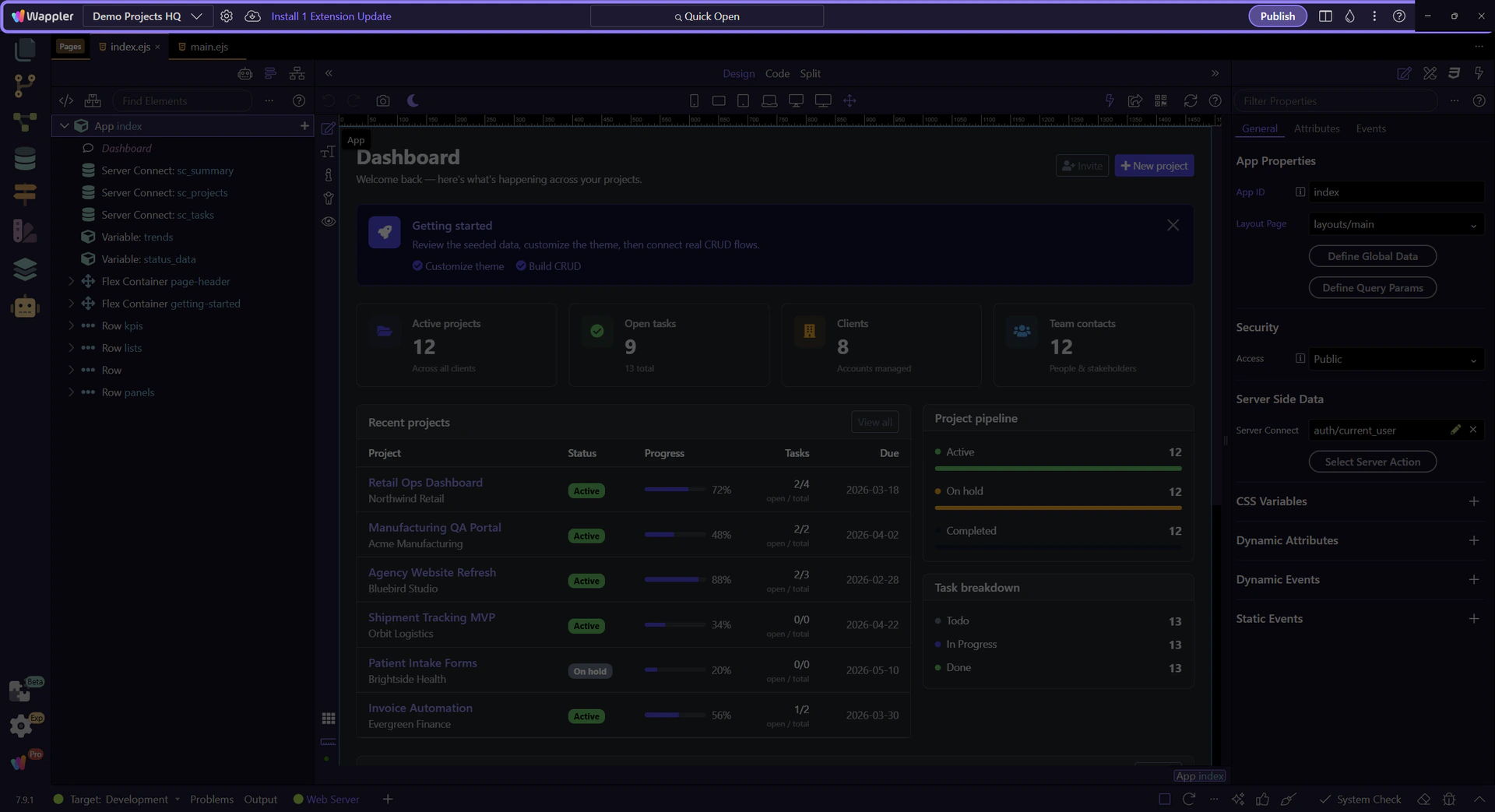
Reset Frameworks
Use Project Updater to force-refresh App Connect and Server Connect framework files for the current project when you need a clean framework reset.
Project Actions In The Toolbar
Section titled “Project Actions In The Toolbar”The top toolbar keeps the current project’s quick actions together, including settings, the updater, and the main menu.
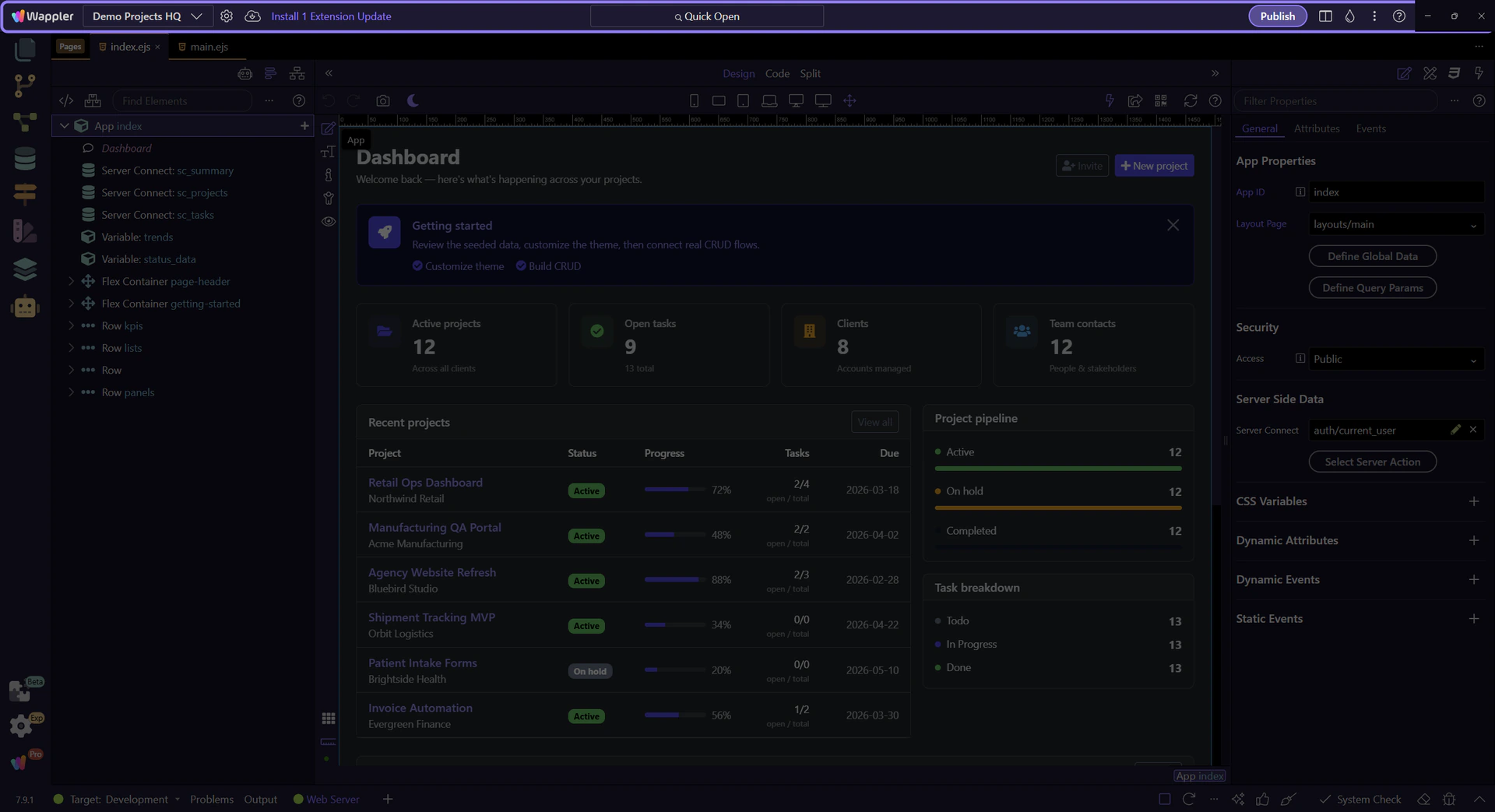
Project Updater Button
Section titled “Project Updater Button”The Project Updater button in this toolbar opens the updater popup for the current project and exposes the framework reset controls there.
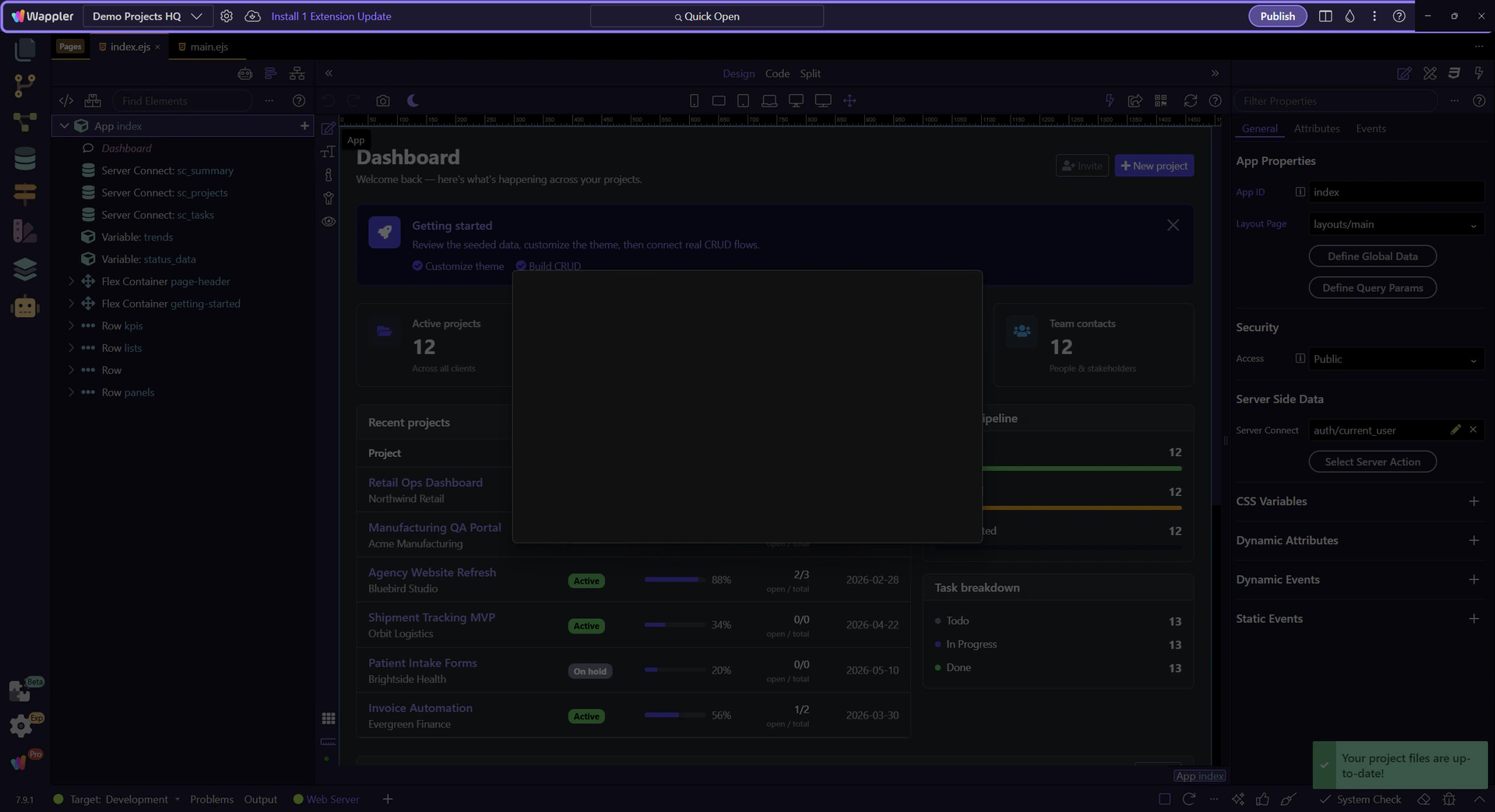
Project Assets Updater
Section titled “Project Assets Updater”This popup is where Wappler checks the project’s framework assets and lets you force a fresh reset when the local framework files need to be rebuilt.
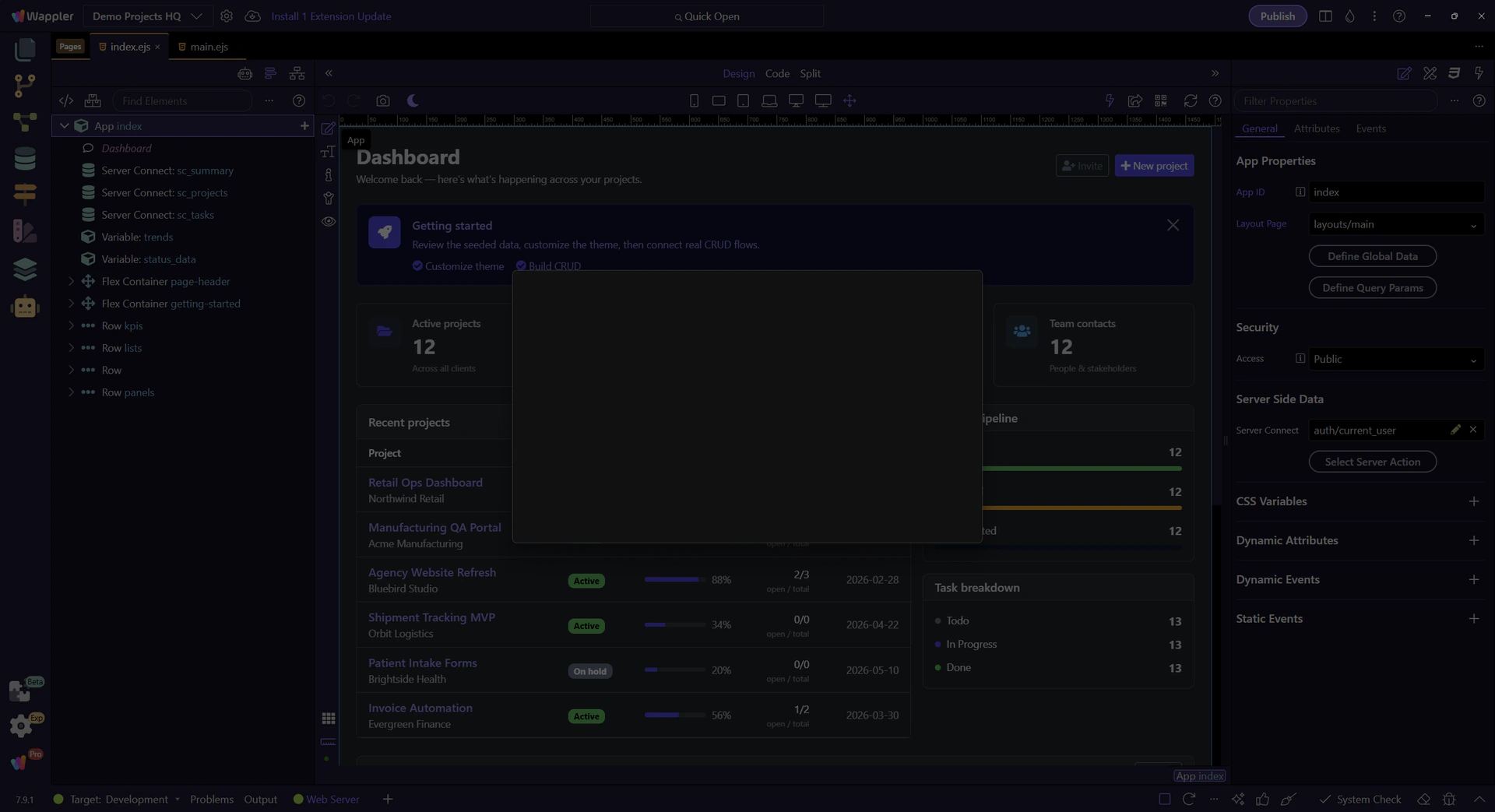
Reset App Connect Files
Section titled “Reset App Connect Files”Enable this force-update toggle when you want Wappler to replace the project’s App Connect and component framework files with a fresh copy.
important: Force Update is for resetting framework files, not for preserving local edits inside the generated framework assets.

Reset Server Connect Files
Section titled “Reset Server Connect Files”Use the Server Connect force-update toggle to reinstall the Server Connect framework files for the current project when that side also needs a clean reset.

Review The Reset Scope
Section titled “Review The Reset Scope”Use these toggles only for the framework layers you want to refresh. After that, Check For Updates rebuilds the update list so you can confirm what will be replaced before you run the updater.

Close The Updater For Now
Section titled “Close The Updater For Now”This tour only needs to show where the reset controls live. Close the popup when you are done reviewing the reset options, then return to the wider Project Manager tour.

Return to Project Manager
Section titled “Return to Project Manager”Now that the reset controls are clear, continue with the broader Project Manager tour from the main workspace.