
Numbers, dates, and richer inputs
Use the Demo Projects HQ task form to see where number fields, scheduling inputs, and richer widgets each belong in a practical form.
Some values need more structure than plain text
Section titled “Some values need more structure than plain text”The task form goes beyond ordinary text fields because time, estimates, and multi-value tags become hard to manage when they are treated as undifferentiated strings. Wappler gives you better field types and widgets when the data shape really calls for them.
The task form shows where basic fields stop being enough
Section titled “The task form shows where basic fields stop being enough”The task page mixes ordinary inputs with more specialized ones because the data shape changes across the form. Estimates behave like measurable numbers, scheduling fields need real date-time structure, and tags need a clearer multi-value editing surface than a comma-separated text box.
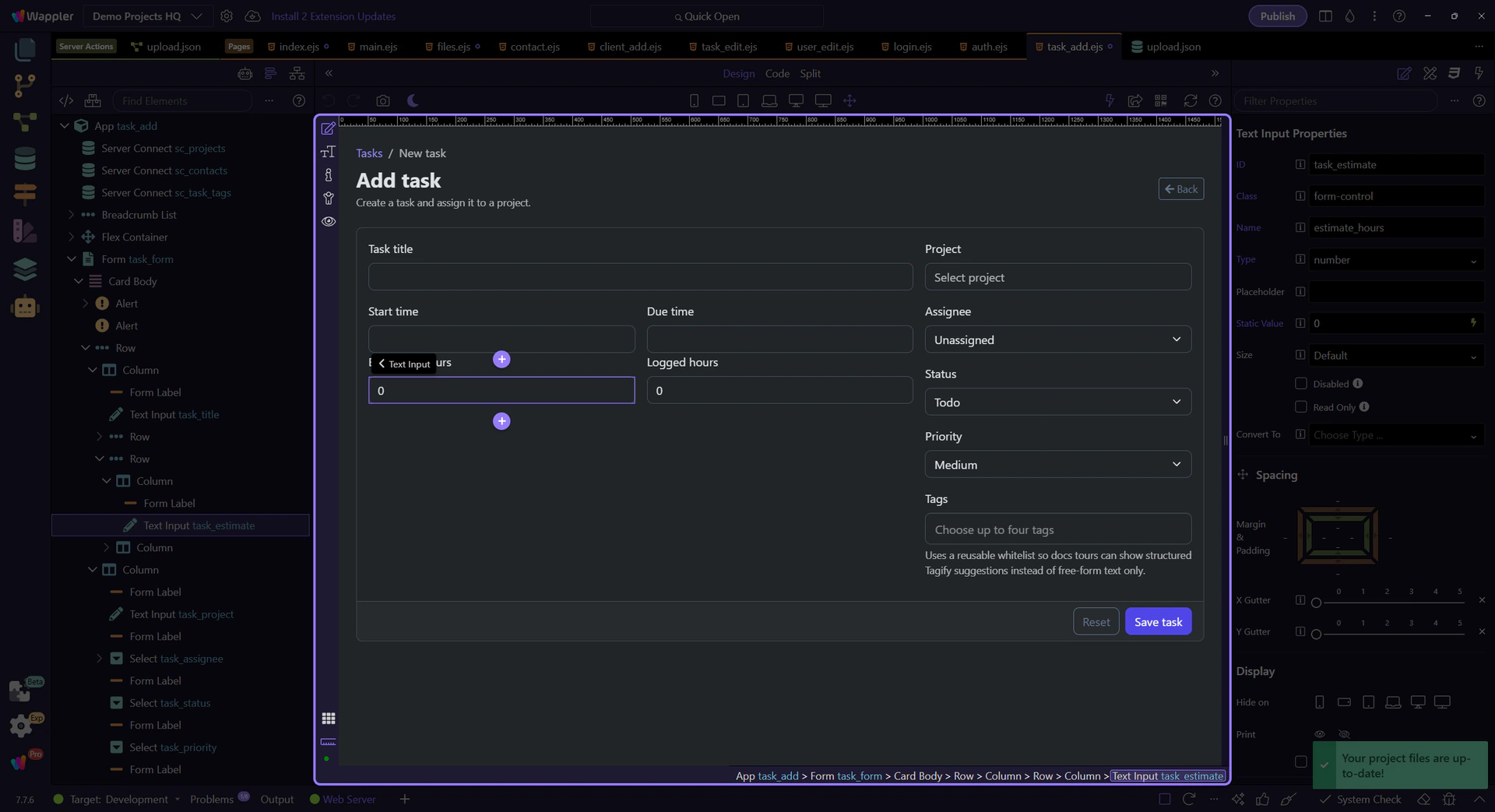
Estimates and logged hours should stay numeric
Section titled “Estimates and logged hours should stay numeric”#task_estimate and #task_logged are number fields because the values participate in arithmetic and boundary rules. Treating them as numbers early makes validation, calculation, and reporting much easier than collecting them as plain text and cleaning them up later.
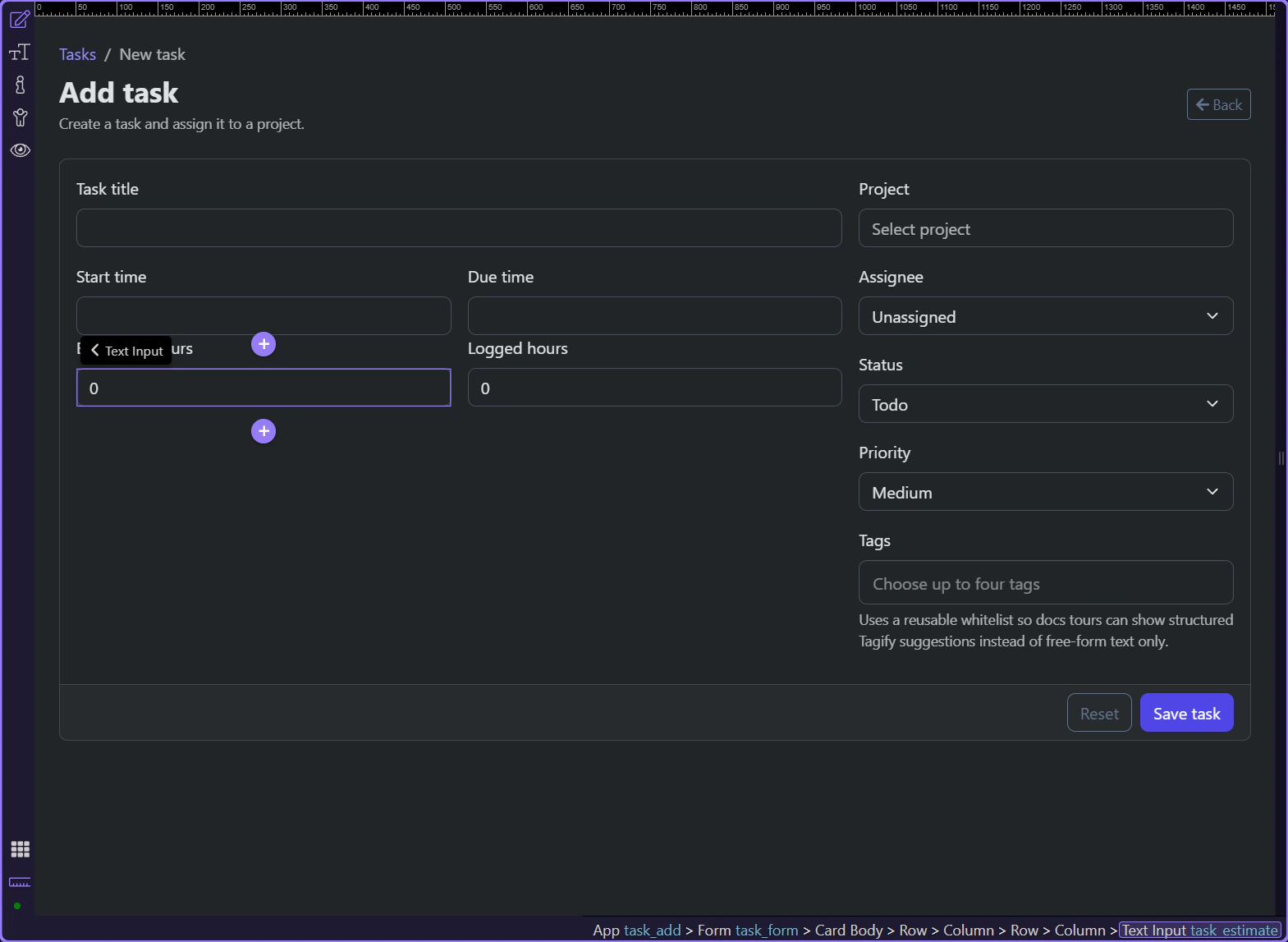
Start and due times need scheduling controls
Section titled “Start and due times need scheduling controls”#task_start and #task_due are where a plain text box becomes too ambiguous. Once users are choosing real schedule values, date-time pickers reduce formatting mistakes and keep the two time fields consistent with how the application actually uses them.
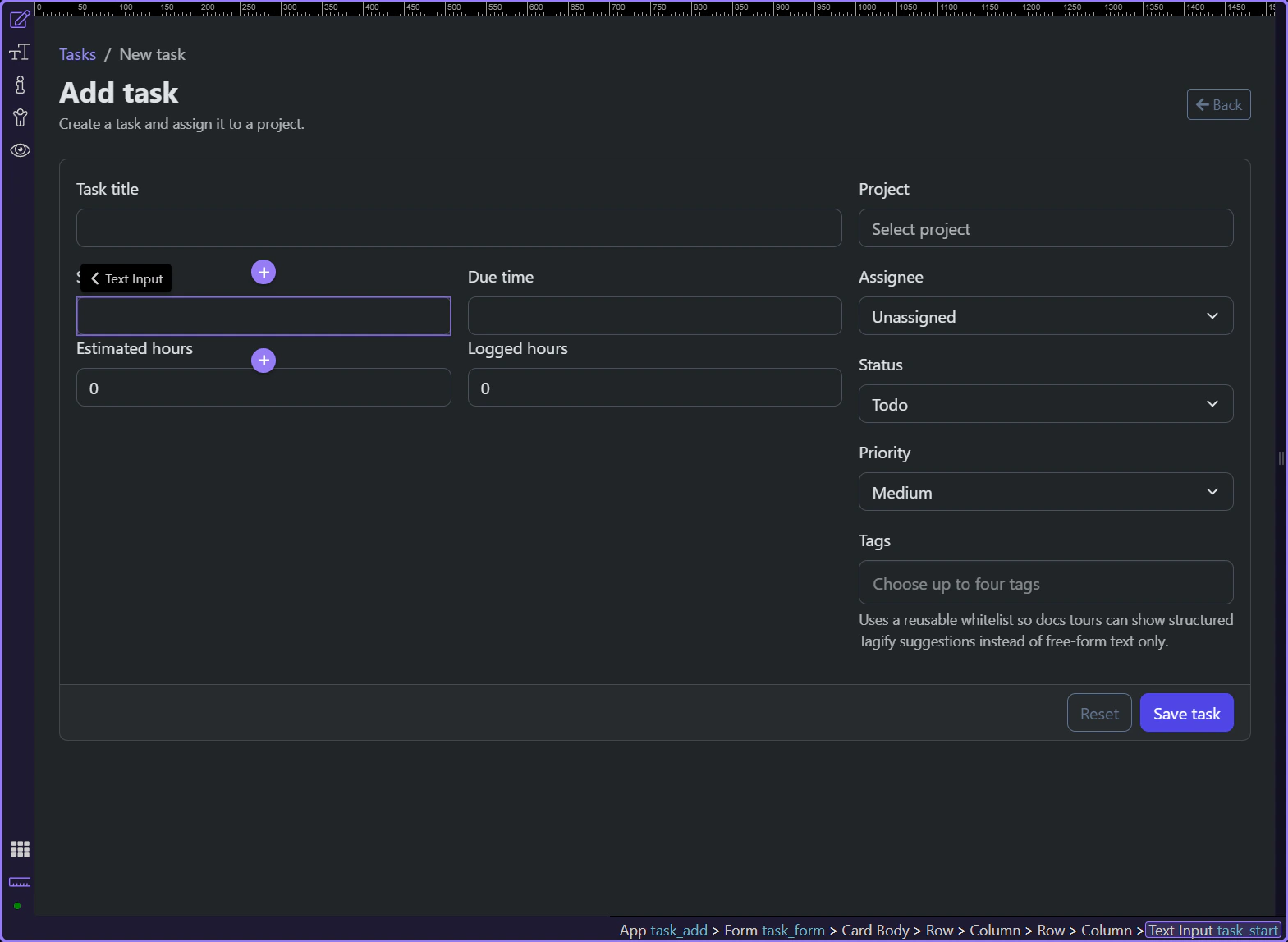
Project and tags cross into richer widget territory
Section titled “Project and tags cross into richer widget territory”#task_project and #task_tags show the point where the page needs guided lookup or structured multi-selection instead of a plain control. That is not a reason to make every field fancy. It is a reason to escalate only where the user would otherwise fight the input.
Conclusion
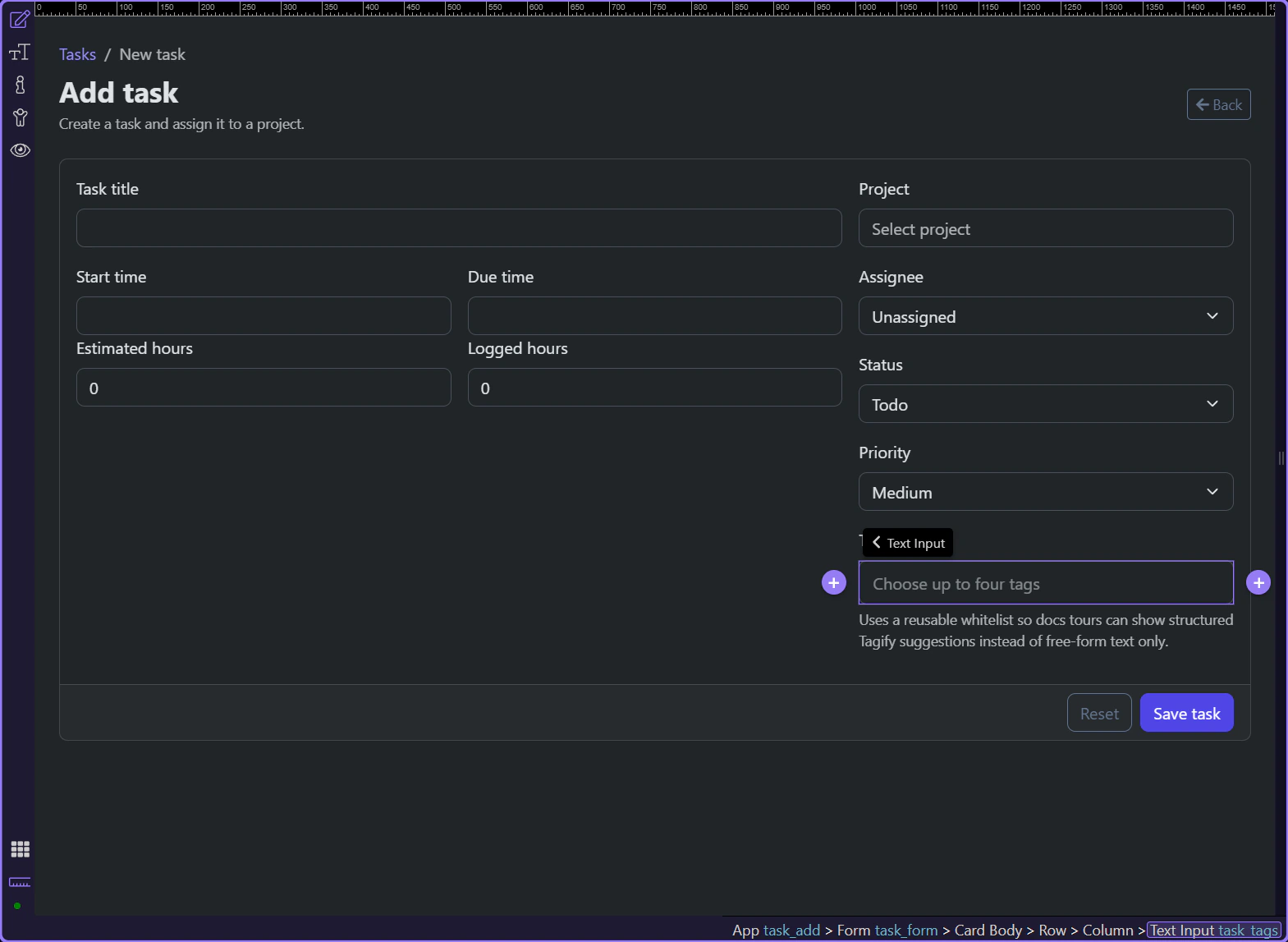
Section titled “Conclusion”The task form shows the dividing line clearly: number inputs help with measurable values, schedulers help with real date-time choices, and richer widgets help when a field needs more guidance than a plain control can provide. The key is to escalate only when the data shape actually justifies it.