
Form to Server Action handoff
Use the Demo Projects HQ task form to connect page fields, the Server Connect form action, and the success/error states that come back after submit.
A form submit is a contract with a server action
Section titled “A form submit is a contract with a server action”The new-task page in Demo Projects HQ is a good baseline because it does not stop at field collection. The form, its action URL, its success branch, and its error state all live together on one page, so the handoff from browser input to server processing stays readable.
The page form declares the handoff point
Section titled “The page form declares the handoff point”#task_form is the browser-side handoff boundary. It gathers the page inputs, names the action endpoint, and becomes the object that exposes success data, request state, and lastError after submit.
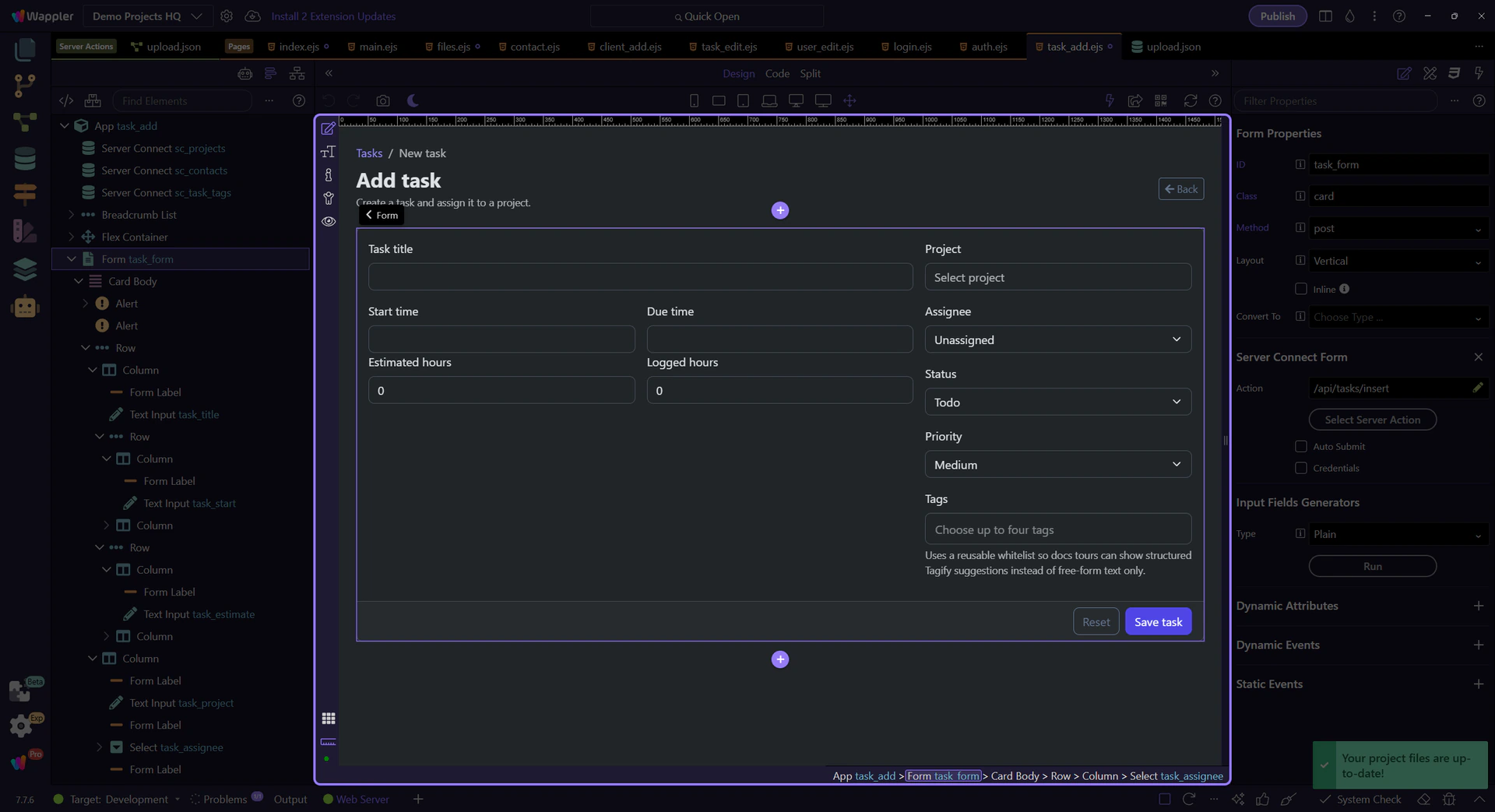
The action URL is the server-side contract
Section titled “The action URL is the server-side contract”This form posts to /api/tasks/insert, which is the point where field input stops being just page state and becomes a request for the server to process. Keeping that contract explicit is what makes form behavior explainable later when insert, update, and validation rules evolve.
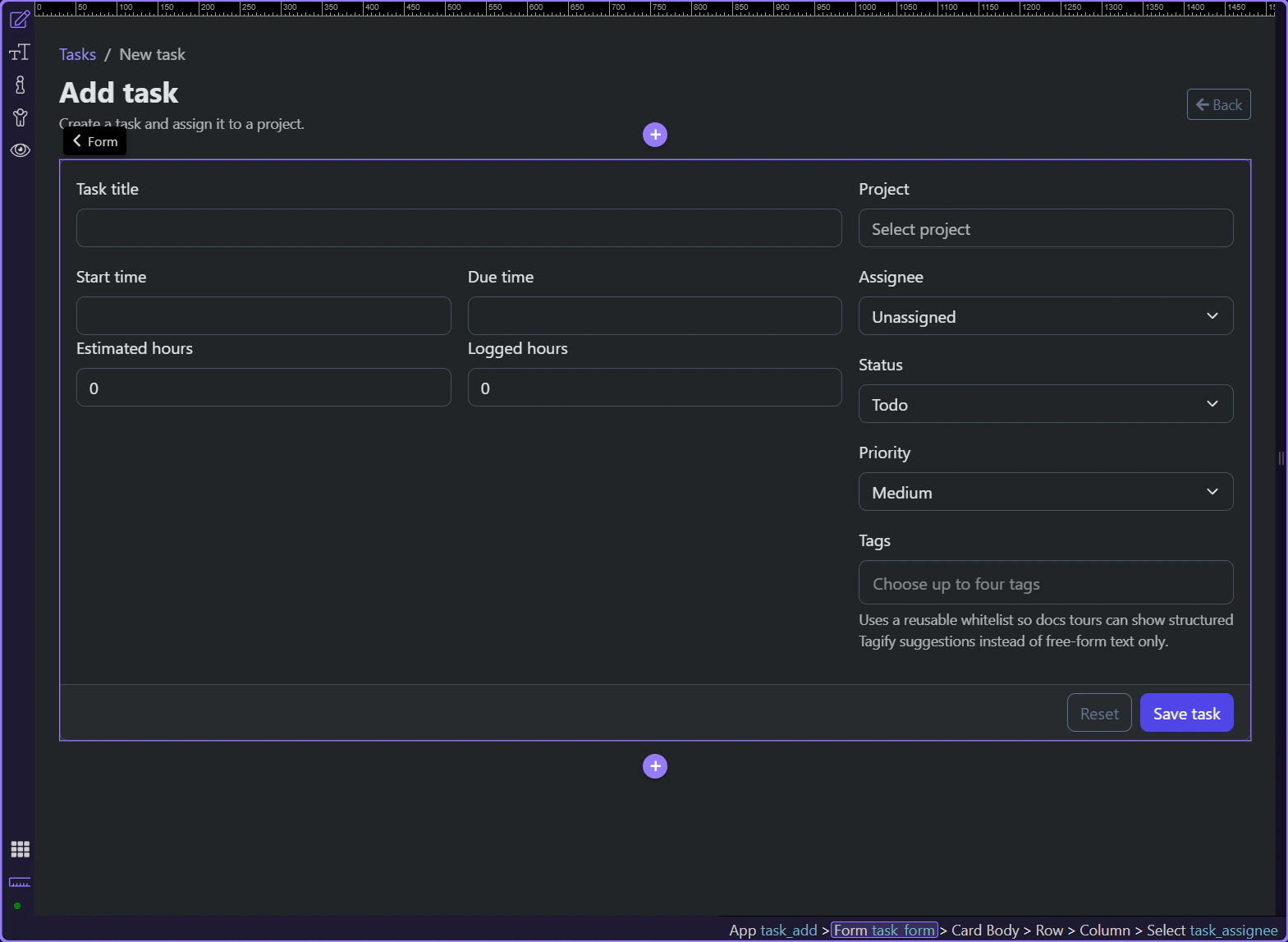
The submit button reflects request state
Section titled “The submit button reflects request state”The save button is disabled while task_form.state.executing is true, so the page makes the request lifecycle visible instead of leaving the user to guess whether the form started working. That feedback belongs to the same submit contract as the action URL itself.
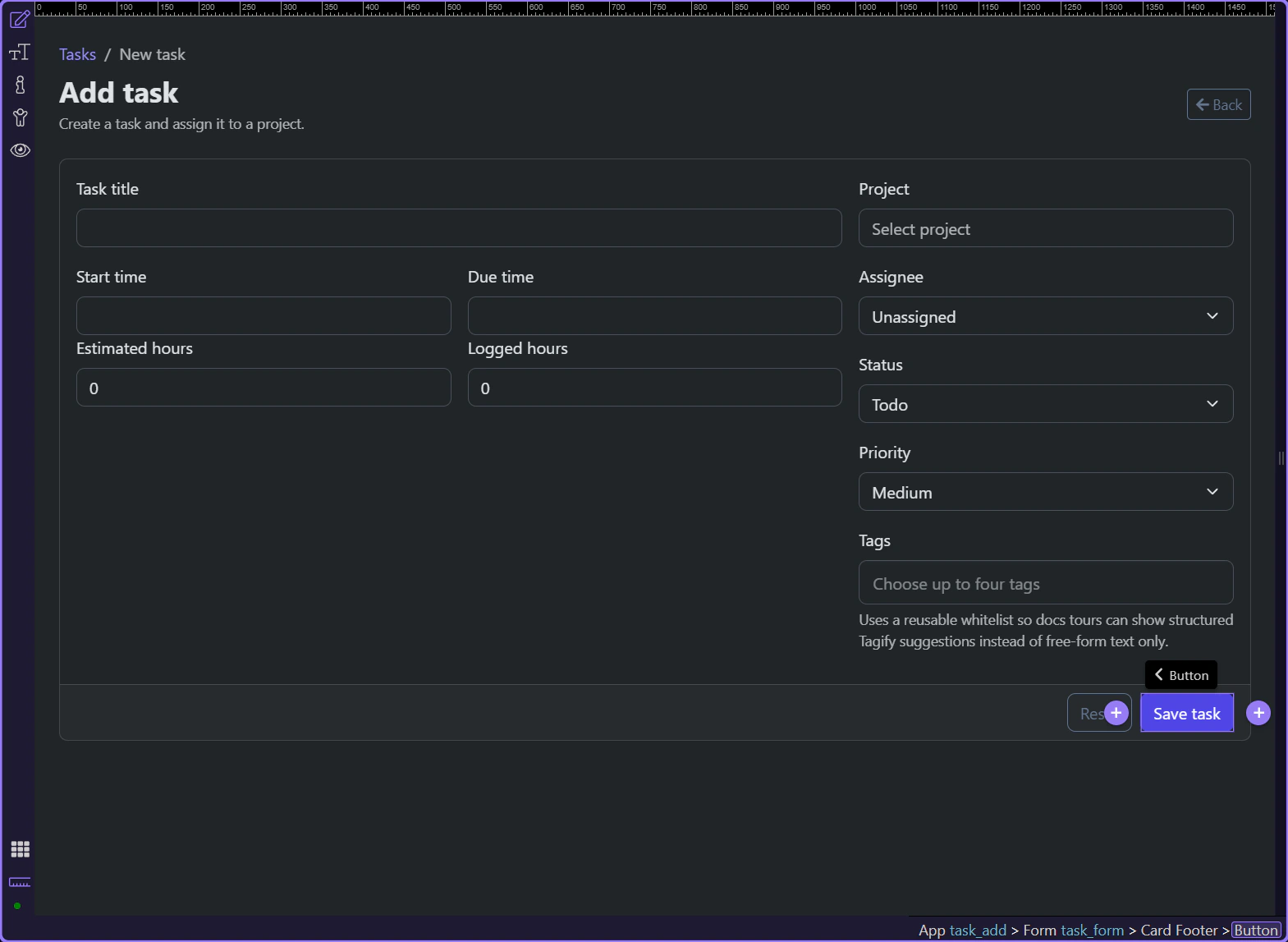
The page owns the success and error return path
Section titled “The page owns the success and error return path”The same form also decides how returned state is shown. Demo Projects HQ keeps success and server failure messages on the page through task_form.data and task_form.lastError, which means the handoff is complete only when the user can see the result.
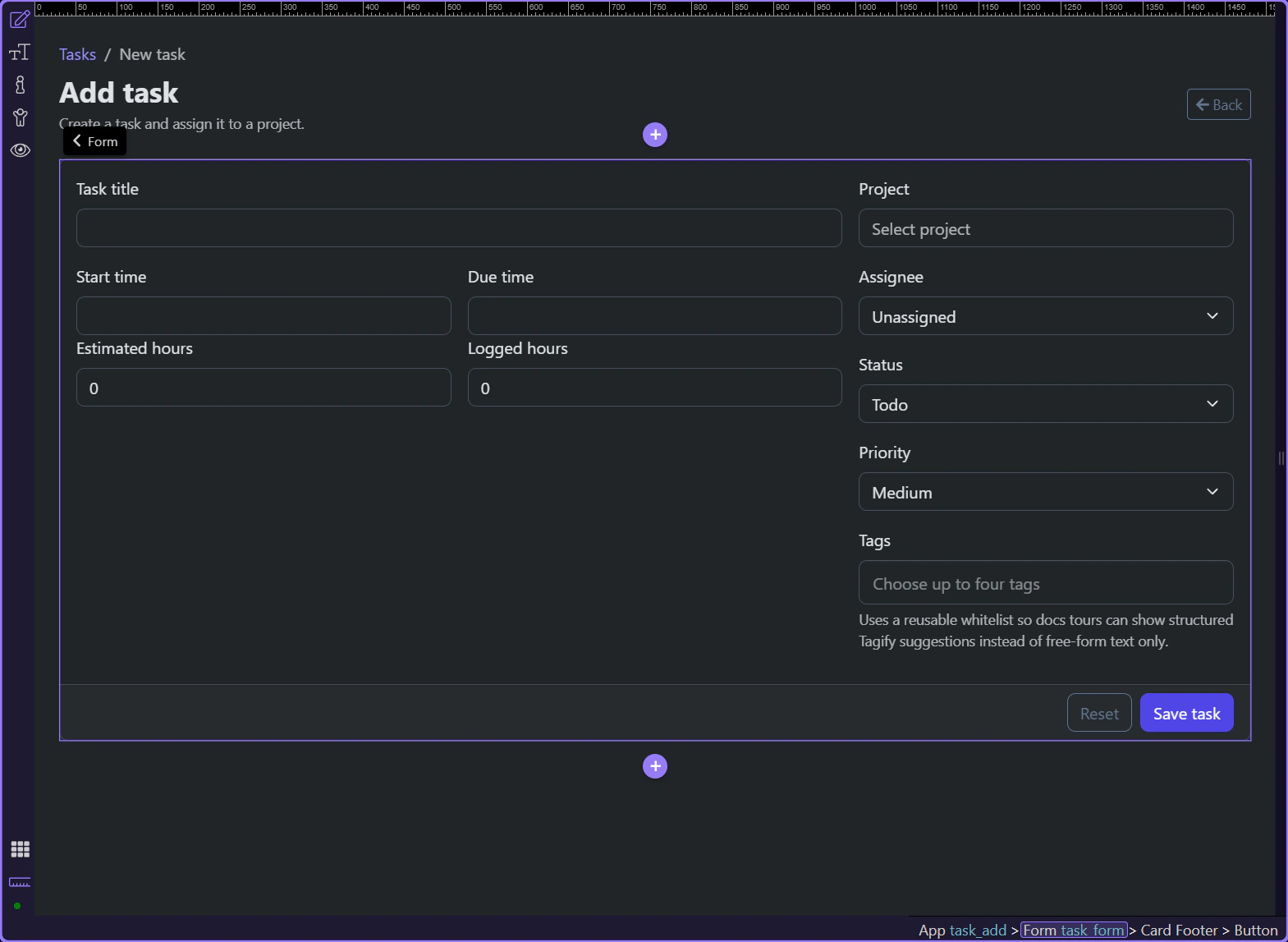
Conclusion
Section titled “Conclusion”A reliable form workflow does not stop at a submit button. It stays readable from the page fields through the Server Connect action and back into visible result states, so the user can tell what the form is doing and what happened afterwards.