
Pending state is visible
The button itself changes state so the user does not have to guess whether the request started.
Prevent double-submits and uncertain waits by disabling the submit action, showing progress, and surfacing the result clearly.
Demo Projects HQ already shows a practical pending-state pattern on the login page. The submit button disables while login_form.state.executing is true, the label switches into a spinner-backed “Signing in…” state, and the page reserves space for clear error messages when authentication fails. That makes it a better teaching example than a generic spinner mock-up.
#login-submit is a direct example of why pending-state feedback matters. Once the request starts, the button becomes disabled and the label changes, which prevents accidental double-submits and tells the user that the form is actively working.
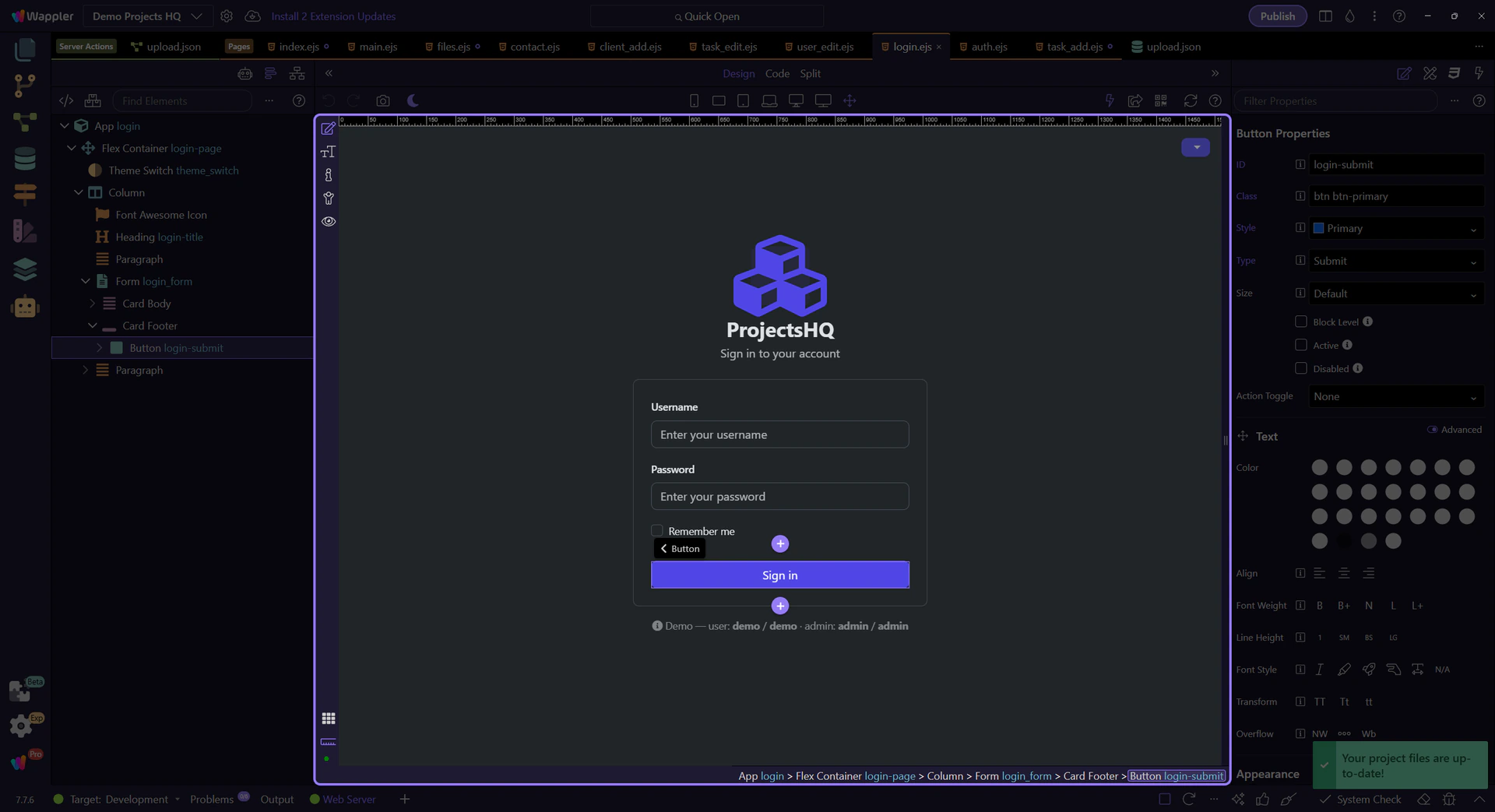
The login button does not send the user hunting for a global loader. It swaps its own content into a spinner-plus-text state, which keeps the progress message attached to the action that caused it. That local feedback pattern is usually the most trustworthy one.
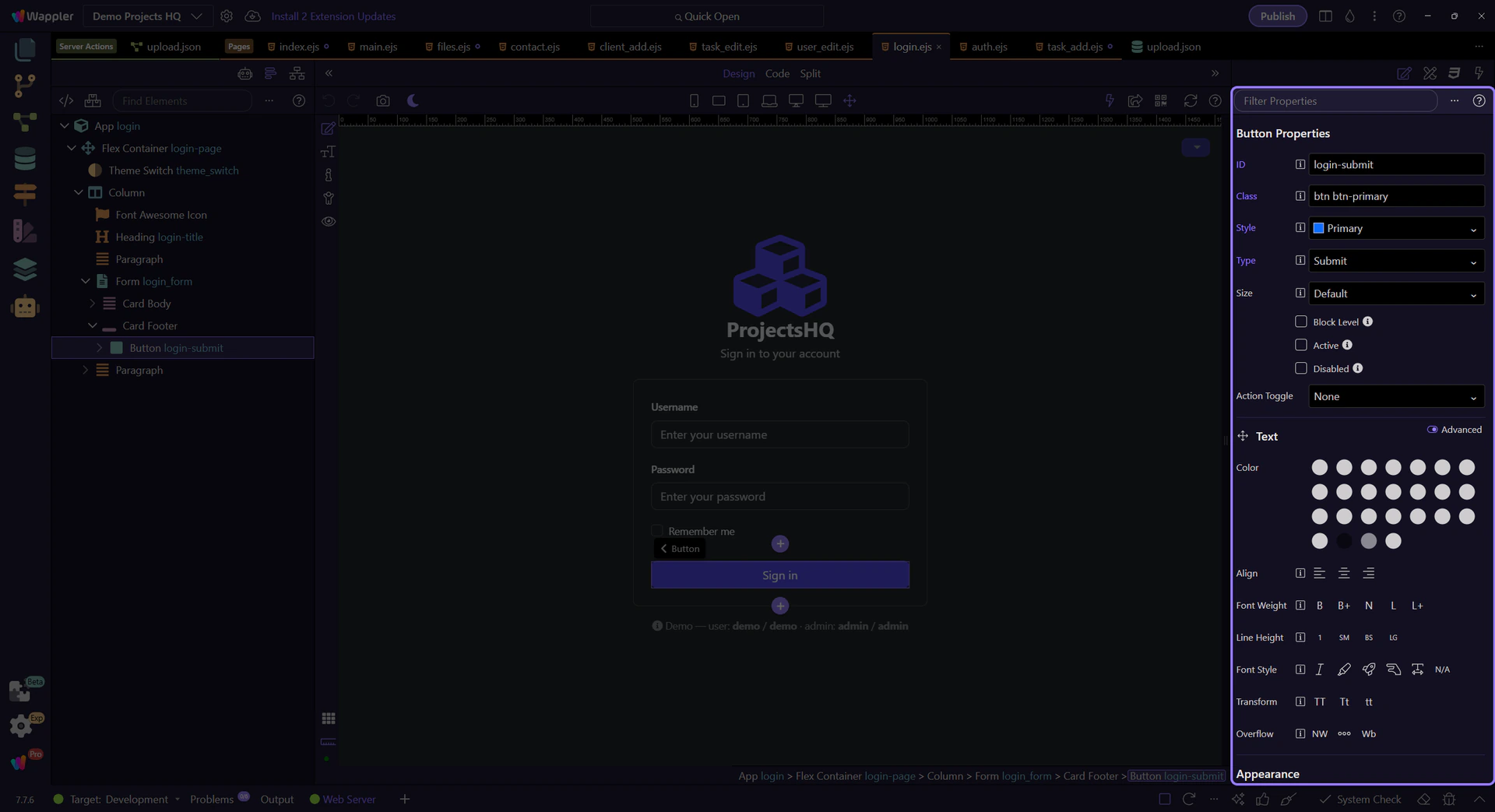
#login_form also shows why submit feedback cannot stop at the spinner. Demo Projects HQ renders specific error feedback for invalid credentials and broader request failures, so the form ends in a state the user can understand and act on instead of just returning to normal with no explanation.
important: A spinner is only the middle of the story. Strong form feedback finishes with success navigation or a clear error state.
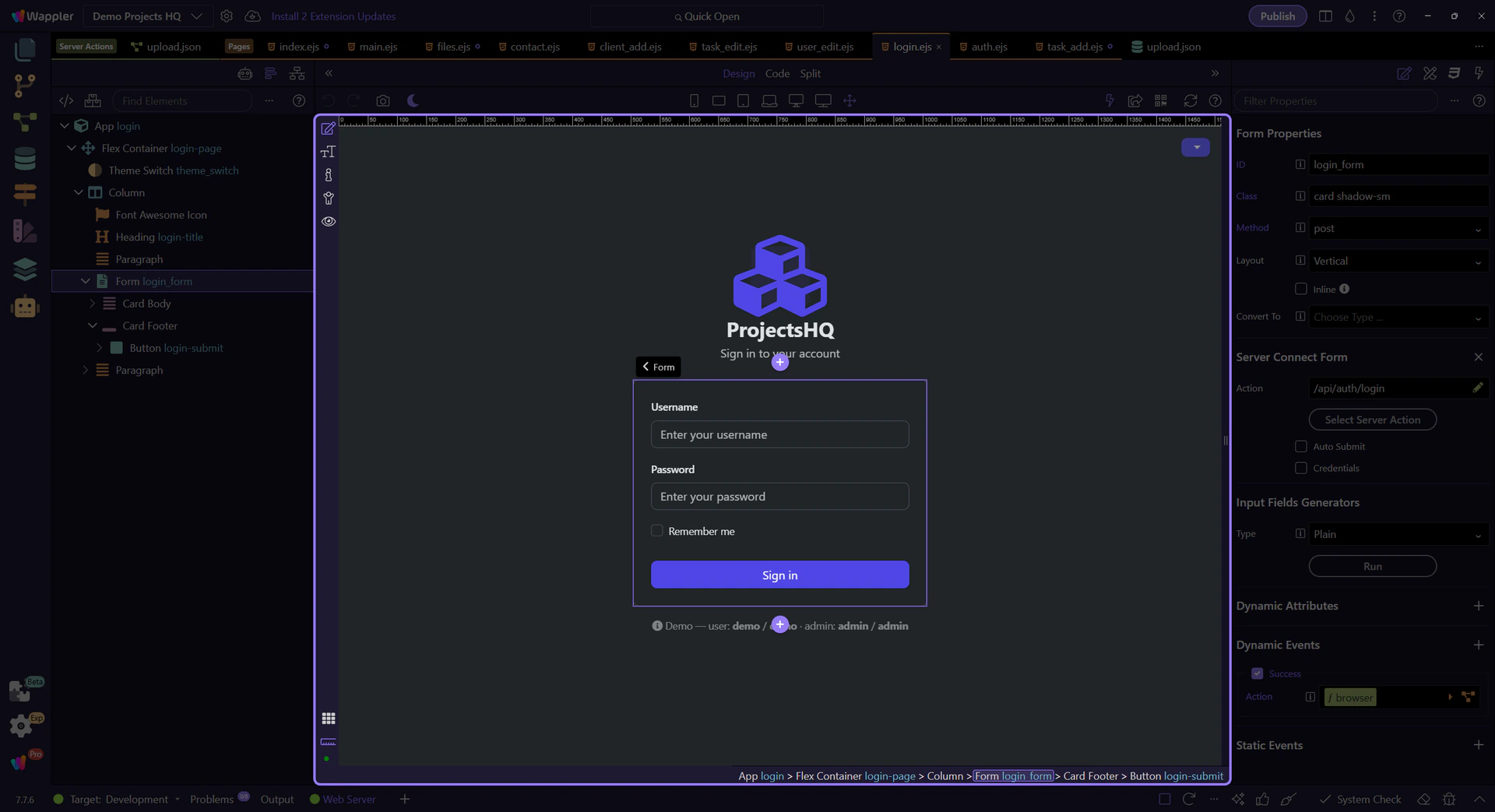
Demo Projects HQ repeats the same executing-state pattern on task, user, client, and project forms, so the login page is not a one-off. Use it as the simplest reference: disable the action, show local progress, and then end with a result the user can interpret immediately.