
Text, email, and contact fields
Use the Demo Projects HQ client form to choose plain text-style fields that match names, email addresses, phone numbers, and short supporting details.
Plain fields still need deliberate choices
Section titled “Plain fields still need deliberate choices”Demo Projects HQ uses the client form to show the everyday input decisions that shape data quality before any richer widgets are needed. The important question is not whether a field looks basic. It is whether the field type matches the kind of value the page is asking the user to provide.
The client form is a clean plain-fields baseline
Section titled “The client form is a clean plain-fields baseline”client_add.ejs is a good reference because it stays readable while still covering the everyday fields many projects need first: name, email, phone, status, and city. That makes it easier to see where ordinary form controls are enough before richer widgets enter the picture.
Names should stay flexible text
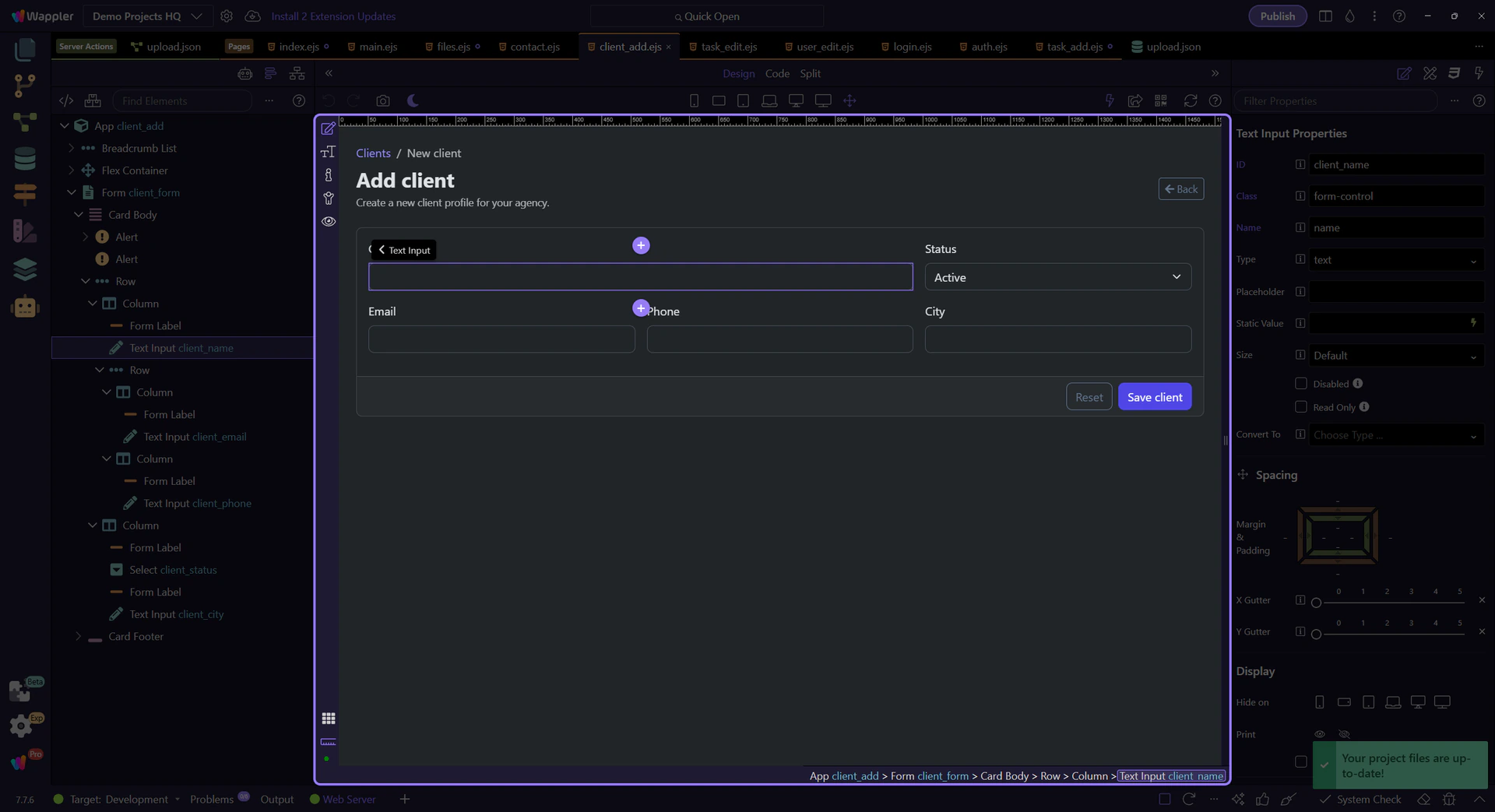
Section titled “Names should stay flexible text”#client_name is a plain text field because names are human-readable values with too many edge cases for a tighter format. The right constraint here is not a fancy widget. It is a reasonable required rule and sensible length limits.
Email earns a specialized input type
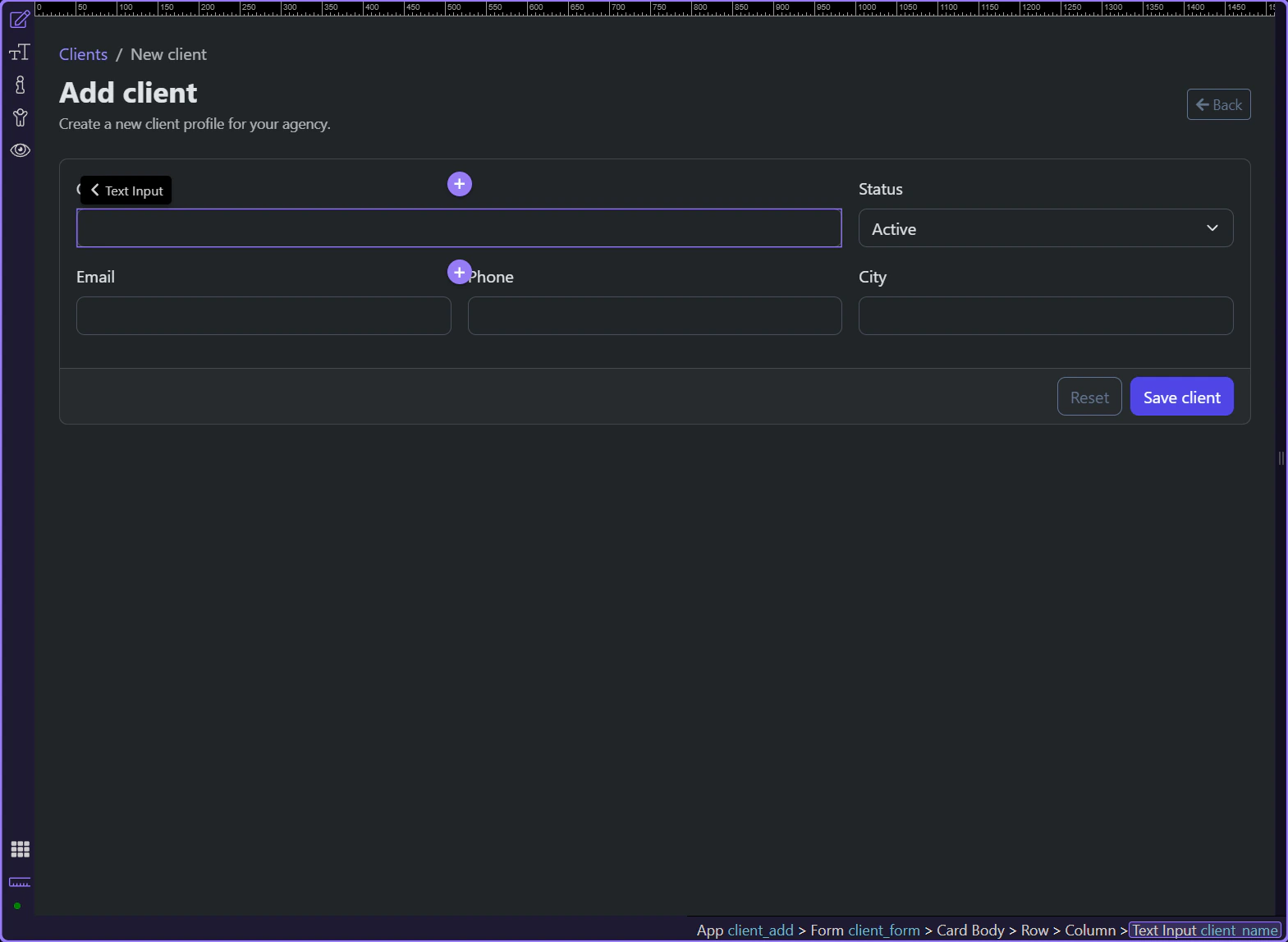
Section titled “Email earns a specialized input type”#client_email is the point where a specialized field starts helping instead of getting in the way. Using an email input keeps the control familiar while giving the browser and validator a clearer contract than a generic text box would.
Phone and city stay simple on purpose
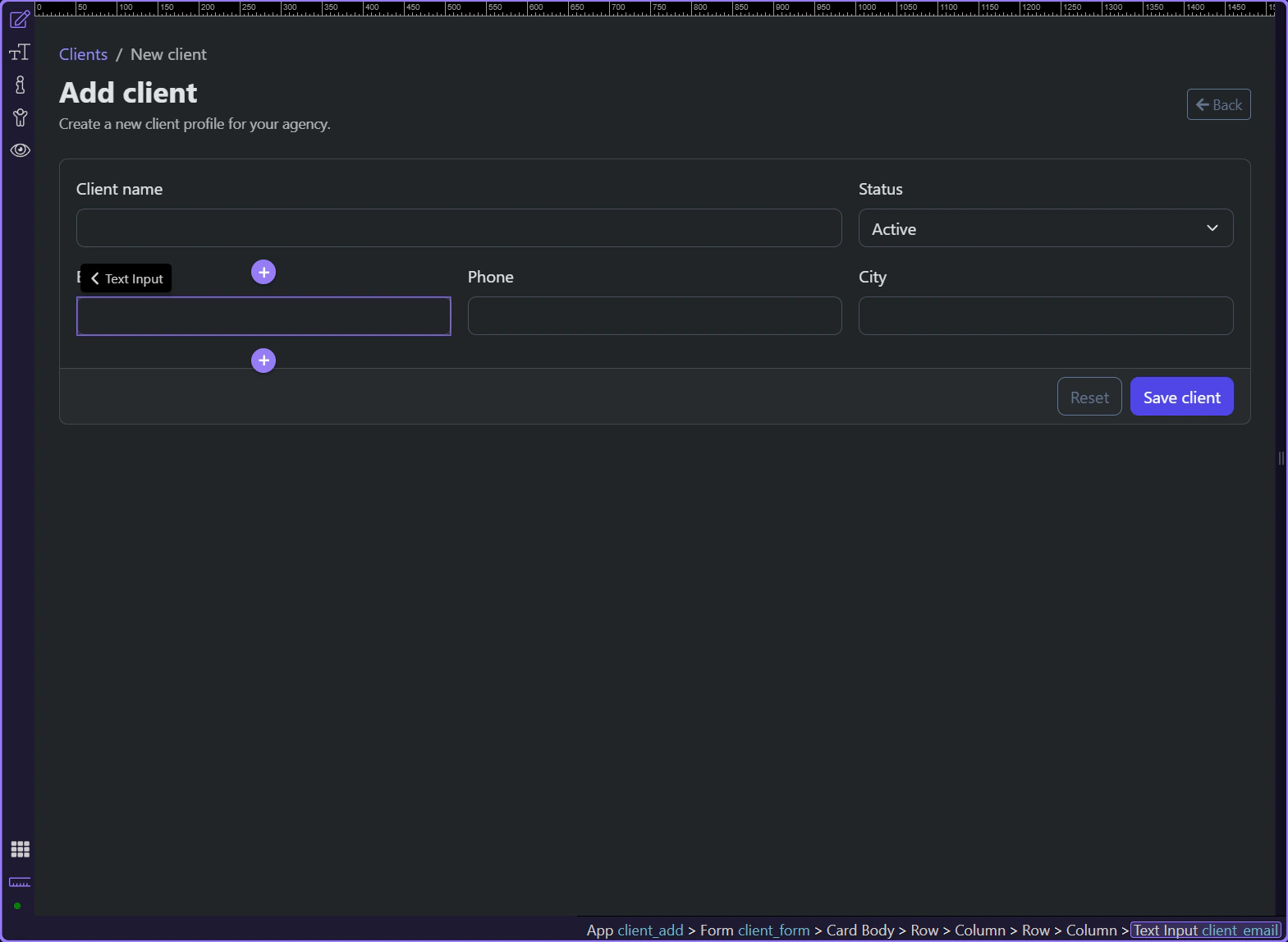
Section titled “Phone and city stay simple on purpose”#client_phone and #client_city show the value of restraint. These fields often need flexibility because formatting varies by user and region, so a plain text input is usually the more honest starting point unless the project has a much stricter data policy.
Conclusion
Section titled “Conclusion”The client form works because each plain field matches the kind of value it collects instead of treating everything as generic text. Once the field types are sensible, validation becomes much easier to explain and maintain.