Use Split View
Learn how to use Split View in the HTML Editor. Use this tour as a quick refresher.
Switch to Split View
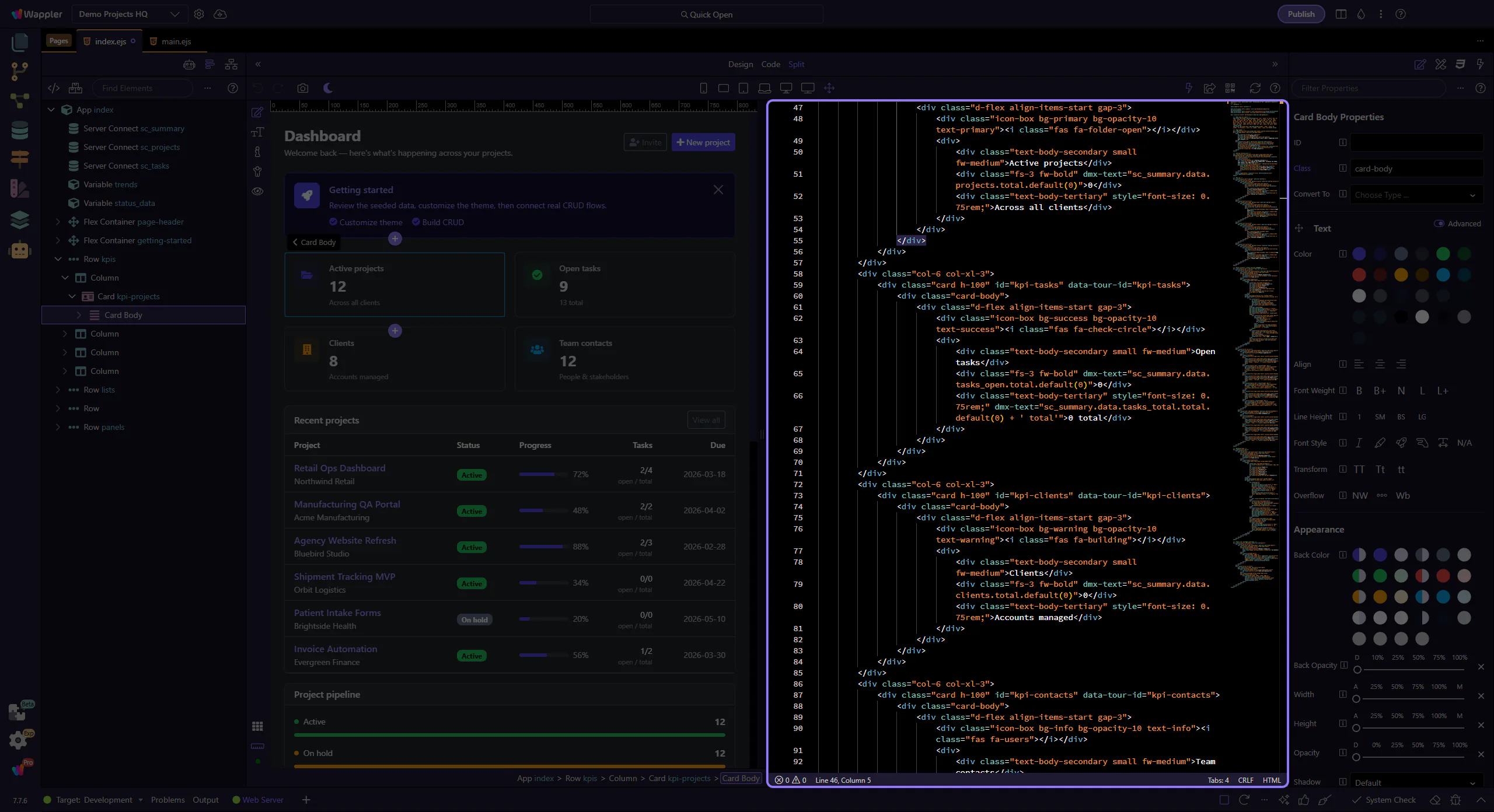
Section titled “Switch to Split View”Split view is the bridge between visual confidence and source awareness. This how-to starts from the toolbar control, then explains why seeing design and code together helps you verify edits faster, compare structure with output, and build a more reliable editing rhythm.
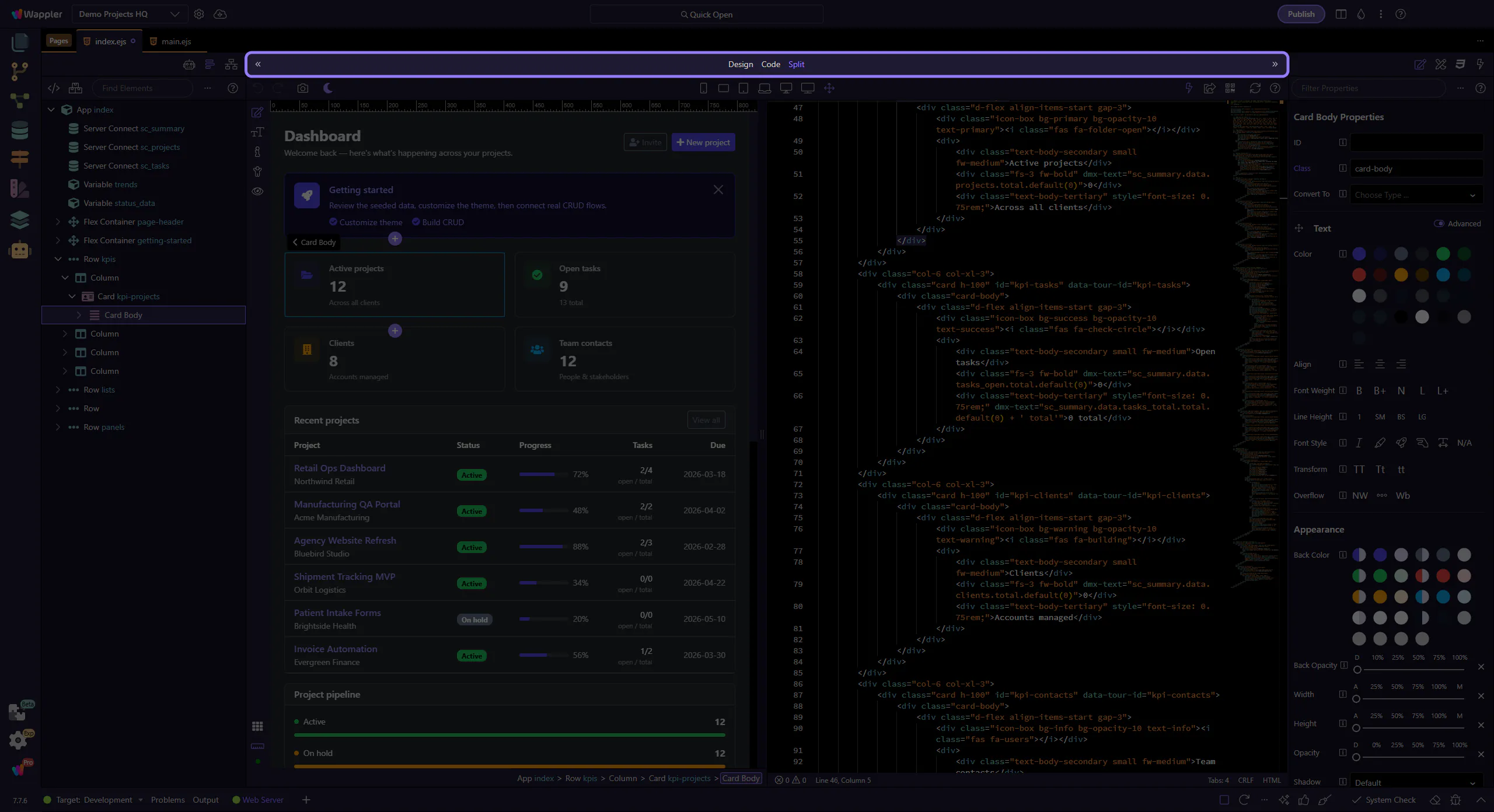
Design side
Section titled “Design side”Select elements visually in Design View.
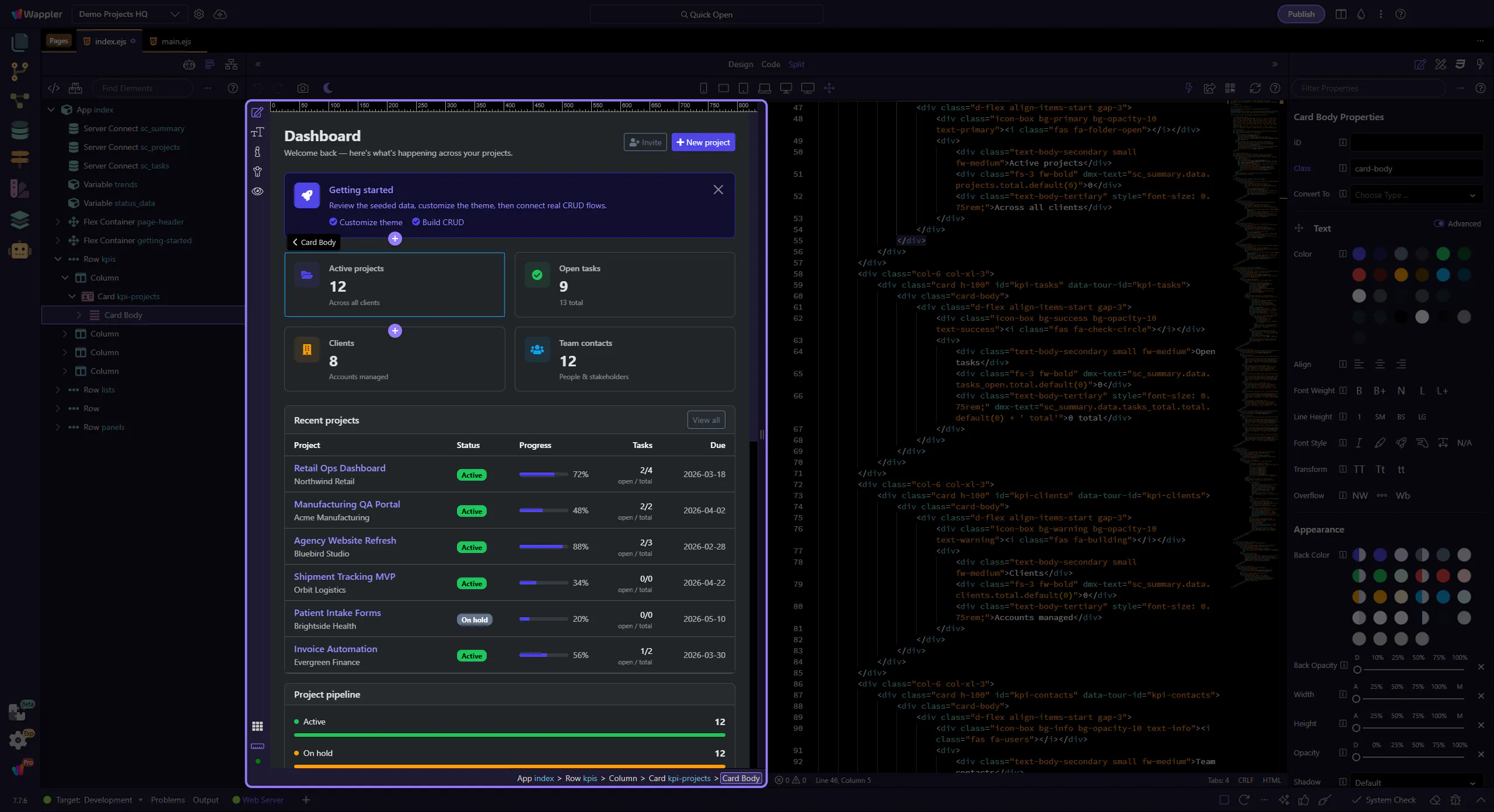
Code side
Section titled “Code side”The corresponding markup is visible in Code View.