How To: Insert component
Learn how to insert component in Design View. Use this tour as a quick refresher.
Insertion target
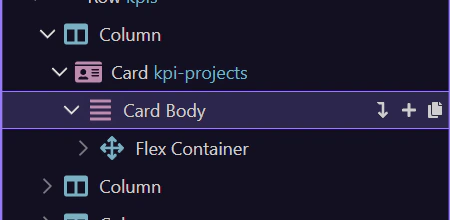
Section titled “Insertion target”We’ll select the element you want to insert into (for example body) in the App Structure.
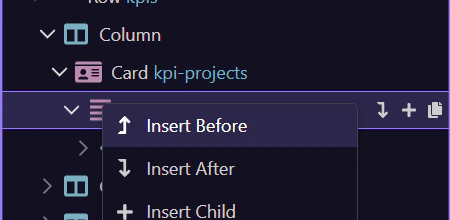
Context menu
Section titled “Context menu”We’ll open the Structure context menu for the selected element.
Insert picker
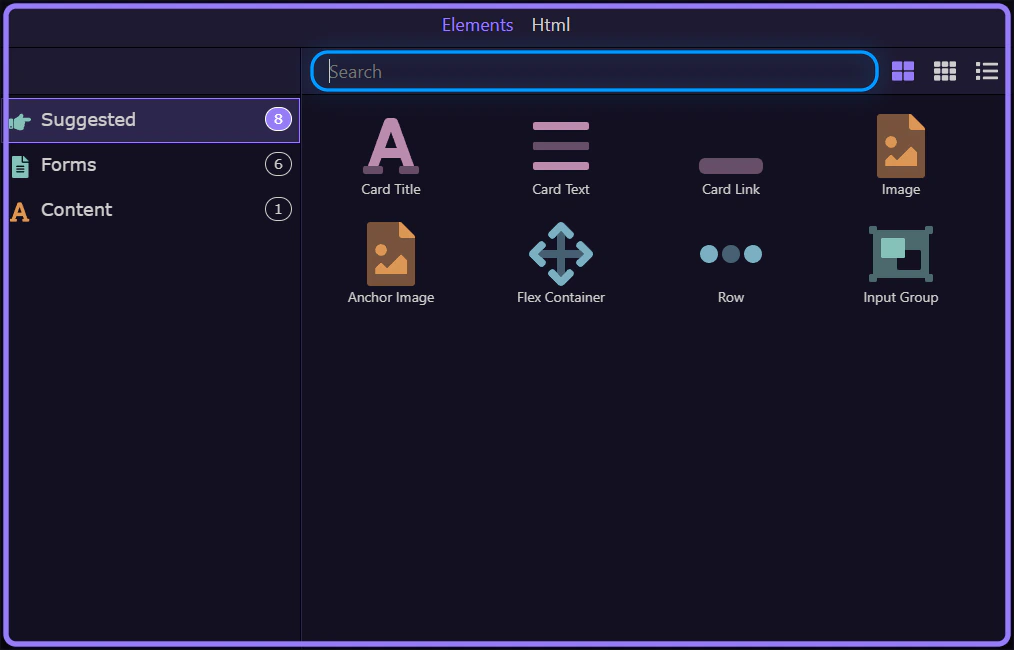
Section titled “Insert picker”We’ll use Insert Child to open the Components picker.
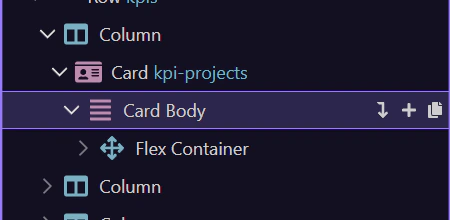
Search and insert
Section titled “Search and insert”Search for a component and insert it.