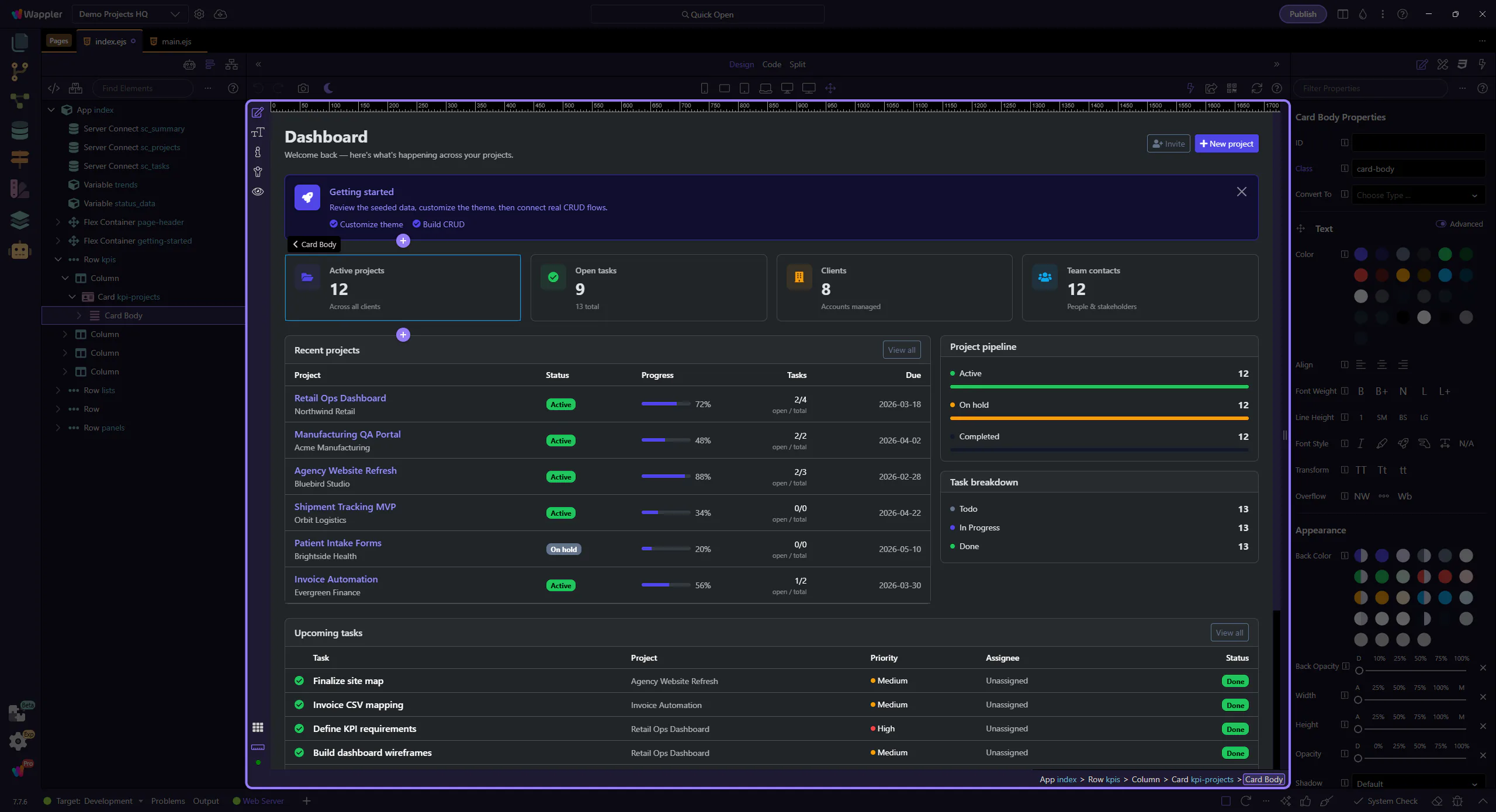
How To: Reload
Learn how to reload in Design View. Use this tour as a quick refresher.
Reload
Section titled “Reload”Reloading Design View is useful when the rendered canvas no longer matches the current page state or recent change. This how-to starts from the toolbar control, then explains when a refresh is the right move and how it helps you confirm that the canvas is showing current output.
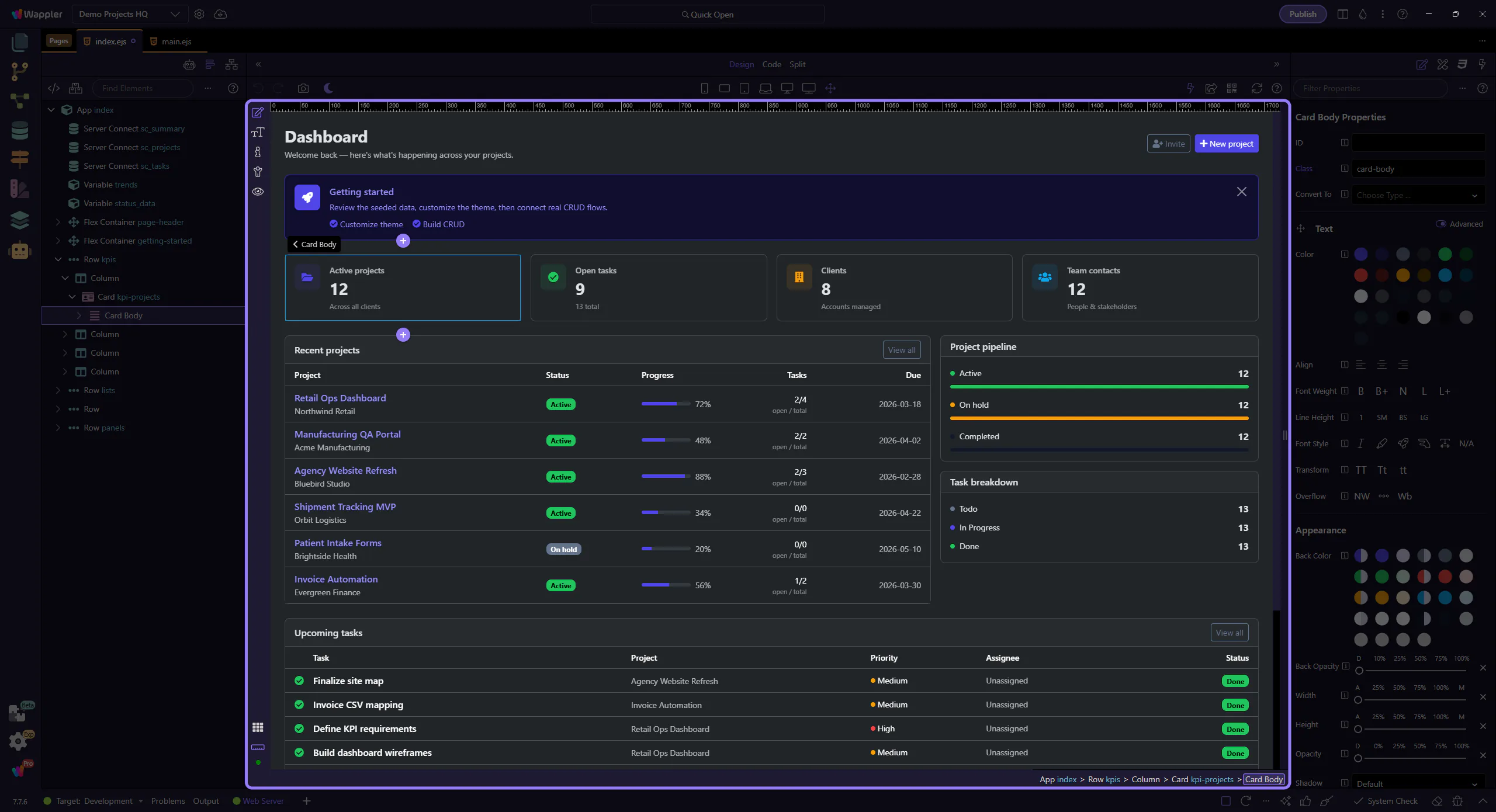
Verify
Section titled “Verify”After reload, verify your canvas and selection.