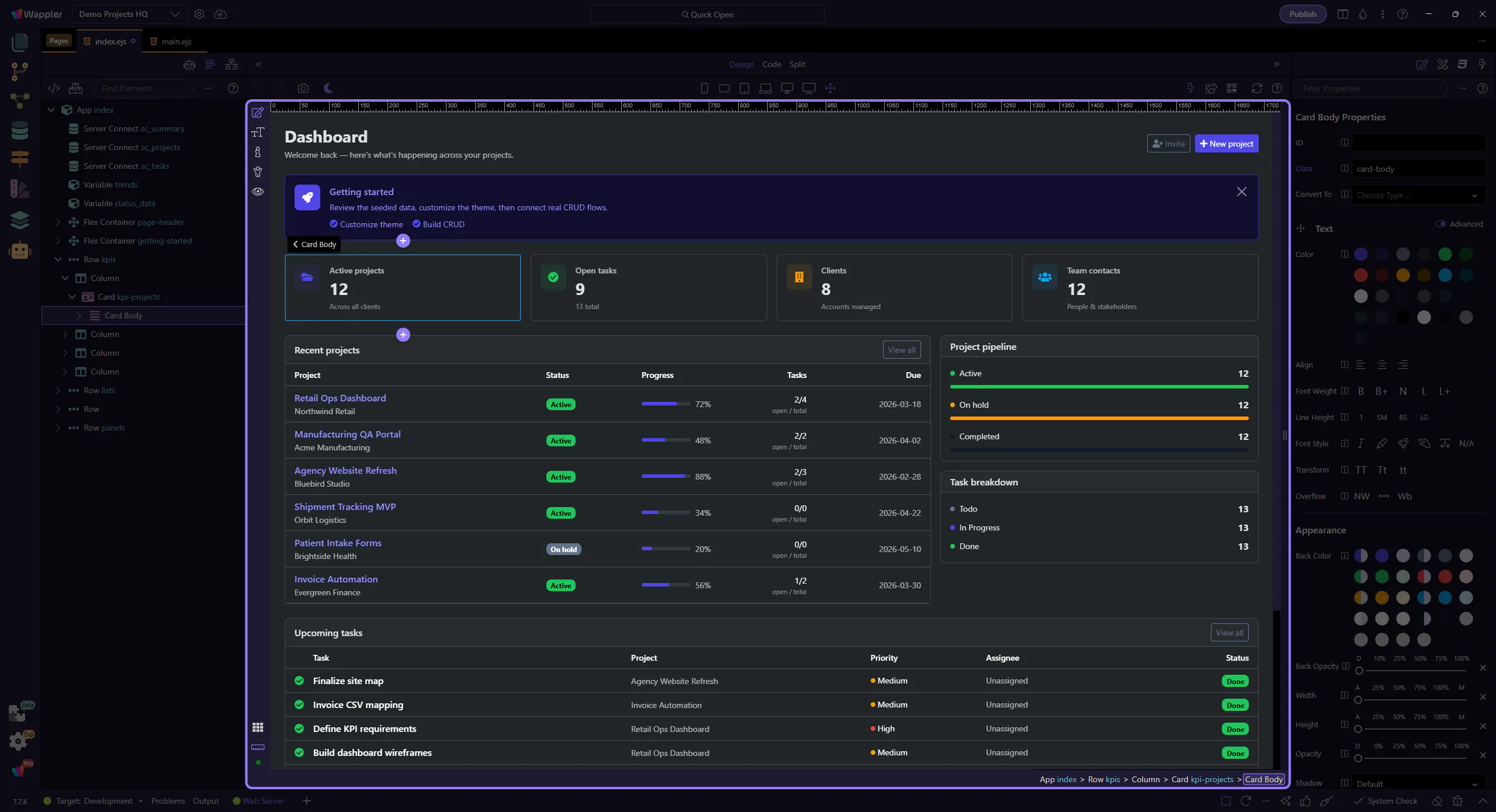
How To: Select elements
Learn how to select elements in Design View. Use this tour as a quick refresher.
Click to select
Section titled “Click to select”Selection is the basic action that makes every later panel change meaningful. This how-to begins with the click target in Design View, then explains how choosing the right element anchors the rest of the editing workflow and prevents you from changing the wrong part of the page.
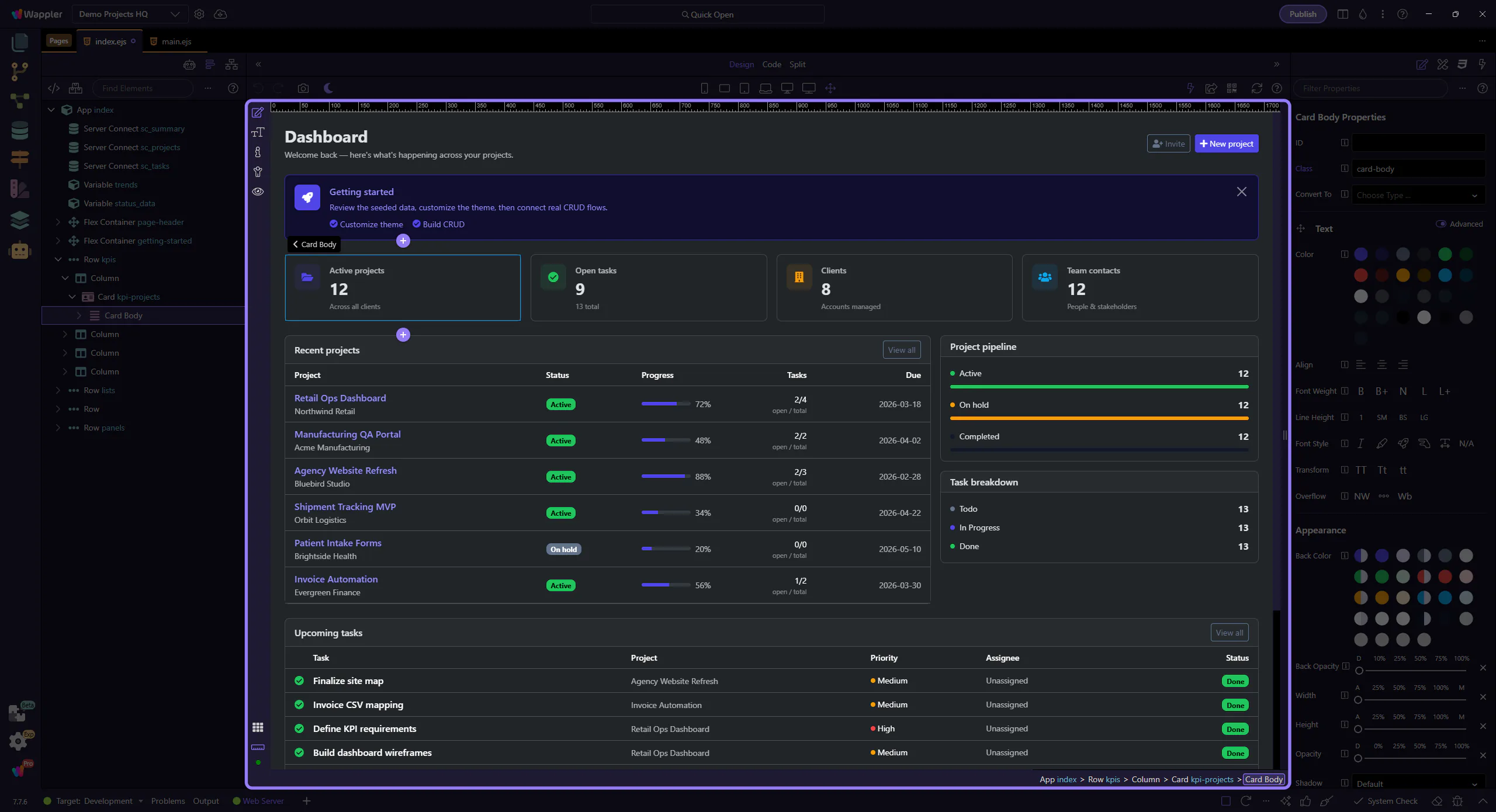
Selection tools
Section titled “Selection tools”Use the Design toolbar to help with selection and editing.