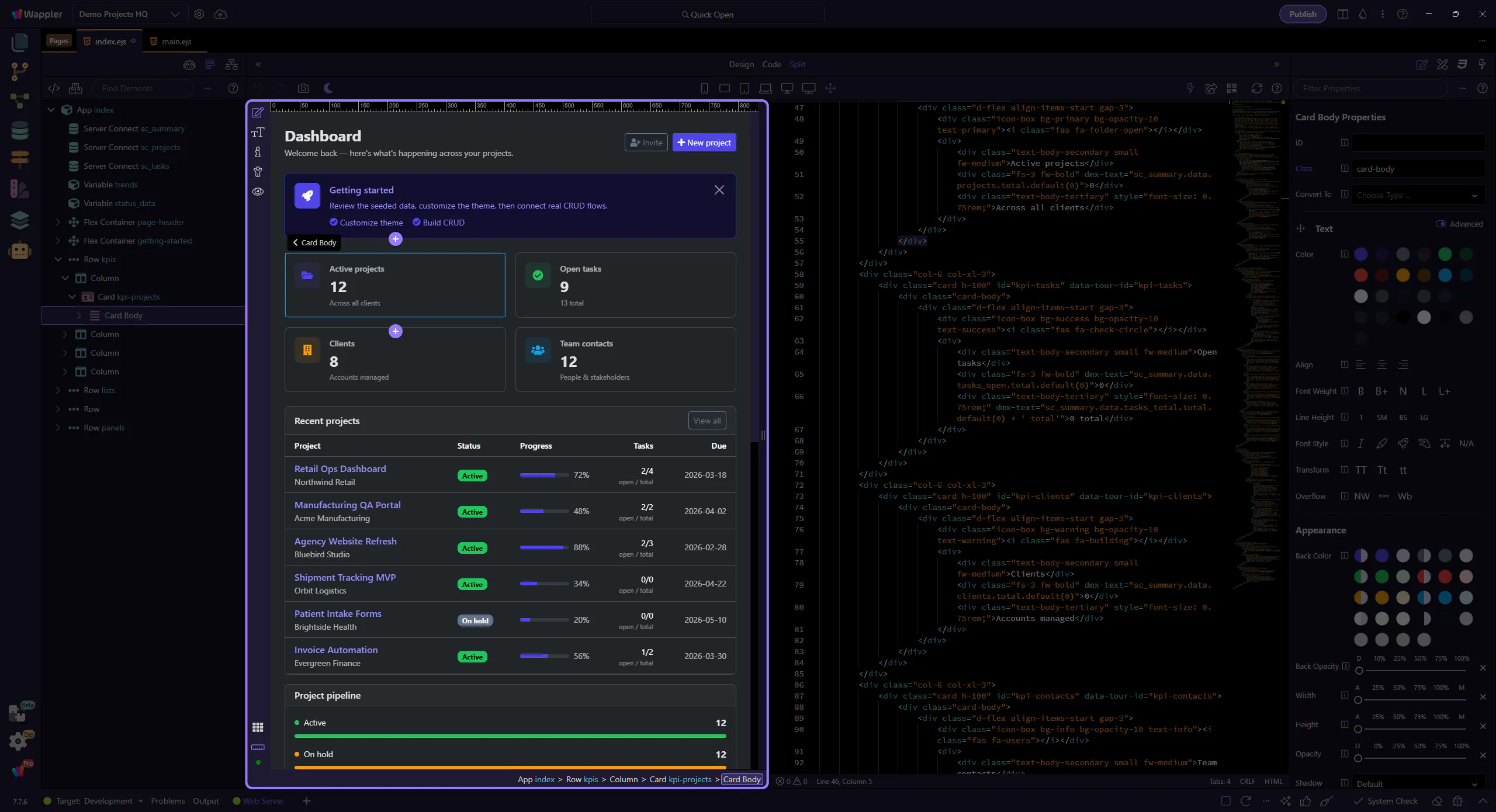
How To: Use Split view
Learn how to use Split view in Design View. Use this tour as a quick refresher.
Switch to Split
Section titled “Switch to Split”Using Split from Design View is about keeping visual feedback and source context connected while you work. This how-to begins with the switch control itself, then explains how the combined layout helps you verify selections, inspect markup, and move faster between intent and implementation.
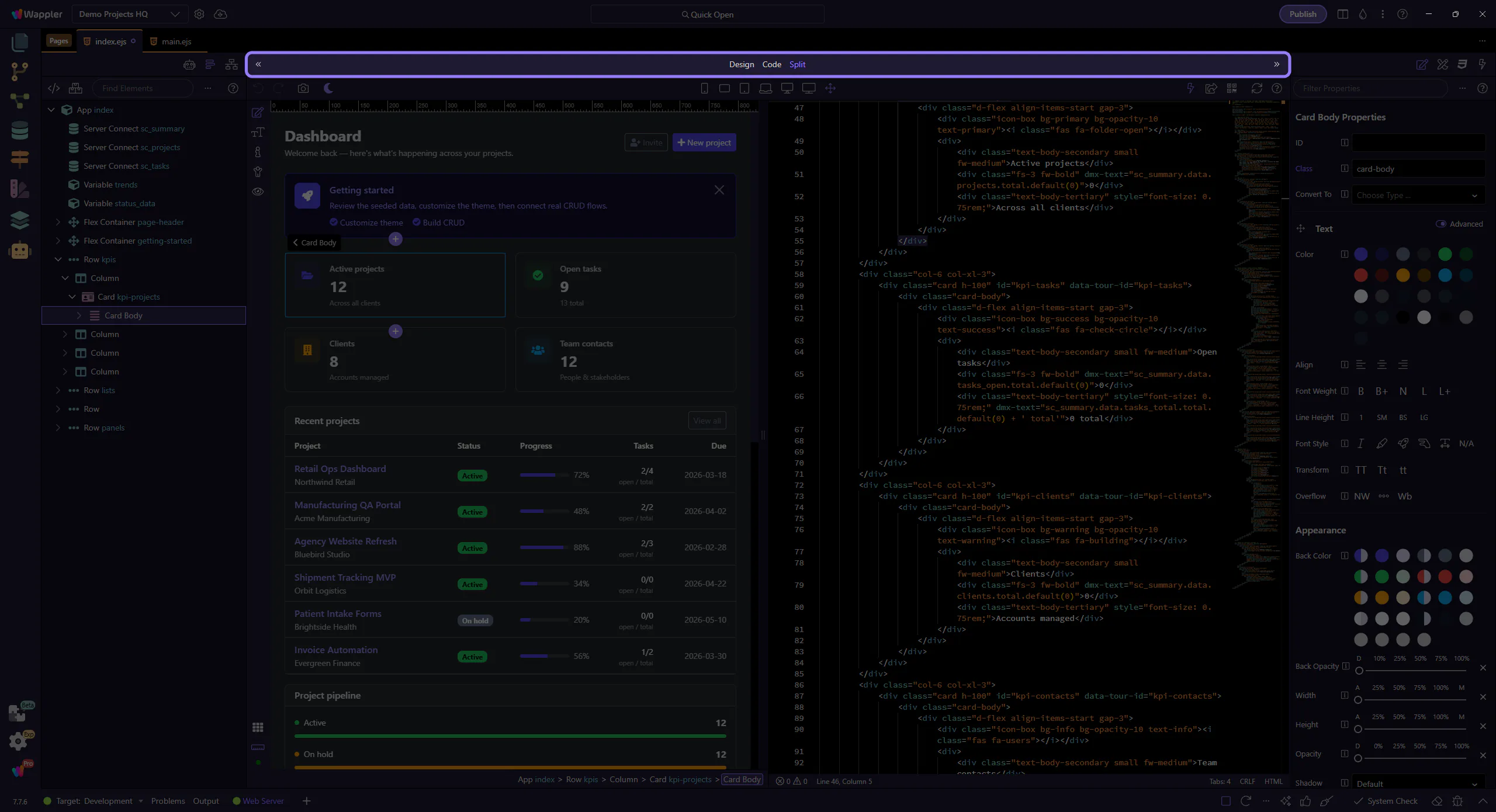
Edit and verify
Section titled “Edit and verify”Edit in Code and verify the result in Design.