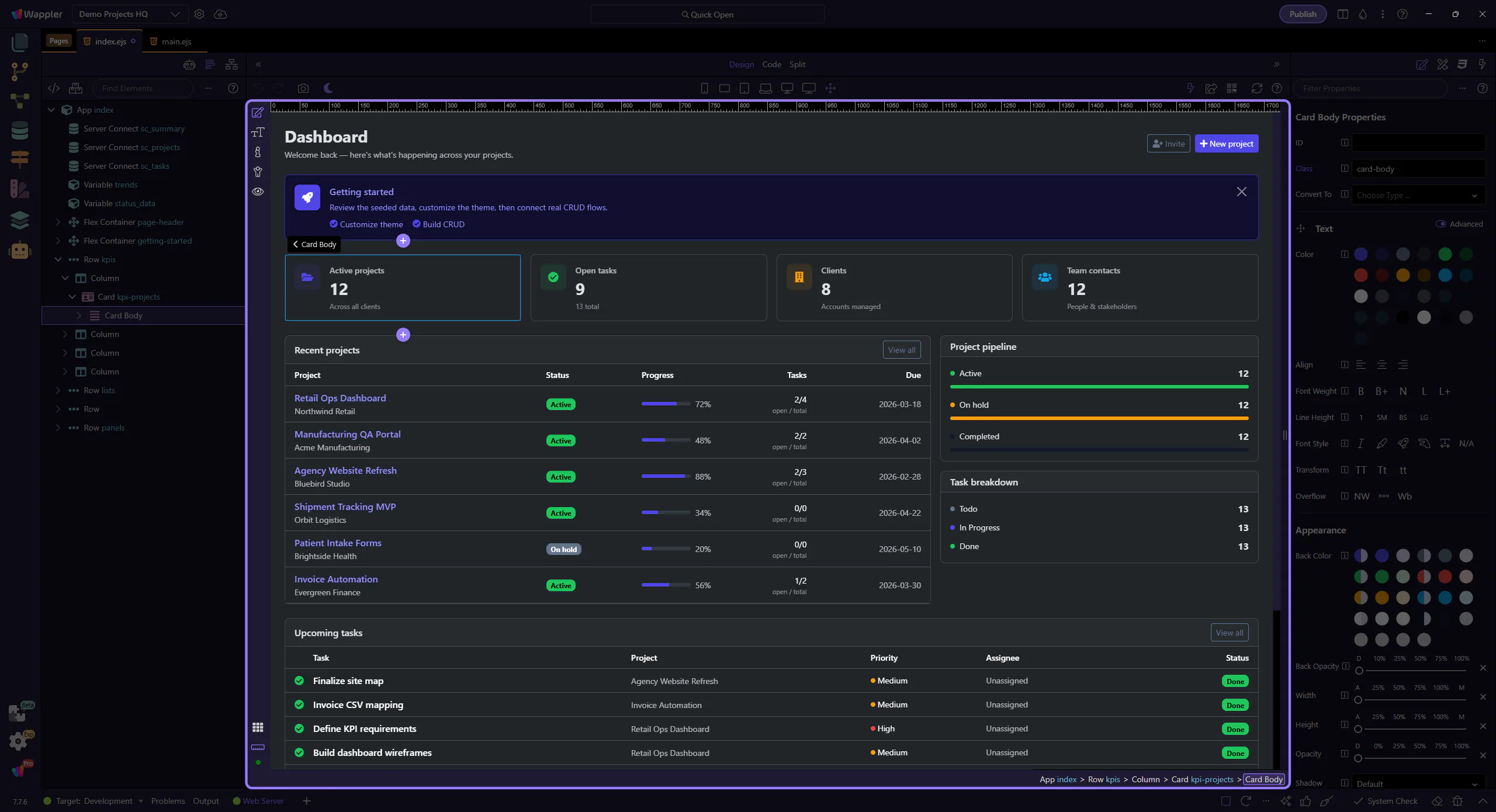
Design View Overview
Explore HTML Editor Design View: key areas and how they work together.
Switch to Design View
Section titled “Switch to Design View”Design View is the live editing surface where page structure becomes something you can inspect and manipulate directly. This overview explains why the view matters, what kind of work belongs here, and how it connects to the toolbar and panels you use for deeper changes.
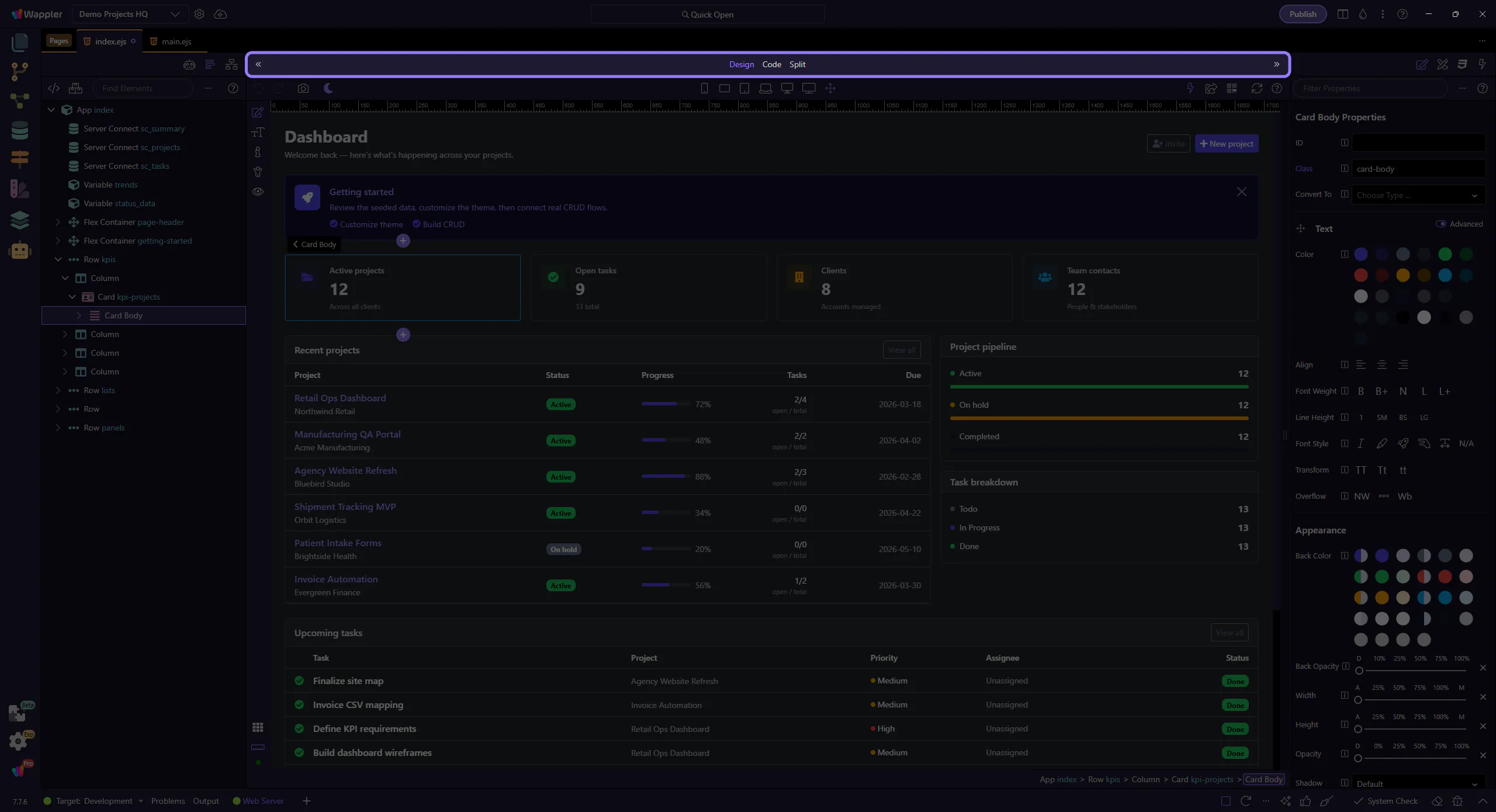
Design toolbar
Section titled “Design toolbar”The Design toolbar contains tools for selecting, inserting, and working with the page.
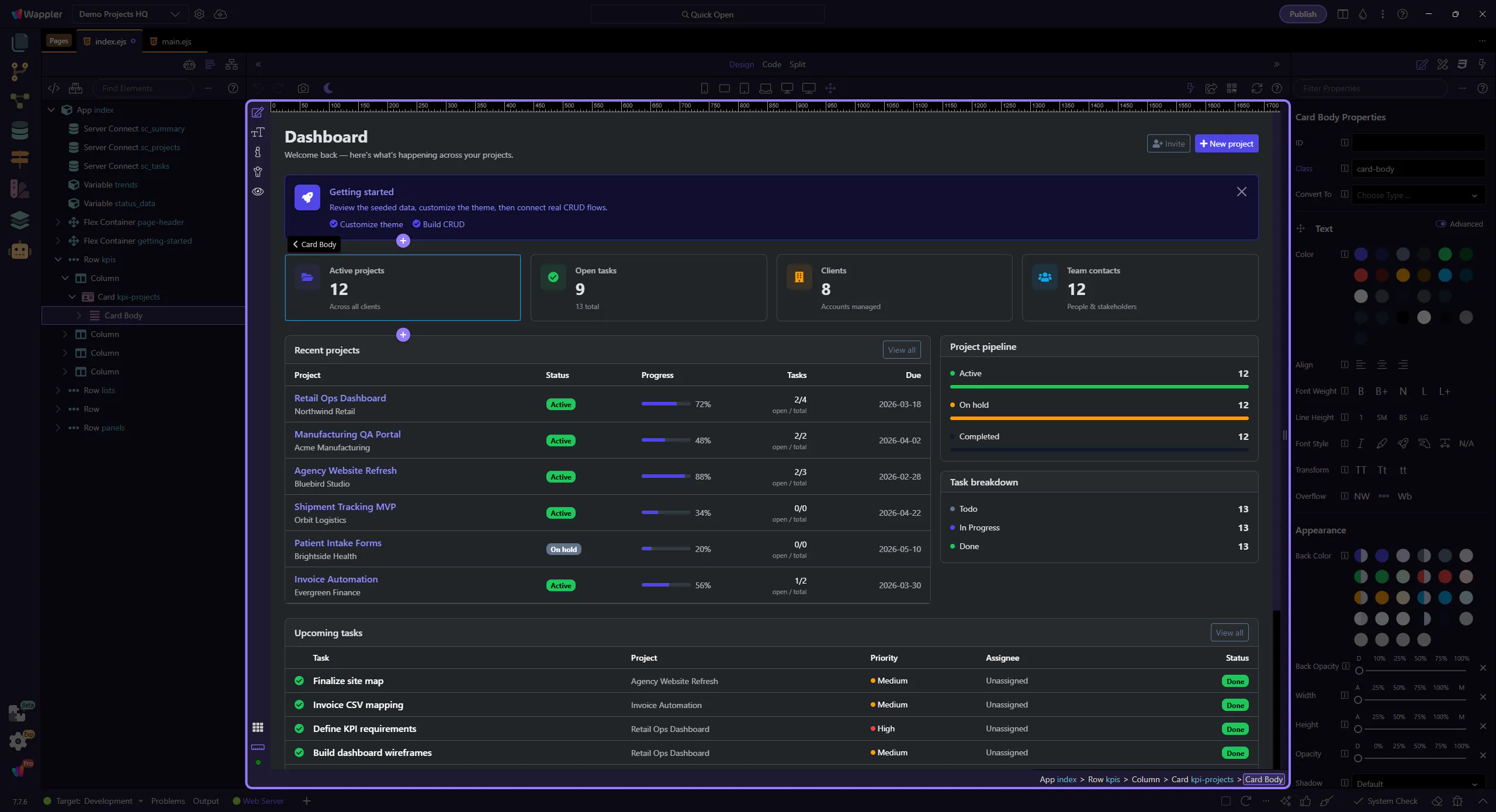
Canvas
Section titled “Canvas”Click elements on the canvas to select them.