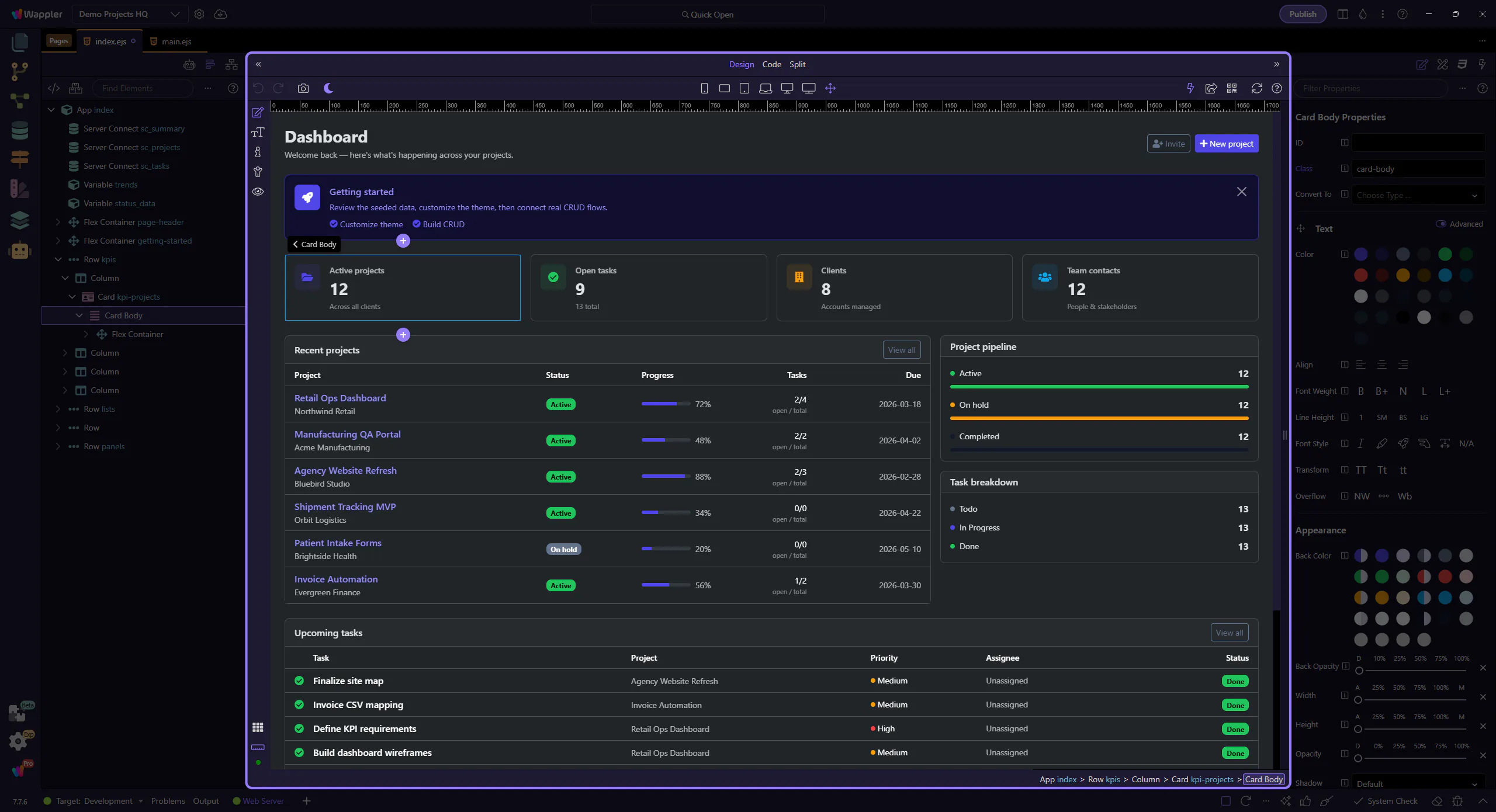
General Usage
A practical HTML Editor workflow guide for moving between design, structure, properties, and code while keeping page context intact.
General Usage
Section titled “General Usage”Start here if you need a working mental model of the HTML Editor before diving into specific tools. This tour connects the main workspace, views, and panels into one everyday workflow, so the detailed tours that follow feel like purposeful extensions of the same editing environment.
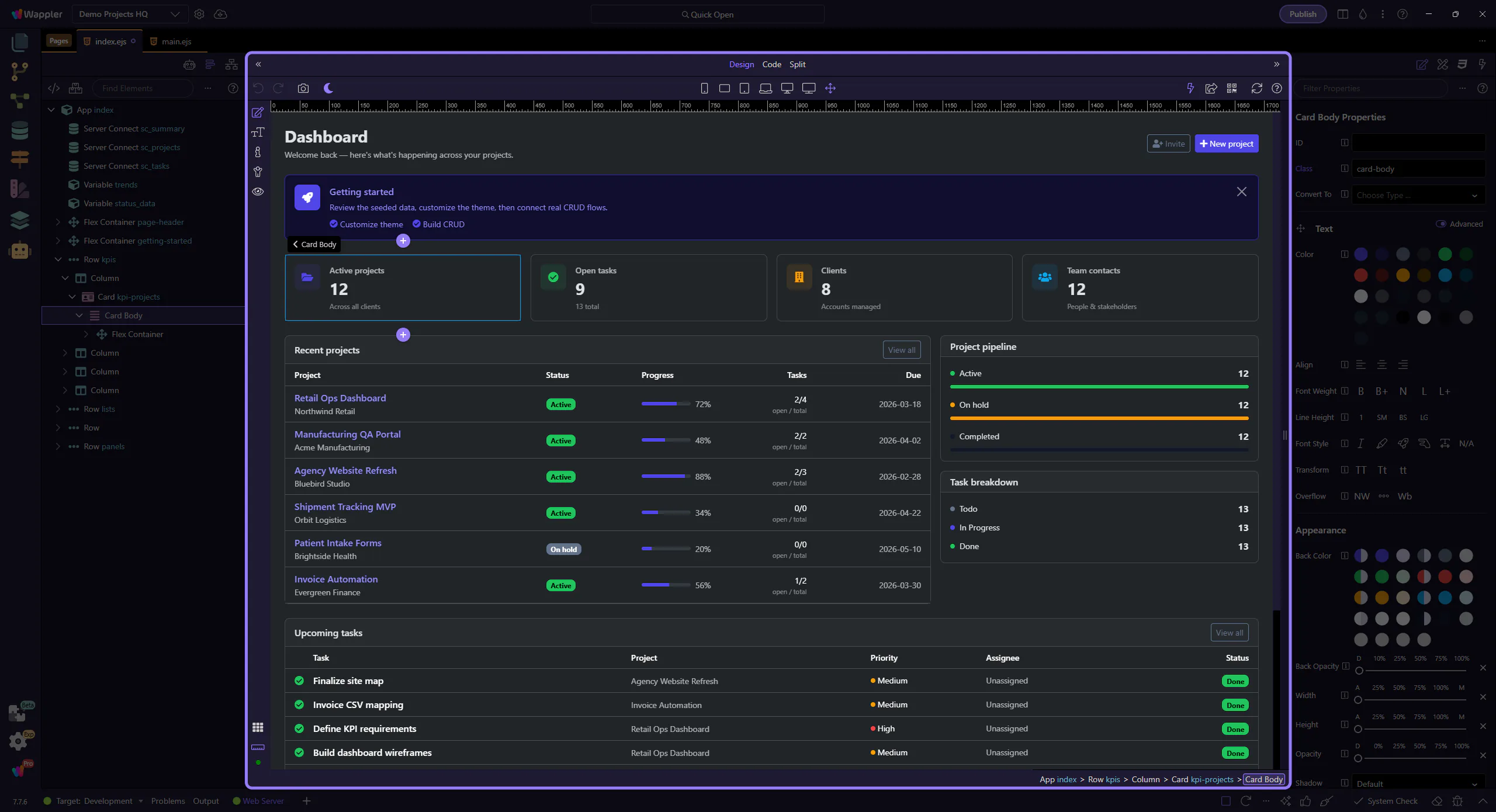
Element workflows
Section titled “Element workflows”Elements can be added from the plus button or dragged in from the panel. The page body remains selected for the next Inspector step.
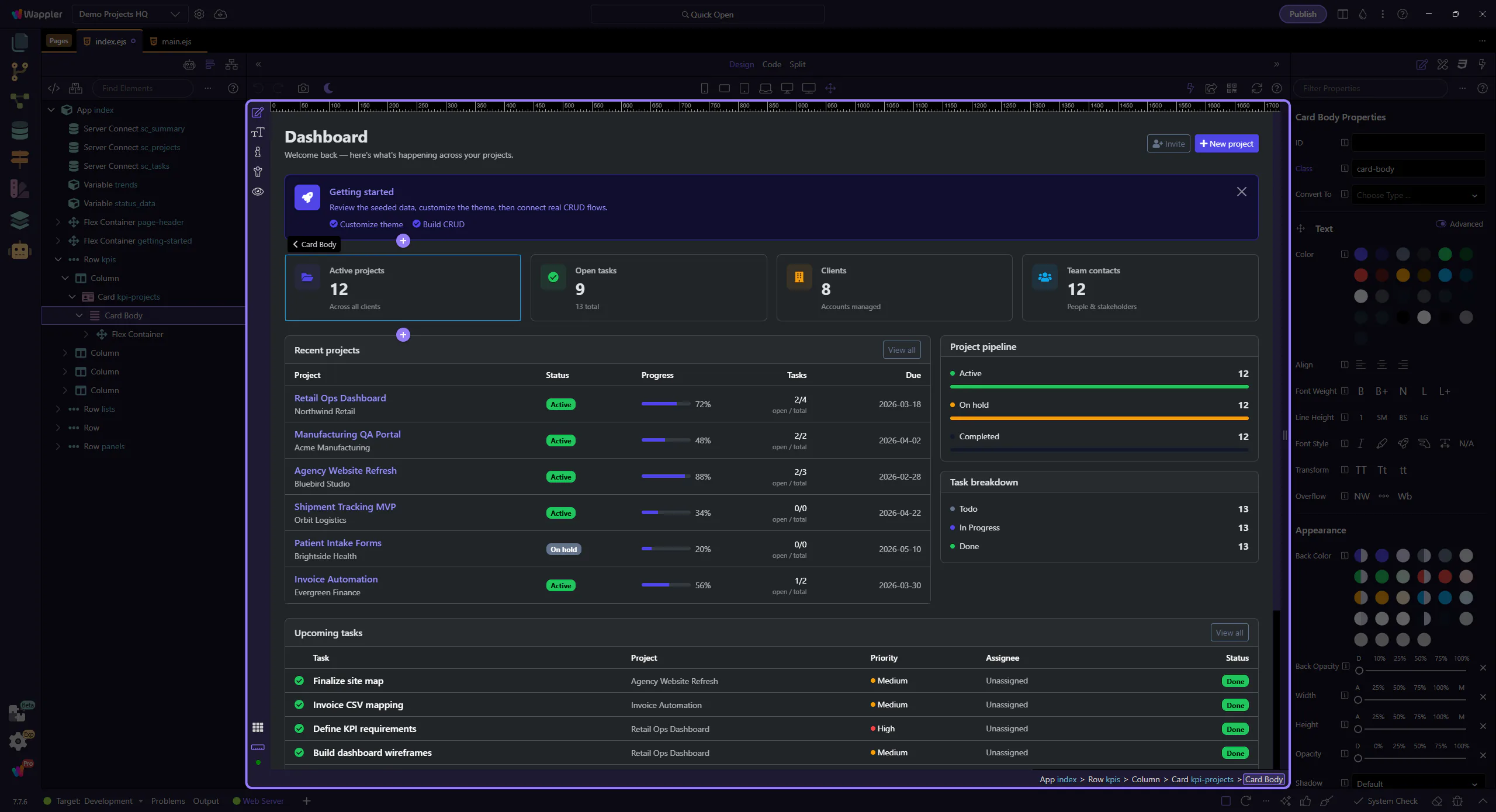
Properties Panel
Section titled “Properties Panel”Select an element to view and edit its properties here.
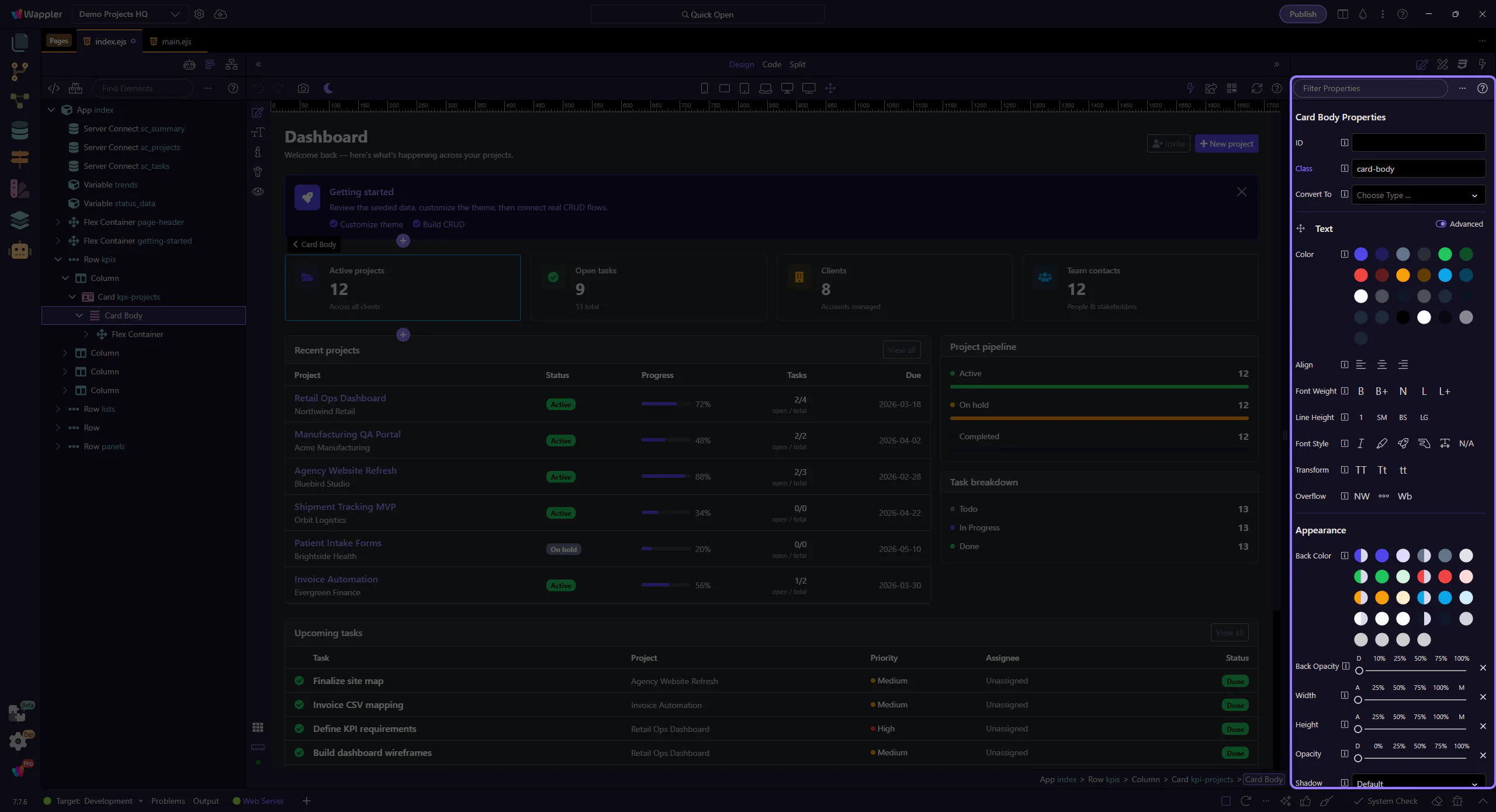
Save Your Work
Section titled “Save Your Work”Don’t forget to save your changes regularly (Ctrl+S / Cmd+S).