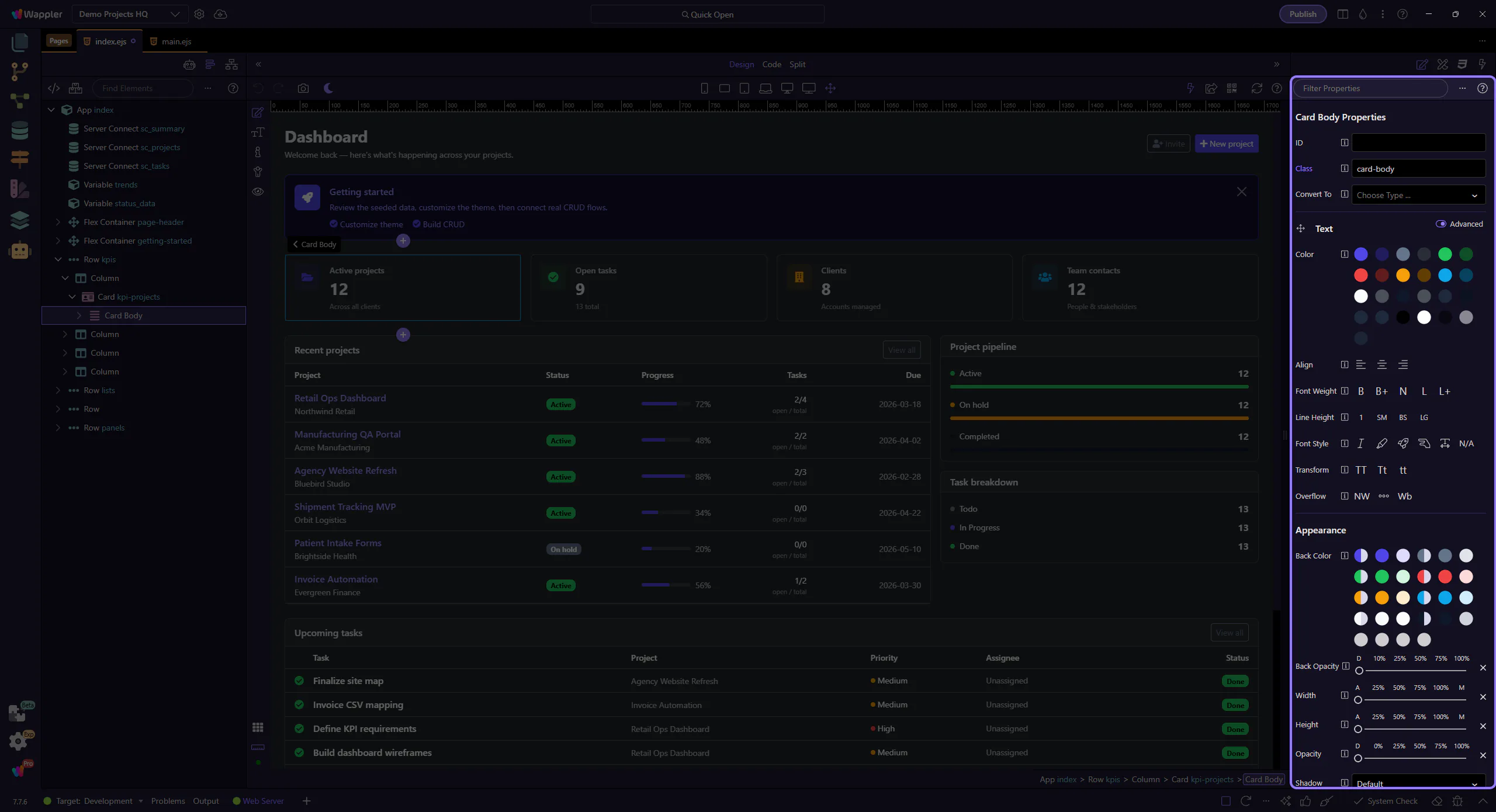
How To: Filter properties
Learn how to filter properties in the Inspector panel. Use this tour as a quick refresher.
Filter
Section titled “Filter”Filtering the inspector is useful when the available fields are broader than the change you have in mind. This how-to begins with the filter control itself, then explains how narrowing the visible options helps you reach the right setting faster and with less guesswork.
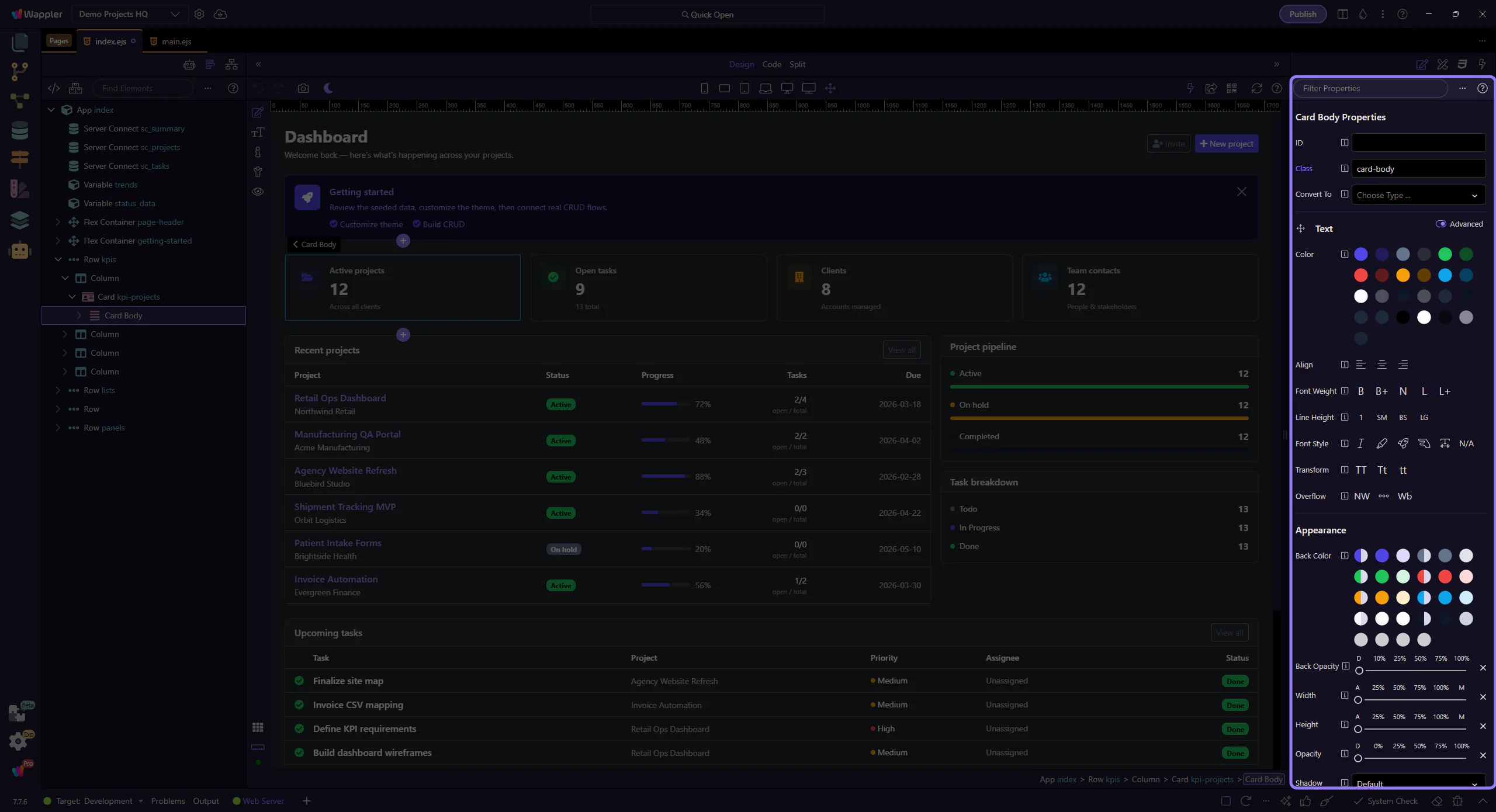
Clear filter
Section titled “Clear filter”Clear the filter to return to the full list of controls.