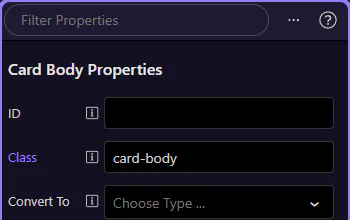
Inspector Panel Reference
Find your way around HTML Editor Inspector Panel: where to find the main controls and what they do.
Selection context
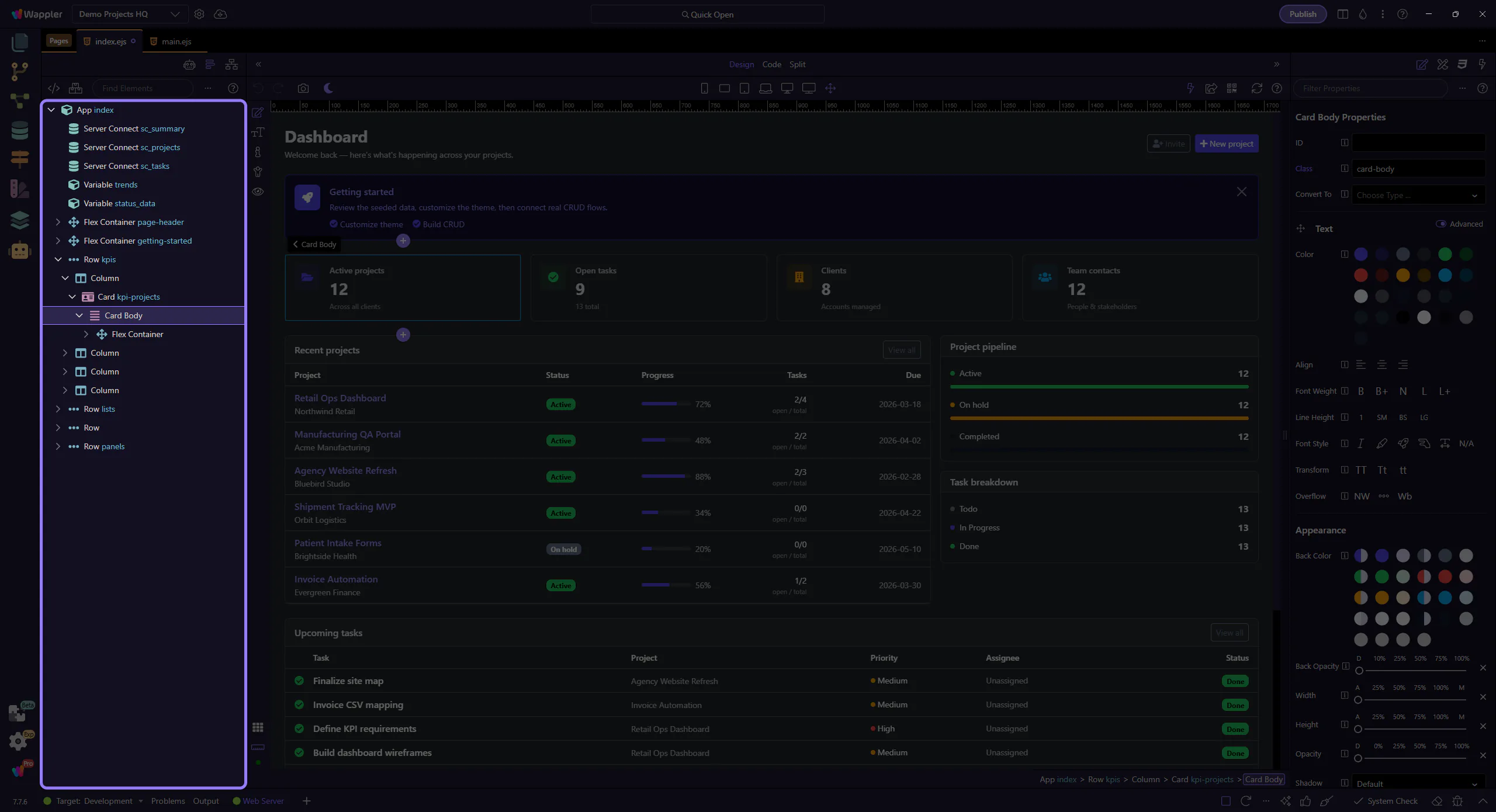
Section titled “Selection context”This setup step selects the page body so the Inspector reference shows populated controls.
Inspector reference
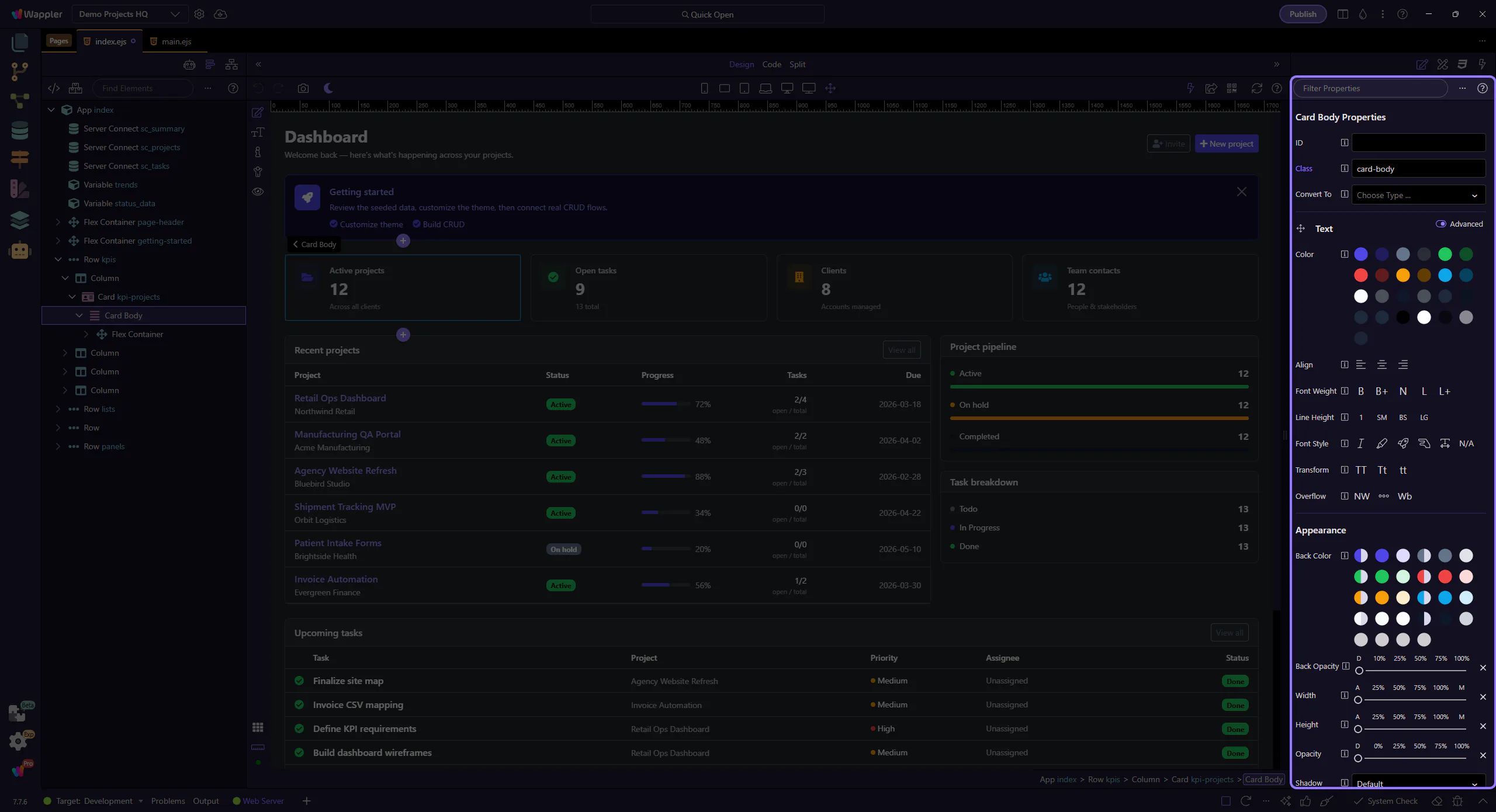
Section titled “Inspector reference”Treat this reference tour as a map of the inspector before you rely on it for fast element edits. It highlights the groups and controls you revisit most often, explains what each part is responsible for, and helps you remember where to return when a property needs review.
Toolbar
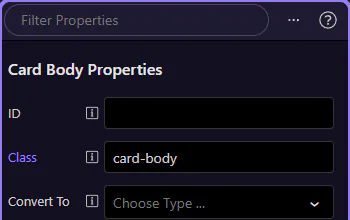
Section titled “Toolbar”Use Filter to find controls, Help for guidance, and the menu for more options. This step matters because Toolbar is part of the Properties panel, and understanding that context makes the next action easier to repeat in your own project.
Context menu
Section titled “Context menu”Right-click controls or groups for additional actions. This step matters because Context menu is part of the Properties panel, and understanding that context makes the next action easier to repeat in your own project.
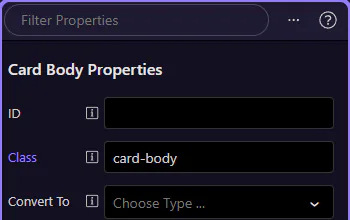
Inspector body
Section titled “Inspector body”Controls are grouped by category. Changes apply to the currently selected element. This step matters because Inspector body is part of the Properties panel, and understanding that context makes the next action easier to repeat in your own project.