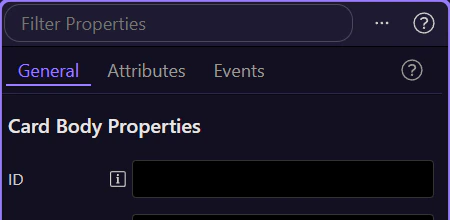
Inspector Panel Overview
Explore HTML Editor Inspector Panel: key areas and how they work together.
Inspector tab
Section titled “Inspector tab”The inspector is where the currently selected element exposes its editable settings in a practical, property-driven layout. This overview explains why that matters, where the panel fits in the HTML Editor workflow, and how the focused how-to tours build on this same surface.
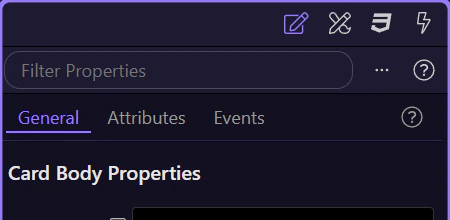
Inspector toolbar
Section titled “Inspector toolbar”Use the toolbar to filter properties, open help, and access panel options.
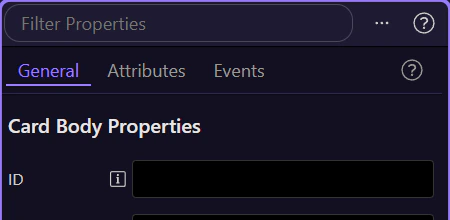
Inspector controls
Section titled “Inspector controls”Edit the selected element’s properties using the controls in the Inspector.