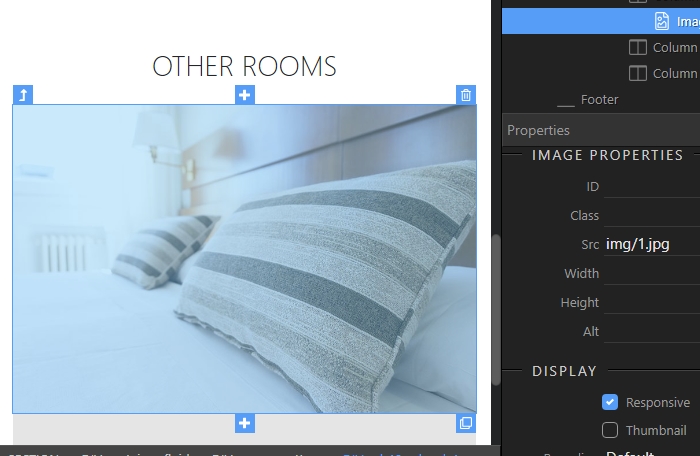
Applying Responsive Images
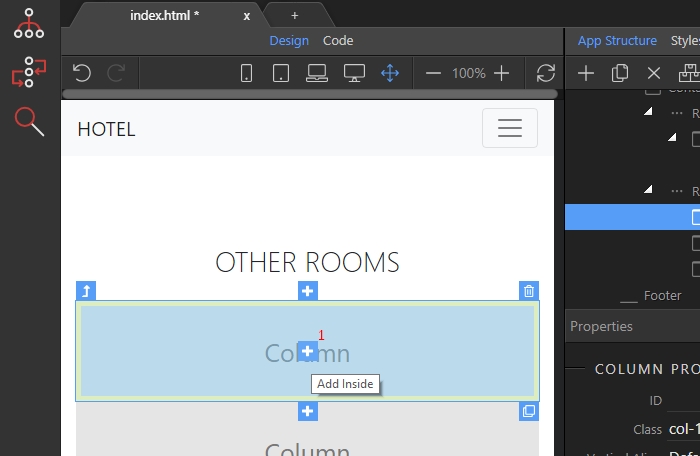
Adding responsive images in your Bootstrap 4 layout is another easy thing to do with Wappler. First, select the element you want to insert image into, and click the add inside button (1): Click the Ba
Adding responsive images in your Bootstrap 4 layout is another easy thing to do with Wappler.
Section titled “Adding responsive images in your Bootstrap 4 layout is another easy thing to do with Wappler.”First, select the element you want to insert image into, and click the add inside button (1):
Click the Basic category (2):
Section titled “Click the Basic category (2):”
Select the image element (3):
Section titled “Select the image element (3):”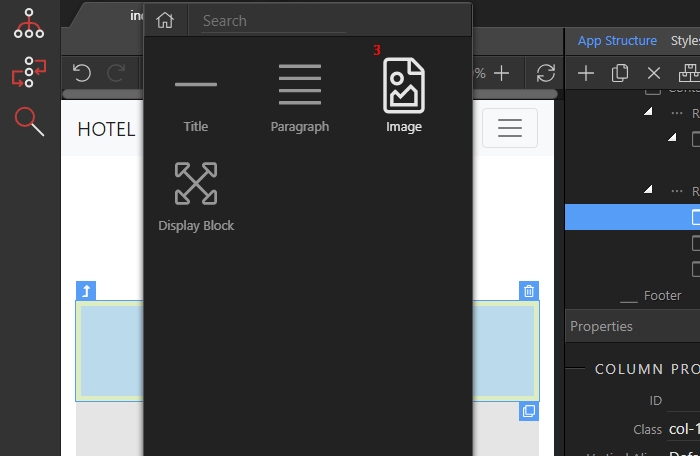
Then, in the src field browse to your image (4):
Section titled “Then, in the src field browse to your image (4):”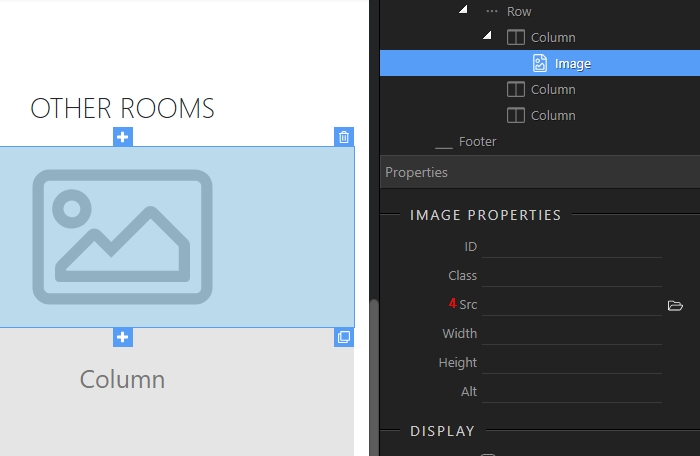
When you select your image, just check the responsive checkbox under image properties:
Section titled “When you select your image, just check the responsive checkbox under image properties:”
You can see your responsive image in Design View immediately:
Section titled “You can see your responsive image in Design View immediately:”