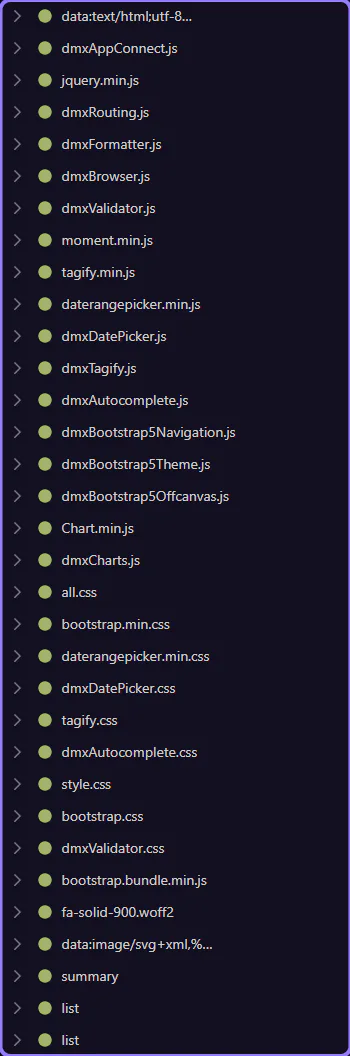
Clear the list
Learn how to clear the list in the Network panel. Use this tour as a quick refresher.
Orient yourself in Page Panels area
Section titled “Orient yourself in Page Panels area”Start with the wider context in the Page Panels area so the next control makes sense in the full workflow. In the next step, you will focus on Goal and see how it fits into this area.
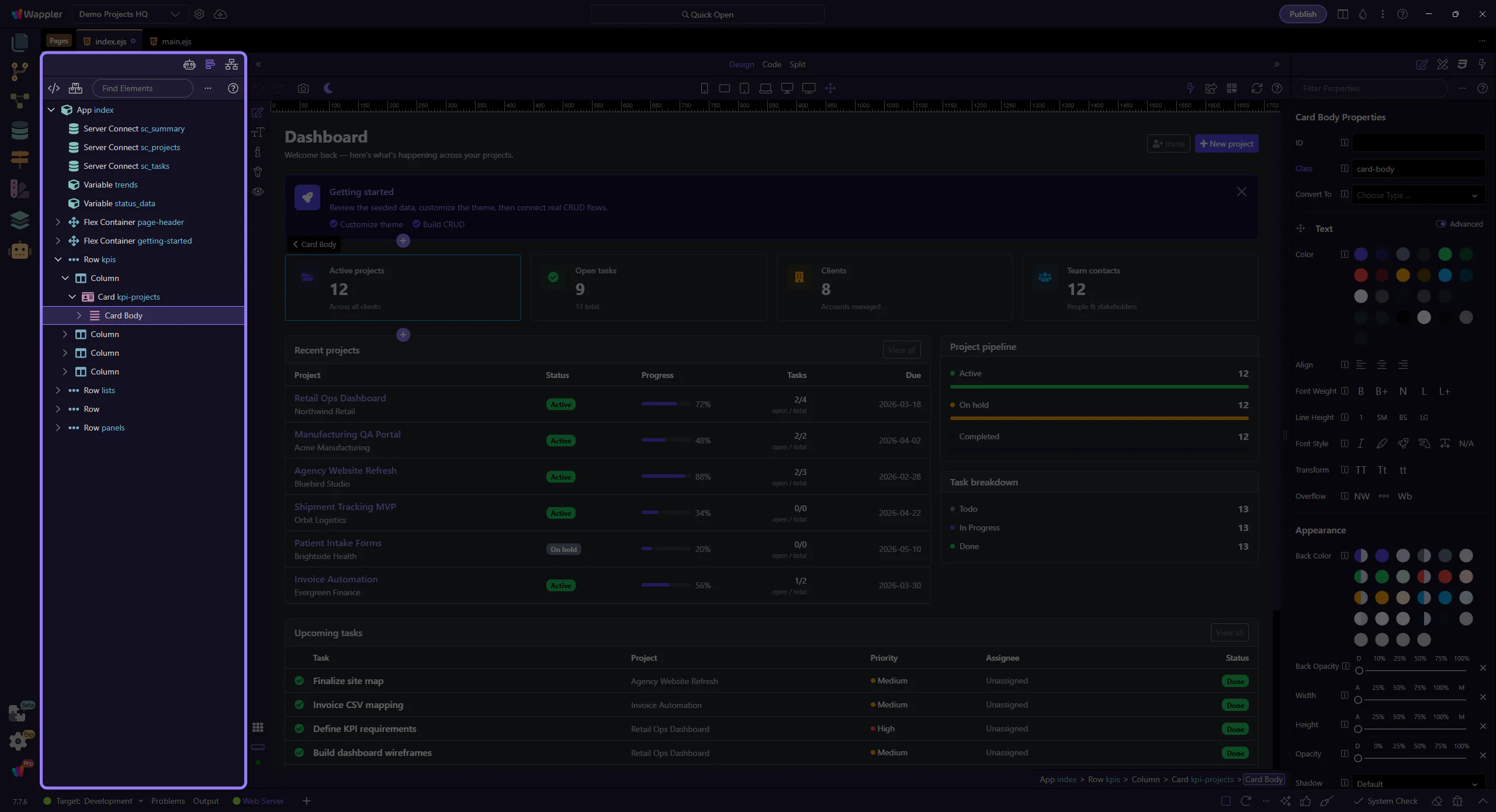
Clear the captured requests list. This step matters because Goal is part of the Network panel, and understanding that context makes the next action easier to repeat in your own project.
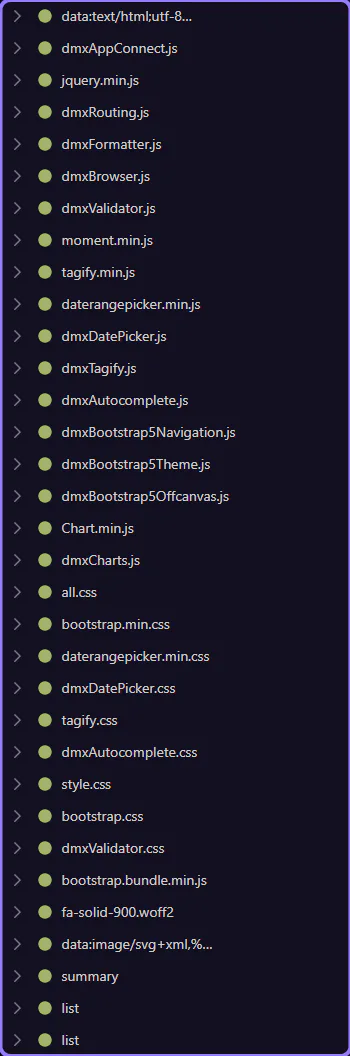
Clear requests
Section titled “Clear requests”Click the clear button in the toolbar to reset the list. This step matters because Clear requests is part of the Network panel, and understanding that context makes the next action easier to repeat in your own project.