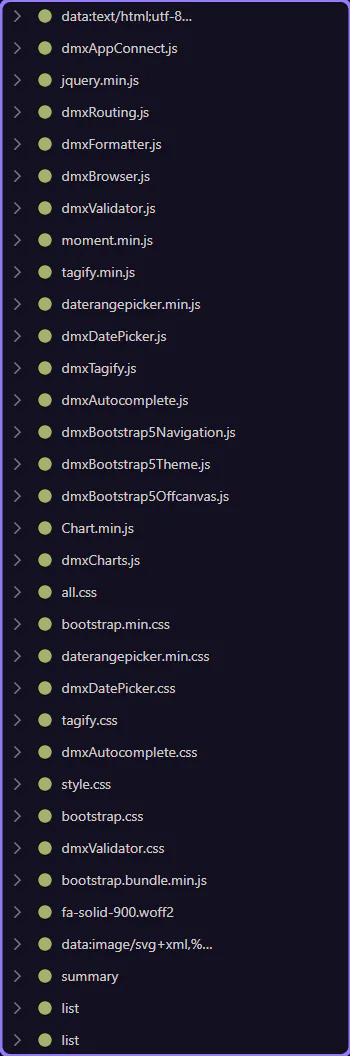
Orient yourself in Page Panels area
Section titled “Orient yourself in Page Panels area”Start with the wider context in the Page Panels area so the next control makes sense in the full workflow. In the next step, you will focus on Network panel and see how it fits into this area.
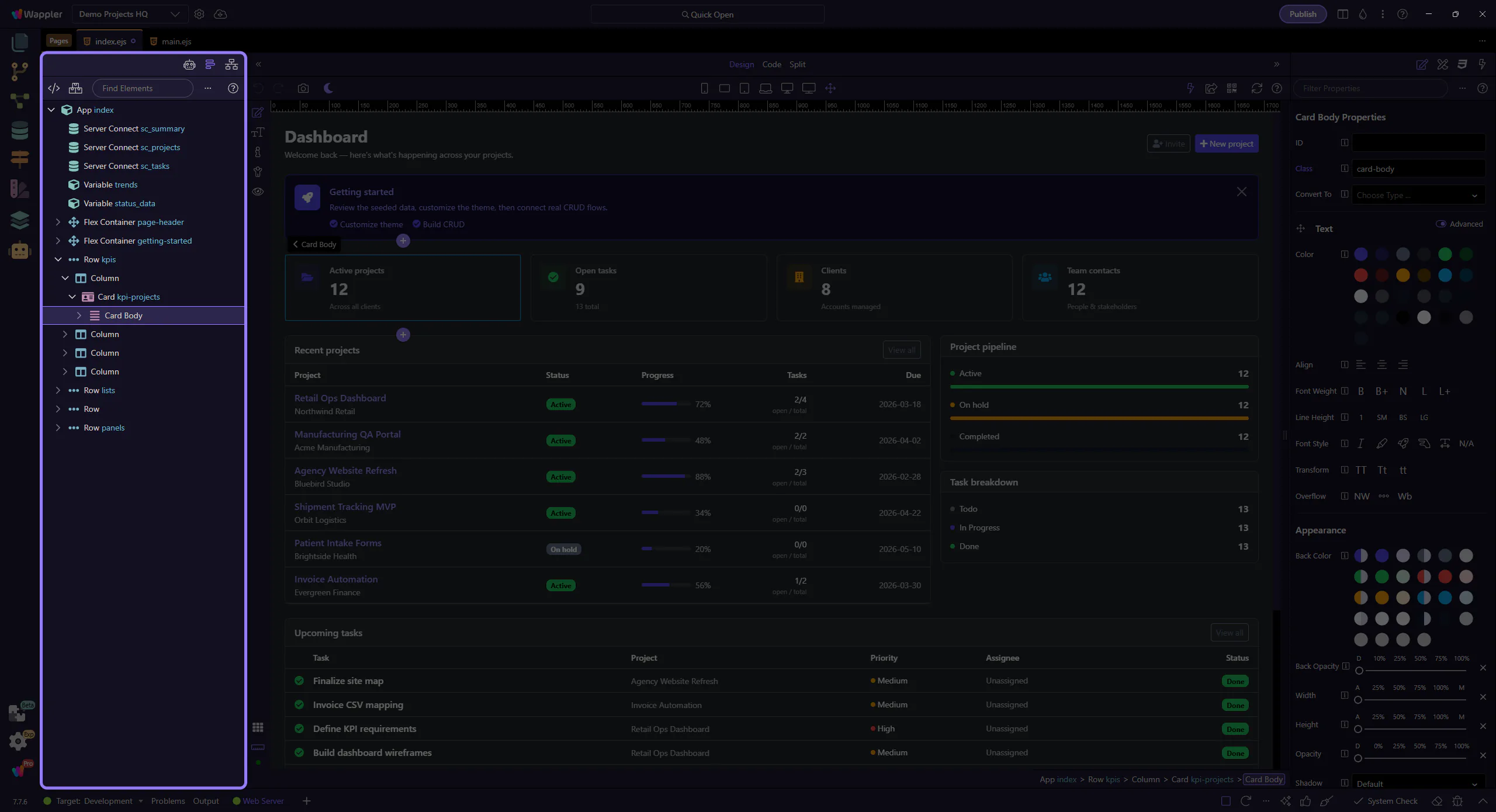
Network panel
Section titled “Network panel”The Network panel shows requests made by the Design view, including XHR and asset loading.
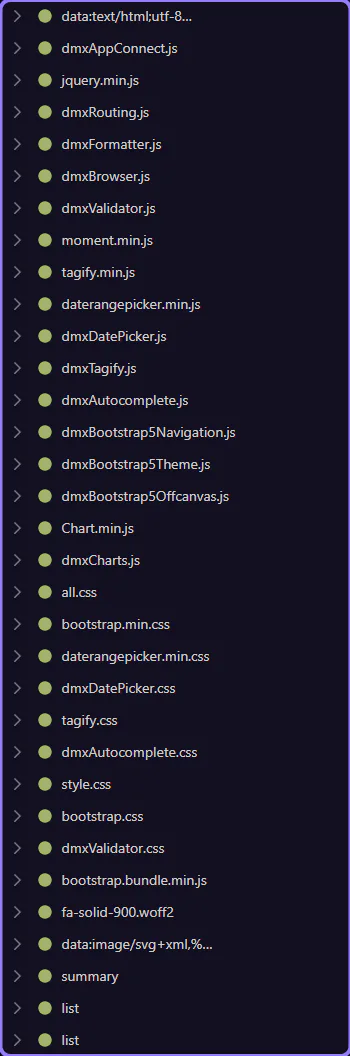
Requests tree
Section titled “Requests tree”Each request appears as a tree node. Expand nodes to inspect details like headers and payloads.