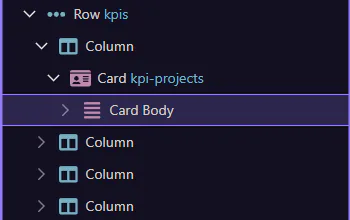
Find in Structure
Learn how to find in Structure in the Page panels. Use this tour as a quick refresher.
Finding something in structure is faster once you treat the page tree as a navigation tool instead of a static outline. This how-to starts from that goal, then explains how locating the right node gives you the context you need before editing, inserting, or inspecting anything else.

Open Structure
Section titled “Open Structure”Switch to the Structure tab.

Search
Section titled “Search”Use the search box to filter and jump to matching nodes. This step matters because Search is part of the Structure panel, and understanding that context makes the next action easier to repeat in your own project.
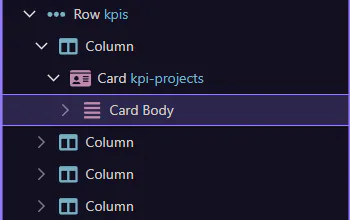
Pick a result
Section titled “Pick a result”Select a matching node in the tree to focus it. This step matters because Pick a result is part of the Structure panel, and understanding that context makes the next action easier to repeat in your own project.