Use the AI Assistant
Learn how to use the AI Assistant in the Page panels. Use this tour as a quick refresher.
Using the AI assistant works best when you treat it as a contextual helper tied to the page you are editing. This how-to begins with that framing, then shows how to approach the assistant so its suggestions stay grounded in the current page structure and editing goal.
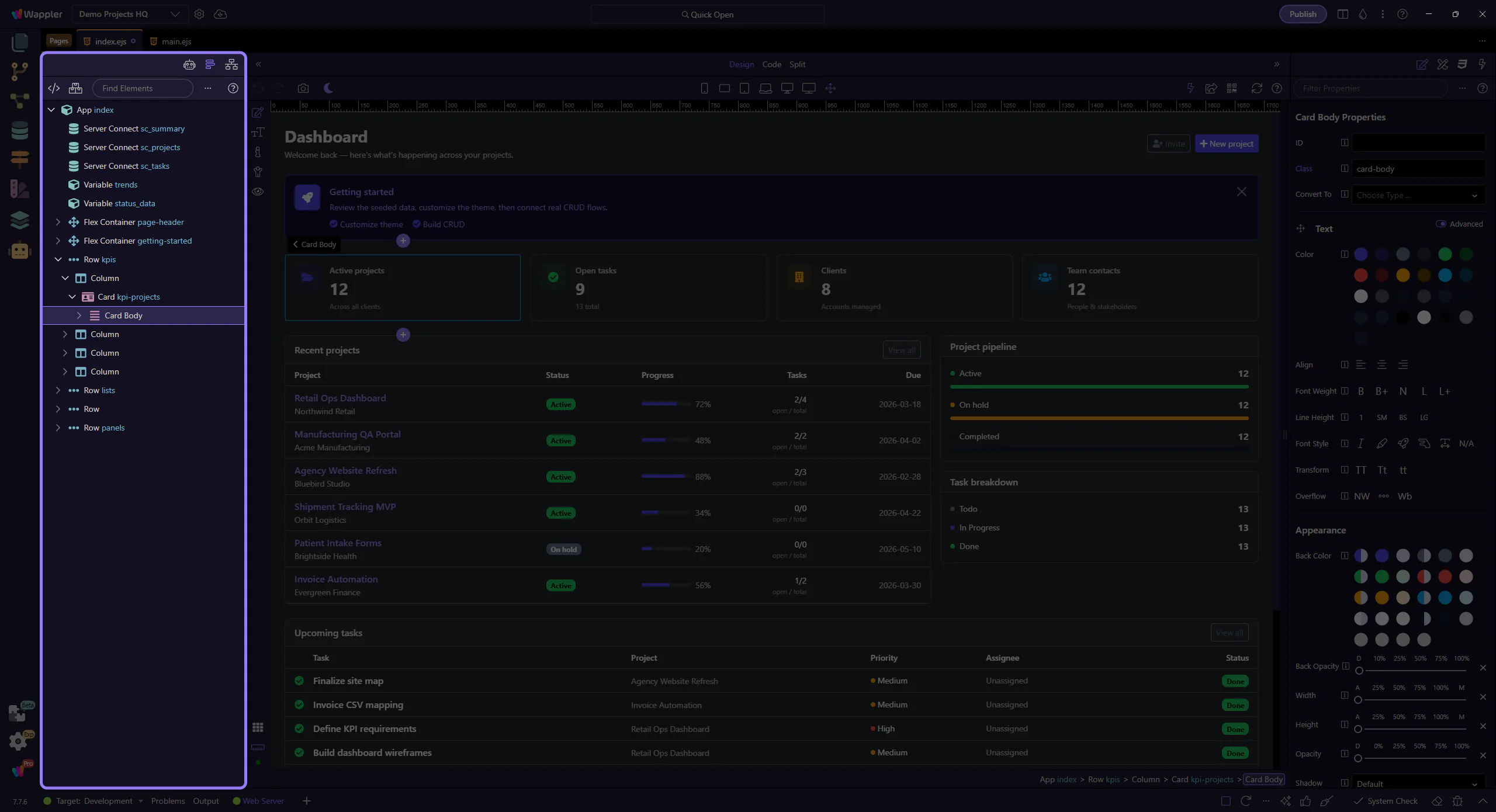
Open AI Assistant
Section titled “Open AI Assistant”Switch to the AI Assistant tab. This step matters because Open AI Assistant is part of the Page Panels area, and understanding that context makes the next action easier to repeat in your own project.
Write a prompt
Section titled “Write a prompt”Describe what you want to do. Use the suggested actions to apply changes. This step matters because Write a prompt is part of the Page Panels area, and understanding that context makes the next action easier to repeat in your own project.
Apply changes
Section titled “Apply changes”Review the suggested edits and apply them when ready. This step matters because Apply changes is part of the Page Panels area, and understanding that context makes the next action easier to repeat in your own project.