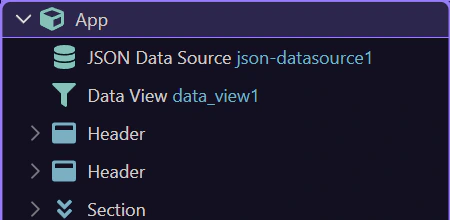
HTML Editor: App Structure Panel Reference
Reference tour for the App Structure panel: panel layout, navigation tools, element selection, and how to work through the page DOM hierarchy.
Reference overview
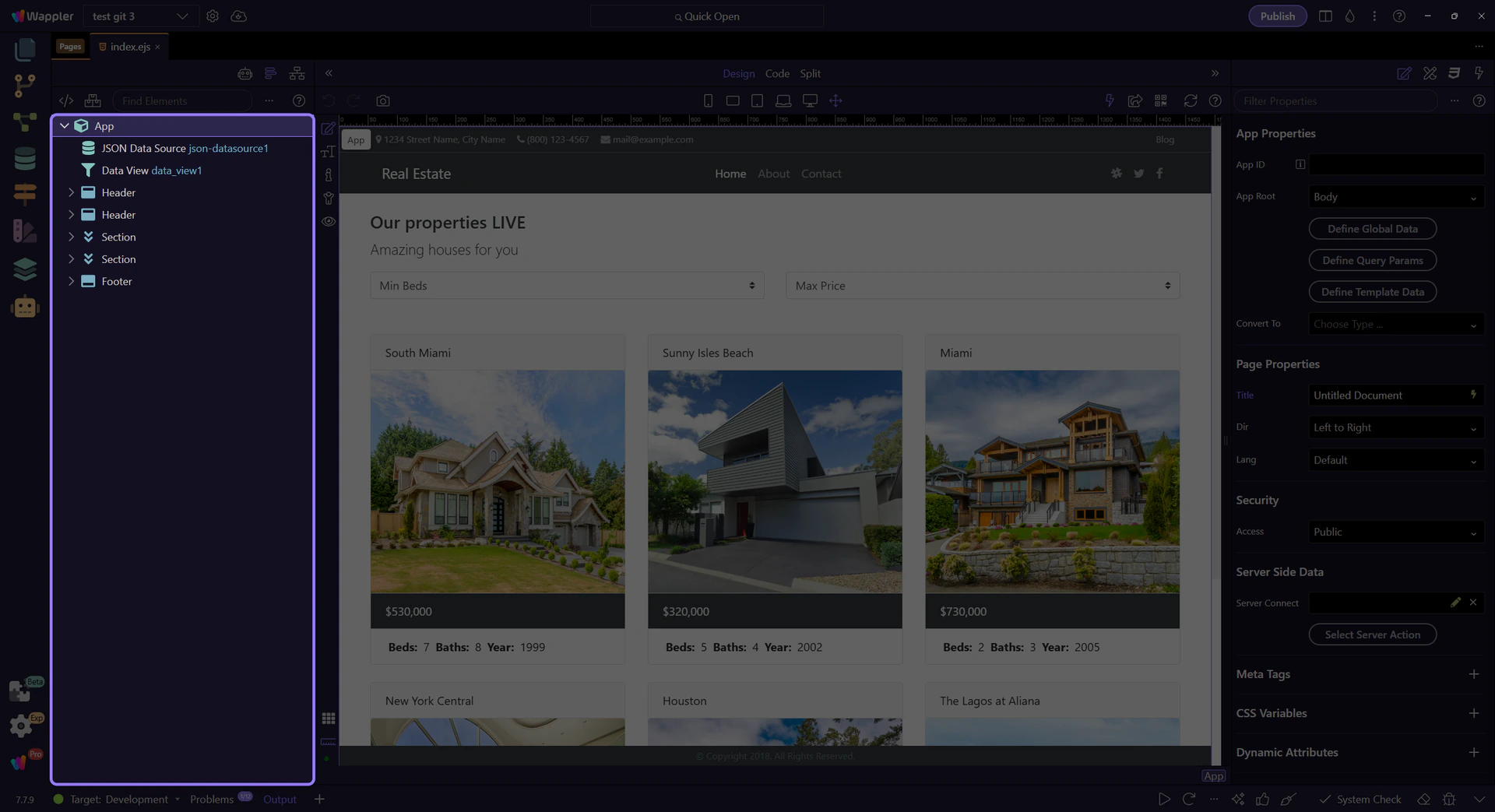
Section titled “Reference overview”Use this reference tour as a map of the Structure panel before you depend on it for navigation and editing. It highlights the parts of the tree you revisit most often, explains what each area is responsible for, and helps you remember where structural page actions begin.
Structure toolbar reference
Section titled “Structure toolbar reference”Show All Elements: include hidden/framework-specific nodes. Manage frameworks: enable/disable framework visibility. Find Elements: search the tree. ?: open Structure panel tours. Menu (⋯): Collapse All, Expand All, Refresh.
Structure context menu reference
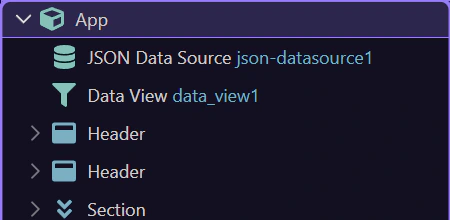
Section titled “Structure context menu reference”Right-click an element in the tree to access Insert Before/After/Child, extract content into its own file, Duplicate, and Delete.