App Structure Overview
Explore HTML Editor Structure: key areas and how they work together.
Structure panel
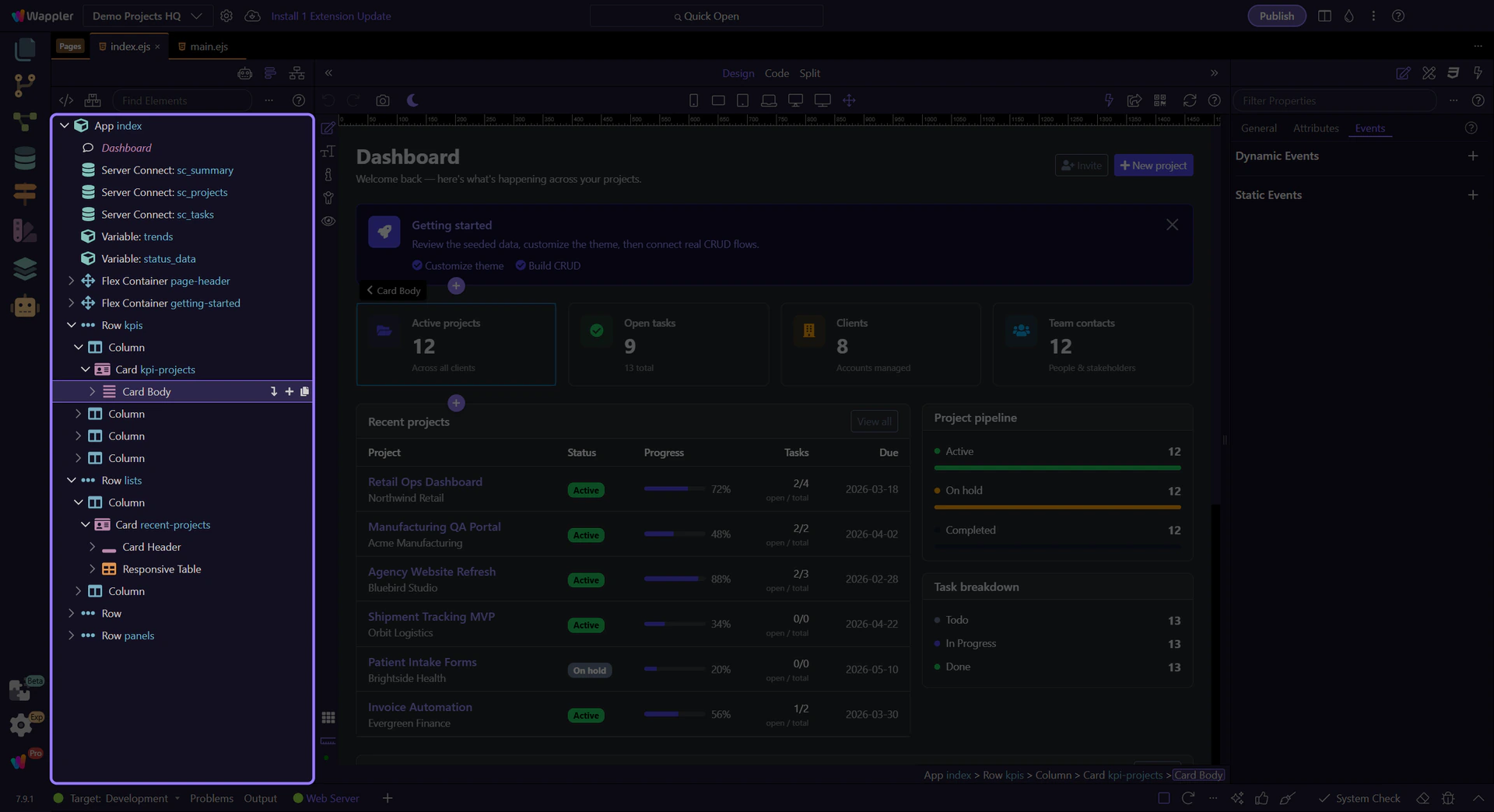
Section titled “Structure panel”Use the Structure panel to navigate the page’s element hierarchy, select elements, and perform element-level operations.
Toolbar
Section titled “Toolbar”Use the toolbar to adjust what’s shown in the tree, manage frameworks, and quickly search.
Element tree
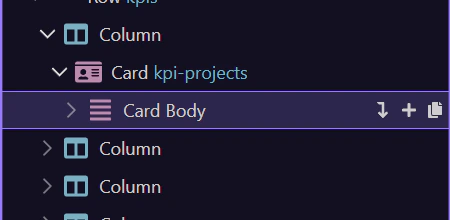
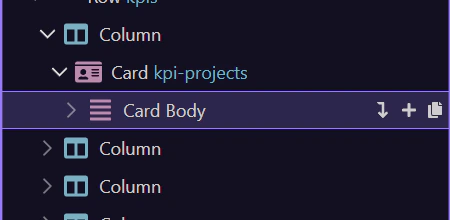
Section titled “Element tree”The tree reflects your current page. Selecting a node usually selects the element in the editor.