
Provider Setup and Target Handoff
Connect a cloud provider, create the first server path, and understand how Resource Manager hands infrastructure into project targets.
Introduction
Section titled “Introduction”Use this tour when you want the first concrete Resource Manager path after the broader hosting overview. The goal is to connect provider setup, first server creation, and the handoff into project targets so the infrastructure path makes operational sense before publish.
Providers are the real starting point
Section titled “Providers are the real starting point”Resource Manager work begins with the provider account because that is what exposes the infrastructure branches Wappler can work with later. Until the provider exists, there is no real place for server creation, managed database resources, or SSH authorization to attach.
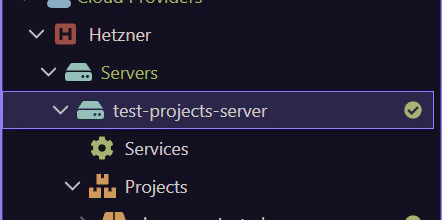
`Add New Provider` sets the scope for the hosting workflow
Section titled “`Add New Provider` sets the scope for the hosting workflow”The Add New Provider action is where you establish the real cloud account context. After that, Resource Manager can enumerate the provider resources and expose the next actions that matter, including server creation and related deployment resources.
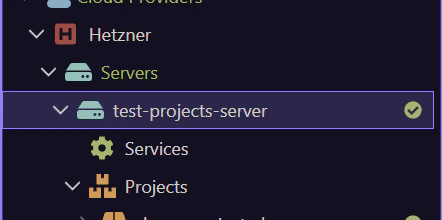
Create the first server path after provider setup
Section titled “Create the first server path after provider setup”Add New Server only makes sense once the provider context is ready. Think of this as more than provisioning one machine. You are defining the infrastructure path the project may later publish to, monitor, and maintain.
Project targets are the handoff out of Resource Manager
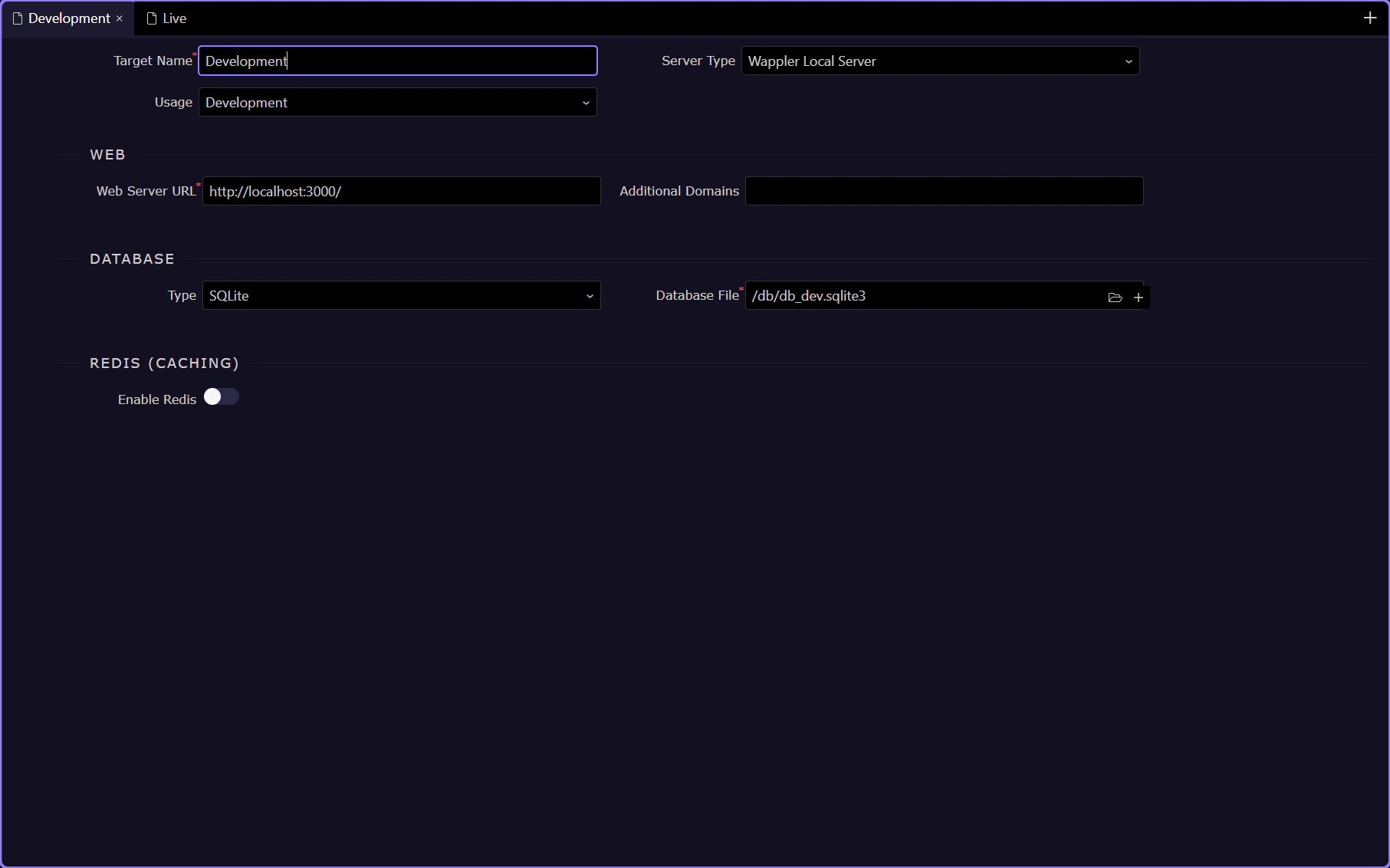
Section titled “Project targets are the handoff out of Resource Manager”Infrastructure becomes reusable for the team only when it flows into project targets. This is the key mental model: Resource Manager prepares the provider and server side, while project targets are where Wappler turns that infrastructure into a repeatable deployment destination. The next step opens the actual Targets UI so you can see that handoff in the live project options.
Project Options -> Targets is where the handoff becomes operational
Section titled “Project Options -> Targets is where the handoff becomes operational”This is the actual handoff surface. Resource Manager prepared the provider and server. The Targets section turns that infrastructure into a deployable destination Wappler can run and publish against.
Use the `Live` target when that concrete production path exists
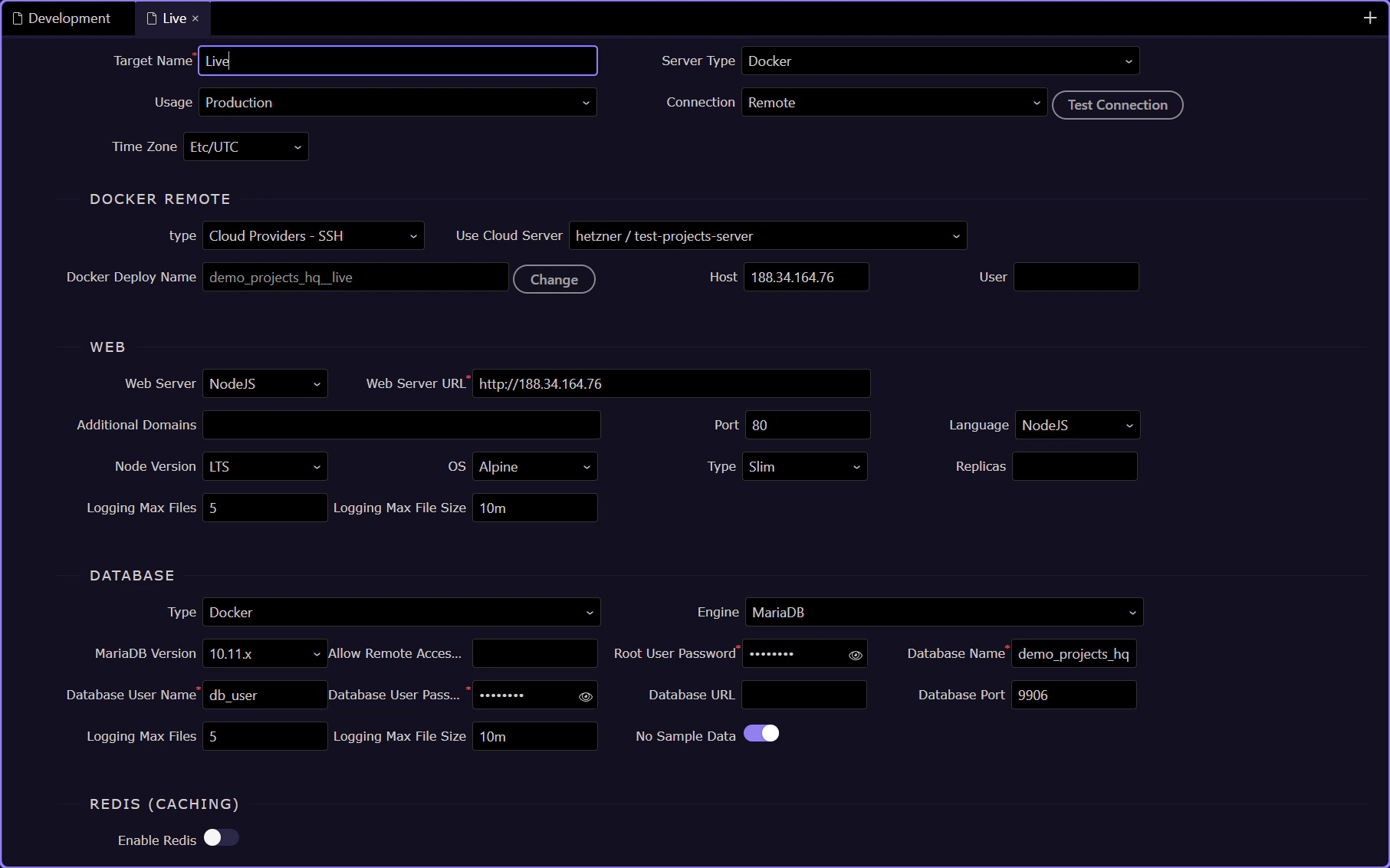
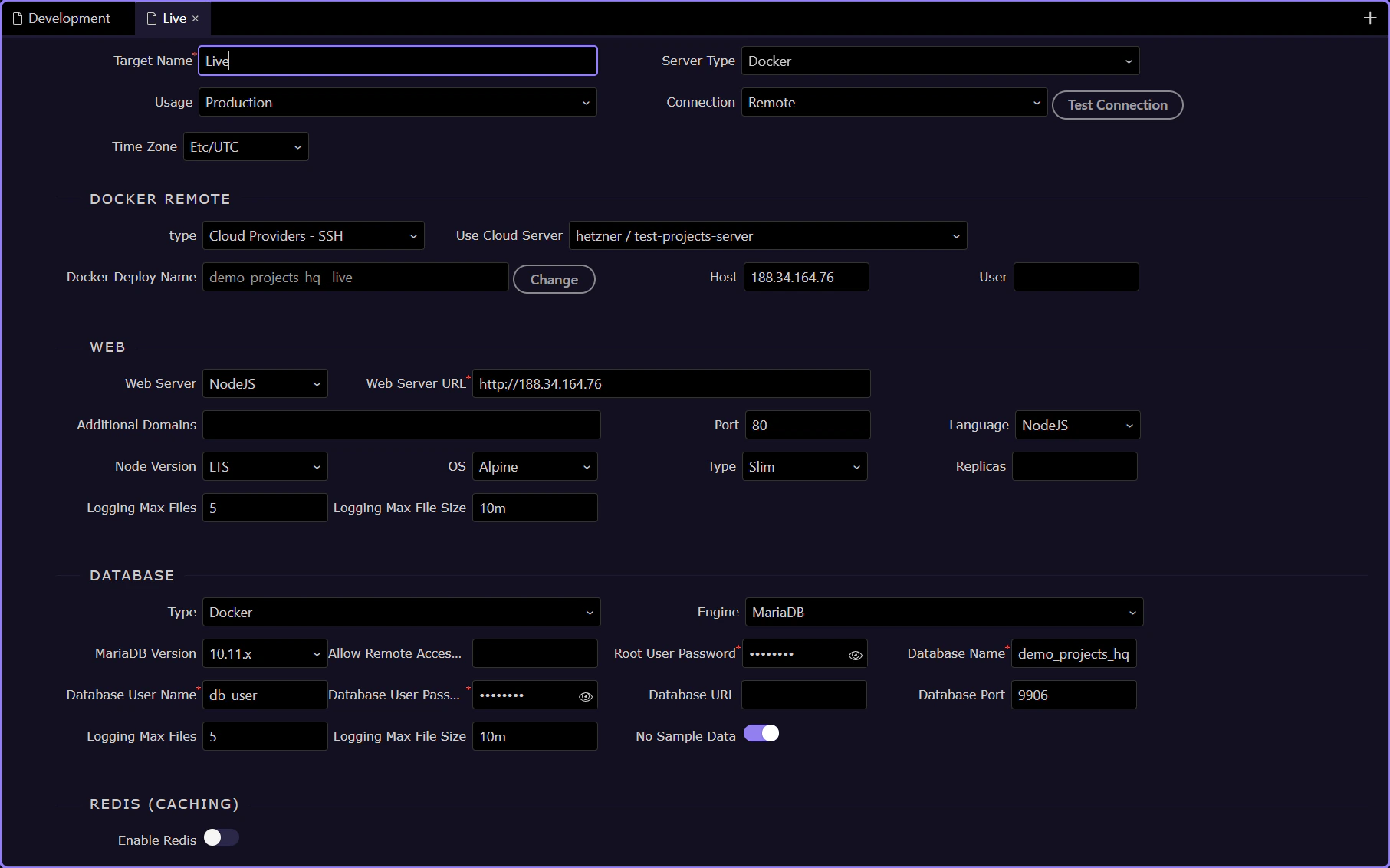
Section titled “Use the `Live` target when that concrete production path exists”Demo Projects HQ includes a real Live target. When that tab is present, treat it as the concrete deployment destination created from the earlier provider and server setup. This is where the project stops pointing at a generic hosting idea and starts pointing at one named operational target.
`Usage` shows that this handoff is the production path
Section titled “`Usage` shows that this handoff is the production path”The Usage field matters because it marks this target as Production. That is the signal that this target is the live deployment destination rather than a local development runtime or a temporary staging slot.
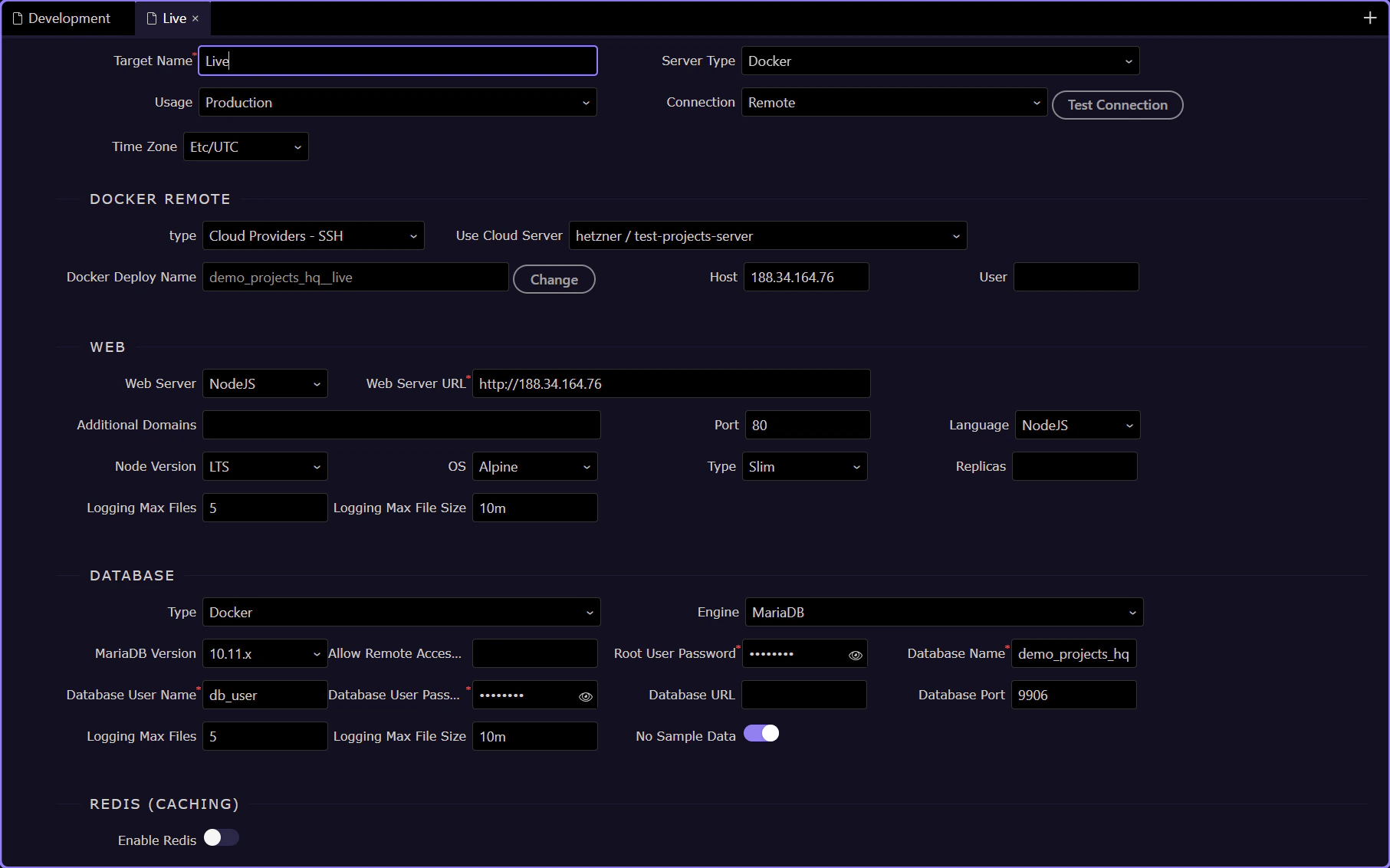
`Docker Host` shows the remote engine this target binds to
Section titled “`Docker Host` shows the remote engine this target binds to”In Demo Projects HQ, the Live target is wired to a real remote Docker engine. The Docker Host field shows that binding directly, using 188.34.164.76 as the host Wappler deploys against for this production target.
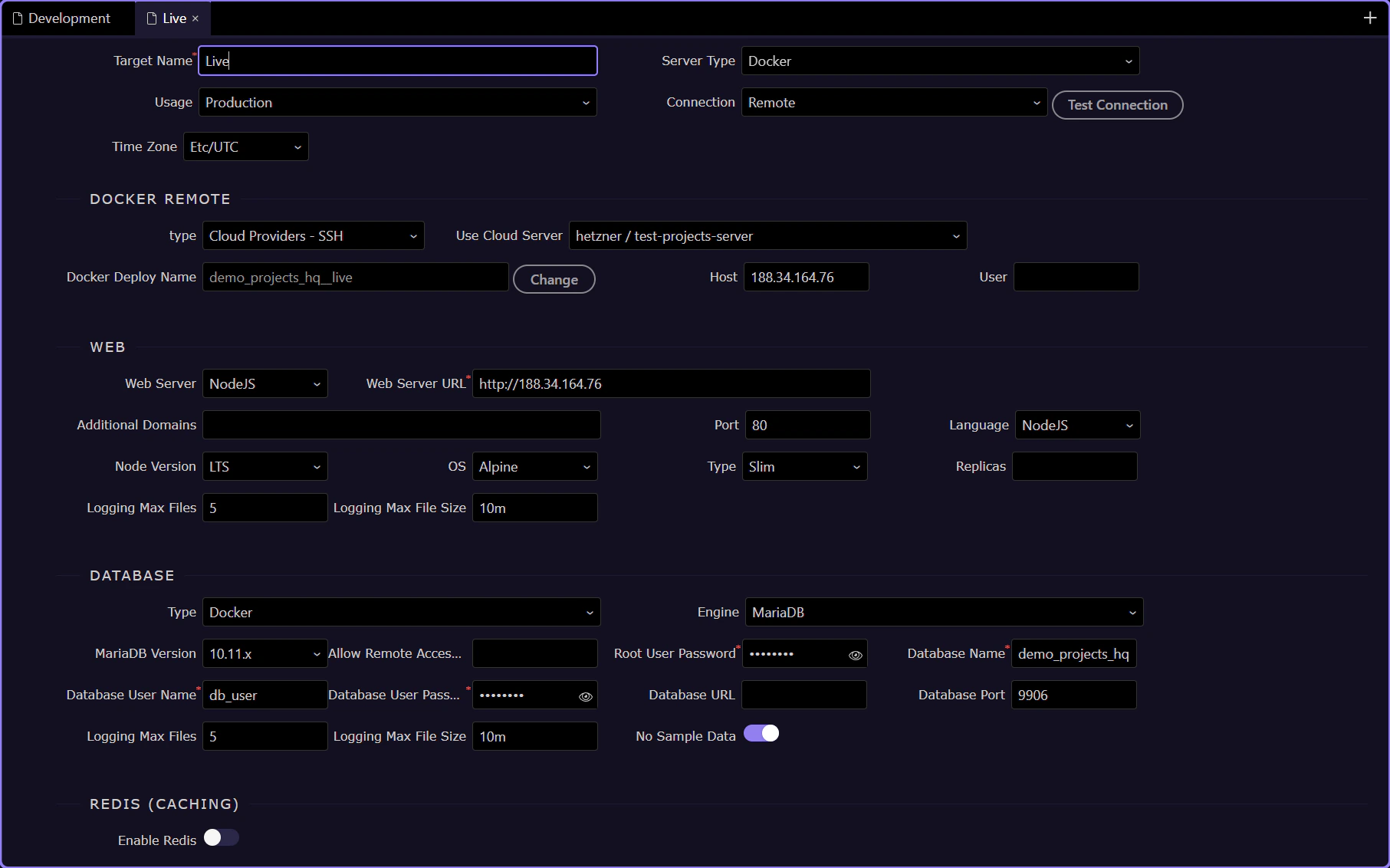
`Docker Server Name` shows how Resource Manager is bound into this target
Section titled “`Docker Server Name` shows how Resource Manager is bound into this target”The clearest bridge back to Resource Manager is the Docker Server Name field. In Demo Projects HQ it points to hetzner / test-projects-server, which is how the earlier provider and server setup is carried into this Live target. If your project uses another server entry, this field is where that named server relationship becomes explicit.
Next steps
Section titled “Next steps”Return to the Resource Manager hub when you are ready for the next panel subject. That keeps the Resource Manager path sequential and leaves the panel hub as the place where the next Resource Manager topic is chosen.