
Inputs
Parameters and request data
Understand a Server Connect Action file: inputs/variables, steps, output, and how data flows through an action.
Use this tour to build a dependable mental model of how a Server Connect action file is organized before you try to debug or extend one. You will follow the flow from inputs to nested steps to output, so larger actions feel like readable pipelines instead of a wall of nodes.
The action is now open in the dedicated Server Connect editor, so the next steps can focus on the workflow tree and the selected step details.
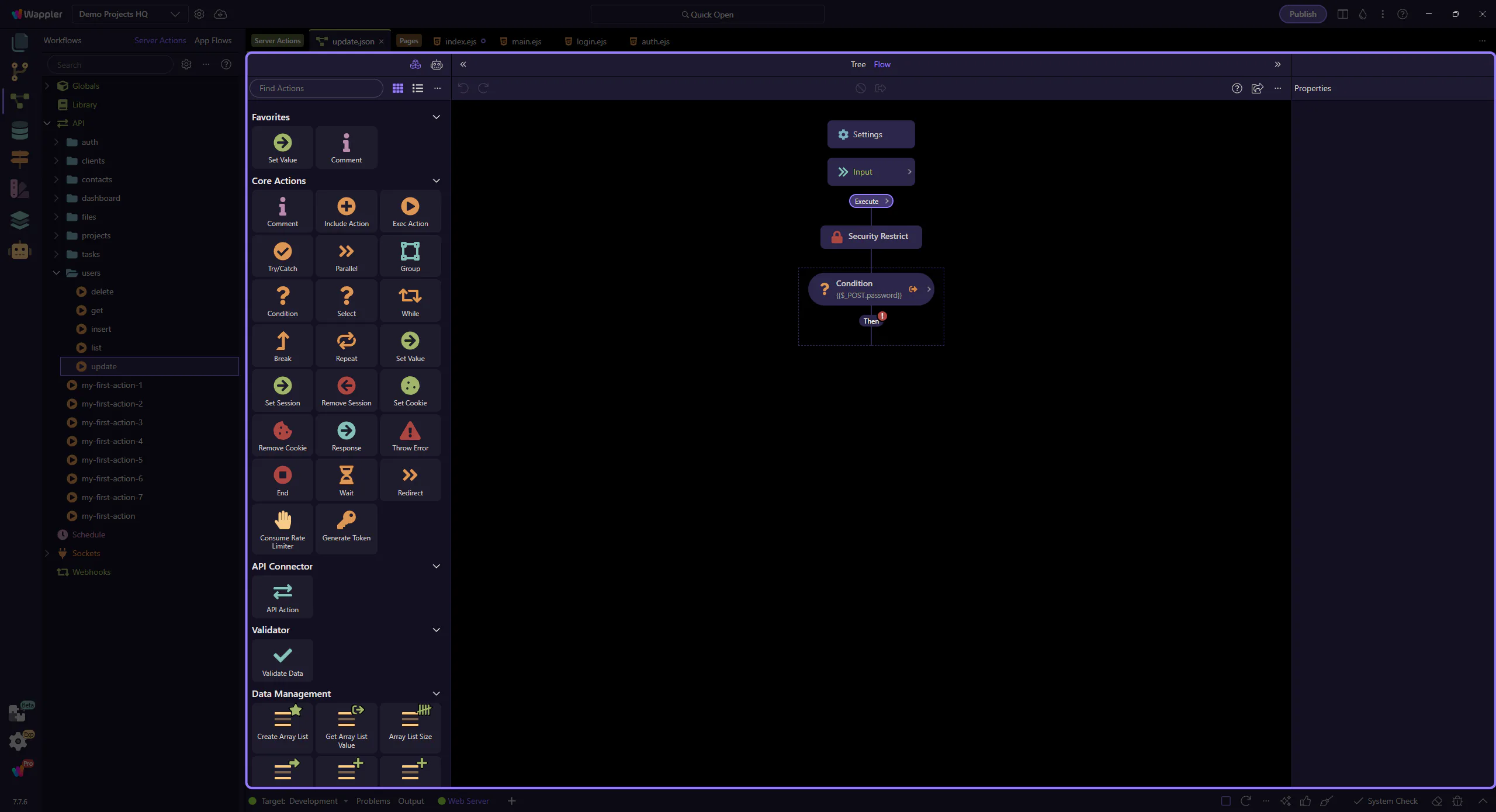
The center/left tree is the source of truth for your action.
Each node is a step. Some steps are containers (they contain child steps).
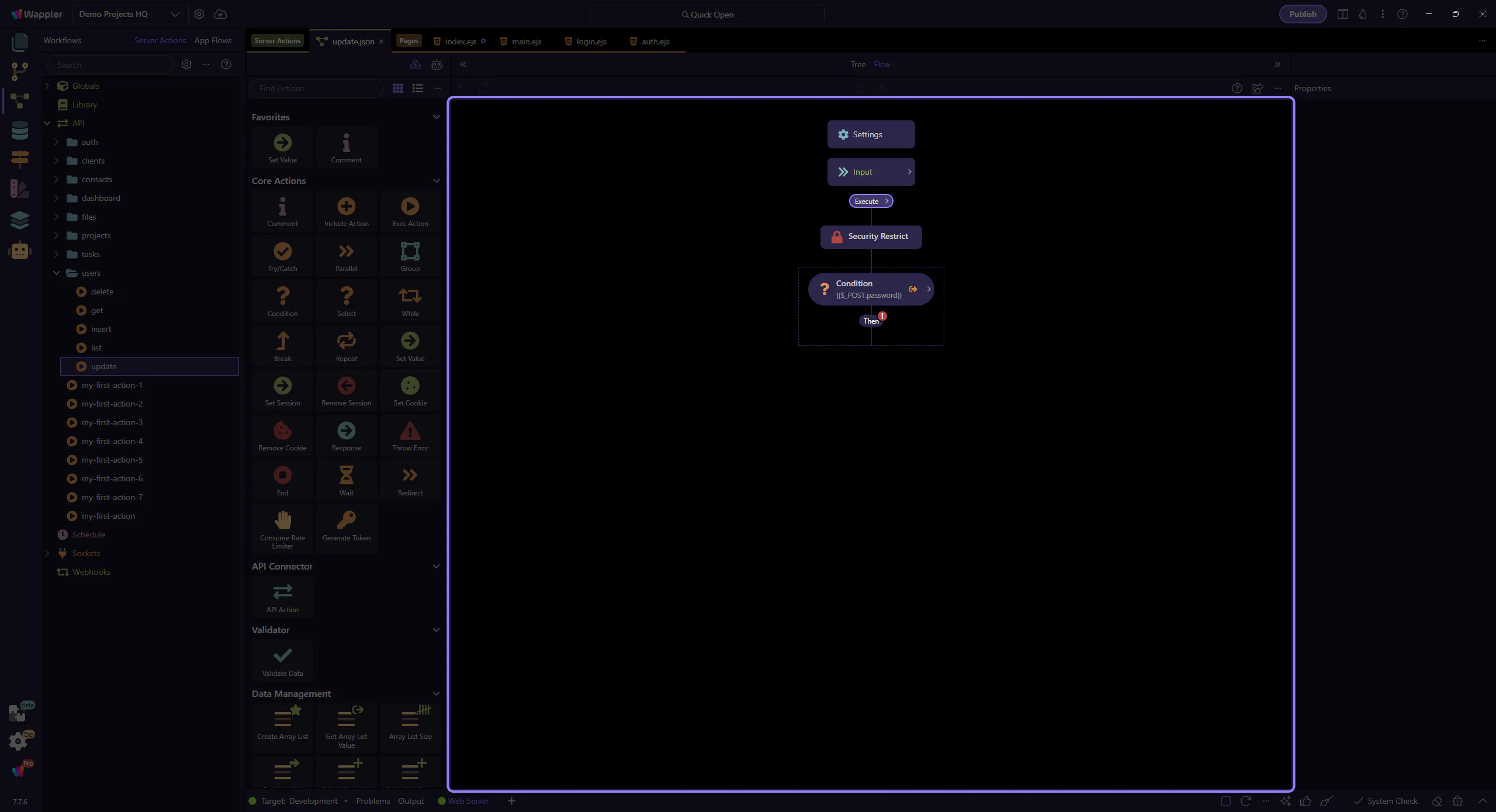
Some steps are containers (they own a nested list of steps).
Examples: If / Switch / Try-Catch / Repeat / For Each.
Use containers to keep logic readable instead of making one long flat list.
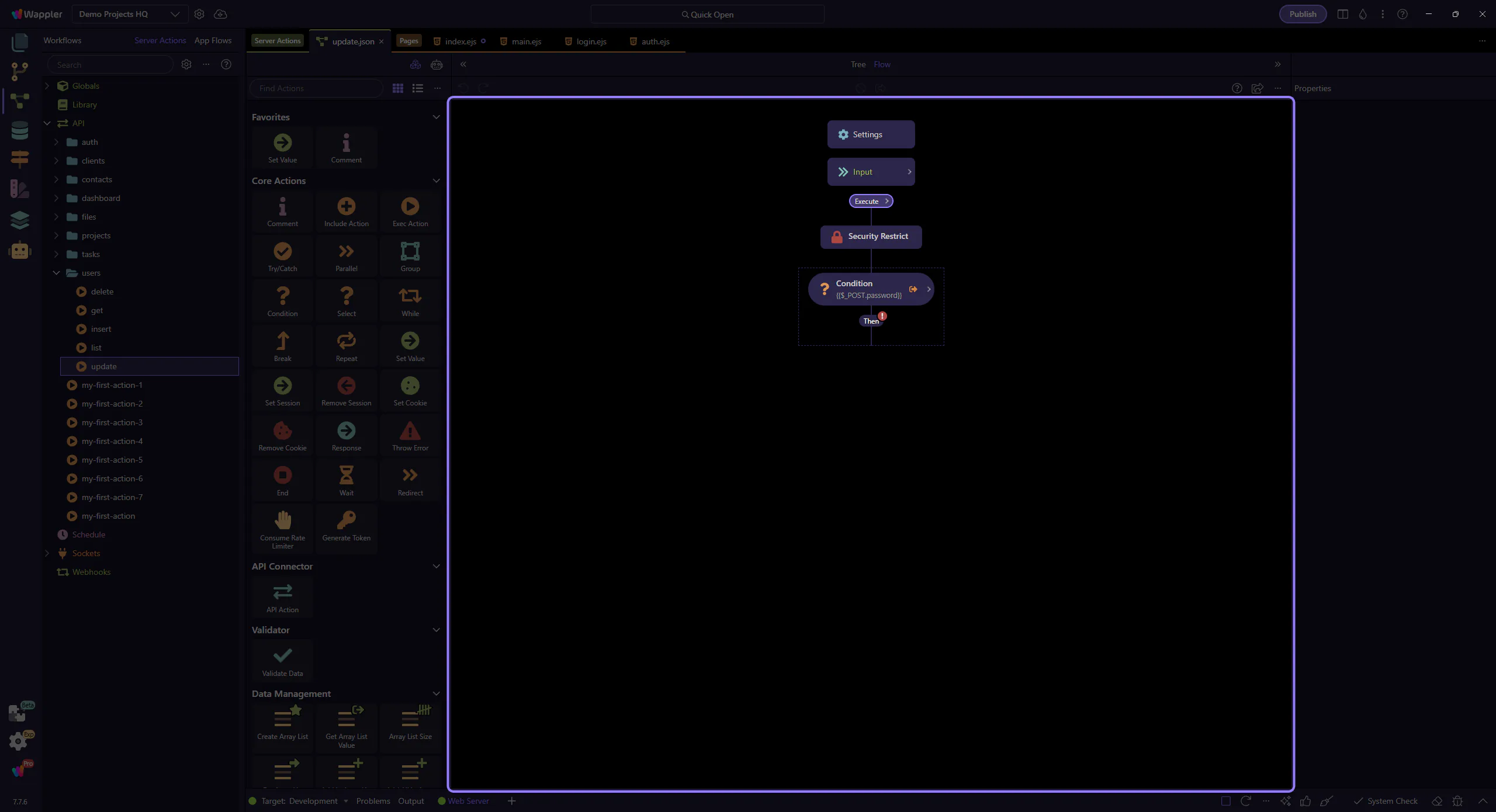
When you select a step in the tree, the Properties panel shows the inputs/options for that step.
Use the tree as the control surface: the current selection is what drives the details on the right.
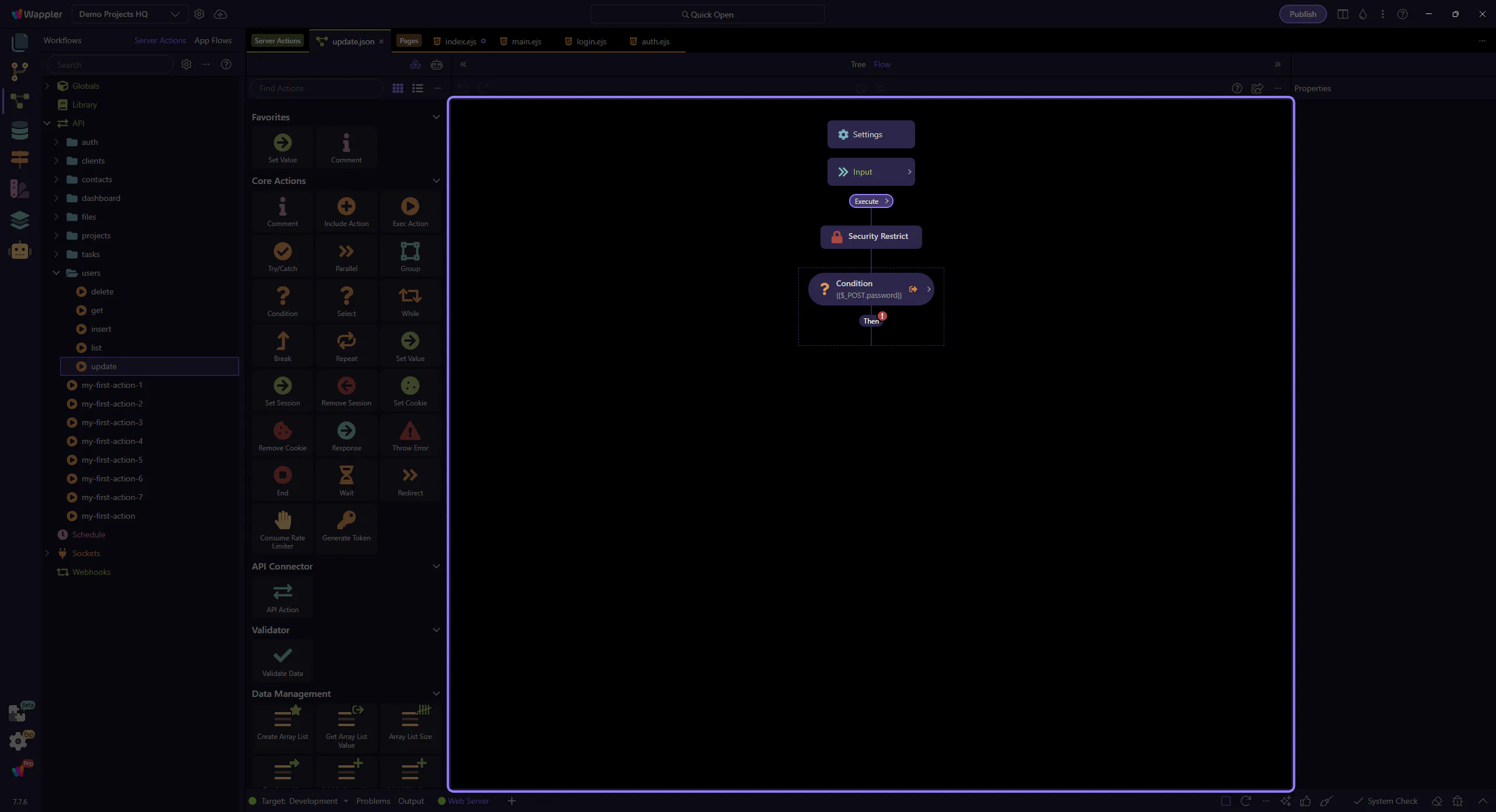
An action returns JSON. Your Output step(s) determine what the client receives.
A useful mental model is: intermediate steps fetch/transform data, then the output decides what to return.
Tip: keep output predictable; it makes front-end binding easier.
Think of Output as the API contract: a stable JSON shape that your client-side code binds to.
For object/array outputs, describing fields (schema/meta) helps autocomplete, pickers, and keeps bindings consistent over time.
Some steps are “terminal” (they end the flow) such as Response, Error, Redirect, or End. Use them to return early from validation/permission checks or to stop after a final response.
NOTE: Most of the time, the best workflow is: validate → build data → return clean output. Terminal steps are for special cases.
Recap the structure and continue with a related deep dive.
Pick a related tour to continue.