
If / Select / Switch
Branch based on conditions
Learn the power tools in the editor: conditionals, switch/select, try/catch, loops, parallel, and reusable library actions.
This tour shows the control-flow tools that make larger server actions readable and reusable: If, Select/Switch, Try/Catch, loops, parallel patterns, and library actions.
Loading the example action into the Server Connect editor.
If this is the first time, it can take a moment while the editor initializes.
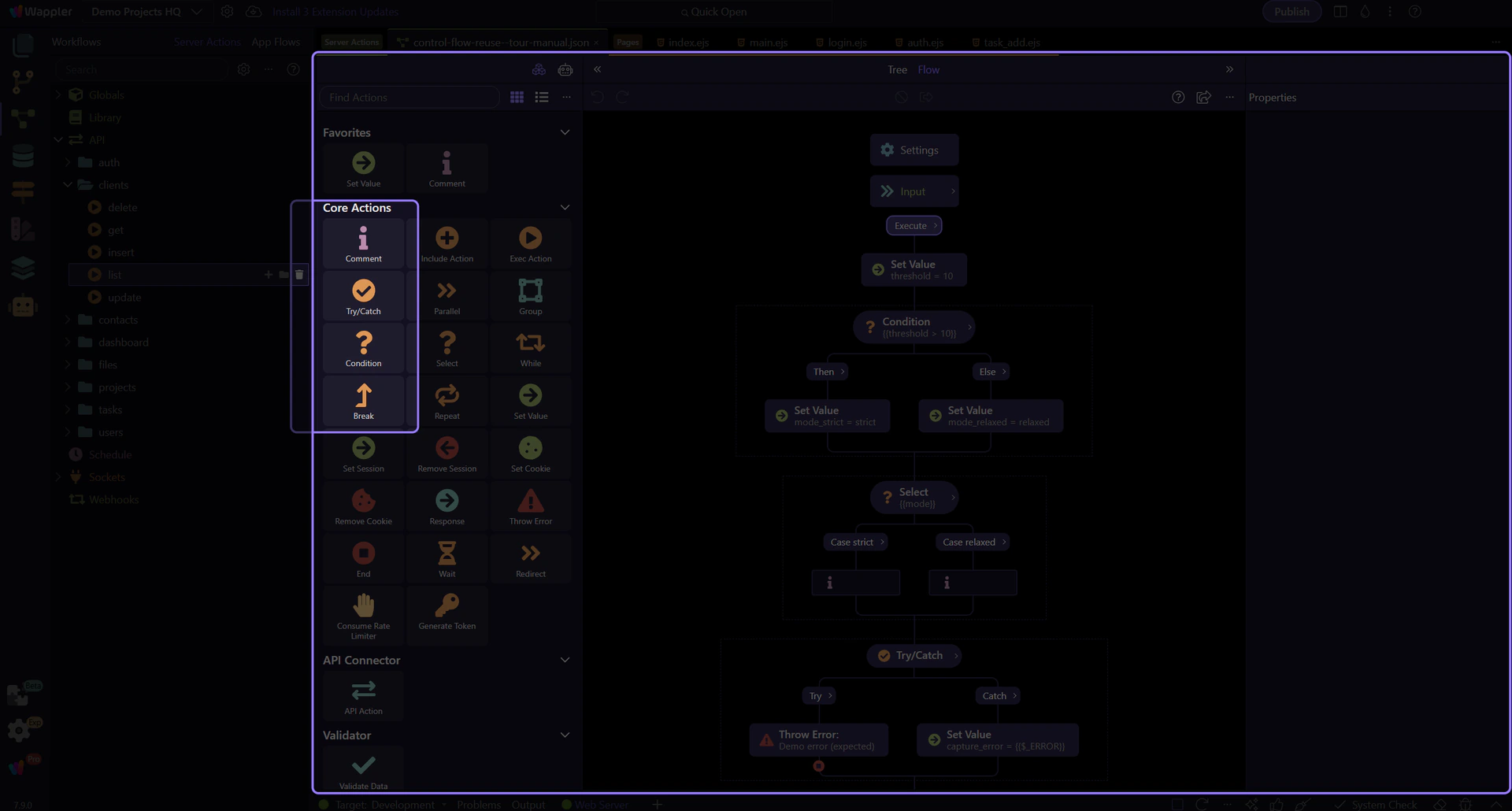
In the Steps tree, some actions are containers: they own nested steps.
Typical containers: If/Then/Else, Switch/Select, Try/Catch, Repeat/While, Group/Parallel.
This tour opens a sample action so you can see these patterns in a real workflow.
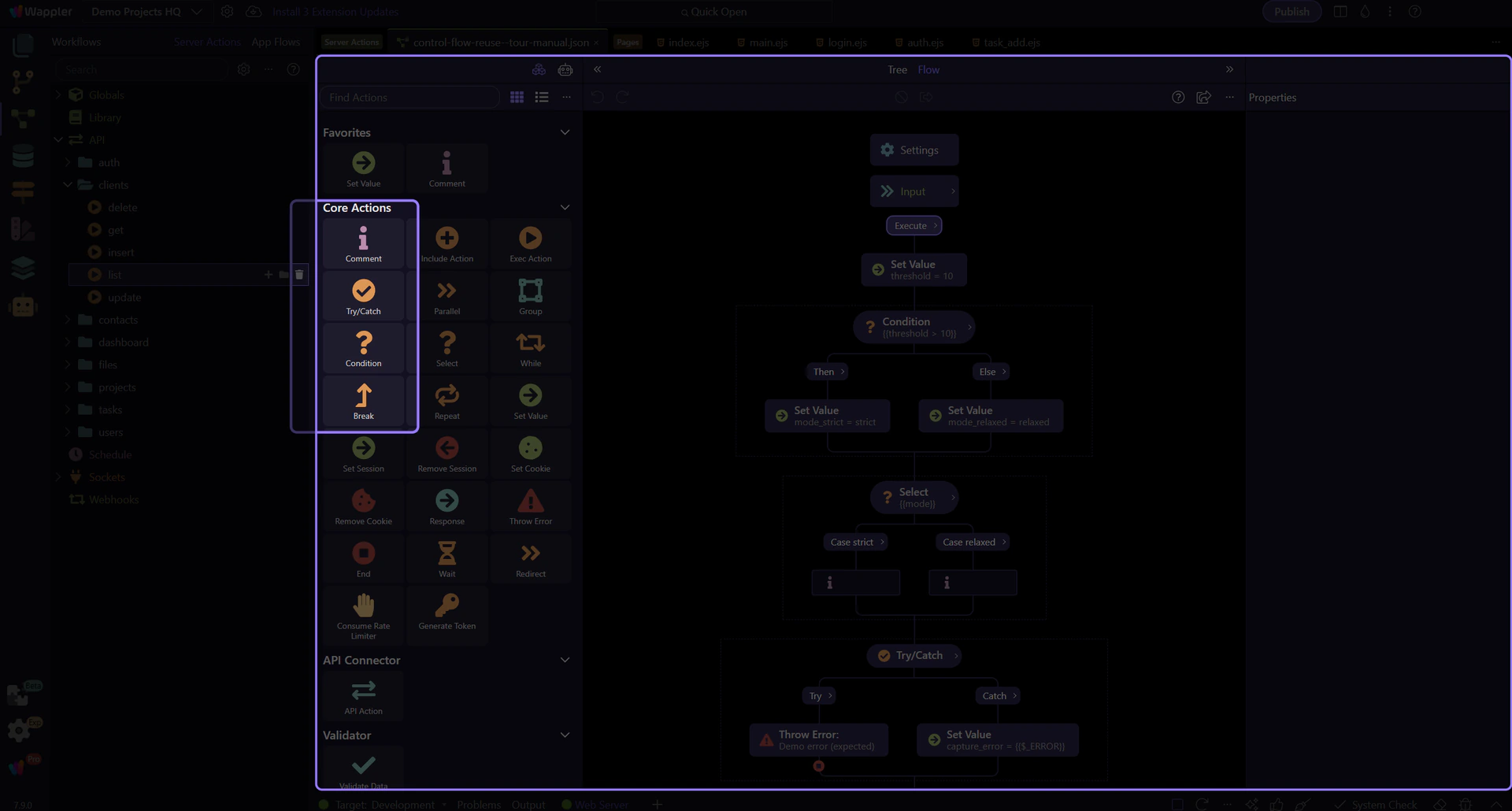
If / Then / Else is your go-to for branching logic.
Common uses include validating inputs, handling missing records, enforcing permissions, and returning a friendly error shape early.
Tip: keep the condition readable—compute complex expressions in a separate step first.
With the If container selected, focus on the Properties panel:
Rule of thumb: compute complex expressions in a Set Value step first, then keep If readable.
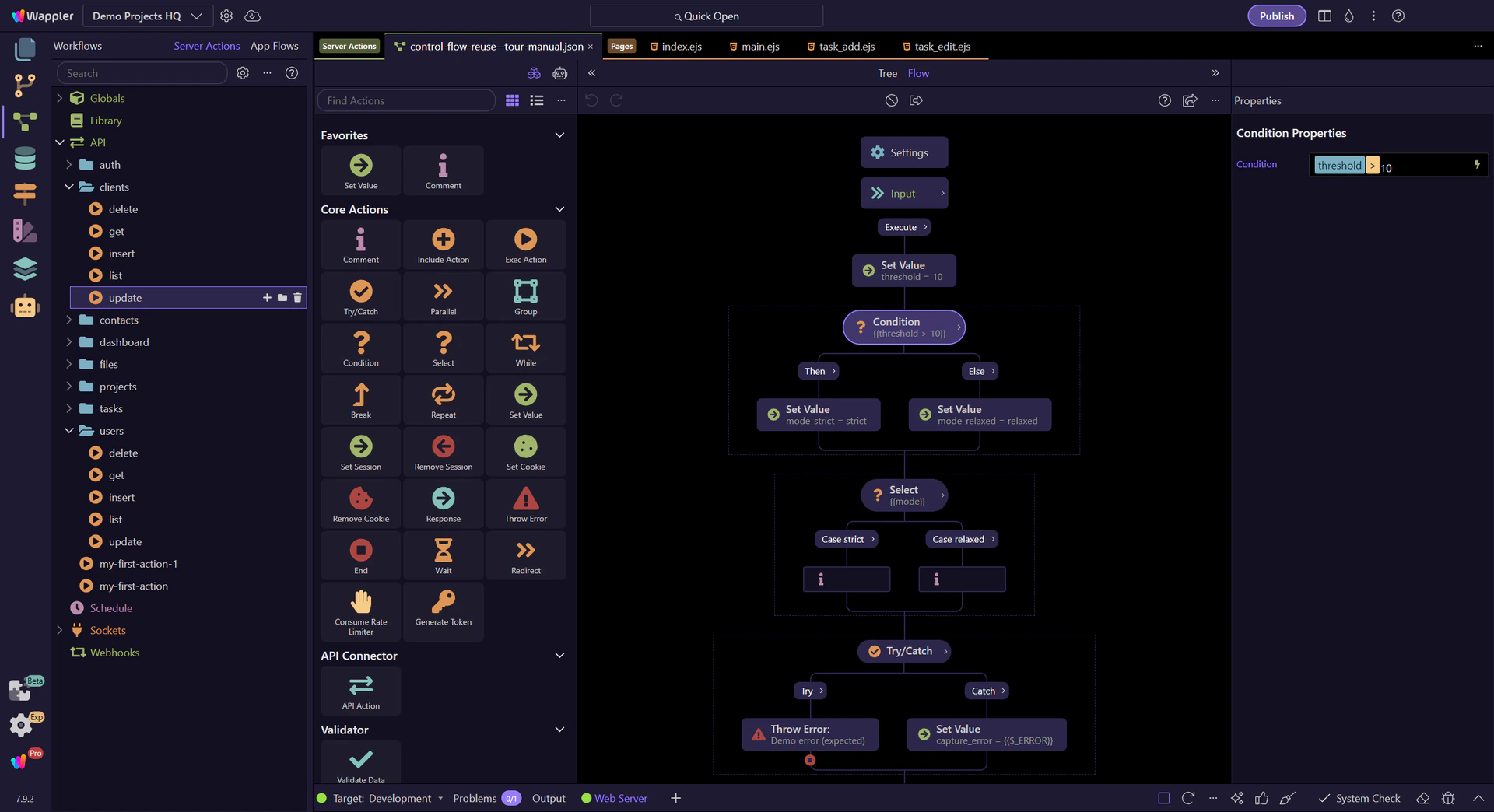
Inside Then/Else you add normal steps (often Set Value, Return, or Error).
Select the step and look at its Properties:
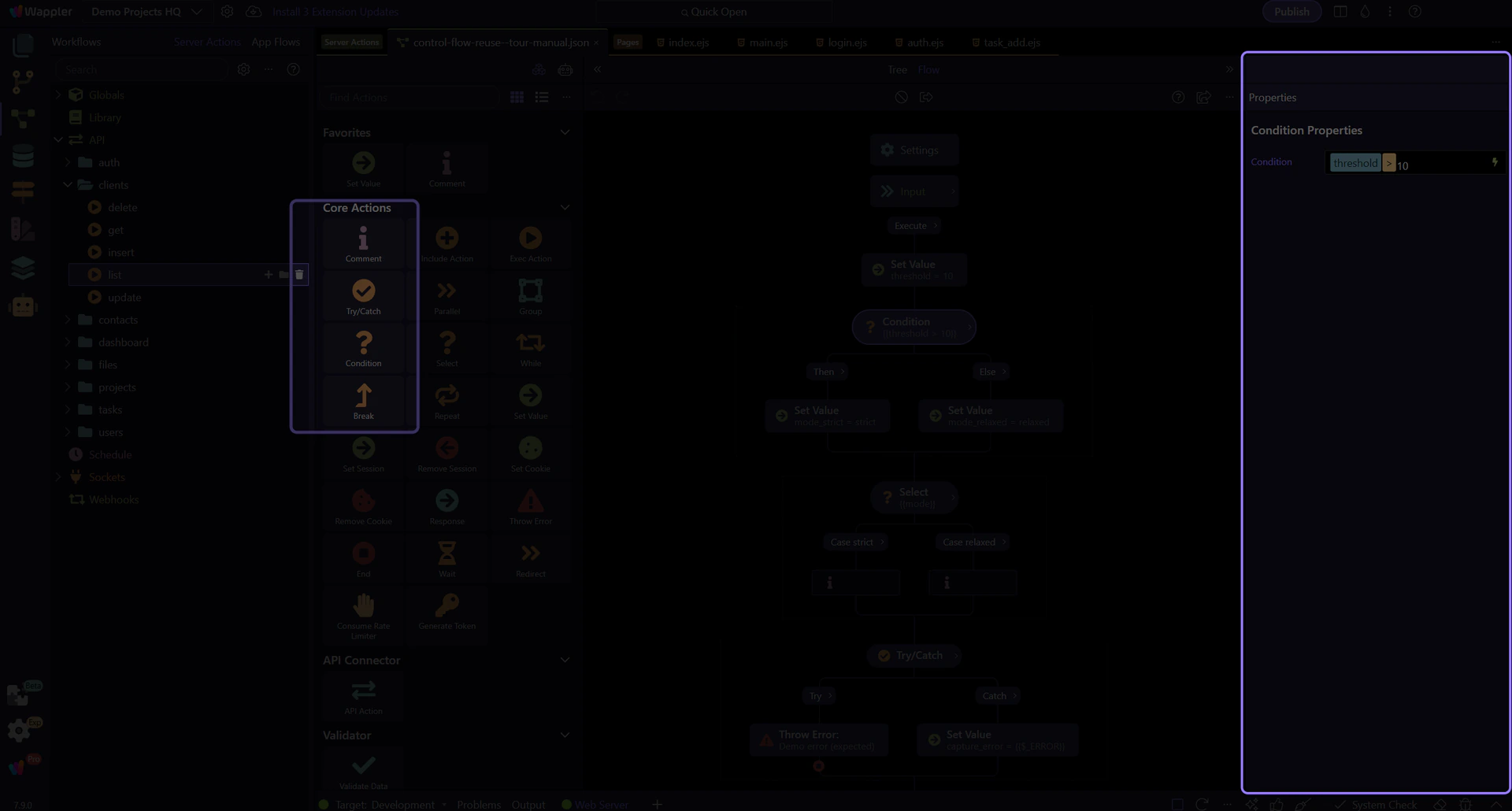
When there are more than two choices, Switch/Select is often clearer than stacking many If blocks.
Use it when you need to handle a set of known cases, and add a default branch when your flow needs a safe fallback.
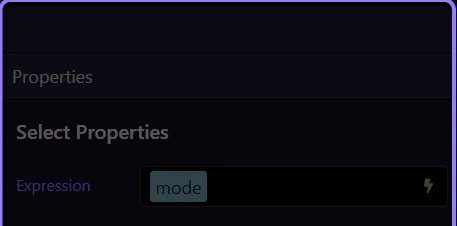
The Select container’s Properties describe:
This sample focuses on explicit named cases, but Select can also include a default path when unexpected values are possible.
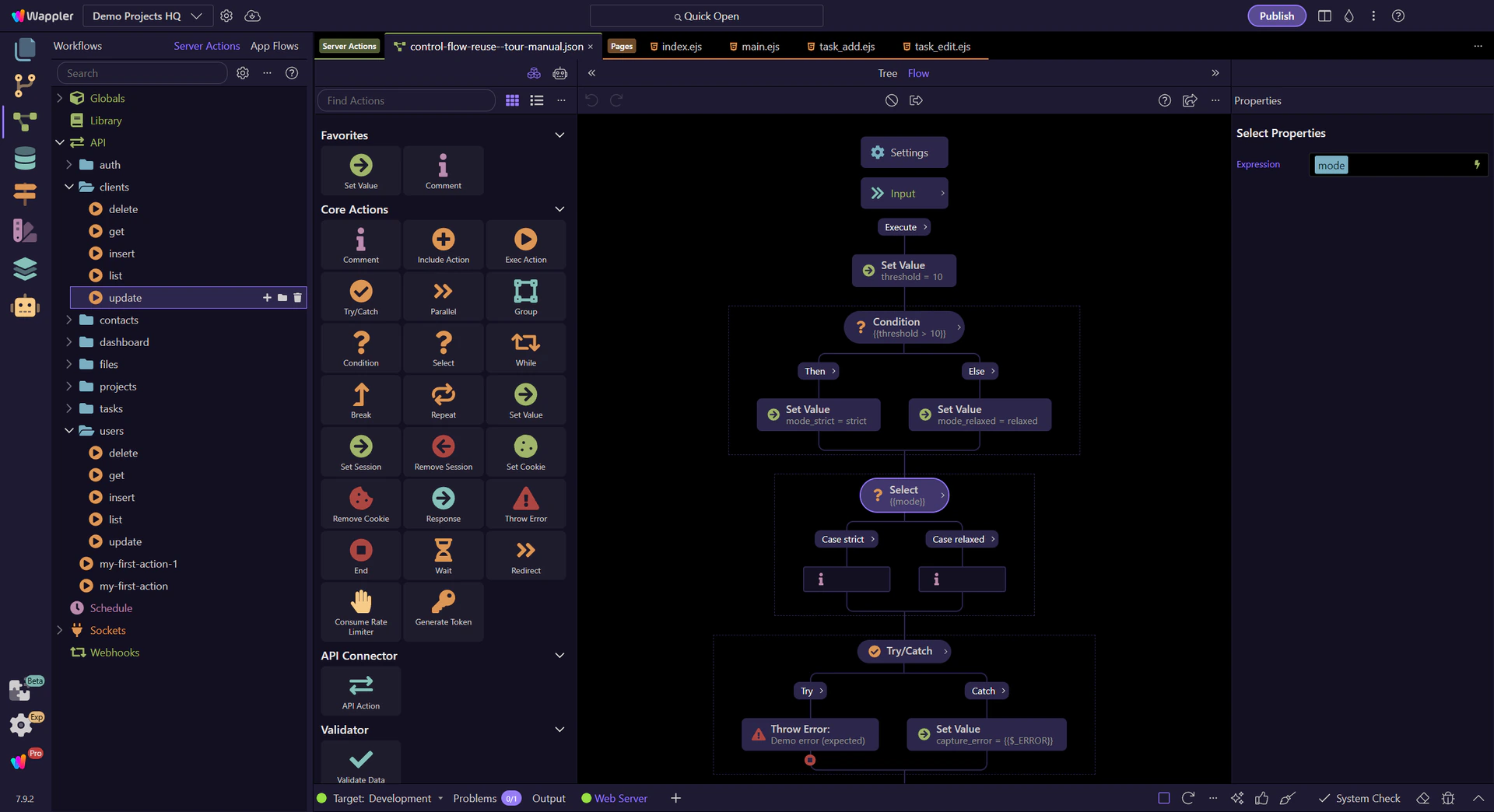
In the Steps tree, each Select case can stay small and still converge on one predictable output contract.
That is the real goal: branch for clarity, then keep the response shape consistent across the cases you expose.
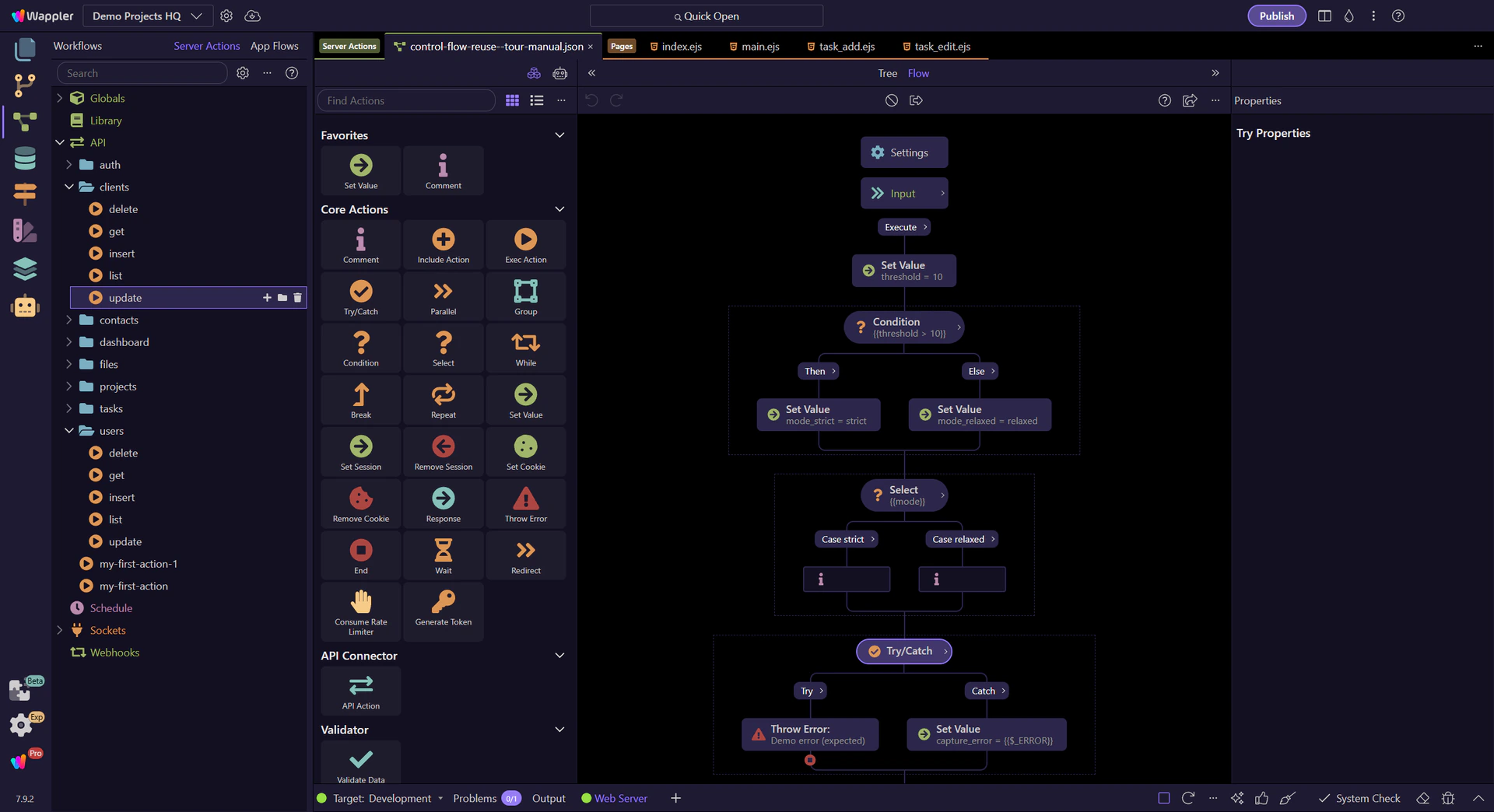
Use Try / Catch when a step can fail and you want a controlled result.
Common patterns: return a structured error response, map a low-level error into a user-friendly message, or add fallback logic.
Tip: only catch what you can handle—don’t hide unexpected errors.
IMPORTANT: Use try/catch for expected failures. For logic errors (wrong bindings, missing fields), fix the flow and schema instead.
Try/Catch is a container with two nested parts:
In Catch you usually build a predictable JSON response (status + message + details) instead of letting the request crash.
The Error action is how you intentionally fail with a message.
Select the Error step and inspect:
Then look at Catch steps: they can use the caught error (often via $_ERROR) to build a friendly response.
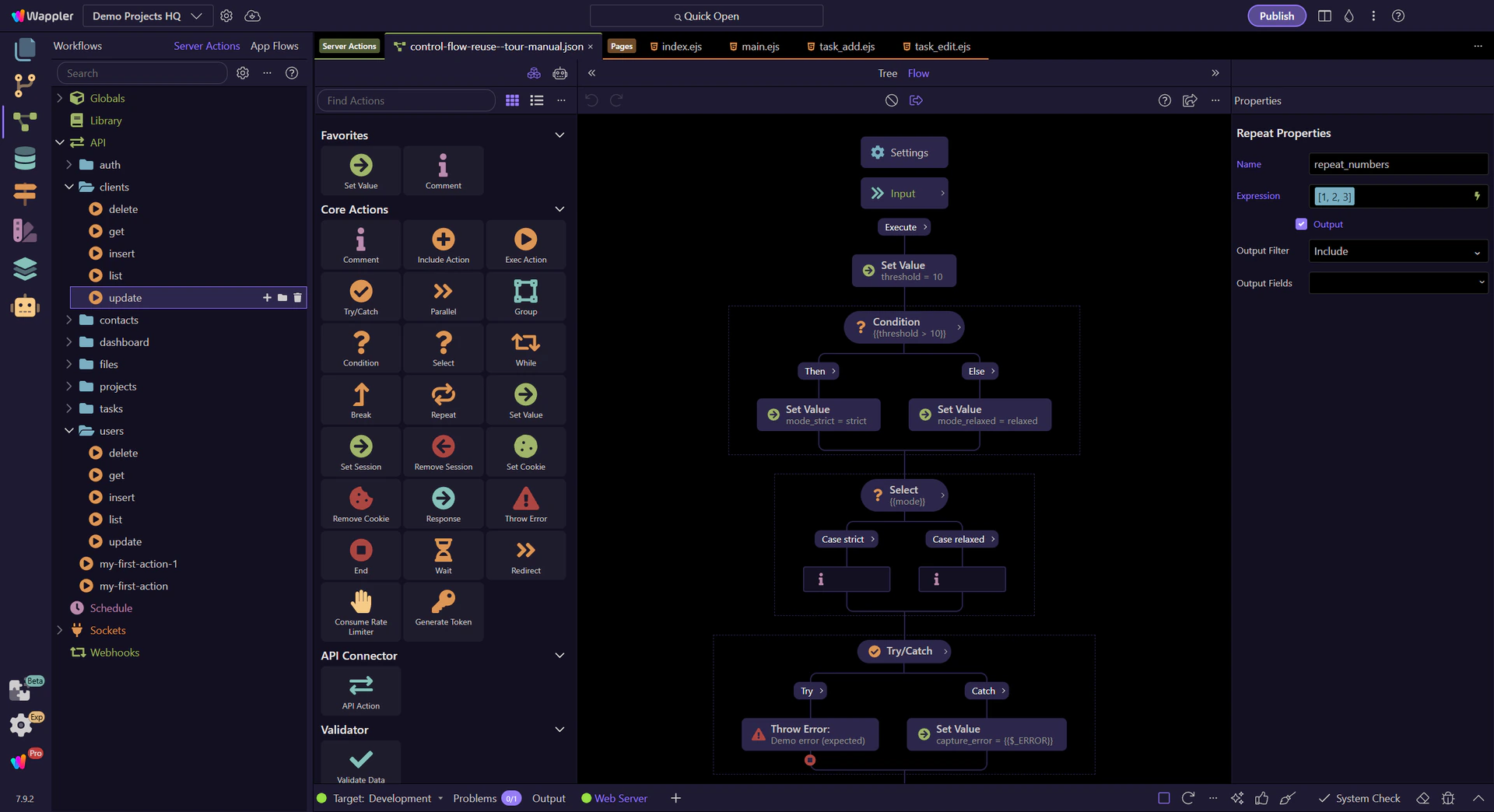
Loops are great for transforming arrays or running repeated operations.
Repeat iterates over a list (think: for-each). While repeats until a condition becomes false (use carefully to avoid infinite loops).
Tip: prefer Repeat when you already have an array.
With Repeat selected, check Properties:
If you want loop results in the response, make the output schema explicit here.
Group keeps related steps together (and can help readability).
Parallel runs branches at the same time (when supported), which can speed up independent work like multiple API requests.
Tip: parallelizing only helps when tasks don’t depend on each other.
Library actions let you reuse logic across multiple actions. Include inlines steps into the current flow; Execute (Exec) runs another action as a callable unit with its own output. The selected Repeat demonstrates the other half of safe reuse: a clearly named step with explicit inputs and a predictable output contract.
TIP: Library actions are the “functions” of Server Connect: reuse them to keep endpoints small and consistent.
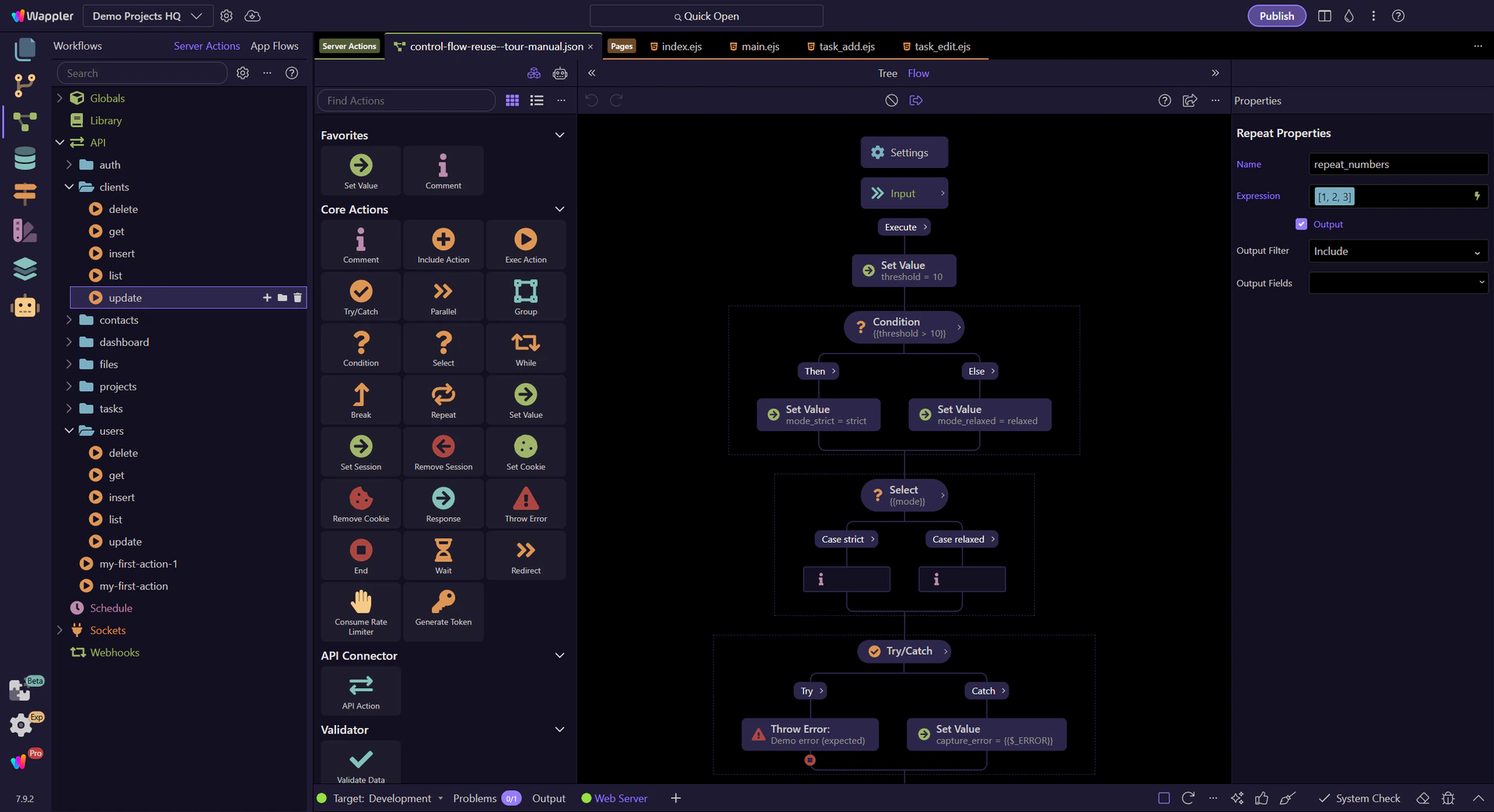
You’ve seen the main patterns behind complex actions: containers, branching, loops, and reuse.
Pick a next tour based on what you want to do next.
Pick a related tour to continue.