
Inputs
Request data Parameters
A beginner-friendly mental model for Server Connect Actions in the editor: inputs → steps → JSON output, data scope, and output schemas.
This tour builds the basic mental model for Server Connect Actions: inputs go in, steps process data, and the output defines the JSON your client receives.
Loading the example action into the Server Connect editor.
If this is the first time, it can take a moment while the editor initializes.
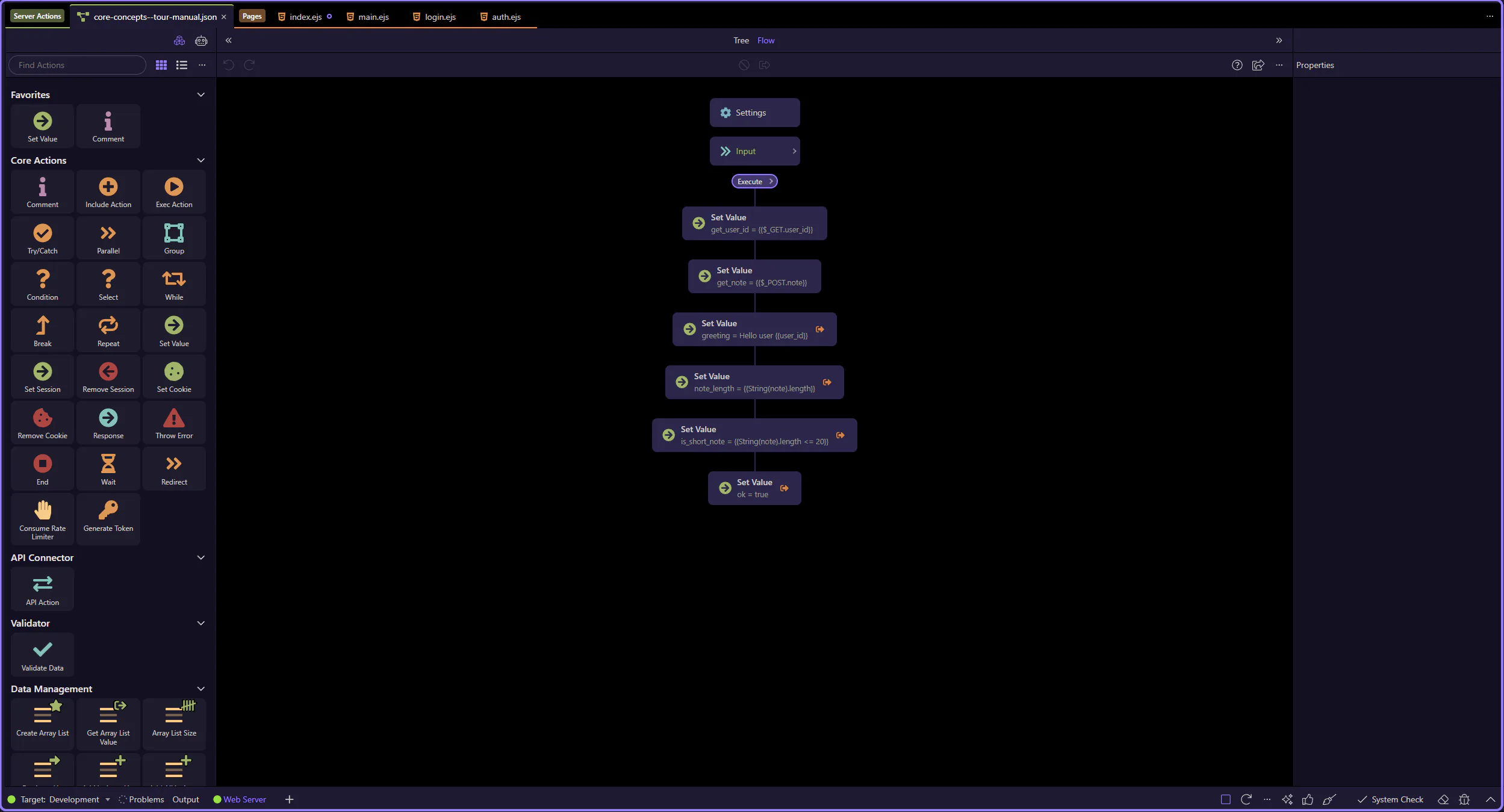
The sample action is now open in the dedicated editor, so the next steps can focus on the workflow tree, inputs, and selected-step details.
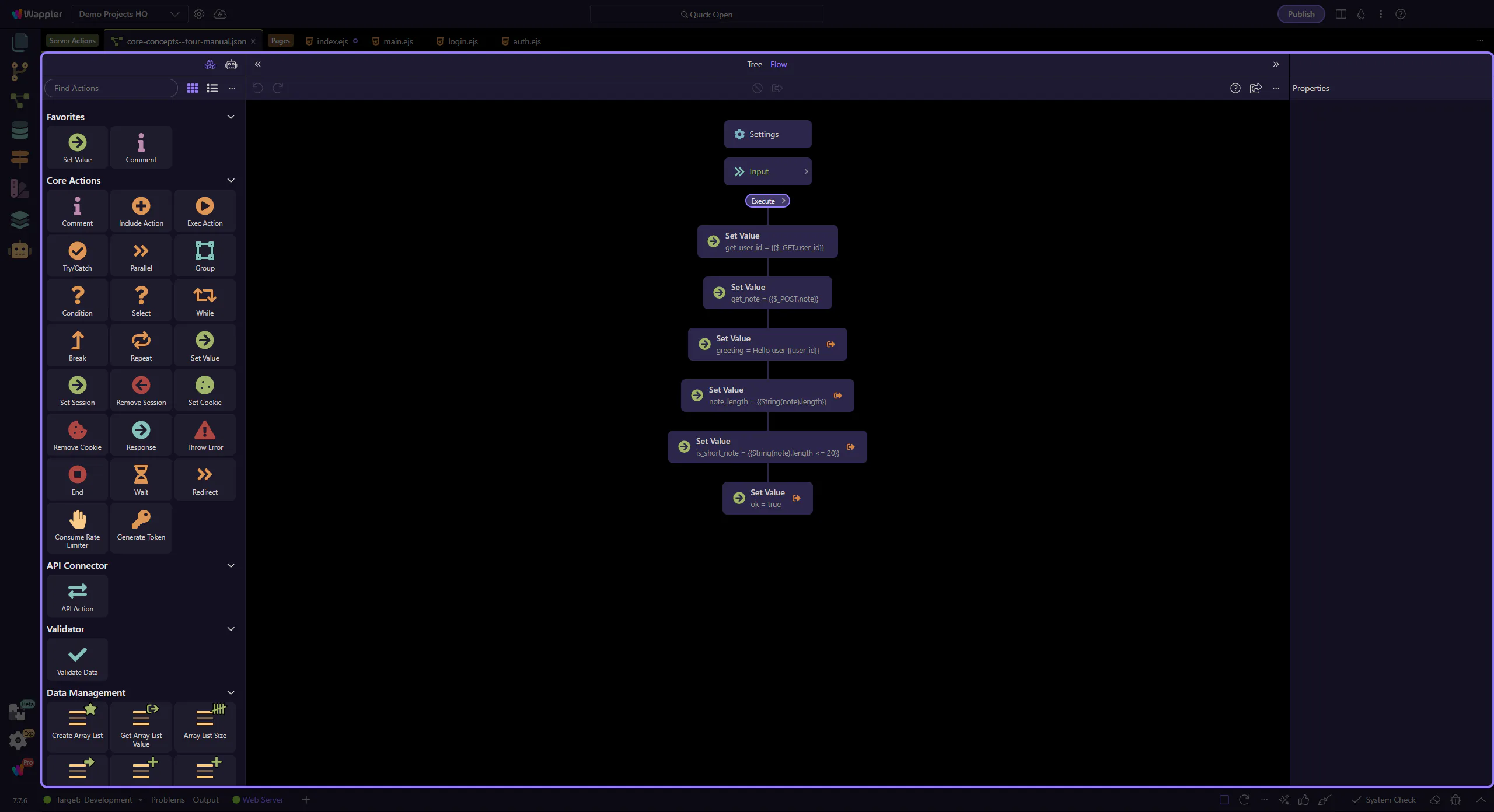
Inputs usually come from the request:
$_PARAM)Defining inputs up front makes actions safer and easier to understand: you can validate early and keep the workflow predictable.
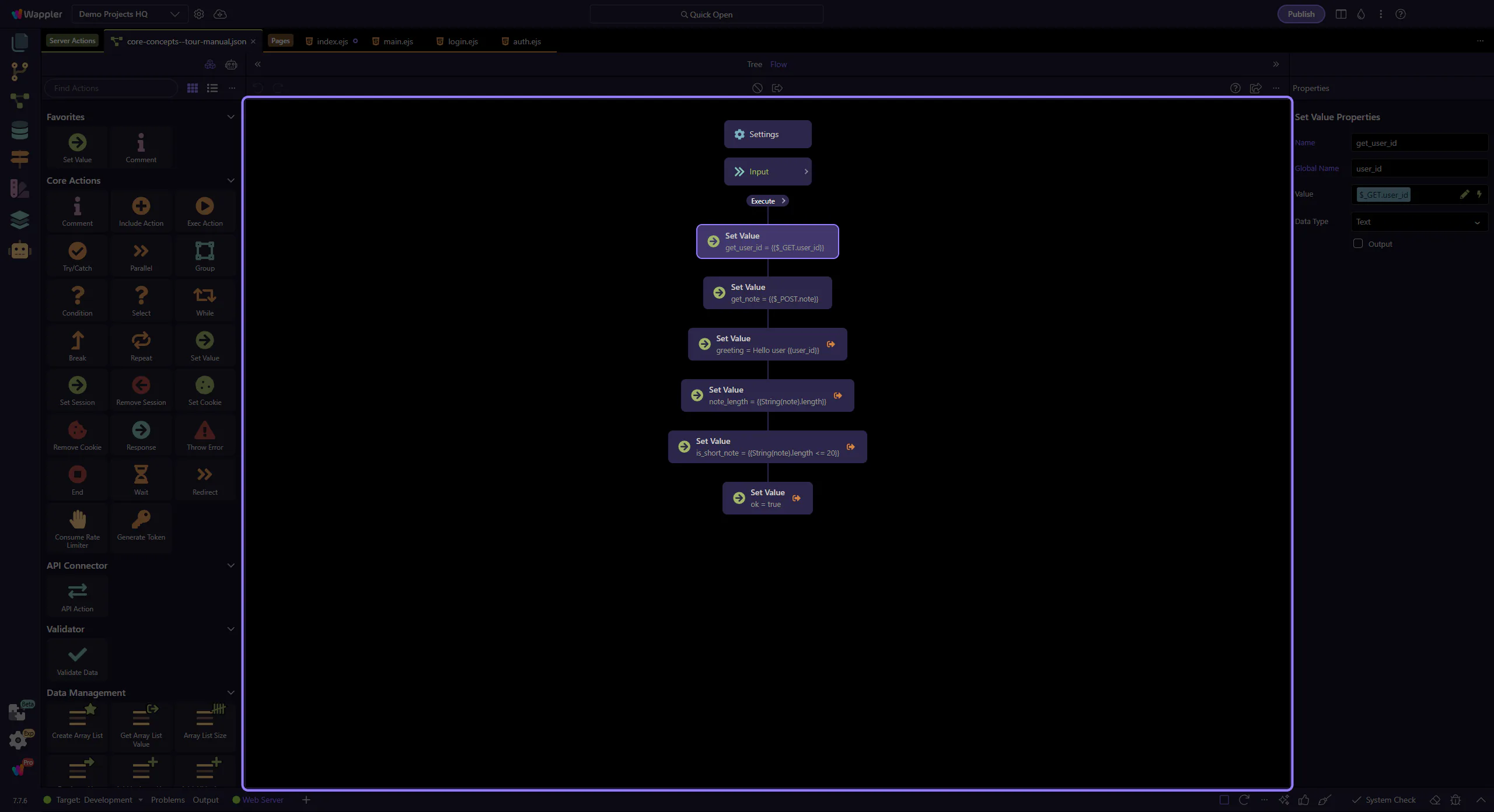
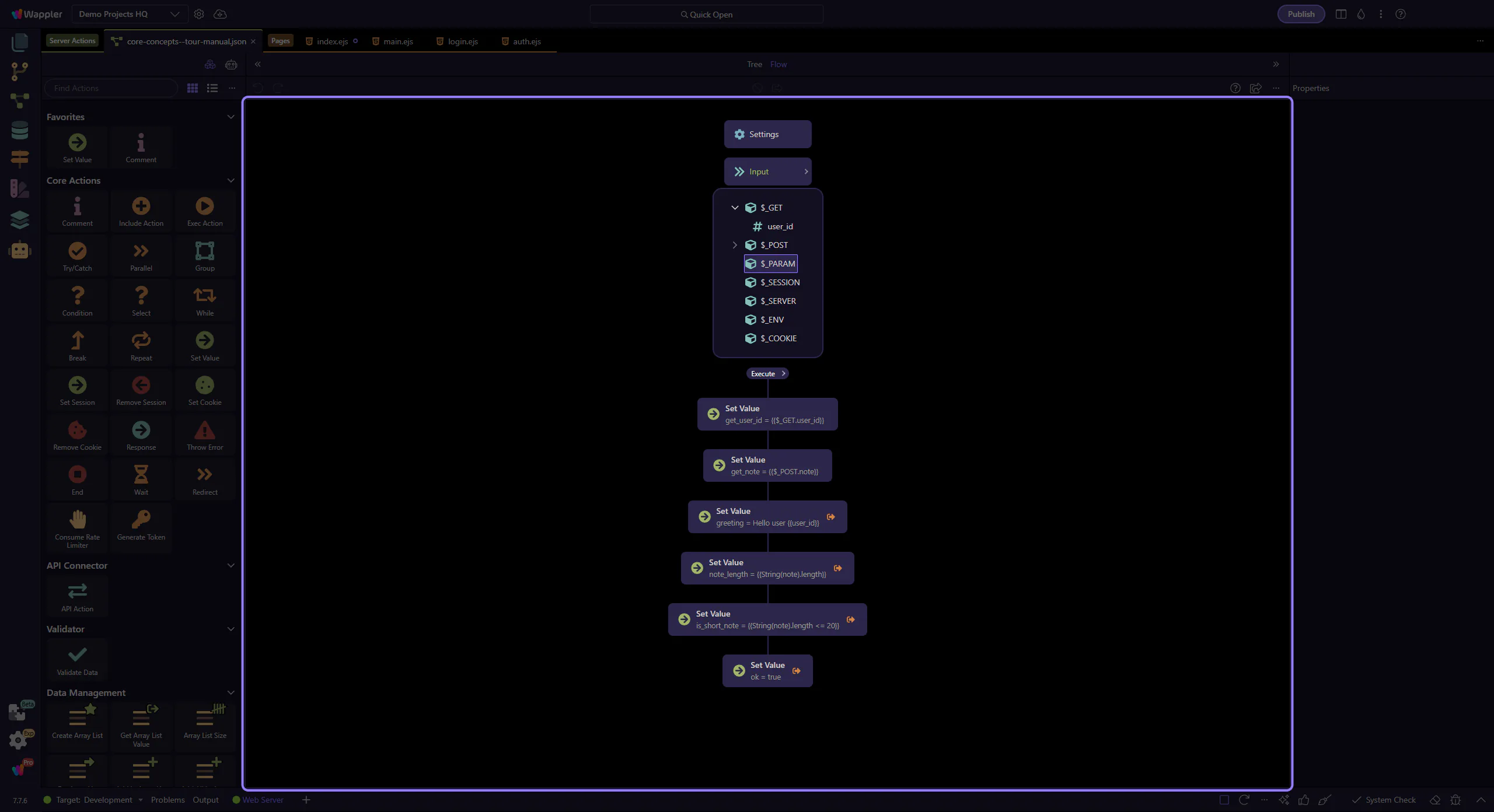
In the editor tree, global input “scopes” are shown as nodes like $_GET, $_POST, $_PARAM, $_SESSION, and $_COOKIE.
$_GET is the query string part of the URL (everything after ?).
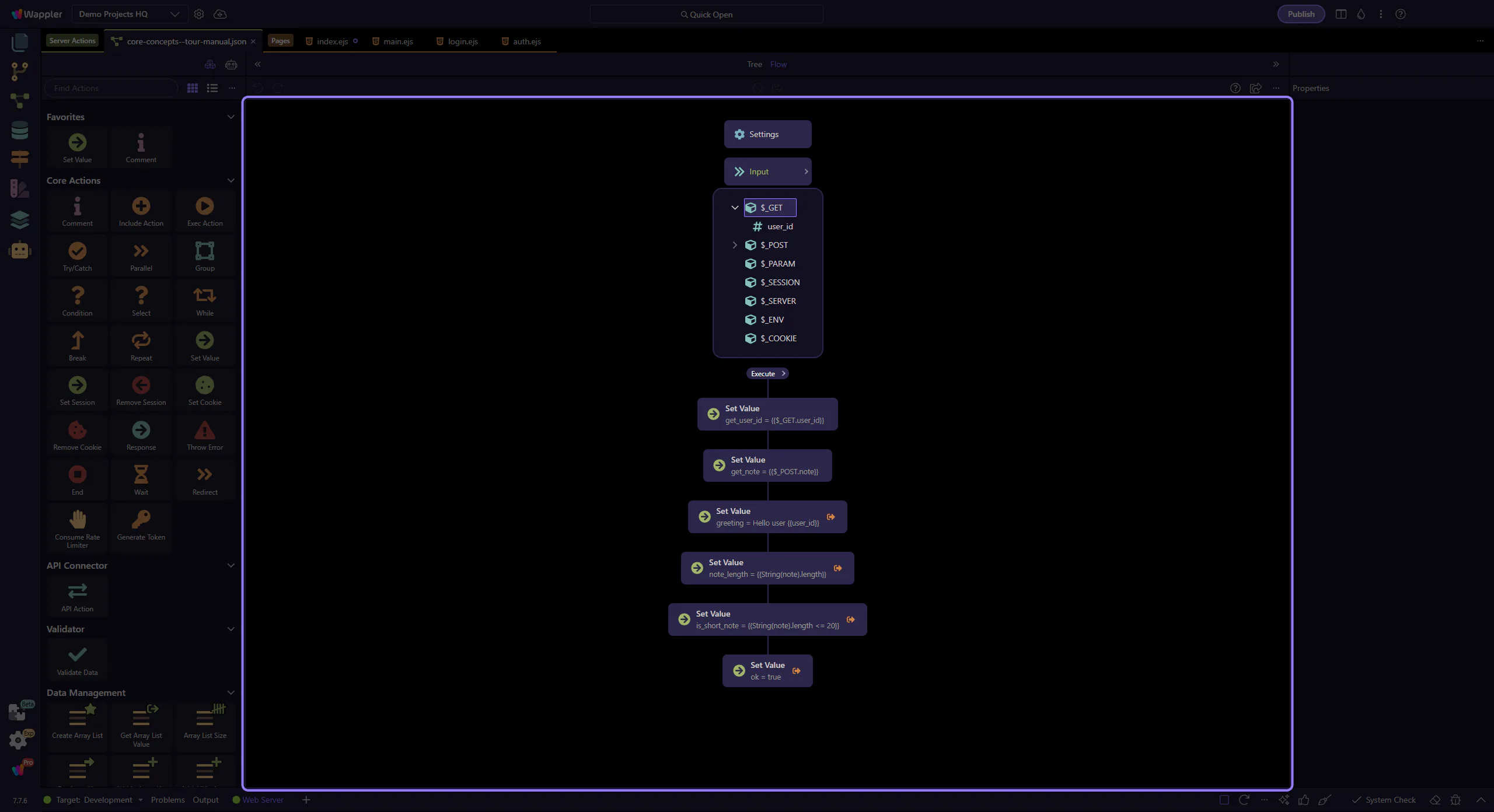
$_PARAM is the URL path parameters (route variables), like /users/:id.
Example: GET /api/users/42 → $_PARAM.id = 42.
Use path params for identity (which record), and query string for filters (how to list/search).
If you want to go deeper, these tours cover each input source separately with real example workflows you can click through.
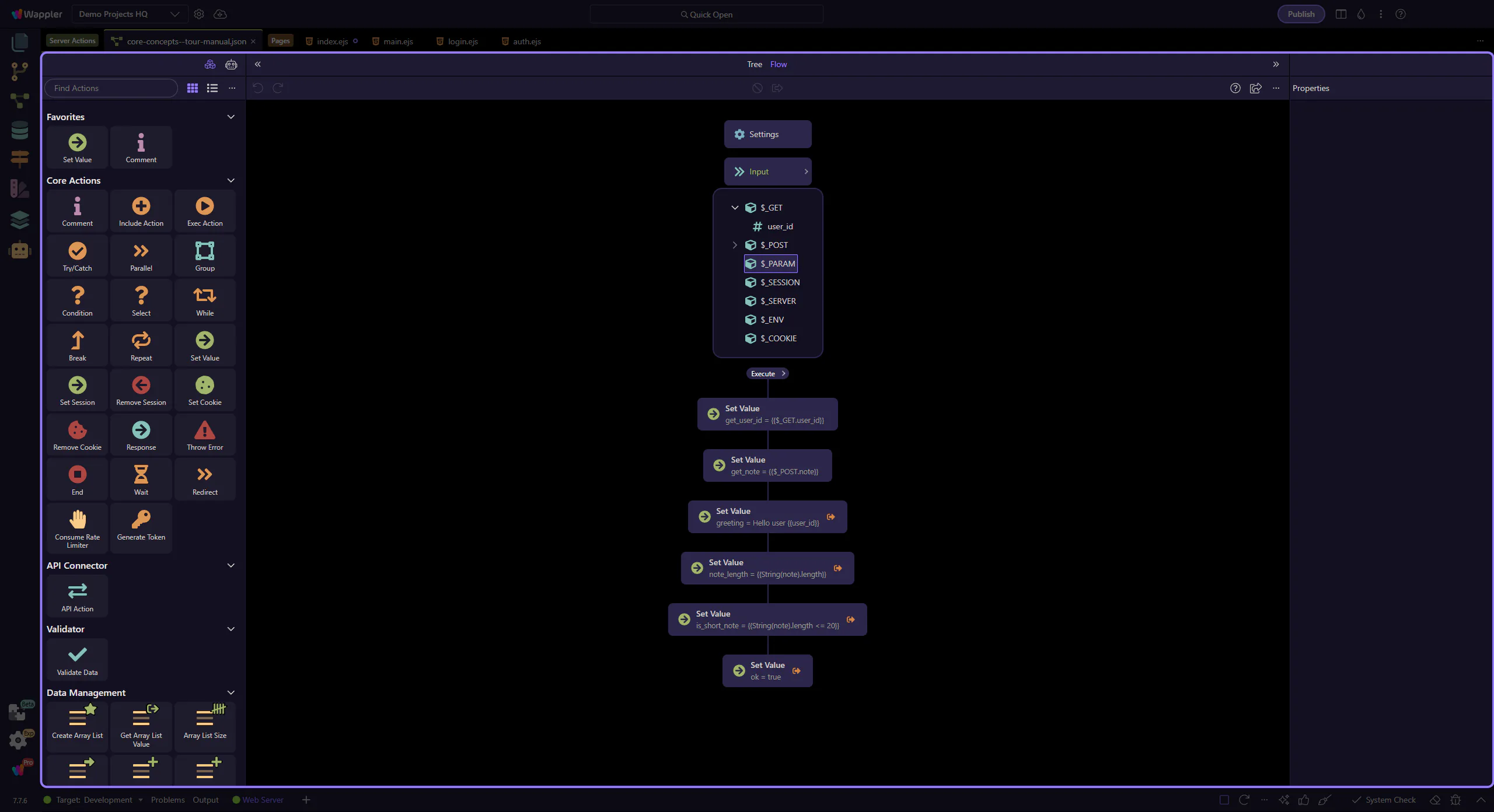
The selected step is a Core → Set Value action.
In the Properties panel:
{{$_GET.user_id}}.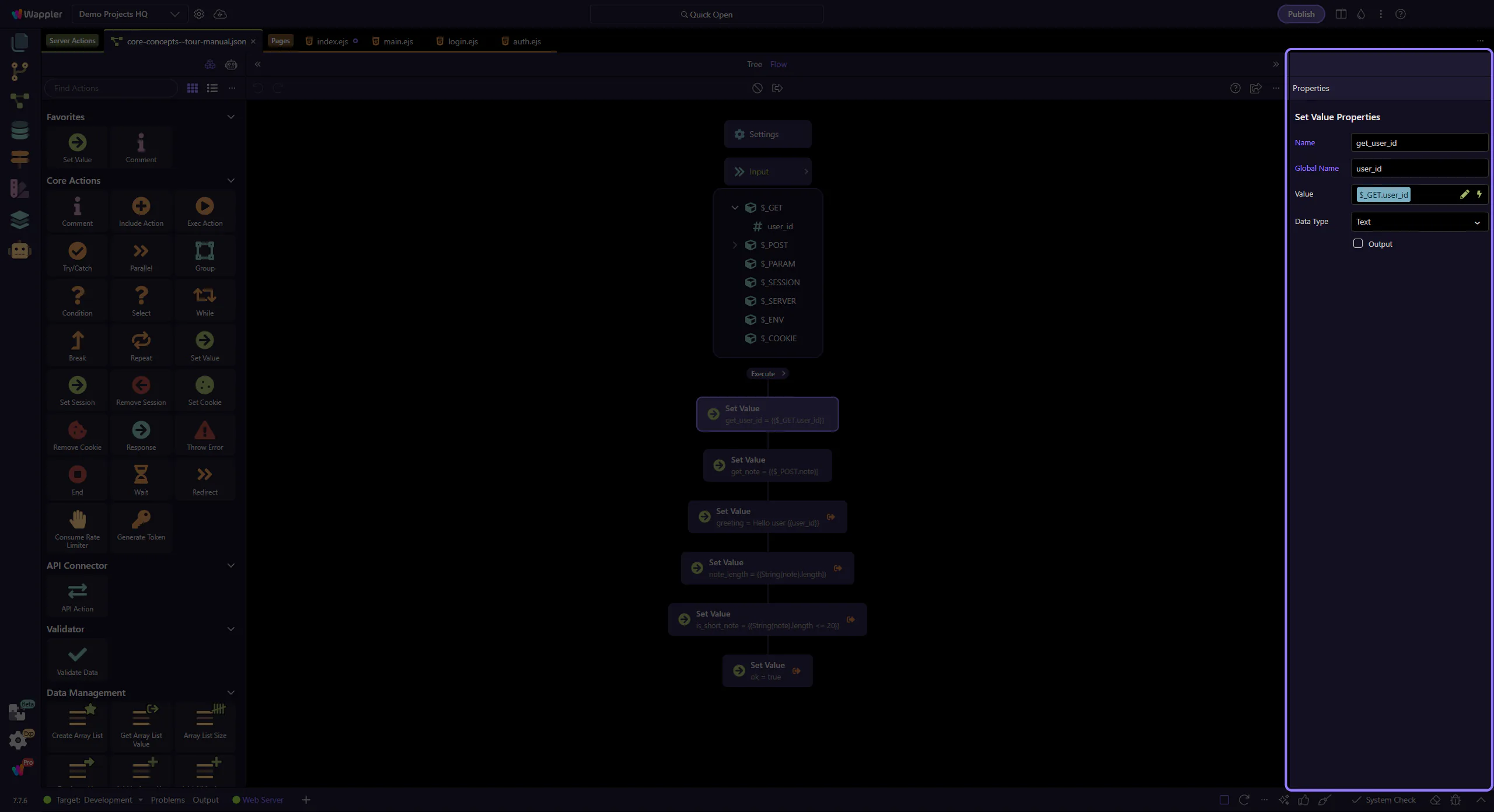
Steps execute in order. A step can use request inputs (GET/POST/Session/etc) and output from previous steps.
This is why naming steps matters: the name becomes the handle you bind to later.
Tip: when an expression gets too complex, create a separate step that computes a clean value.
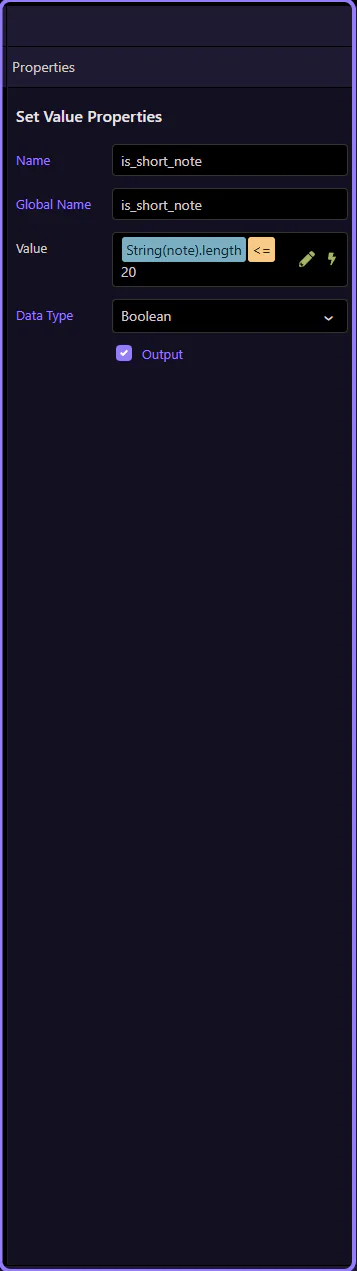
This Set Value step computes a derived value.
Look at these Properties:
Tip: keep expressions short; if it gets complex, split it into multiple steps.
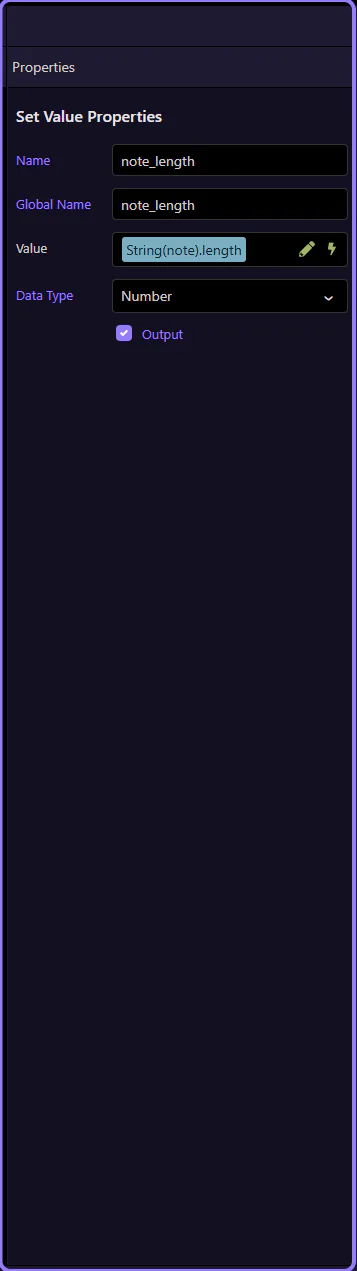
Boolean outputs are perfect for the client/UI: you can bind them directly to show/hide states.
This Set Value step uses Data Type = boolean and Output = true to expose a simple flag in the JSON response.
A Server Connect Action returns JSON.
Some steps are just intermediate (internal). Others are marked as output, meaning their result is included in the response.
A good beginner goal is a predictable response shape: one main object/array for data, plus optional extras like totals, flags, or messages.
When an output is an object or an array, describing its fields (schema/meta) unlocks a better experience: reliable binding and type hints, better pickers and autocomplete, and easier debugging.
If you’re building data for the UI, treat the output schema as part of the contract.
TIP: A stable, well-described JSON response is what makes App Connect bindings feel “visual” instead of “guessing strings”.
When something doesn’t work, debug in the same order the server runs:
As actions grow, use containers (If/Try/Repeat) and keep steps focused.
You now have a mental model for Server Connect Actions: inputs → steps → output, plus why schema matters.
Pick a next tour based on what you want to do next.
Pick a related tour to continue.