
POST body
Form fields JSON body
Understand POST body inputs (form fields and JSON), how to define them, validate them, and bind them safely.
This tour explains POST body inputs.
HTML forms usually send URL-encoded fields (or multipart when files are included). API clients often send JSON (application/json).
You’ll learn where to define POST inputs, how they show up as $_POST.*, and how to validate them.
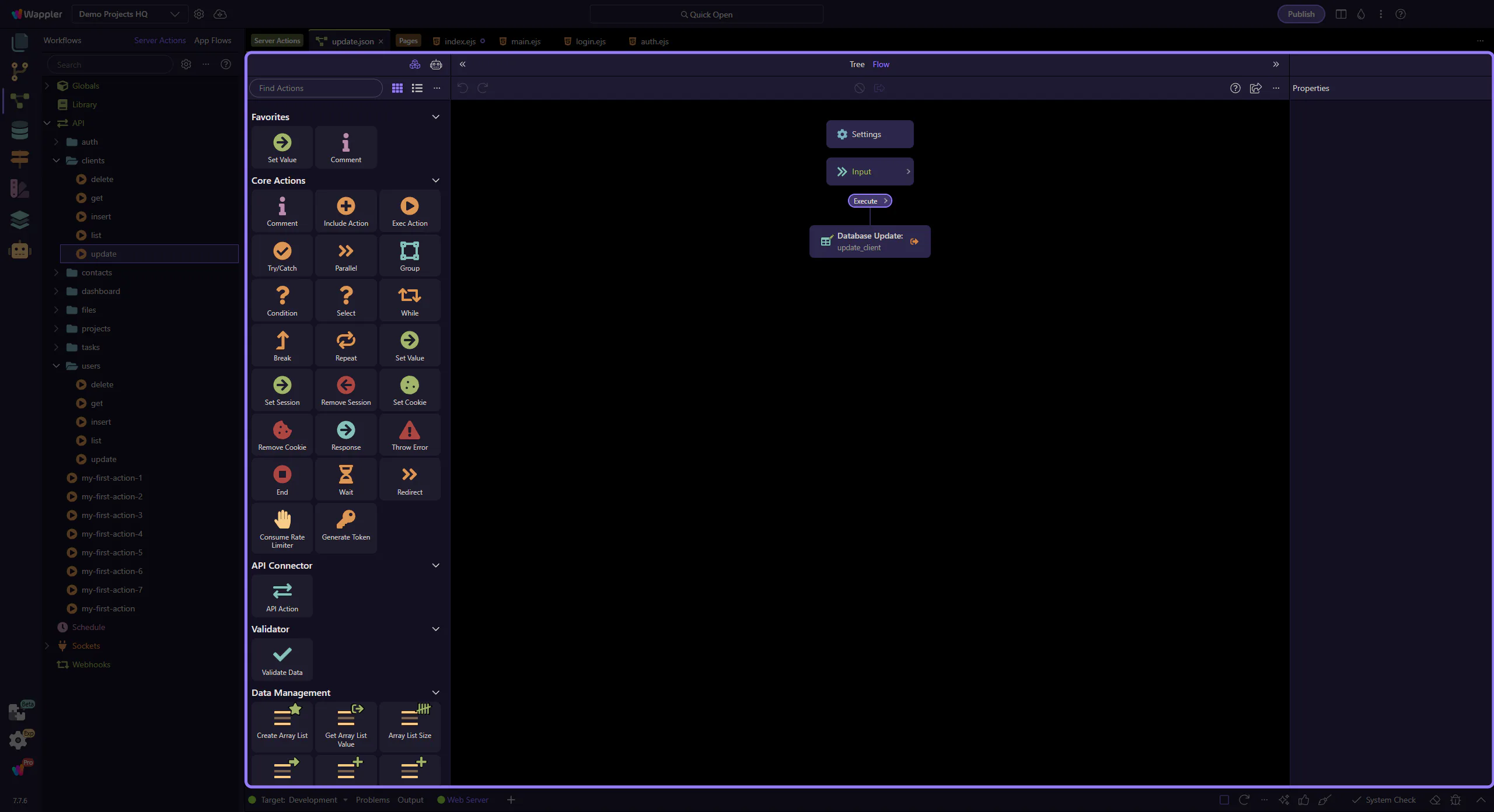
This tour uses the real clients/update.json action from Demo Projects HQ, so you can inspect actual $_POST fields, real validation rules, and a real update step consuming them.
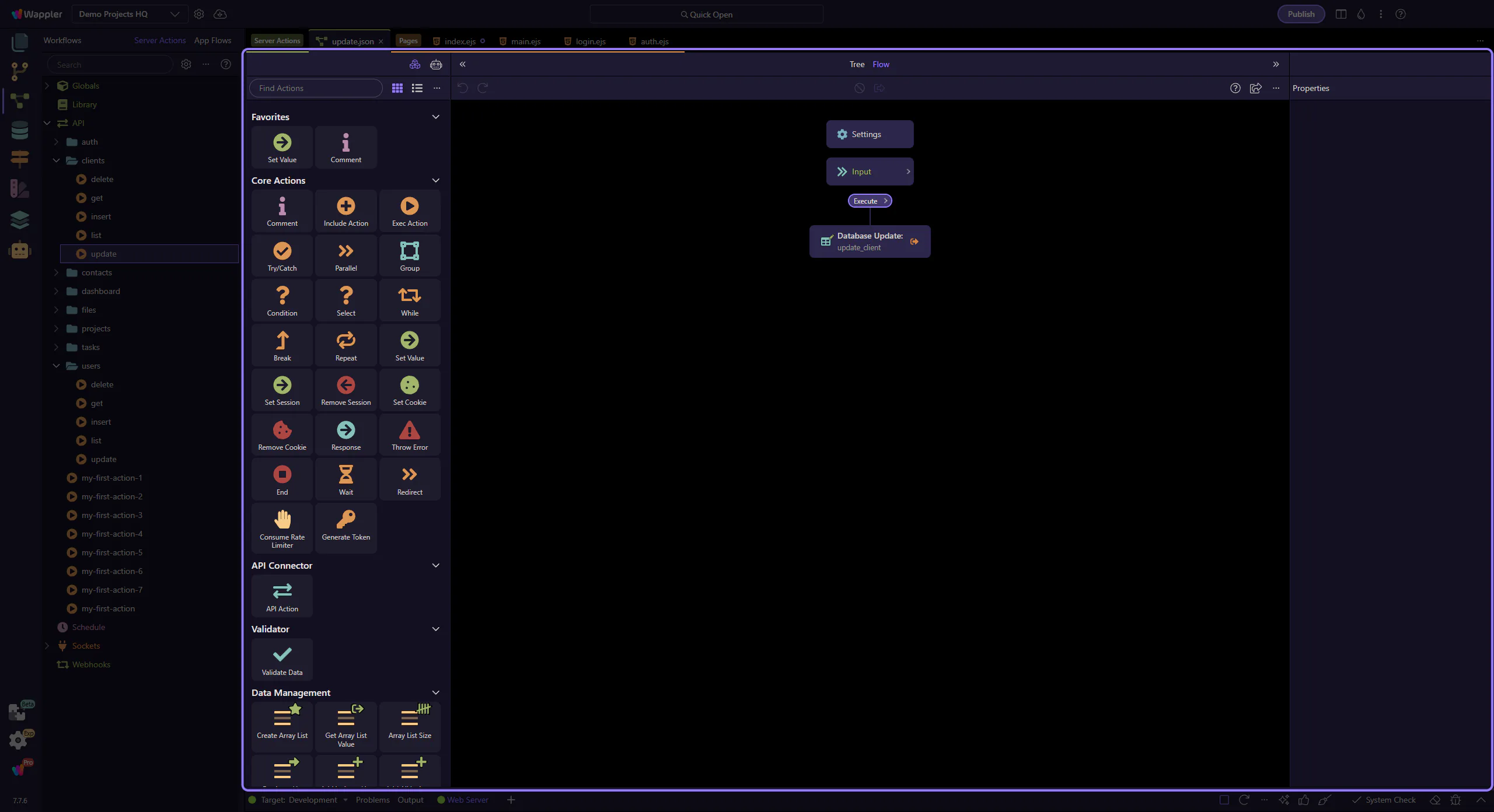
Start with the wider context in the Server Connect editor so the next control makes sense in the full workflow. In the next step, you will focus on Define $_POST inputs under Inputs and see how it fits into this area.
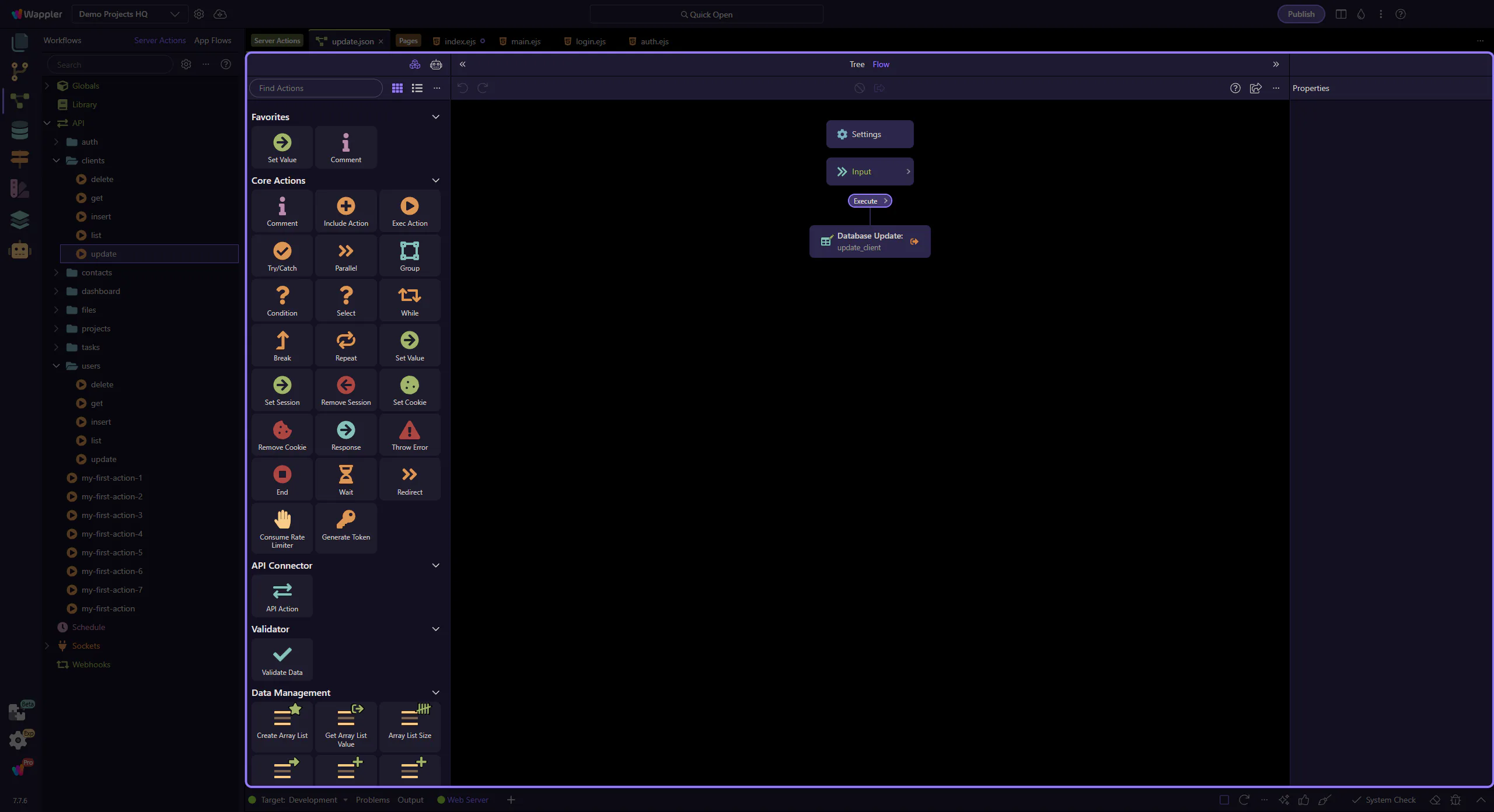
POST inputs are defined under Inputs → POST.
This is where you add fields like note, mode, email, etc.
Why define them?
{{$_POST.note}}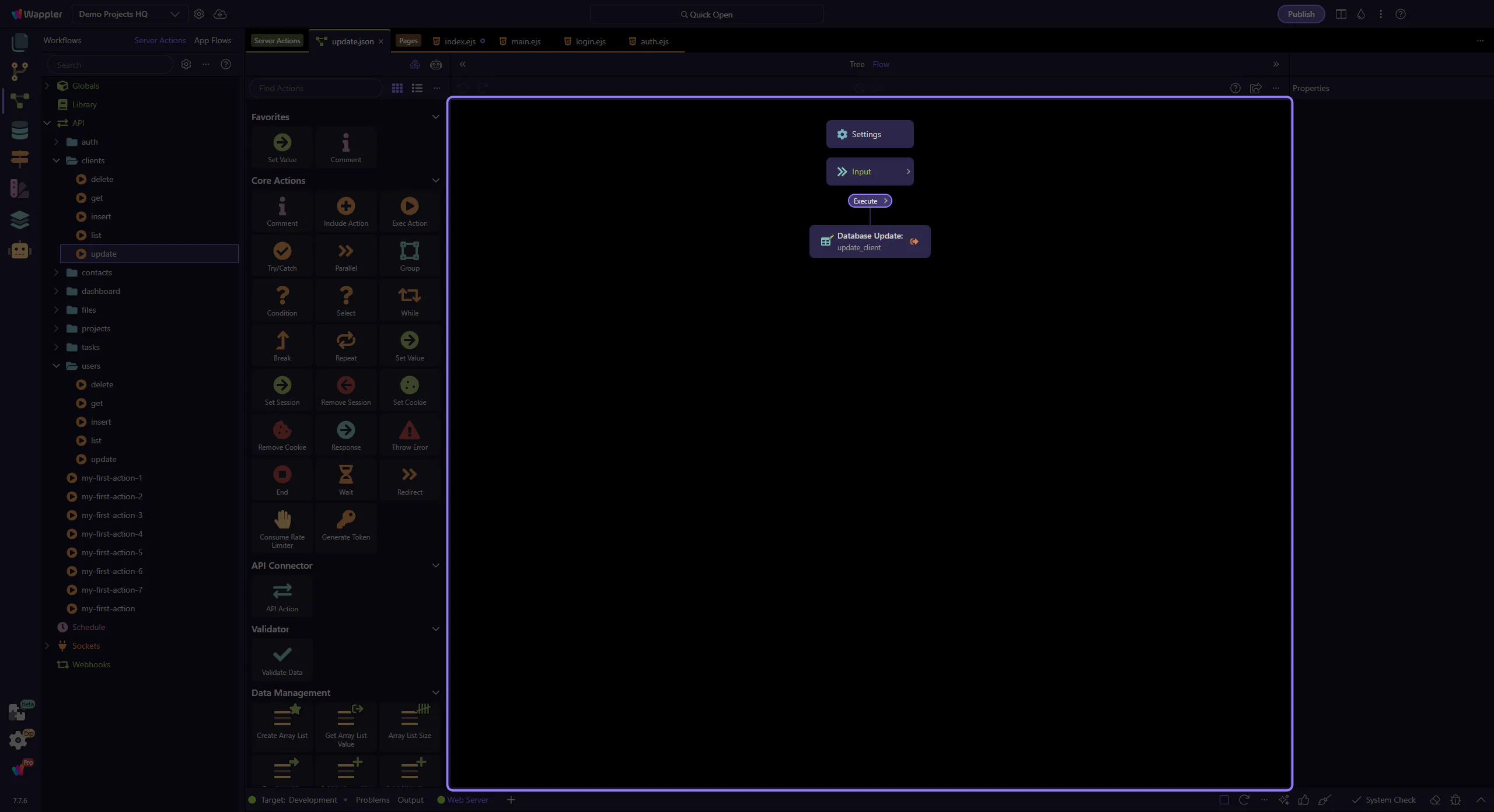
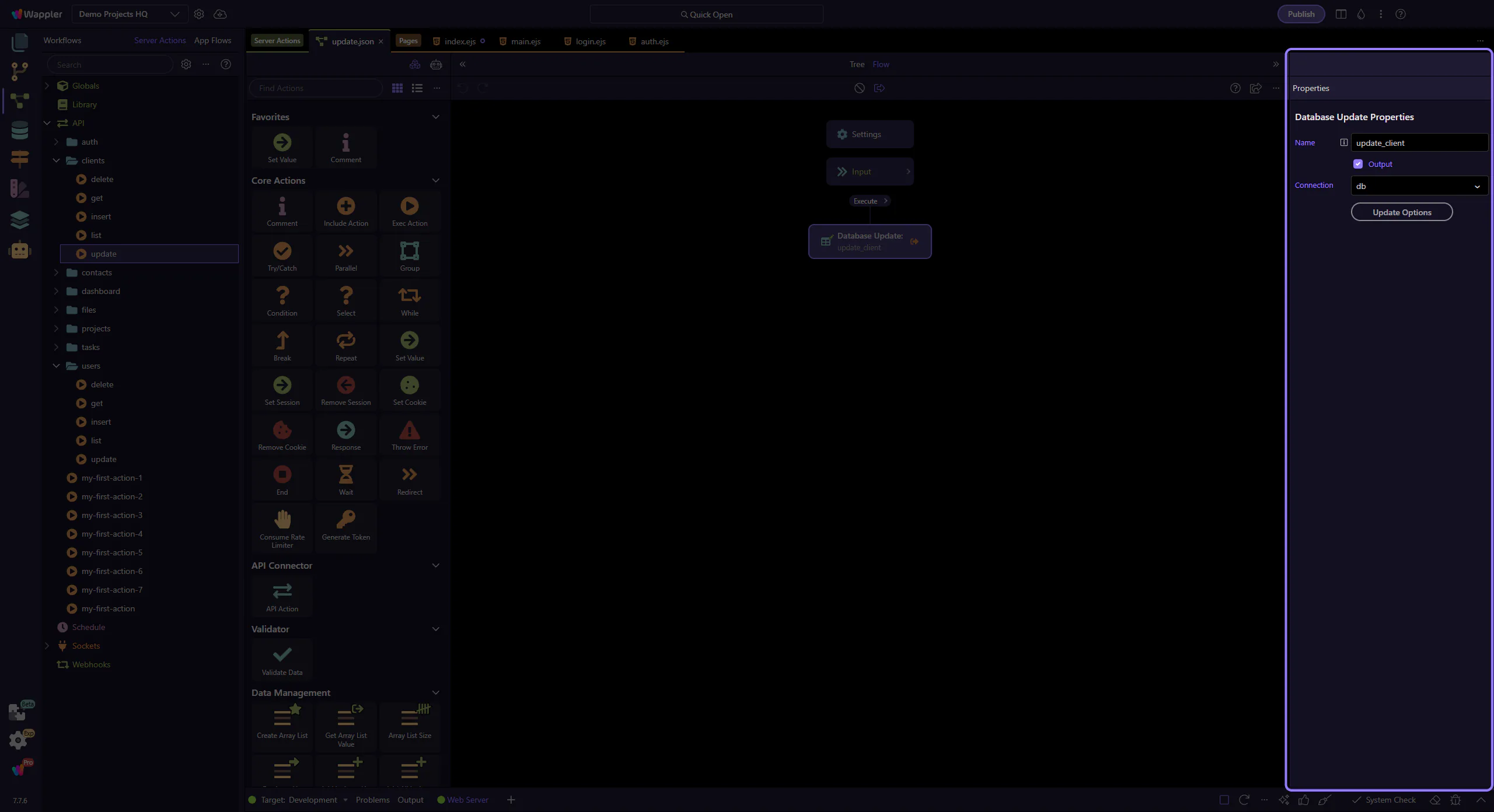
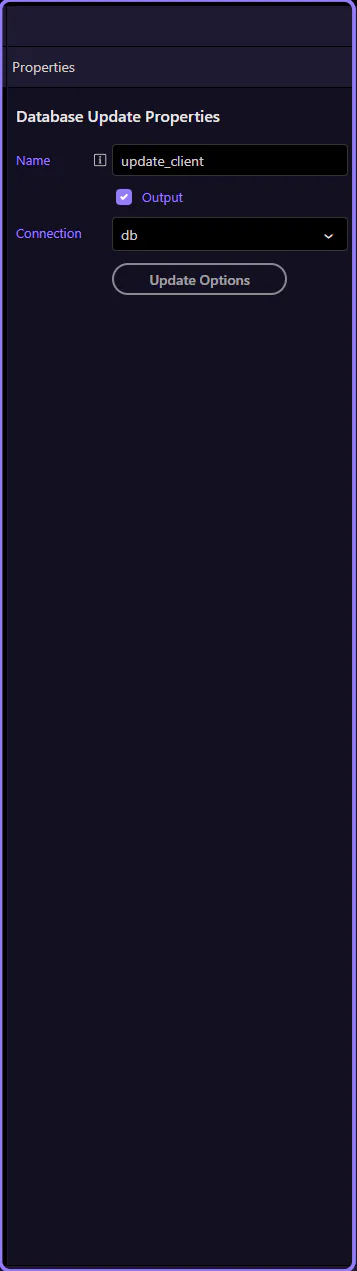
This real update step consumes POST fields such as {{$_POST.name}}, {{$_POST.email}}, and {{$_POST.status}}.
Because the fields were defined first under Inputs, the bindings in Properties stay readable and predictable.
The real $_POST inputs in this action show the kind of rules tours should teach: id is required and numeric, name has min/max length, email has email validation, and status is required.
That turns input configuration into a visible contract instead of guesswork inside later steps.
Both forms and JSON send data in the request body.
Form submissions send key/value fields (URL-encoded or multipart). JSON requests send a structured object.
In Server Connect, you still bind to body fields using $_POST.*. The key is to validate and type inputs so later steps don’t guess.
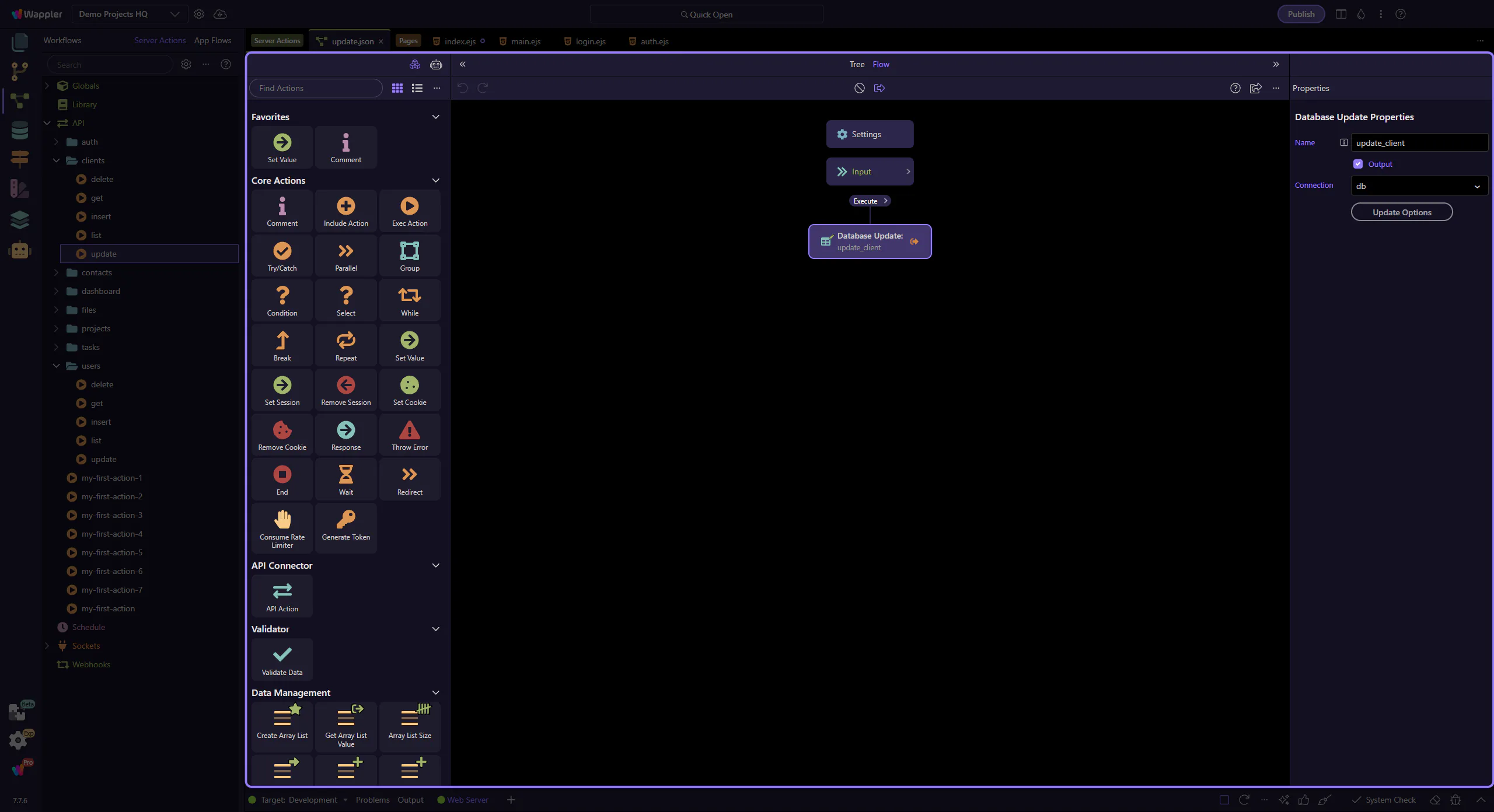
You now have a clear model for POST inputs: define + validate, then bind.
Pick a next tour based on what you want to handle next.
POST = request body.
Define inputs so you can validate and type them, then bind with $_POST.* in step Properties.
Continue with sessions/cookies for logged-in context, or go back to the editor hub.